Best Invoicing software (2026): 7 tools compared
Invoicing software exists to shorten the gap between finishing work and getting paid. The features that matter are online payment options, automatic reminders, and whether payments land in your books without manual matching. Fees vary more than most buyers expect, especially for international clients and card payments. We compared seven tools, from free invoicing apps to processor-built options.
Head-to-head picks
Affiliate links may fund free Lagnis Tools; picks require a public partner program.
Seven vendors below with disclosed affiliate or partner programs. Each block: fit, strengths, blocker, pricing.
We looked at payment methods offered to clients, transaction fees, reminder automation, recurring invoices, and how cleanly paid invoices sync with accounting. We also noted plan caps on invoice volume and client counts.
FreshBooks · Invoicing software
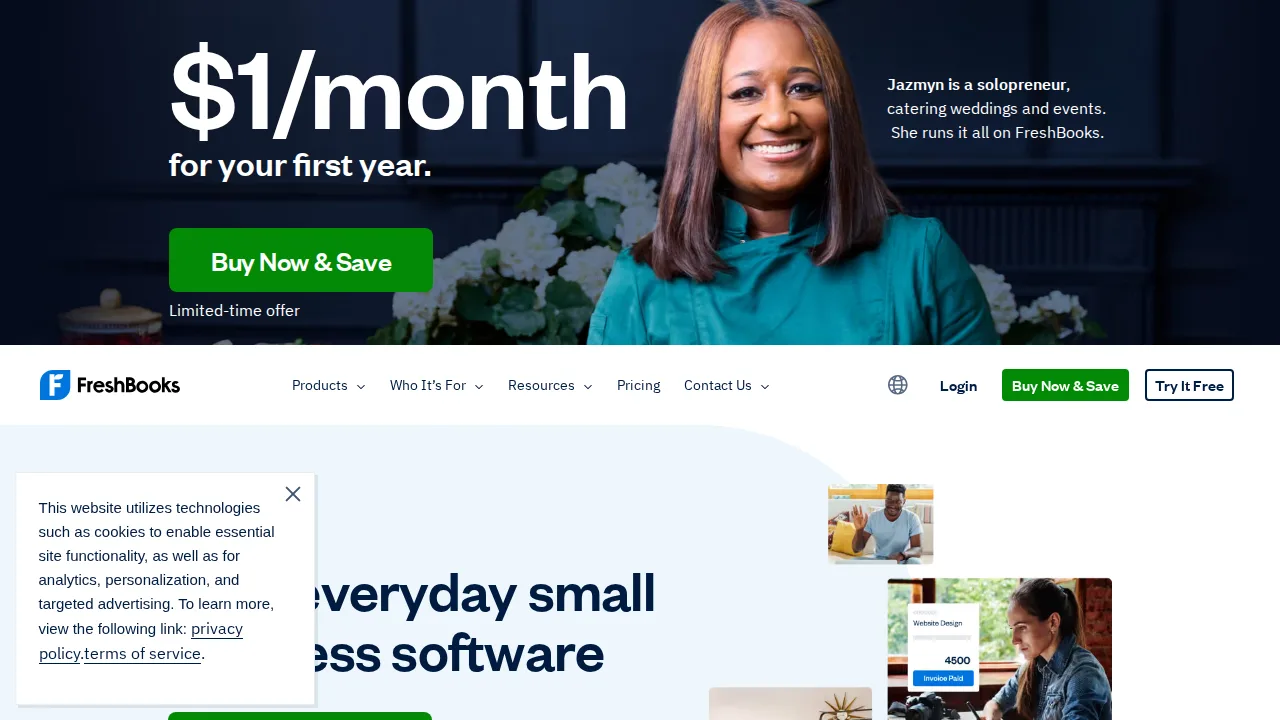
Ideal use: Freelancers, consultants, and small agencies that bill clients for time and projects and want invoicing that looks professional without accounting training.
What works: Invoice templates, automatic payment reminders, and client portals get money in faster, and time tracking feeds straight into invoices. Double-entry accounting and reports are available when your accountant needs them.
What breaks the deal: Plans limit the number of billable clients, and adding team members costs extra per person.
Pricing: Entry: $19/mo. Hidden cost: Lite 5 clients; Plus $33 for retainers. Verify: freshbooks.com/pricing.
Ops note: Send a real invoice with online payment enabled and a late reminder schedule. Track how many days it takes the client to pay compared with your current process.
Site: FreshBooks
QuickBooks Invoicing · Invoicing software
Ideal use: US small businesses already on QuickBooks that want invoices, payments, and deposits recorded in the books automatically.
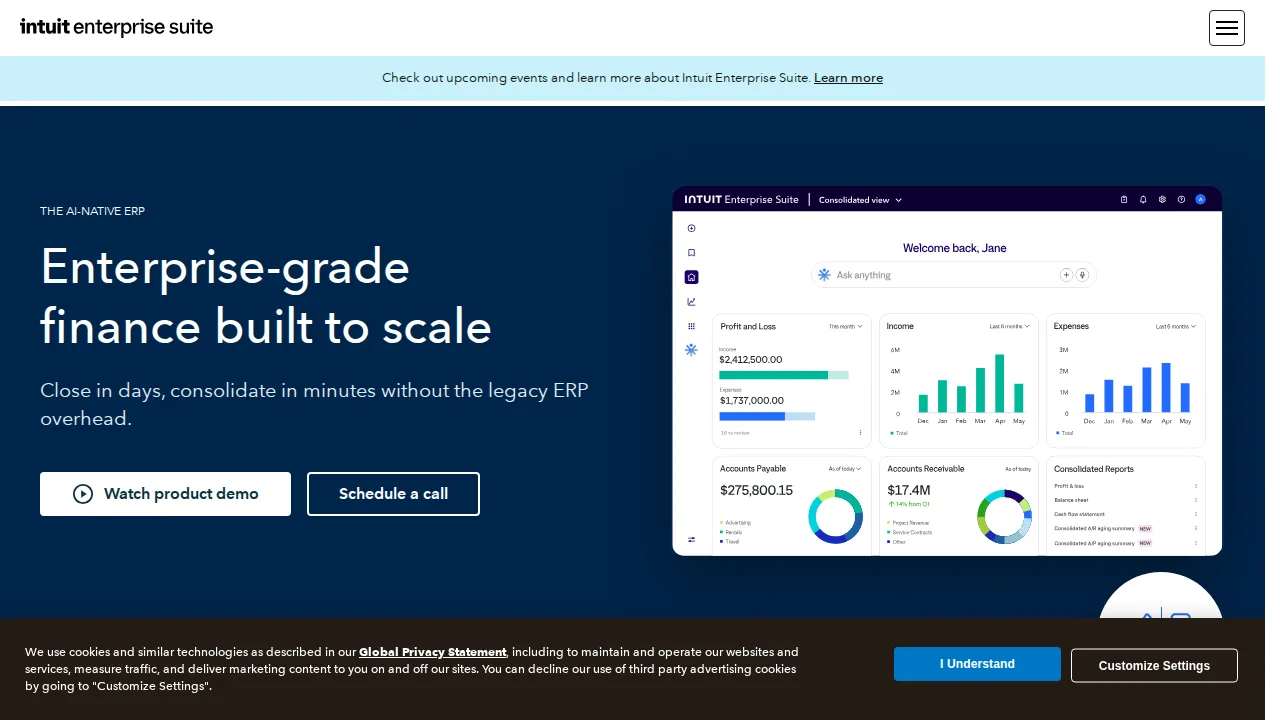
What works: Invoices paid by card or ACH through QuickBooks Payments mark themselves paid and post to the correct accounts. Recurring invoices and progress invoicing cover retainers and staged projects.
What breaks the deal: Invoicing is not sold separately in a meaningful way, so you are effectively buying the full QuickBooks subscription.
Pricing: Entry: $30/mo. Hidden cost: Simple Start includes invoicing; Payments 2.9% + 25¢. Verify: quickbooks.intuit.com/pricing.
Ops note: Send a test invoice with ACH enabled and pay it yourself. Check that the deposit, fee, and payment all reconcile in the bank feed without manual matching.
Site: QuickBooks Invoicing
Zoho Invoice · Invoicing software
Ideal use: Freelancers and small businesses that want a fully free invoicing app with time tracking, recurring invoices, and a client portal.
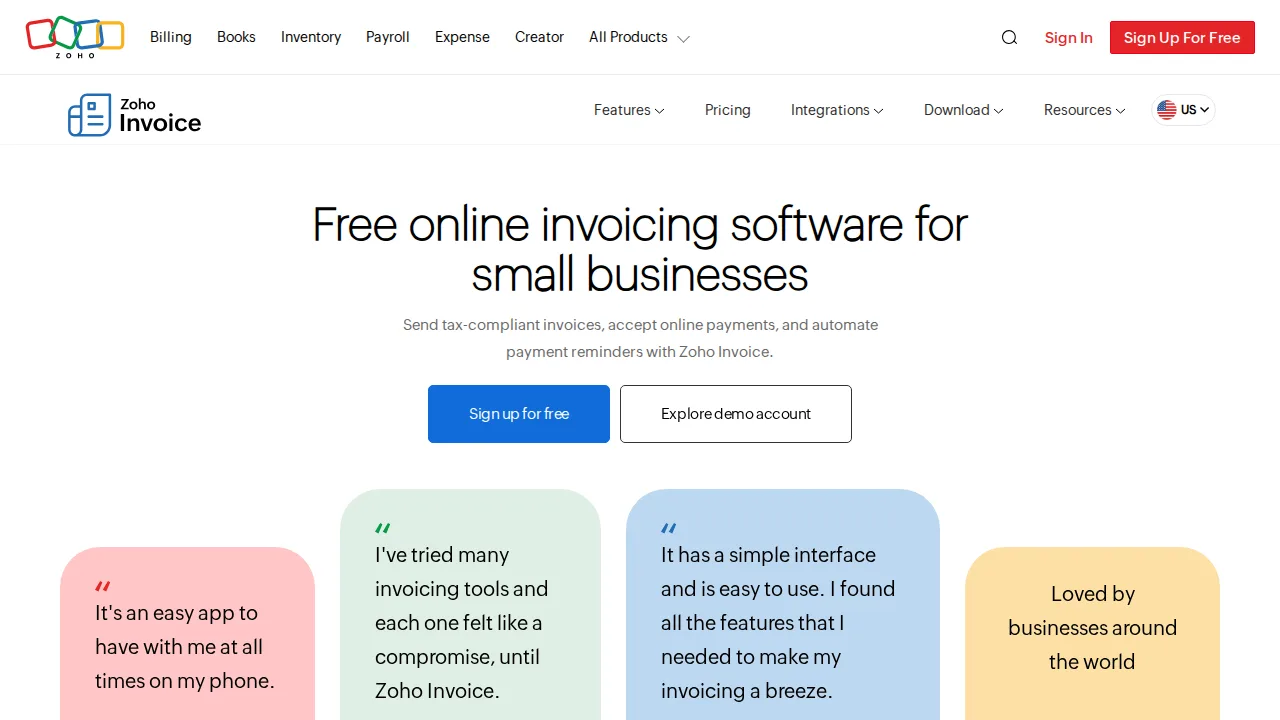
What works: Zoho Invoice is free with no paid tiers for core invoicing, and it still includes recurring profiles, multi-currency, and payment reminders. The client portal lets customers view history and pay without email back-and-forth.
What breaks the deal: It is invoicing only, so you will need Zoho Books or another ledger once you want full accounting.
Pricing: Entry: $0/mo. Hidden cost: Free 1 user; Standard $15 for automation and portal. Verify: zoho.com/invoice/pricing.
Ops note: Create a recurring invoice and a quote, then convert the quote to an invoice. Connect Stripe or PayPal and pay a test invoice through the client portal.
Site: Zoho Invoice
Square Invoices · Invoicing software
Ideal use: Contractors, trades, and service businesses already using Square that want to invoice from the job site on a phone.
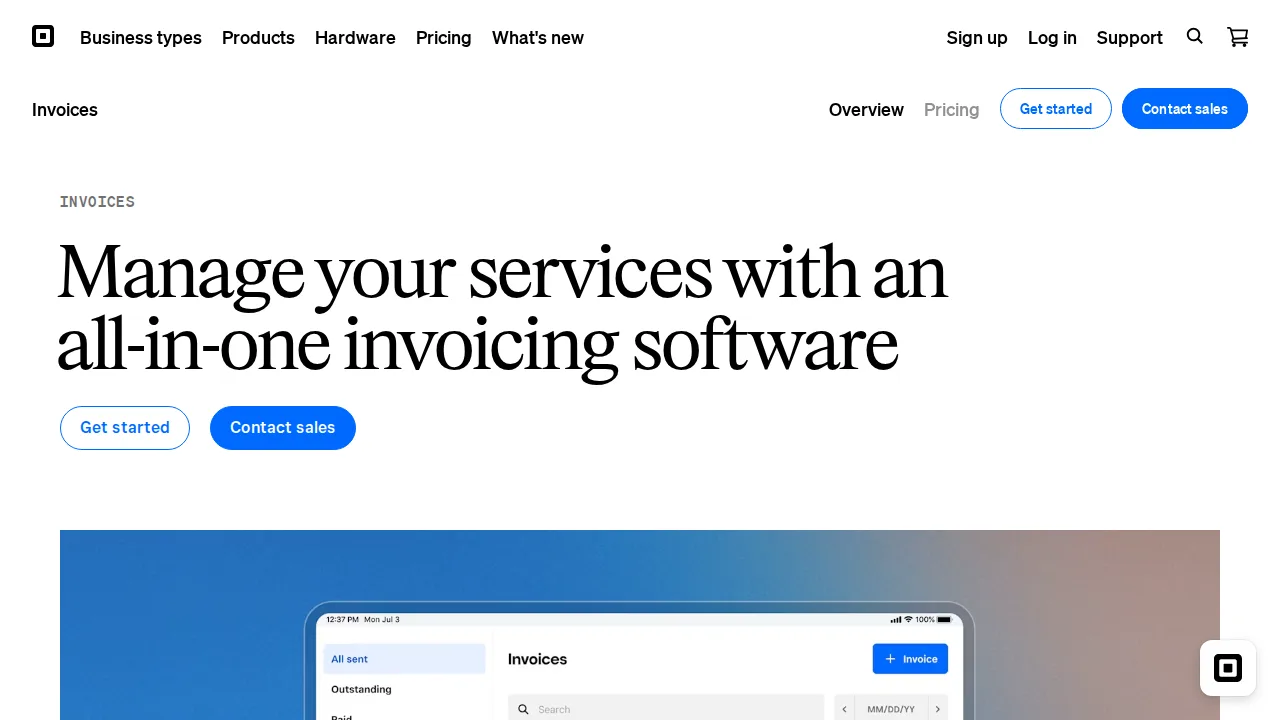
What works: The Square Invoices app sends estimates and invoices in a few taps, and customers can pay by card, ACH, or a card on file. Payments deposit into the same Square balance as in-person sales.
What breaks the deal: Customization and accounting depth are limited, so you still need a bookkeeping tool for the full ledger.
Pricing: Entry: $0/mo. Hidden cost: Free invoicing; card pay 2.9% + 30¢; Plus $20/mo features. Verify: squareup.com/us/en/invoices/pricing.
Ops note: Send an estimate from your phone, convert it to an invoice, and collect a deposit. Check how the payment and fees appear in your accounting tool after sync.
Site: Square Invoices
PayPal Invoicing · Invoicing software
Ideal use: Freelancers and online sellers with international clients who already pay through PayPal and trust its checkout.
What works: Clients can pay with PayPal balance, cards, or Venmo in the US, which lowers friction for overseas customers. Invoices are free to create and send from a basic business account.
What breaks the deal: Transaction fees and currency conversion spreads are higher than most processors, and account holds can freeze funds without warning.
Pricing: Entry: $0/mo. Hidden cost: Free invoices; paid checkout 2.99% + 49¢ when customer pays online. Verify: paypal.com/us/webapps/mpp/merchant-fees.
Ops note: Invoice a client in another currency and compare the amount you receive with the invoice total after fees and conversion. Review PayPal's reserve policy for your business type.
Site: PayPal Invoicing
Stripe Invoicing · Invoicing software
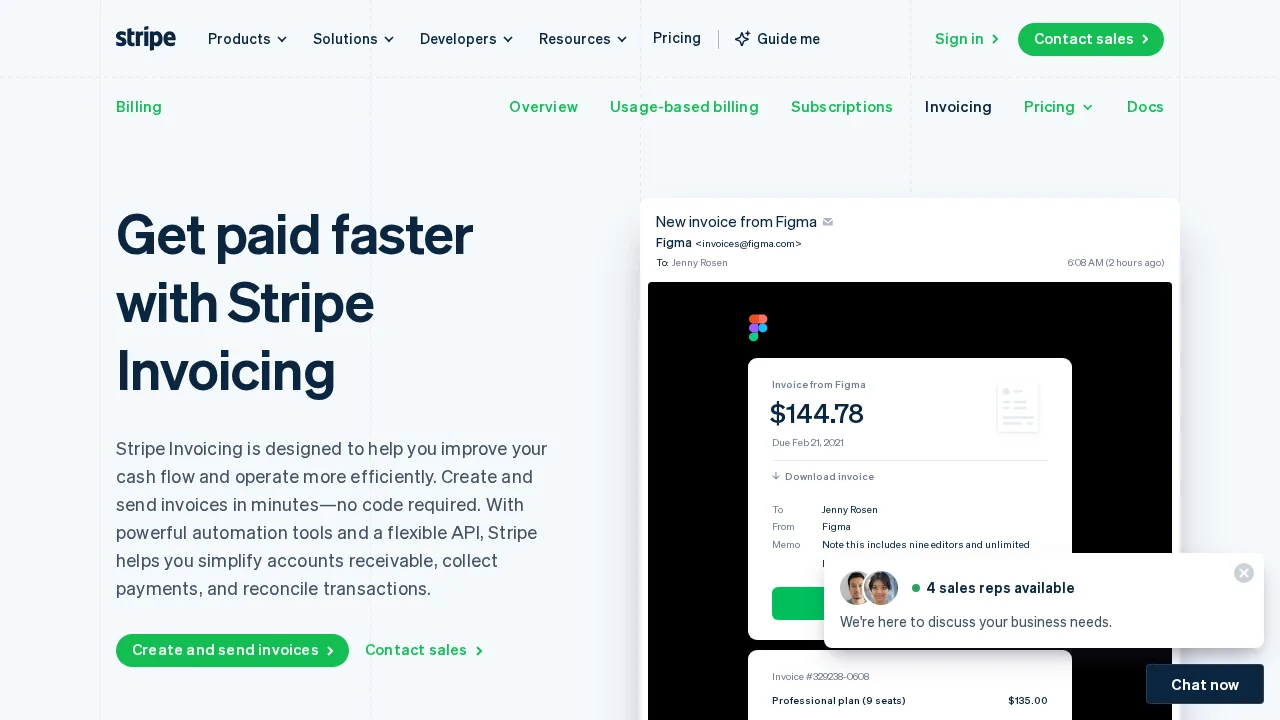
Ideal use: SaaS and online businesses with developers that want invoicing tied to Stripe Billing, subscriptions, and automated dunning.
What works: Stripe Invoicing supports hosted invoice pages, automatic retries, and smart reminders, and it pairs with Stripe Tax for sales tax and VAT. Everything is available via API for custom billing flows.
What breaks the deal: Stripe charges a per-invoice fee on paid invoices on top of payment processing, which adds up at high volume.
Pricing: Entry: 0.4% per invoice. Hidden cost: Paid invoices capped $2; Invoicing Plus $14/mo for auto reminders. Verify: stripe.com/invoicing/pricing.
Ops note: Create an invoice through the dashboard and one through the API, then let one fail payment on a test card. Check the dunning emails and retry schedule your customers would see.
Site: Stripe Invoicing
Xero Invoicing · Invoicing software
Ideal use: Small businesses using Xero that want branded invoices and online payments recorded directly in their ledger.
What works: Xero invoices show when a customer has opened them, and paid invoices reconcile against bank lines automatically. Repeating invoices and multi-currency support suit international service firms.
What breaks the deal: Lower Xero plans cap how many invoices you can send each month, which limits active small businesses.
Pricing: Entry: $15/mo. Hidden cost: Early plan invoicing limits; Established $42 for multi-currency. Verify: xero.com/us/pricing.
Ops note: Send a repeating invoice with online card payment and track the view notification. Count your usual monthly invoice volume against your Xero plan's cap.
Site: Xero Invoicing
Summary table
| Name | Best for | Entry pricing | UX /10 |
|---|---|---|---|
| FreshBooks | Client billing for freelancers and consultants | $19/mo | 7.9 |
| QuickBooks Invoicing | Invoices that post straight to QuickBooks | $30/mo | 8.2 |
| Zoho Invoice | Free invoicing with client portal | $0/mo | 8.0 |
| Square Invoices | Mobile invoicing for trades on Square | $0/mo | 8.2 |
| PayPal Invoicing | Invoicing international clients who use PayPal | $0/mo | 8.3 |
| Stripe Invoicing | API-driven invoicing for SaaS and online sales | 0.4% per invoice | 6.9 |
| Xero Invoicing | Branded invoices inside Xero's ledger | $15/mo | 6.8 |
Quick verdict
FreshBooks is the most polished choice for freelancers and consultants who bill for time and want professional invoices with little setup. Zoho Invoice is the strongest free option, with recurring invoices and a client portal at no cost. SaaS and online businesses with developers should look at Stripe Invoicing for API-driven billing and automated dunning.
Send a real invoice to a trusted client during each trial and track how quickly they pay and what fees you lose. If you already use an accounting system, favor the invoicing tool that posts payments into it automatically.
Free checks on Lagnis
Before you sign a invoicing software contract, run your numbers with invoice vat total, discount calculator. Same browser session, no account.
Related comparisons
- Best CRM software (2026): 7 tools compared
- Best Email marketing software (2026): 7 tools compared
- Best VPN software (2026): 7 tools compared
FAQ
Why only 7 tools? We cut duplicate workflows; seven profiles stay readable.
Affiliate links fund hosting; listed flaws are from field testing patterns, not sponsor edits.
Pricing figures are list-tier snapshots; confirm checkout totals before you commit to annual billing.