Best Webinar software (2026): 7 tools compared
Webinar platforms now serve very different goals: internal town halls, B2B product demos, evergreen sales funnels, and multi-session virtual summits. The attendee experience matters as much as host features, since every download prompt or login step loses registrants. Pricing is usually tied to host seats and attendee caps, which can surprise growing programs. We compared seven platforms for these use cases.
Head-to-head picks
Affiliate links may fund free Lagnis Tools; picks require a public partner program.
Seven vendors below with disclosed affiliate or partner programs. Each block: fit, strengths, blocker, pricing.
We compared the join experience, engagement tools like polls and calls to action, registration and reminder flows, CRM integrations, analytics, and attendee limits per plan. We also looked at evergreen and on-demand options for teams that want webinars working between live events.
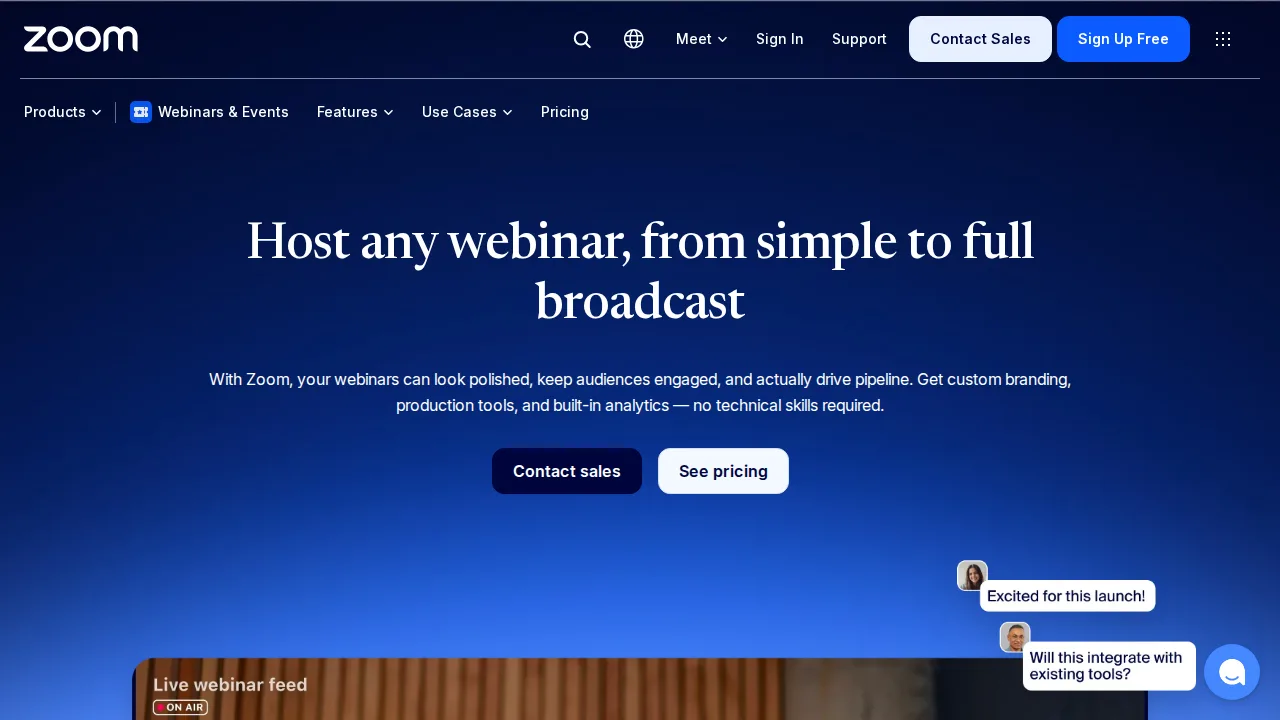
Zoom Webinars · Webinar software
Ideal use: Companies already on Zoom that run large webinars, town halls, and training sessions for attendees who already know the Zoom client.
What works: Zoom Webinars scale to thousands of attendees with panelist controls, Q&A, polls, and practice sessions, and attendees rarely need tech support. Registration data syncs to HubSpot, Marketo, and Salesforce.
What breaks the deal: Landing pages, email sequences, and engagement analytics are basic, so marketing teams often bolt on other tools.
Pricing: Entry: $79/mo. Hidden cost: Webinar 500 add-on to paid Zoom; attendees overage. Verify: zoom.us/pricing/webinar.
Ops note: Run a practice session with two panelists, a poll, and Q&A, then invite 50 test attendees. Check that registrants flow into your CRM with the right source fields.
Site: Zoom Webinars
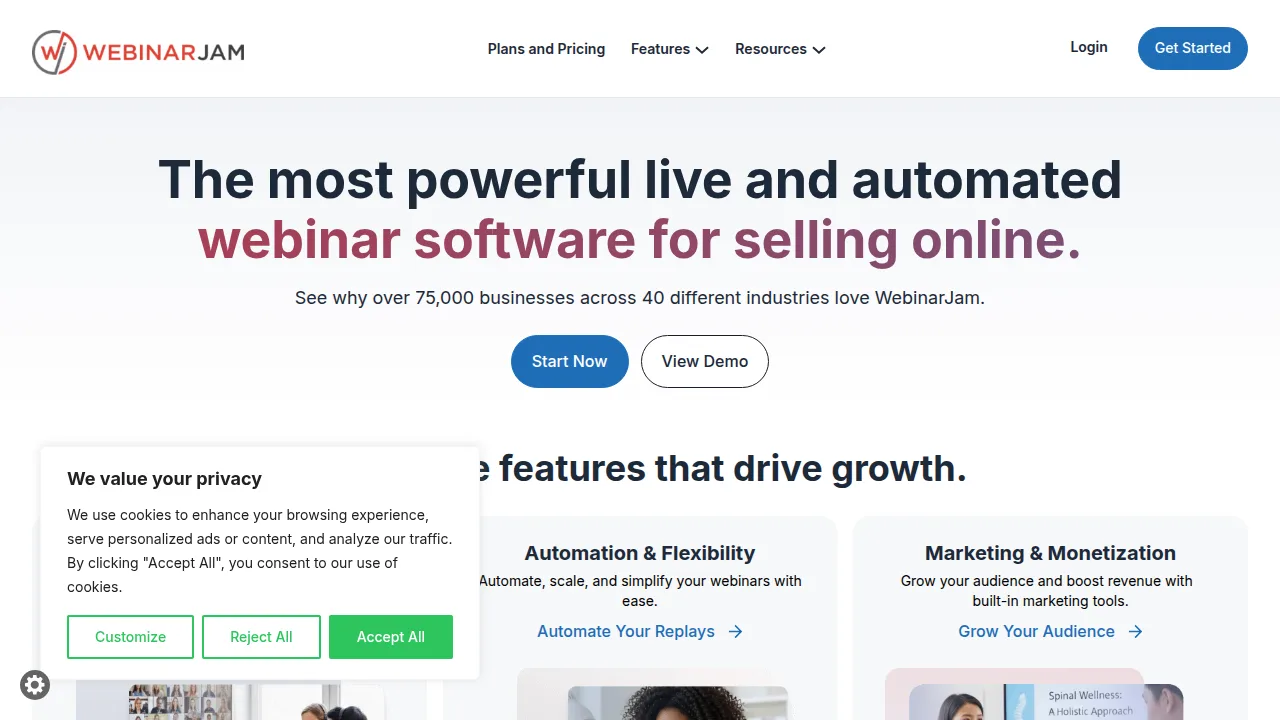
WebinarJam · Webinar software
Ideal use: Info-product sellers, coaches, and course creators who run sales webinars with offers, countdowns, and replays.
What works: WebinarJam includes live offer pop-ups, a Live Chat with moderators, and automatic replays designed for selling. Its sibling EverWebinar handles automated evergreen sessions from recordings.
What breaks the deal: The interface feels dated and the marketing-focused features are overkill for internal training or B2B demos.
Pricing: Entry: $69/mo. Hidden cost: Starter 500 attendees; EverWebinar bundle extra. Verify: webinarjam.com/pricing.
Ops note: Schedule a test webinar with a timed offer pop-up and replay enabled, and register from a phone and a laptop. Check how the offer and replay emails look to attendees.
Site: WebinarJam
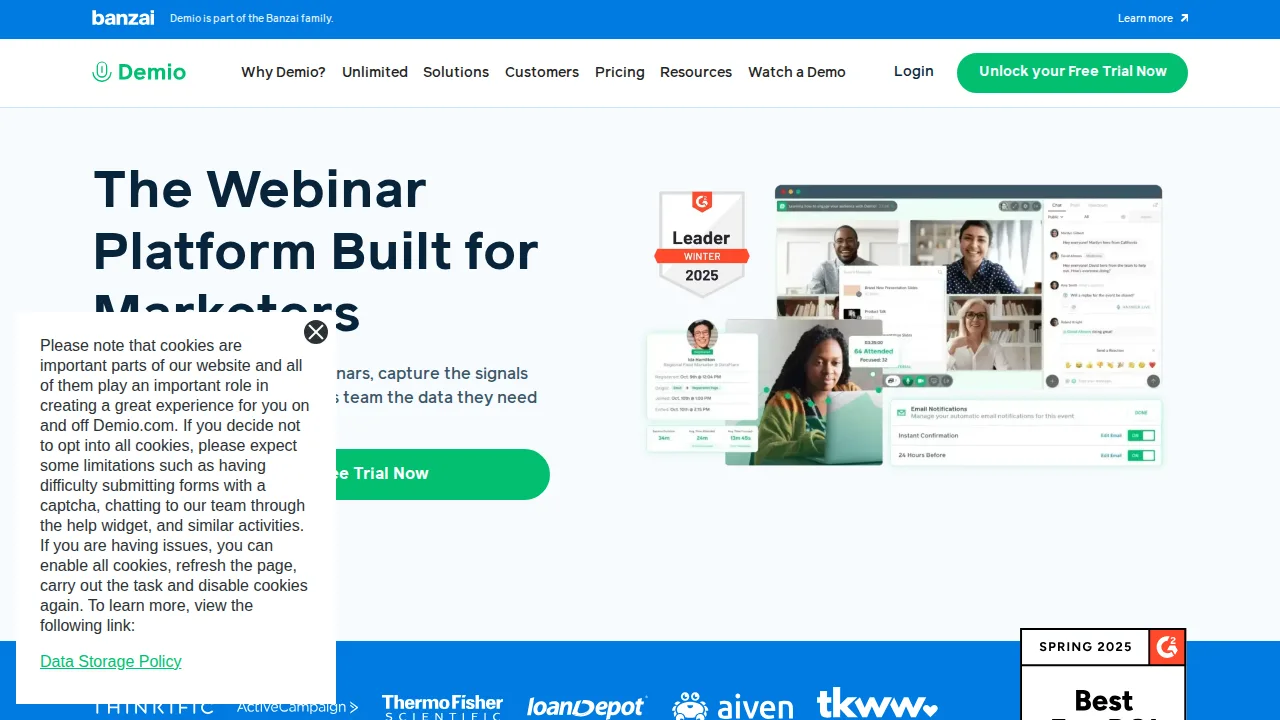
Demio · Webinar software
Ideal use: B2B SaaS marketing teams that run demo webinars and want a clean browser-based experience with no downloads.
What works: Demio runs fully in the browser with a modern interface, and its featured actions, handouts, and polls keep attendees engaged. Engagement analytics show who stayed and who clicked.
What breaks the deal: Attendee caps are lower than enterprise platforms, so very large events need a higher tier or another tool.
Pricing: Entry: $59/mo. Hidden cost: Starter 50 attendees; Growth for custom branding. Verify: demio.com/pricing.
Ops note: Host a 30-minute demo with a featured call to action and a handout, then review attendance and click reports. Test joining from a locked-down corporate laptop.
Site: Demio
Livestorm · Webinar software
Ideal use: European companies and SaaS teams that want browser-based webinars and virtual events with GDPR-friendly data handling.
What works: Livestorm runs in the browser, supports live, on-demand, and automated events, and is hosted in the EU. Its integrations with HubSpot, Salesforce, and Slack are solid.
What breaks the deal: Pricing is per host and attendee limits on lower plans are tight for growing programs.
Pricing: Entry: $79/mo. Hidden cost: Pro 100 live attendees; active contact overages. Verify: livestorm.co/pricing.
Ops note: Run a live event and an automated replay, then sync registrants to your CRM. Review the data processing agreement with your privacy lead.
Site: Livestorm
GoTo Webinar · Webinar software
Ideal use: Established enterprises and training teams that have run GoTo Webinar for years and value predictable scheduled events.
What works: GoTo Webinar has mature registration, reminder, and reporting features, plus pre-recorded sessions for repeatable training. Account admins get detailed controls across many organizers.
What breaks the deal: The attendee experience and interface look dated beside browser-first rivals like Demio and Livestorm.
Pricing: Entry: $49/mo. Hidden cost: Starter 100 attendees; Lite annual billing; overages on participants. Verify: gotowebinar.com/pricing.
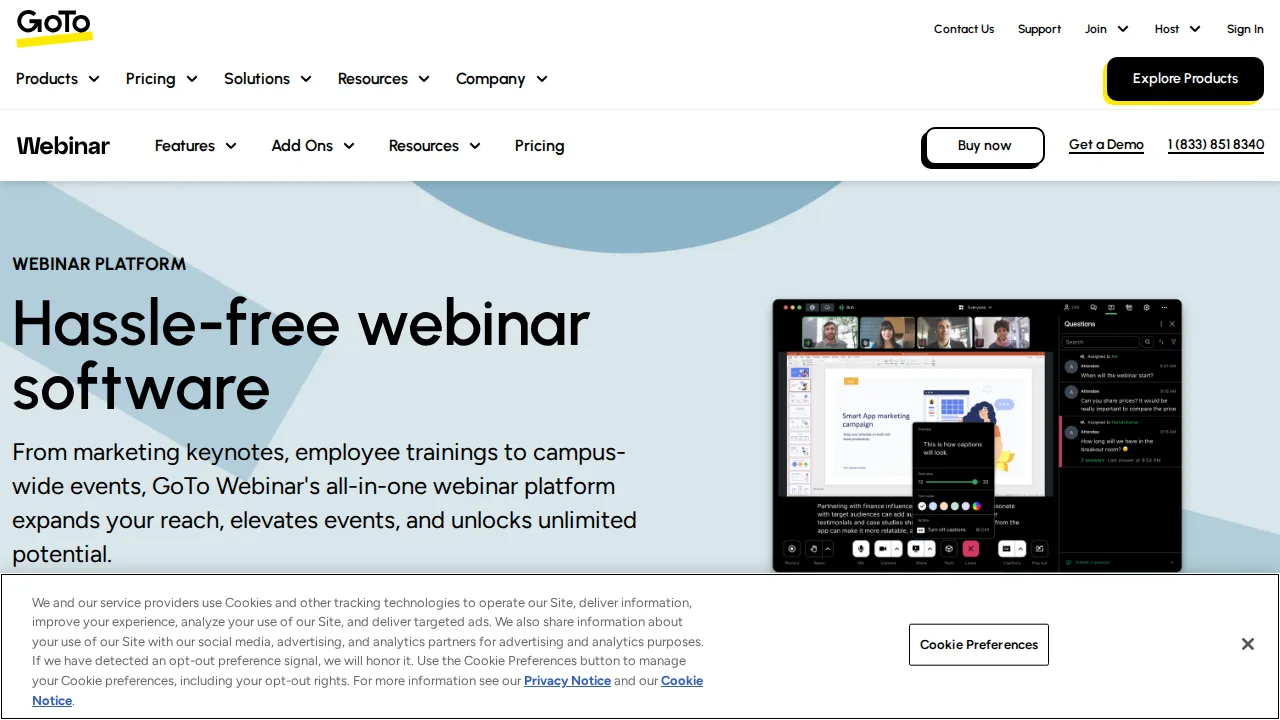
Ops note: Run a test webinar with attendees joining from a browser and the desktop app, and compare their experience. Export engagement reports and check they match what your CRM needs.
Site: GoTo Webinar
BigMarker · Webinar software
Ideal use: Marketing and events teams running webinar series, summits, and hybrid events with branded landing pages and sponsor booths.
What works: BigMarker handles webinars, multi-session summits, and virtual booths in one platform with custom branding. Automated and evergreen sessions help generate leads between live events.
What breaks the deal: The feature depth makes setup complex, and pricing favors larger event budgets.
Pricing: Entry: $79/mo. Hidden cost: Starter 500 attendees; overage and white-label on higher. Verify: bigmarker.com/pricing.
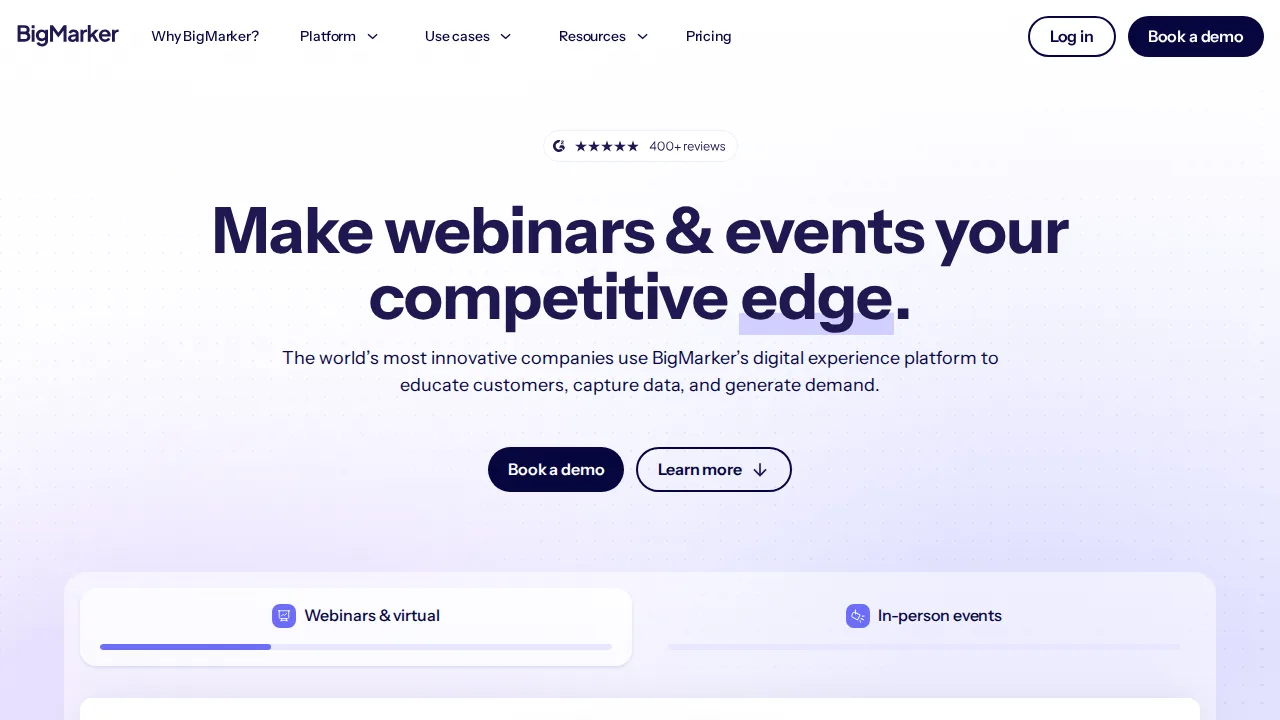
Ops note: Build a two-session summit with a sponsor booth and branded landing page. Run a test attendee through registration, session switching, and the booth.
Site: BigMarker
EasyWebinar · Webinar software
Ideal use: Coaches, consultants, and small businesses that want live and evergreen webinars in one tool at a moderate price.
What works: EasyWebinar converts a live recording into an evergreen session with scheduled start times and just-in-time registration. It can also stream sessions to YouTube and Facebook Live.
What breaks the deal: CRM integrations and engagement analytics are thinner than larger webinar platforms.
Pricing: Entry: $78/mo. Hidden cost: Standard 500 live attendees; automation on higher. Verify: easywebinar.com/pricing.
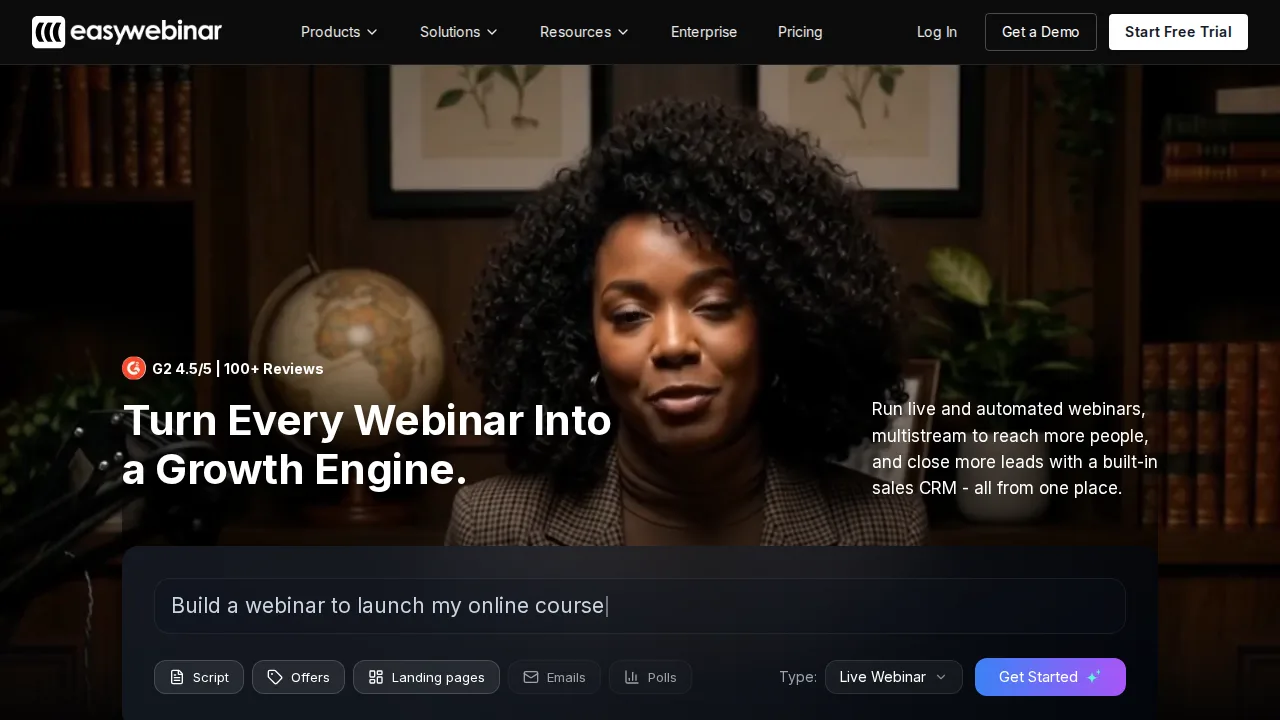
Ops note: Record a live session and turn it into an evergreen webinar with daily times. Register for both versions and check that reminder emails arrive on schedule.
Site: EasyWebinar
Summary table
| Name | Best for | Entry pricing | UX /10 |
|---|---|---|---|
| Zoom Webinars | Large webinars on a familiar client | $79/mo | 7.8 |
| WebinarJam | Sales webinars with timed offers | $69/mo | 8.3 |
| Demio | Clean browser webinars for B2B demos | $59/mo | 8.2 |
| Livestorm | Browser webinars with EU data hosting | $79/mo | 7.2 |
| GoTo Webinar | Scheduled enterprise training webinars | $49/mo | 8.5 |
| BigMarker | Webinar series, summits, and hybrid events | $79/mo | 8.1 |
| EasyWebinar | Live plus evergreen webinars for coaches | $78/mo | 7.4 |
Quick verdict
Zoom Webinars is the safest choice for large events where attendees already know the Zoom client. Demio suits B2B SaaS teams that want clean browser-based demos with engagement analytics. Coaches and course sellers running sales webinars should look at WebinarJam for timed offers and replays.
Run a practice webinar with real attendees joining from locked-down corporate laptops and phones. Confirm attendee caps and CRM sync on the exact plan you would buy before announcing your first event.
Free checks on Lagnis
Before you sign a webinar software contract, run your numbers with meeting cost calculator. Same browser session, no account.
Related comparisons
- Best Landing page builders (2026): 7 tools compared
- Best Marketing automation (2026): 7 tools compared
- Best Affiliate tracking software (2026): 7 tools compared
FAQ
Why only 7 tools? We cut duplicate workflows; seven profiles stay readable.
Affiliate links fund hosting; listed flaws are from field testing patterns, not sponsor edits.
Pricing figures are list-tier snapshots; confirm checkout totals before you commit to annual billing.