Best Antivirus software (2026): 7 tools compared
Built-in protection like Microsoft Defender has improved, so paid antivirus now has to justify itself with better detection, less system slowdown, or useful extras like a VPN and identity monitoring. Ownership and privacy history matter too, after a US ban on one major vendor and an FTC penalty against another. Renewal pricing is often much higher than the first year. We compared seven antivirus suites for home users and small offices.
Head-to-head picks
Affiliate links may fund free Lagnis Tools; picks require a public partner program.
Seven vendors below with disclosed affiliate or partner programs. Each block: fit, strengths, blocker, pricing.
We compared independent lab protection scores, performance impact, false positives, bundled extras, platform coverage, and renewal pricing. We also weighed ownership, legal status, and privacy practices.
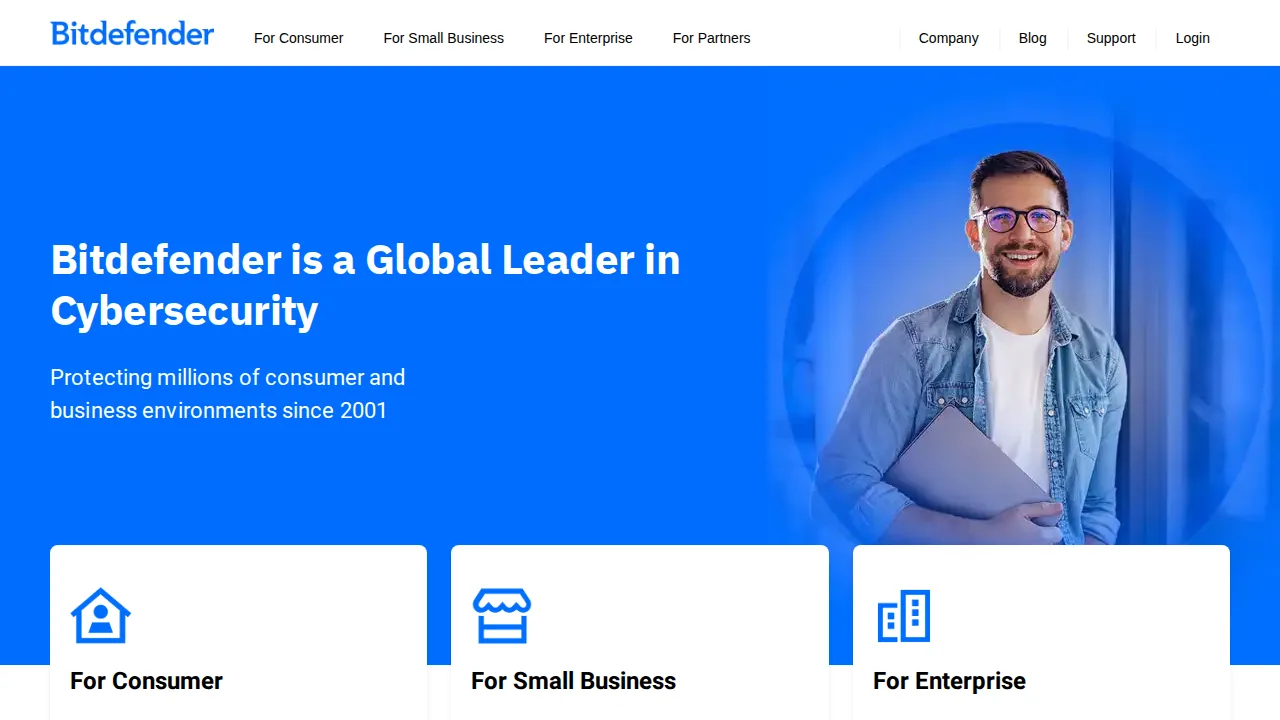
Bitdefender · Antivirus software
Ideal use: Home users and families on Windows, Mac, Android, and iOS who want top-rated malware protection with light system impact.
What works: Bitdefender consistently scores at or near the top in AV-Test and AV-Comparatives protection tests while barely slowing systems. Total Security adds ransomware remediation, a firewall, parental controls, and a limited VPN.
What breaks the deal: The bundled VPN has a daily data cap unless you pay for the Premium VPN separately.
Pricing: Entry: $2.92/mo. Hidden cost: 3-device annual intro; renew higher; VPN add-on. Verify: bitdefender.com/solutions/total-security.html.
Ops note: Install Total Security, run a full scan, and check CPU and boot time before and after. Try the ransomware remediation on a test folder.
Site: Bitdefender
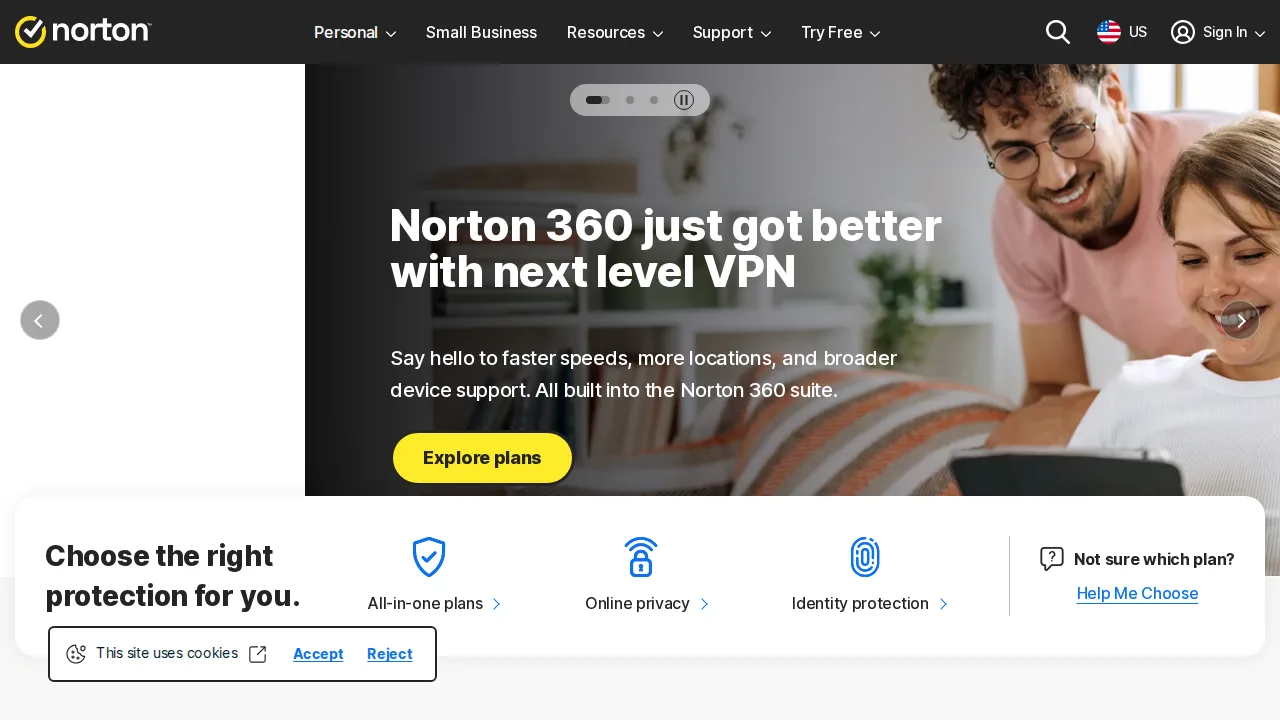
Norton · Antivirus software
Ideal use: Families and less technical users who want antivirus bundled with a VPN, password manager, cloud backup, and identity theft protection.
What works: Norton 360 bundles strong malware protection with a no-cap VPN, cloud backup, and dark web monitoring. LifeLock plans in the US add identity restoration support.
What breaks the deal: Renewal pricing after the first year is steep, and the app pushes upsells for identity protection.
Pricing: Entry: $4.17/mo. Hidden cost: Deluxe intro first term; renew ~$124.99/yr; LifeLock bundles. Verify: norton.com/pricing.
Ops note: Install Norton 360, run a scan, and set up cloud backup and dark web monitoring. Check the renewal price.
Site: Norton
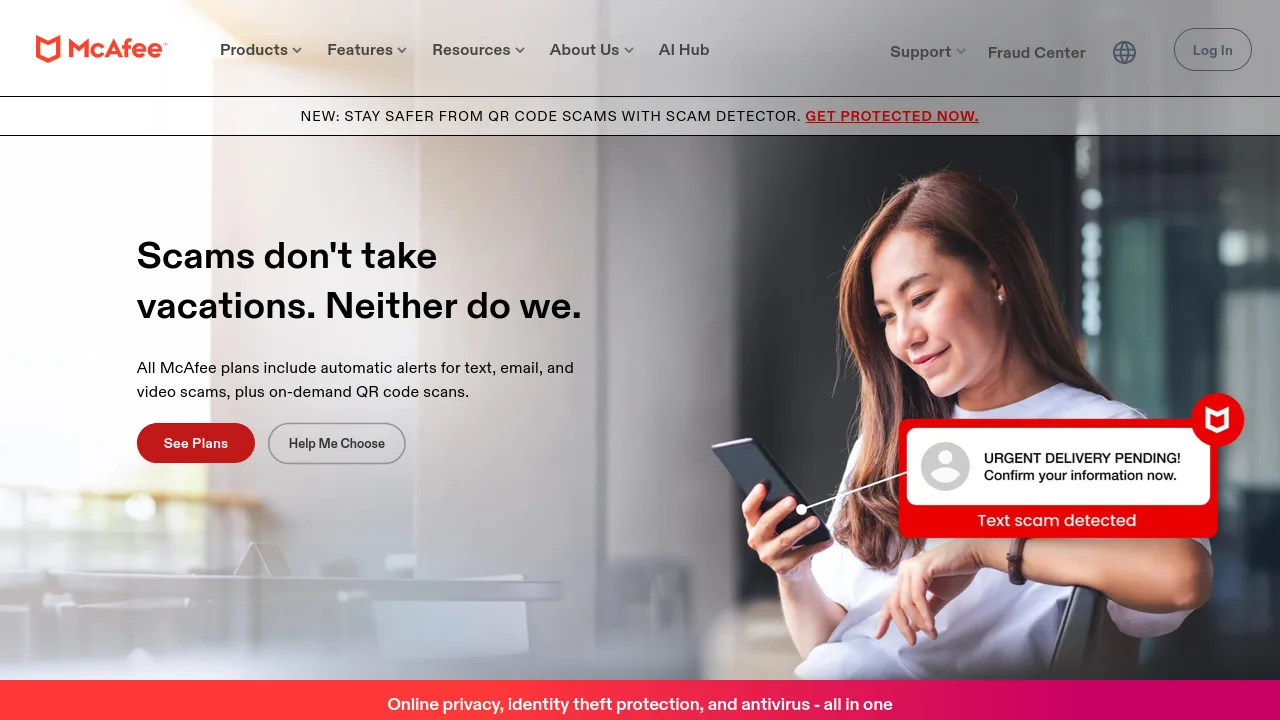
McAfee · Antivirus software
Ideal use: Households with many devices that want antivirus with identity monitoring and a VPN on one plan.
What works: McAfee+ family plans cover unlimited devices and include identity monitoring, a VPN, and a text scam detector. Its malware protection scores are strong in recent independent tests.
What breaks the deal: McAfee often arrives preinstalled on new PCs with aggressive renewal prompts, and the app shows frequent upsell notifications.
Pricing: Entry: $3.33/mo. Hidden cost: Total Protection intro; auto-renew full price. Verify: mcafee.com/pricing.
Ops note: Install McAfee on every device in your household and run a full scan on each. Compare boot times before and after and review the first identity monitoring alerts.
Site: McAfee
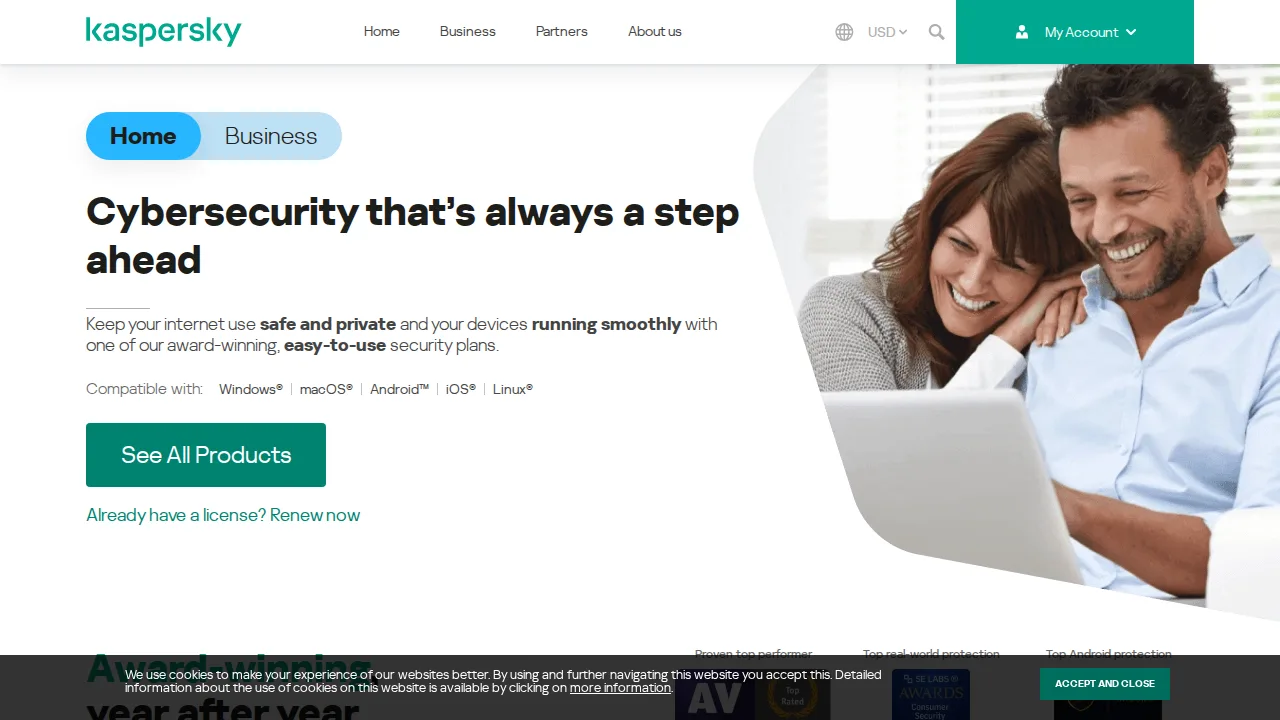
Kaspersky · Antivirus software
Ideal use: Users outside the United States who want highly rated malware detection and are comfortable with Kaspersky's Russian ownership.
What works: Kaspersky's detection rates in independent tests are consistently excellent, and its apps are light on resources. Premium plans include a password manager and VPN.
What breaks the deal: The US government banned Kaspersky sales and updates in 2024, and many organizations prohibit it.
Pricing: Entry: $4.99/mo. Hidden cost: Plus 3 devices intro; renew higher; Total Security bundle. Verify: kaspersky.com/home-security.
Ops note: Check your country's rules and your employer's policy before installing. Run a full scan and compare performance.
Site: Kaspersky
ESET · Antivirus software
Ideal use: Power users, gamers, and small businesses that want lightweight antivirus with fine-grained controls and minimal interruptions.
What works: ESET is very light on system resources and exposes advanced settings like HIPS rules, device control, and a configurable firewall. Gamer mode suppresses pop-ups and scans during full-screen apps.
What breaks the deal: Bundled extras such as a VPN and identity monitoring are limited compared with Norton.
Pricing: Entry: $49.99/year. Hidden cost: NOD32 one device; Multi-Device and Smart Security higher. Verify: eset.com/us/business/pricing.
Ops note: Install ESET, run a full scan, and test gamer mode during a game. Configure one device control rule.
Site: ESET
Malwarebytes · Antivirus software
Ideal use: Users who want a second-opinion scanner or lightweight real-time protection that cleans up adware and potentially unwanted programs.
What works: Malwarebytes excels at removing adware, browser hijackers, and potentially unwanted programs that other antivirus tools leave behind. The free scanner runs alongside an existing antivirus without conflicts.
What breaks the deal: Its full protection scores trail Bitdefender and Norton in some independent tests.
Pricing: Entry: $3.75/mo. Hidden cost: 3 devices annual; renew ~$119.99/yr; Teams per endpoint. Verify: malwarebytes.com/pricing.
Ops note: Run the free scanner on a machine that already has a primary antivirus and review what it finds. Try Browser Guard for a week and note blocked trackers.
Site: Malwarebytes
Avast · Antivirus software
Ideal use: Budget-conscious home users who want a free antivirus with solid detection and accept some upsell prompts.
What works: Avast Free Antivirus offers good malware detection at no cost, and its Wi-Fi Inspector flags weak devices on your home network. Paid tiers add a firewall, webcam protection, and ransomware shields.
What breaks the deal: The FTC fined Avast in 2024 for selling browsing data through its Jumpshot subsidiary.
Pricing: Entry: $4.19/mo. Hidden cost: First-year intro; renew ~$124.99/yr; Ultimate bundle upsell. Verify: avast.com/pricing.
Ops note: Install Avast Free, run a scan and Wi-Fi Inspector, then review data-sharing settings and turn off anything you do not want. Count upsell prompts over a week.
Site: Avast
Summary table
| Name | Best for | Entry pricing | UX /10 |
|---|---|---|---|
| Bitdefender | Top detection with light system impact | $2.92/mo | 8.1 |
| Norton | Antivirus bundled with VPN and identity | $4.17/mo | 8.0 |
| McAfee | Unlimited devices for large households | $3.33/mo | 7.5 |
| Kaspersky | Strong detection outside the US | $4.99/mo | 6.9 |
| ESET | Lightweight antivirus with advanced controls | $49.99/year | 7.7 |
| Malwarebytes | Adware cleanup and second-opinion scans | $3.75/mo | 7.6 |
| Avast | Free antivirus for budget users | $4.19/mo | 7.1 |
Quick verdict
Bitdefender is the best all-round choice, with top detection and light system impact. Norton suits families who want antivirus bundled with a VPN, cloud backup, and identity monitoring. Power users who want lightweight protection with advanced controls should choose ESET.
Check whether built-in protection already covers your needs before paying, and compare renewal prices rather than first-year deals. Run a full scan during the trial and measure boot time and performance before and after.
Free checks on Lagnis
Before you sign a antivirus software contract, run your numbers with password generator. Same browser session, no account.
Related comparisons
- Best AI writing tools (2026): 7 tools compared
- Best Contract management software (2026): 7 tools compared
- Best CMS platforms (2026): 7 tools compared
FAQ
Why only 7 tools? We cut duplicate workflows; seven profiles stay readable.
Affiliate links fund hosting; listed flaws are from field testing patterns, not sponsor edits.
Pricing figures are list-tier snapshots; confirm checkout totals before you commit to annual billing.