Best Backup software (2026): 7 tools compared
Backups are easy to buy and easy to forget until the day you need to restore a laptop, a server, or a folder encrypted by ransomware. Consumer tools back up individual computers for a flat fee, while business tools protect servers, virtual machines, and Microsoft 365 with central management. Version history and immutability decide whether you can recover from mistakes discovered weeks later. We compared seven backup tools across home, small business, and IT use.
Head-to-head picks
Affiliate links may fund free Lagnis Tools; picks require a public partner program.
Seven vendors below with disclosed affiliate or partner programs. Each block: fit, strengths, blocker, pricing.
We compared what each tool backs up, version retention, restore speed and options, encryption, ransomware protection, central management, and pricing. We weighted restore options most heavily, since a backup that is hard to restore is barely a backup.
Backblaze · Backup software
Ideal use: Individuals and small offices that want unlimited, set-and-forget cloud backup for each computer, plus B2 object storage for servers and NAS devices.
What works: Backblaze Personal Backup backs up everything on a Mac or PC, including external drives, for one flat price with no file size limits. B2 Cloud Storage is cheap S3-compatible storage that Synology, QNAP, and Veeam can write to directly.
What breaks the deal: Personal Backup keeps deleted files for only 30 days unless you pay for extended version history.
Pricing: Entry: $9/mo. Hidden cost: Unlimited one computer; B2 storage $0.006/GB/mo separate. Verify: backblaze.com/cloud-backup/pricing.
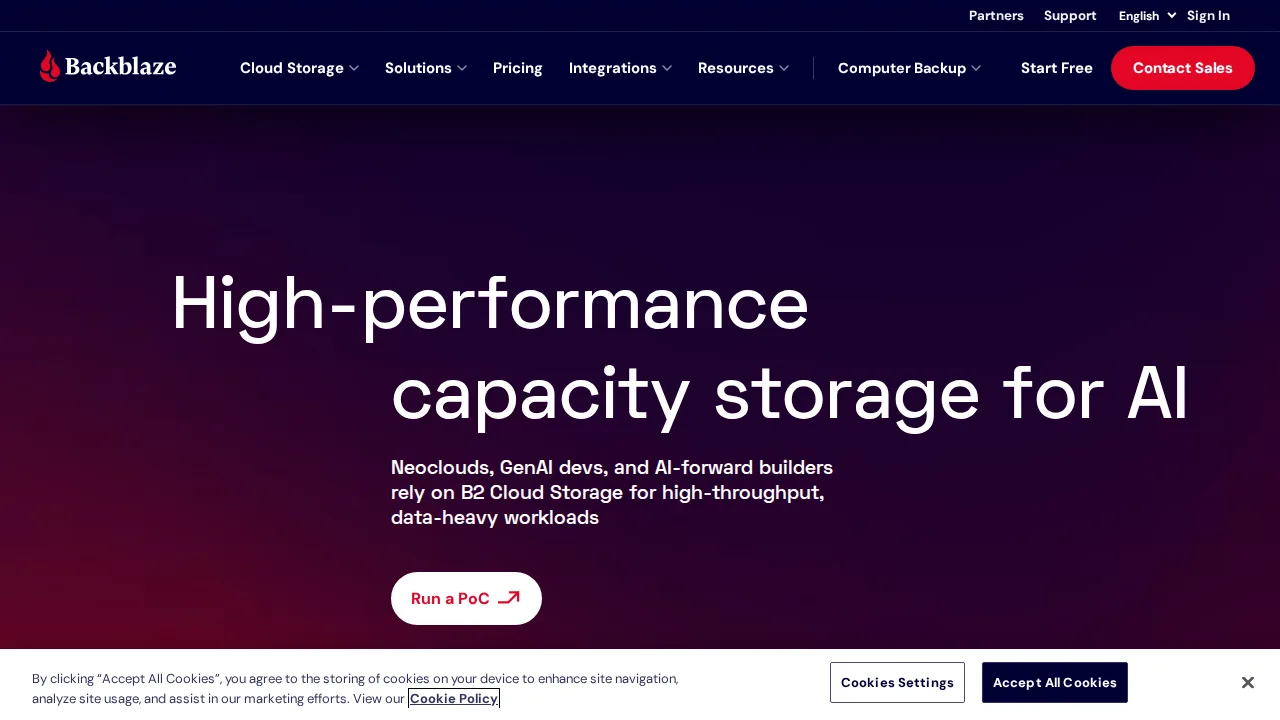
Ops note: Install Backblaze, let the first backup finish, then delete a test file and restore it from the web. Try the courier restore option pricing for a full drive.
Site: Backblaze
Acronis Cyber Protect · Backup software
Ideal use: MSPs and IT teams that want backup, anti-malware, and endpoint management in one agent across servers, workstations, and Microsoft 365.
What works: Acronis Cyber Protect combines image backup, ransomware protection, and patch management in one console. It can back up Microsoft 365 and Google Workspace alongside physical and virtual machines.
What breaks the deal: Licensing across editions and add-ons is complex, and the all-in-one agent can feel heavy on older machines.
Pricing: Entry: $69/year. Hidden cost: Home per device; business backup per workload quoted. Verify: acronis.com/en-us/products/cyber-protect/pricing.
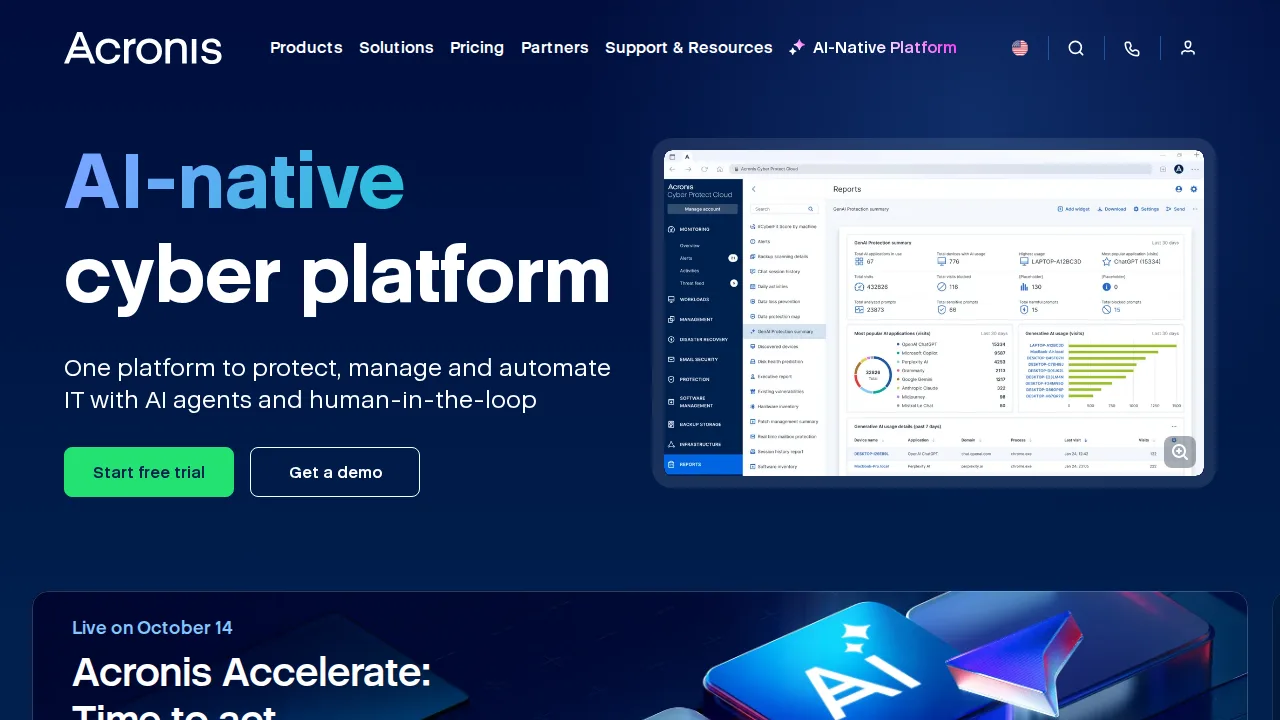
Ops note: Protect one server and two workstations, run a full image backup, and restore a machine to different hardware. Simulate ransomware on a test file and check the response.
Site: Acronis Cyber Protect
IDrive · Backup software
Ideal use: Households and small businesses that want to back up many computers, phones, and servers to one account with a fixed storage pool.
What works: IDrive covers unlimited devices under one storage quota, keeps 30 previous versions of files, and does not delete old data if a device goes offline. Its Express service ships a physical drive for faster initial backup or restore.
What breaks the deal: The desktop app interface feels dated and busy, and settings are scattered across many screens.
Pricing: Entry: $69.65/year. Hidden cost: 5 TB one user intro; renew higher; computer cap. Verify: idrive.com/idrive/pricing.
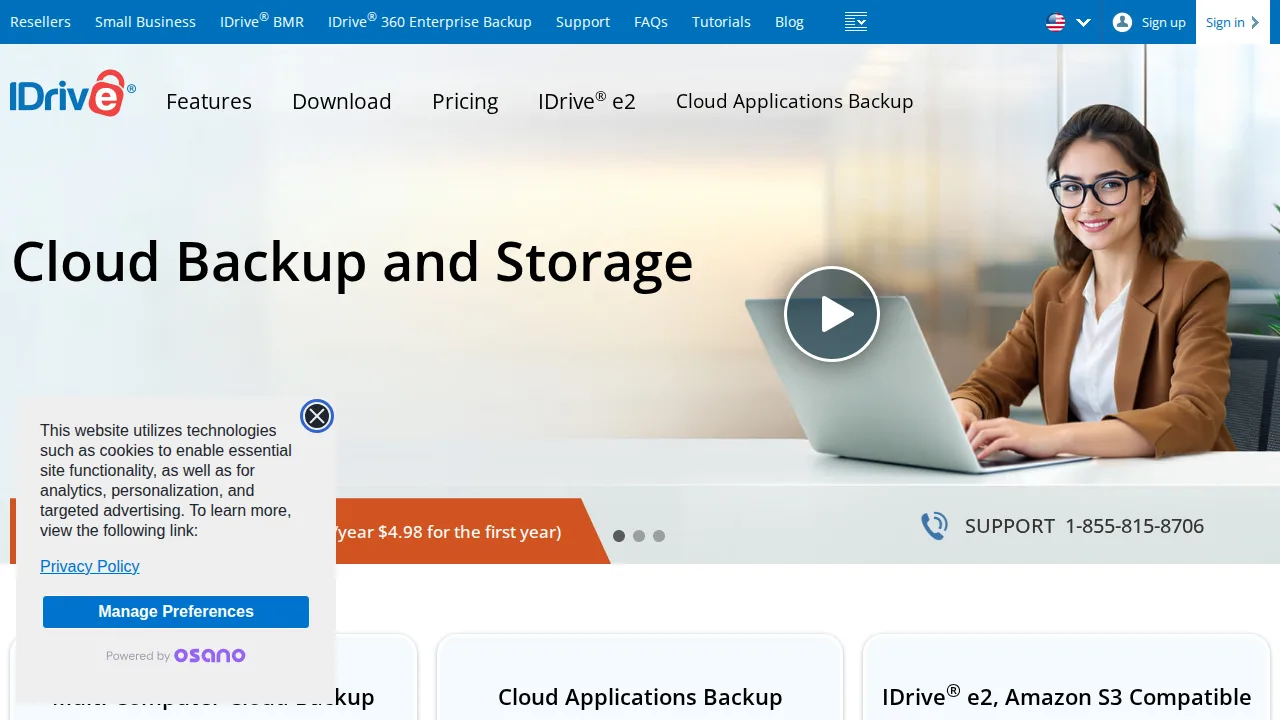
Ops note: Add two computers and a phone to one account and run backups. Restore an older version of a file.
Site: IDrive
Carbonite · Backup software
Ideal use: Home users and small offices that want simple automatic cloud backup with phone support, backed by OpenText.
What works: Carbonite runs automatically in the background and marks backed-up files with icons in File Explorer. Business plans add server and NAS backup.
What breaks the deal: External drive backup and extra features require higher tiers, which raises the effective price.
Pricing: Entry: $6/mo. Hidden cost: Core one computer annual; Safe tier for external drives extra. Verify: carbonite.com/pricing.
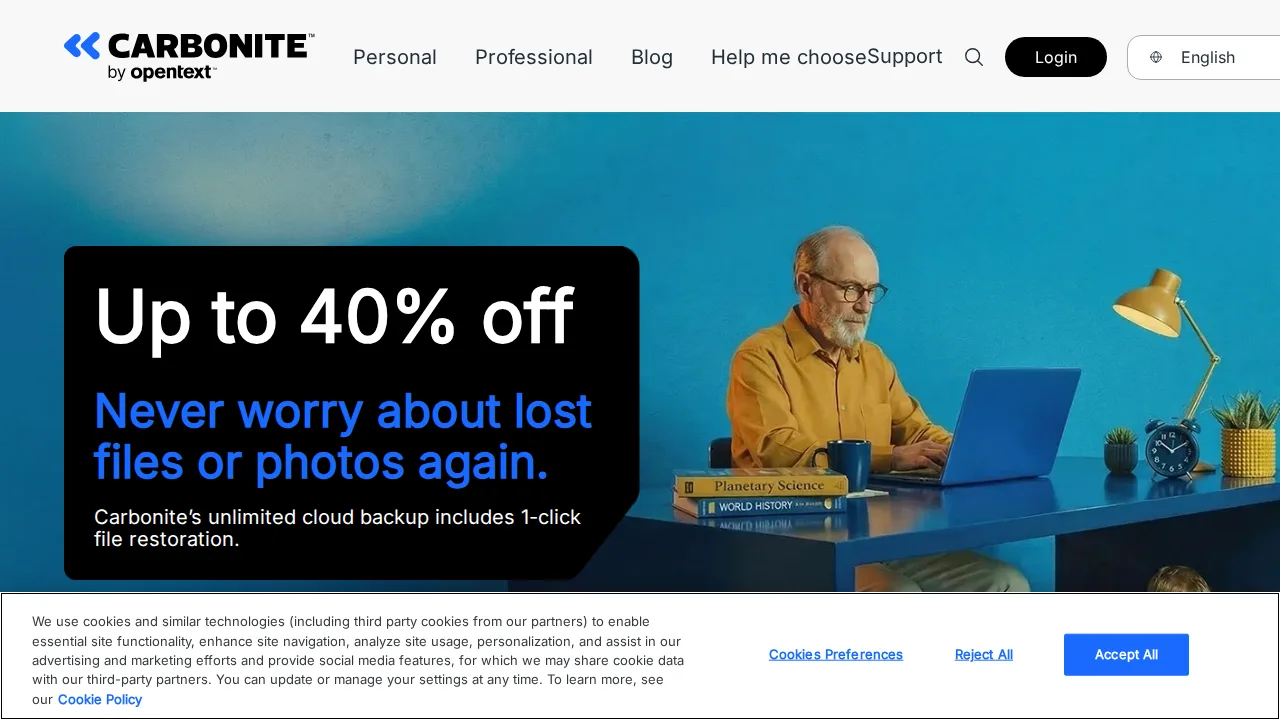
Ops note: Install Carbonite, check which files are backed up by default, and restore a folder. Call support with a question.
Site: Carbonite
CrashPlan · Backup software
Ideal use: Small businesses and enterprises that need endpoint backup with unlimited version retention for laptops and workstations.
What works: CrashPlan keeps unlimited versions and deleted files indefinitely by default, which protects against ransomware and accidental deletion. Admins can manage backups centrally.
What breaks the deal: CrashPlan dropped consumer plans in 2018 and now targets businesses only.
Pricing: Entry: $10/mo. Hidden cost: Safe per device; business per user quoted. Verify: crashplan.com/pricing.
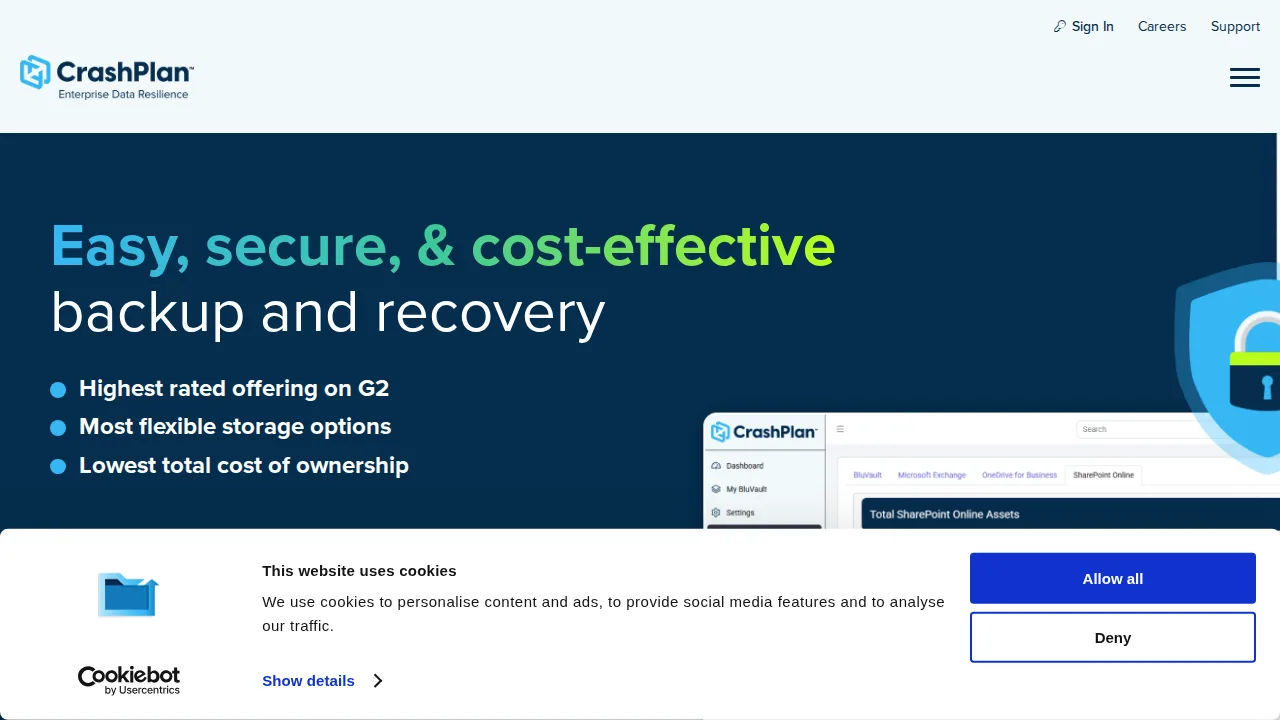
Ops note: Deploy to three laptops, delete a file, and restore an old version months later in testing. Review admin console controls.
Site: CrashPlan
Veeam · Backup software
Ideal use: IT teams protecting VMware, Hyper-V, cloud, and Microsoft 365 workloads that need fast recovery and immutable backups.
What works: Veeam's image-based backups of virtual machines restore quickly, and Instant Recovery can run a VM directly from backup. Immutable storage options protect backups from ransomware.
What breaks the deal: Licensing and configuration require skilled administrators, and small offices find it heavy.
Pricing: Entry: Quote. Hidden cost: Per workload backup; Microsoft 365 backup per user. Verify: veeam.com/pricing.
Ops note: Back up a test VM, then run Instant Recovery and time how long the VM takes to boot from backup. Configure immutable storage and try to delete a backup.
Site: Veeam
Duplicati · Backup software
Ideal use: Technical home users and small teams who want free, open-source encrypted backup to their own cloud storage.
What works: Duplicati is free, encrypts backups before upload, and supports S3, B2, Google Drive, and many other targets. Deduplication keeps storage costs low.
What breaks the deal: It is community-supported, and restores from large backups can be slow or fragile.
Pricing: Entry: $0. Hidden cost: Free OSS; cloud storage backend costs apply. Verify: duplicati.com.
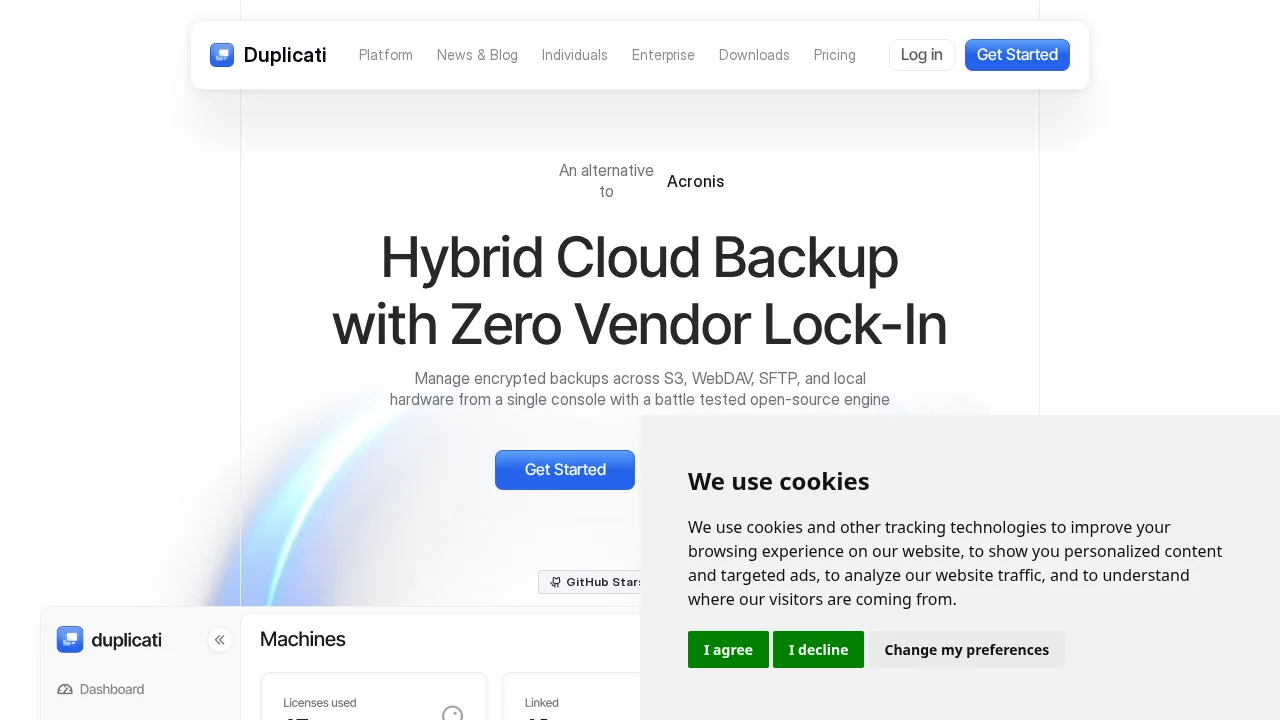
Ops note: Back up a folder to B2 or S3 with encryption and perform a full restore on another machine.
Site: Duplicati
Summary table
| Name | Best for | Entry pricing | UX /10 |
|---|---|---|---|
| Backblaze | Unlimited set-and-forget computer backup | $9/mo | 6.5 |
| Acronis Cyber Protect | Backup plus security for MSPs | $69/year | 7.5 |
| IDrive | Many devices under one storage plan | $69.65/year | 6.7 |
| Carbonite | Simple automatic backup with phone support | $6/mo | 8.9 |
| CrashPlan | Endpoint backup with unlimited versions | $10/mo | 8.4 |
| Veeam | Virtual machine and hybrid cloud backup | Quote | 7.1 |
| Duplicati | Free encrypted backup to your storage | $0 | 6.7 |
Quick verdict
Backblaze is the best set-and-forget choice for backing up individual Macs and PCs at a flat price. Acronis Cyber Protect suits MSPs and IT teams that want backup and security in one agent. Teams protecting virtual machines and hybrid cloud workloads should use Veeam.
Test a real restore during the trial, including a deleted file and a full machine if possible. Check how long deleted files and old versions are kept, since that window decides whether you can recover from slow-burning mistakes.
Free checks on Lagnis
Before you sign a backup software contract, run your numbers with json formatter. Same browser session, no account.
Related comparisons
- Best Antivirus software (2026): 7 tools compared
- Best AI writing tools (2026): 7 tools compared
- Best Contract management software (2026): 7 tools compared
FAQ
Why only 7 tools? We cut duplicate workflows; seven profiles stay readable.
Affiliate links fund hosting; listed flaws are from field testing patterns, not sponsor edits.
Pricing figures are list-tier snapshots; confirm checkout totals before you commit to annual billing.