Best Expense management software (2026): 7 tools compared
Expense management has moved well beyond receipt scanning apps into full spend platforms with corporate cards, pre-purchase policy controls, bill pay, and automatic accounting sync. Many card-based tools are now free because they earn interchange on card spend, while enterprise systems charge for global travel booking and audit. The right choice depends on company size, where you are incorporated, and whether you want to issue cards at all. We compared seven platforms from free startup cards to enterprise travel and expense.
Head-to-head picks
Affiliate links may fund free Lagnis Tools; picks require a public partner program.
Seven vendors below with disclosed affiliate or partner programs. Each block: fit, strengths, blocker, pricing.
We compared receipt capture, card issuing and spend controls, approval workflows, reimbursement options, accounting and ERP integrations, travel features, and pricing. We also noted eligibility and underwriting requirements, since several card programs are limited to US entities.
Expensify · Expense management software
Ideal use: Small and mid-size companies with traveling employees who want receipt scanning, mileage, and reimbursements with accounting sync.
What works: Expensify's SmartScan reads receipts automatically, and approval workflows route expenses to managers and reimburse through ACH. The Expensify Card and integrations with QuickBooks, Xero, and NetSuite cover the full cycle.
What breaks the deal: Pricing depends on card adoption, and costs rise noticeably if your team does not use the Expensify Card.
Pricing: Entry: $5/user/mo. Hidden cost: Collect plan; Control $9/user; SmartScan limits on free. Verify: expensify.com/pricing.
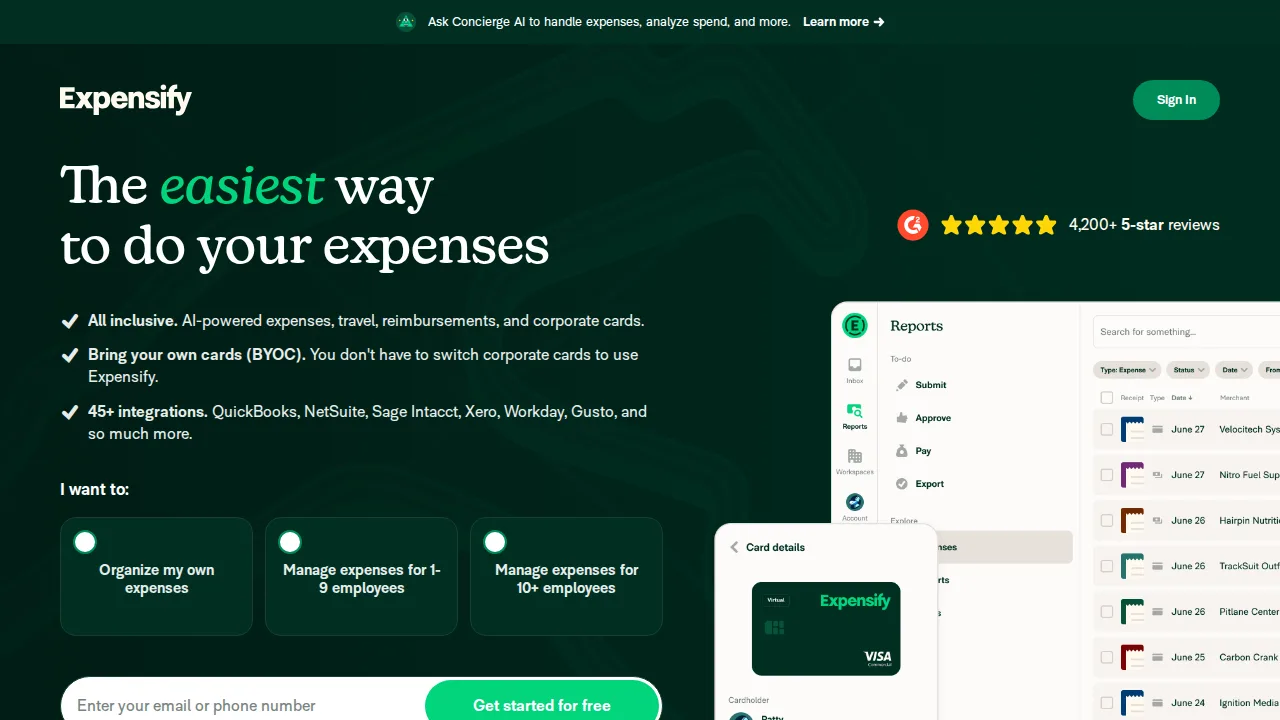
Ops note: Have five employees scan a month of receipts and submit a report through approvals. Check how reports sync to your accounting system.
Site: Expensify
Ramp · Expense management software
Ideal use: US startups and mid-size companies that want corporate cards, expense management, bill pay, and spend controls without software fees.
What works: Ramp's core platform is free, funded by card interchange, and it enforces spend policies before purchases happen. Automated receipt matching and accounting sync close the books faster.
What breaks the deal: It requires a US entity and meets underwriting requirements, and cash back is lower than some rivals.
Pricing: Entry: $0/mo. Hidden cost: Free corporate card; Plus $15/user for procurement controls. Verify: ramp.com/pricing.
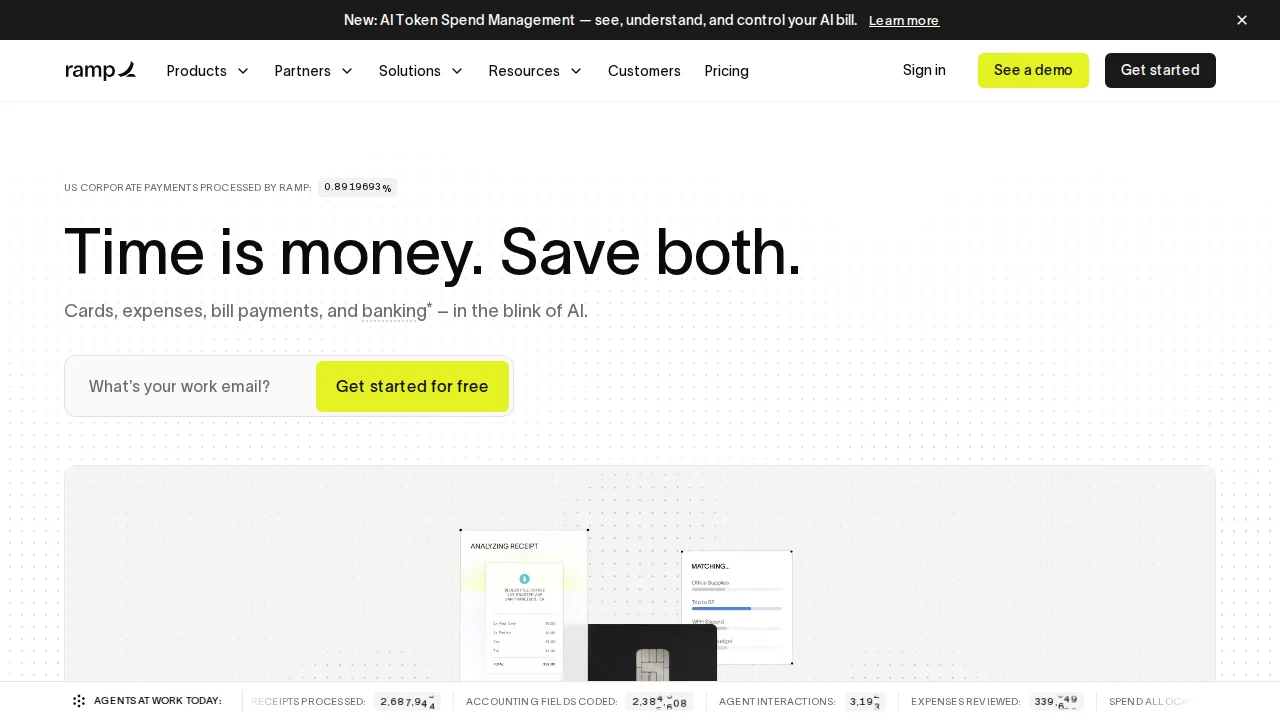
Ops note: Issue virtual cards for three vendors with limits and receipts required. Close a month and compare the reconciliation time with your current process.
Site: Ramp
Brex · Expense management software
Ideal use: Venture-backed startups and global companies that want corporate cards, expense management, and business accounts in many countries.
What works: Brex offers corporate cards with high limits based on cash balance, multi-currency support, and travel booking. Its policy engine and AI assistant handle expense approvals.
What breaks the deal: Premium features cost extra and it is less suited for small traditional businesses.
Pricing: Entry: $0/mo. Hidden cost: Essentials free; Premium $12/user; credit limits revenue-based. Verify: brex.com/pricing.
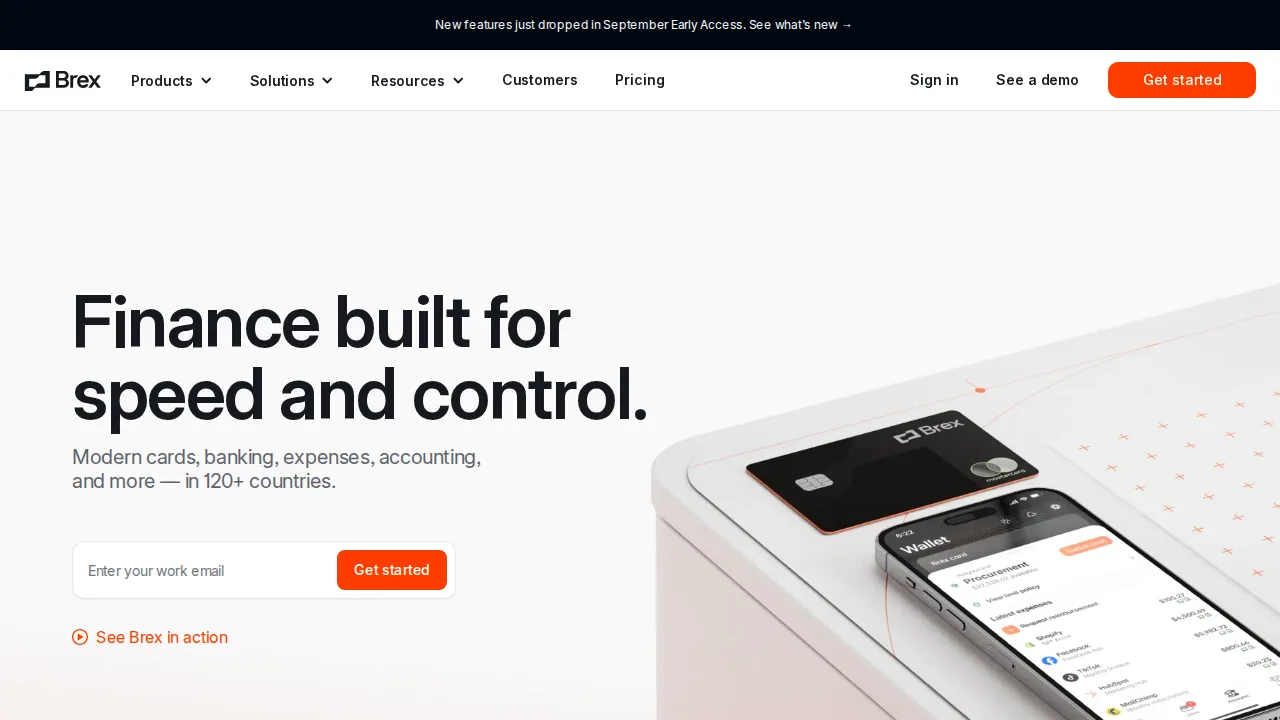
Ops note: Set up cards with policies in two countries and book a trip through Brex Travel. Check how reimbursements and receipts reconcile.
Site: Brex
Divvy · Expense management software
Ideal use: Small and mid-size businesses already using BILL for payables that want budgets-based cards and expenses in the same account. Divvy is now BILL Spend and Expense.
What works: BILL Spend and Expense is free to use, with budgets that give each team a spending allowance tied to virtual and physical cards. It integrates with BILL AP and accounting systems.
What breaks the deal: The rebrand to BILL has changed support and product structure, and reporting is less flexible than Ramp.
Pricing: Entry: $0/mo. Hidden cost: Bill.com spend; card and AP fees; credit approval required. Verify: bill.com/product/divvy.
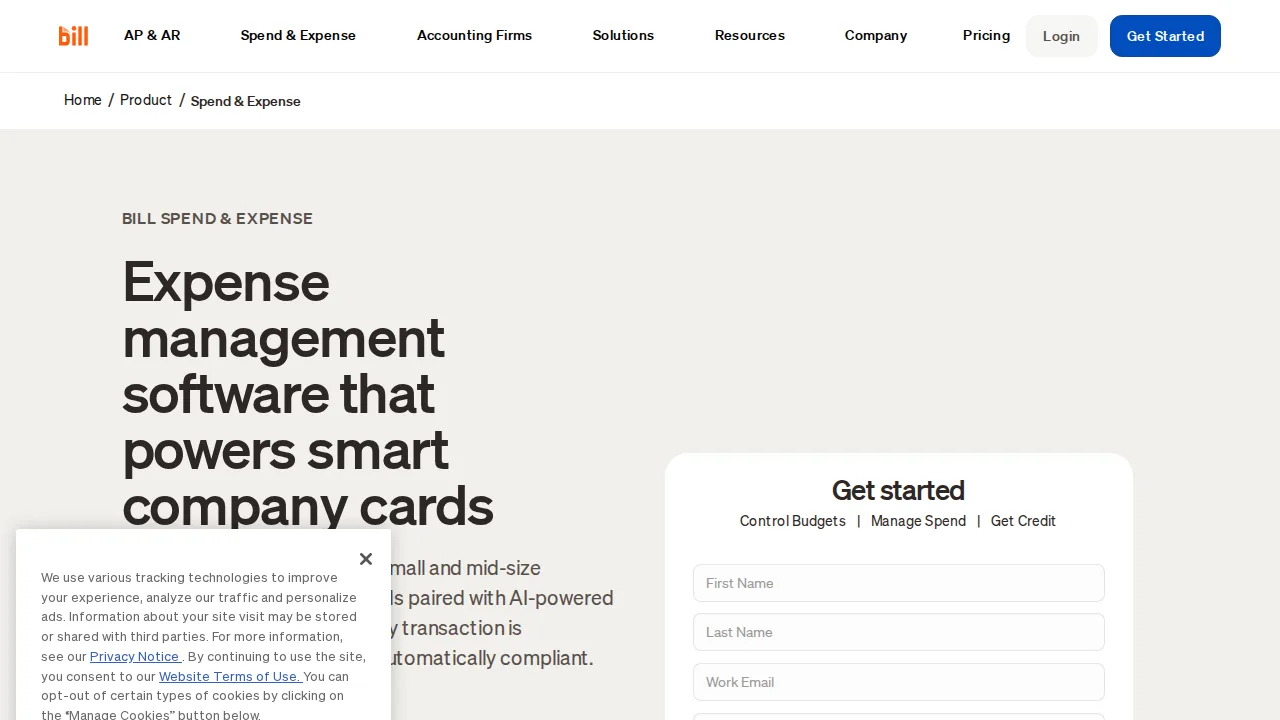
Ops note: Create budgets for two teams and issue cards, then run a month of spending. Check the sync with BILL AP and your accounting tool.
Site: Divvy
Concur · Expense management software
Ideal use: Large enterprises with complex travel and expense policies across many countries that need SAP integration.
What works: SAP Concur handles travel booking, expense audit, and invoice processing at global scale. Its policy engine and compliance features satisfy large auditors.
What breaks the deal: The user experience is dated and implementation takes months with SAP or partner involvement.
Pricing: Entry: Quote. Hidden cost: SAP Concur per employee; implementation and travel fees. Verify: concur.com/pricing.
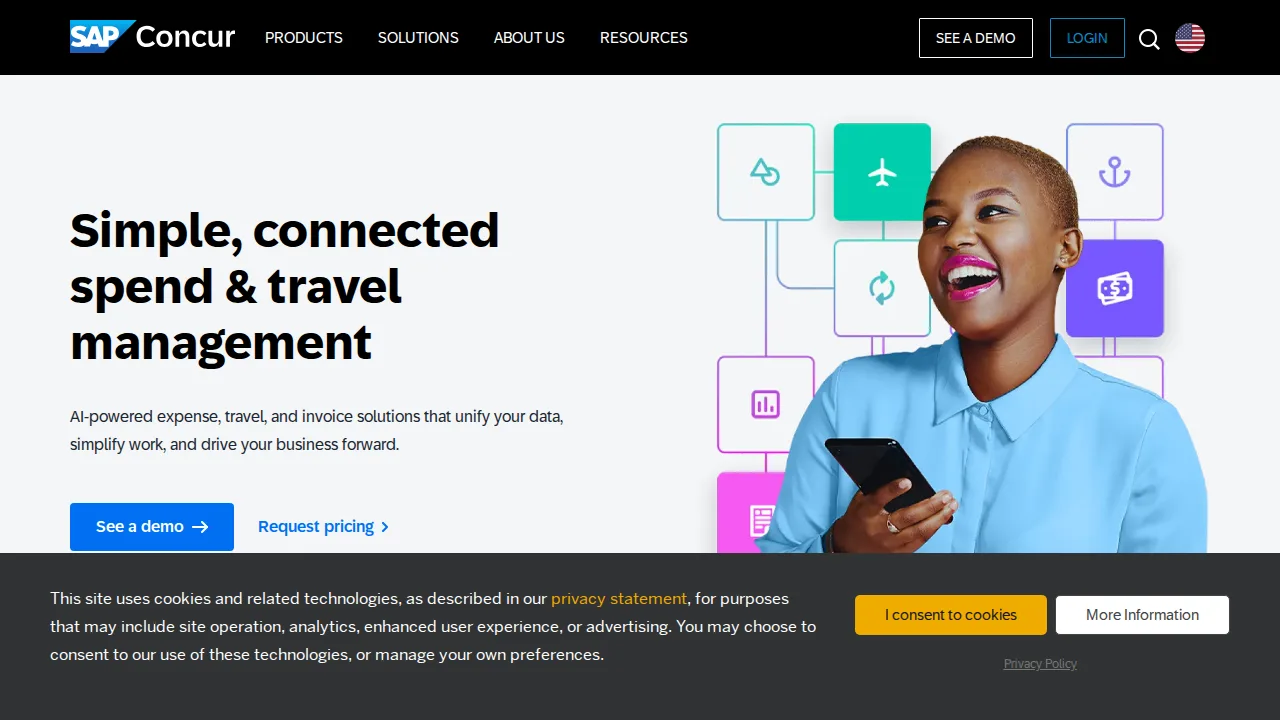
Ops note: Run a pilot with one department including travel booking and expense audit. Get an implementation estimate and timeline from SAP or a partner.
Site: Concur
Zoho Expense · Expense management software
Ideal use: Small and mid-size businesses, especially Zoho users, that want affordable expense reporting with travel and mileage.
What works: Zoho Expense offers receipt autoscan, mileage tracking with GPS, and travel requests at low per-user pricing. It integrates with Zoho Books, QuickBooks, and Xero for posting approved reports.
What breaks the deal: Corporate card features and spend controls are limited compared with Ramp or Brex.
Pricing: Entry: $5/user/mo. Hidden cost: Premium annual; free 3 users lite; travel booking fees. Verify: zoho.com/expense/pricing.
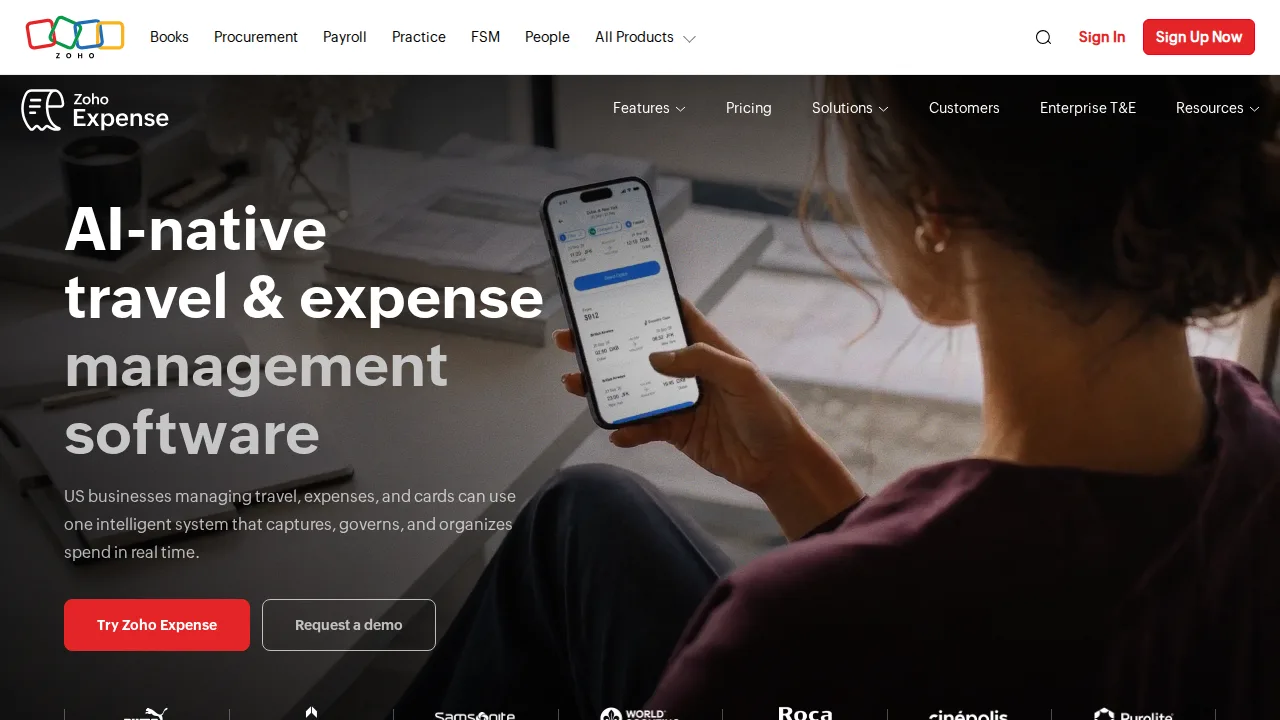
Ops note: Have a small team submit a month of receipts and mileage, route reports through approvals, and sync them to Zoho Books. Check how reimbursements are paid out.
Site: Zoho Expense
FreshBooks Expenses · Expense management software
Ideal use: FreshBooks customers who want to track expenses, receipts, and billable costs against client projects.
What works: FreshBooks Expenses imports bank transactions, scans receipts on mobile, and marks expenses billable to specific clients. Billable expenses flow straight into the next client invoice with markup if needed.
What breaks the deal: It is not built for employee reimbursement workflows or corporate cards at scale.
Pricing: Entry: $4.50/mo. Hidden cost: Per user add-on to FreshBooks; receipt capture limits. Verify: freshbooks.com/pricing/expenses.
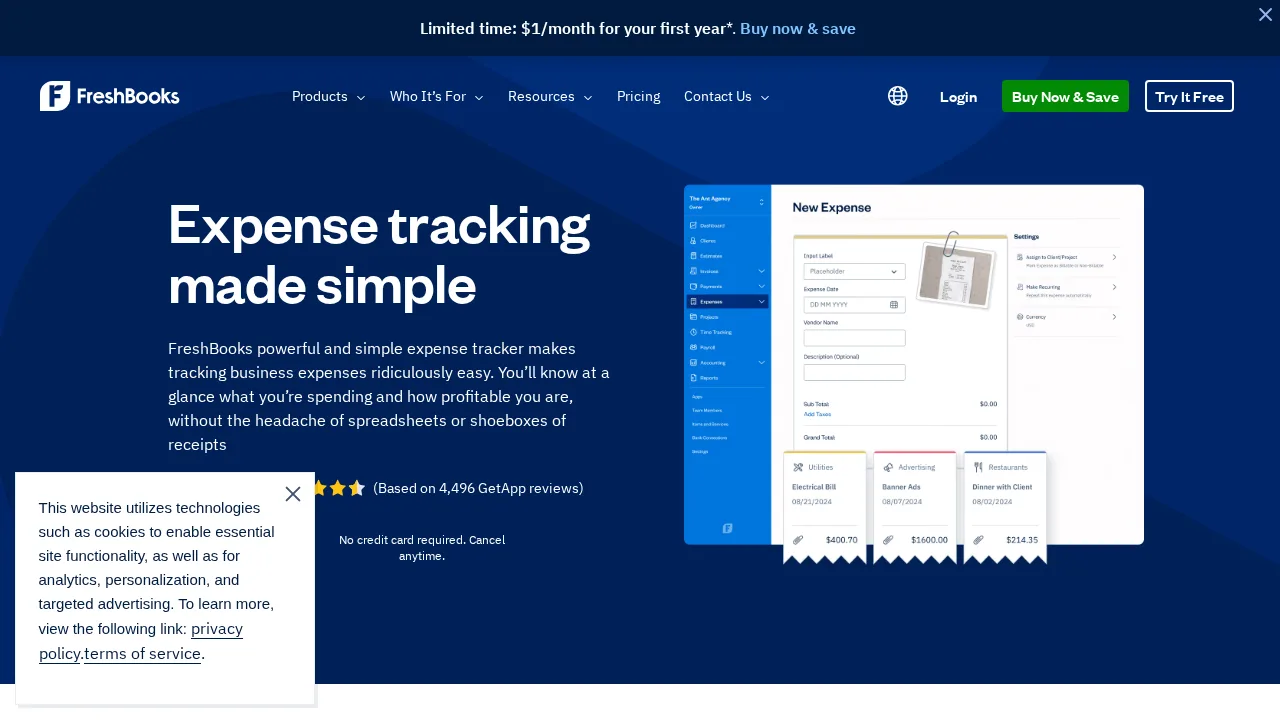
Ops note: Scan a week of receipts, mark some billable to a client with markup, and add them to an invoice. Check how categories map to your chart of accounts.
Site: FreshBooks Expenses
Summary table
| Name | Best for | Entry pricing | UX /10 |
|---|---|---|---|
| Expensify | Receipt scanning and reimbursements | $5/user/mo | 6.5 |
| Ramp | Free corporate cards with spend controls | $0/mo | 8.7 |
| Brex | Global startup cards and business accounts | $0/mo | 6.4 |
| Divvy | Budget-based cards alongside BILL payables | $0/mo | 8.9 |
| Concur | Global enterprise travel and expense | Quote | 8.0 |
| Zoho Expense | Affordable expense reporting for Zoho users | $5/user/mo | 7.6 |
| FreshBooks Expenses | Billable expenses on client invoices | $4.50/mo | 7.8 |
Quick verdict
Ramp is the best choice for US companies that want free corporate cards with policy controls enforced before purchases happen. Expensify suits teams with traveling employees who scan receipts and need fast reimbursements. Large enterprises with complex global travel policies and SAP systems should use Concur.
Close a real month of expenses in the trial and compare reconciliation time with your current process. Check card eligibility, underwriting, and cash requirements before you plan a rollout, since not every company qualifies.
Free checks on Lagnis
Before you sign a expense management software contract, run your numbers with finance expense report leakage. Same browser session, no account.
Related comparisons
- Best Online bookkeeping services (2026): 7 tools compared
- Best Inventory management software (2026): 7 tools compared
- Best POS systems (2026): 7 tools compared
FAQ
Why only 7 tools? We cut duplicate workflows; seven profiles stay readable.
Affiliate links fund hosting; listed flaws are from field testing patterns, not sponsor edits.
Pricing figures are list-tier snapshots; confirm checkout totals before you commit to annual billing.