Best Form builders (2026): 7 tools compared
Form builders quietly run a lot of business: lead capture, event registration, order forms, job applications, and patient intake. When a form breaks, you lose submissions without noticing, and when it stores sensitive data in the wrong place, you inherit a compliance problem. Some builders focus on payments and approval workflows, others on HIPAA-grade security, and several live entirely inside WordPress. We compared seven builders so you can match the tool to what your forms actually collect.
Head-to-head picks
Affiliate links may fund free Lagnis Tools; picks require a public partner program.
Seven vendors below with disclosed affiliate or partner programs. Each block: fit, strengths, blocker, pricing.
We evaluated the builder experience, conditional logic and calculations, payment integrations, compliance options such as HIPAA, approval workflows, submission limits, and pricing by plan. We also looked at where submissions are stored and how cleanly they export to spreadsheets, CRMs, and databases.
Jotform · Form builders
Ideal use: Small businesses, nonprofits, and healthcare offices that need forms with payments, e-signatures, and approval workflows.
What works: Jotform has thousands of templates, 30-plus payment integrations, HIPAA-compliant plans, and approval flows. Jotform Tables and apps turn submissions into lightweight databases.
What breaks the deal: Submission limits on lower plans are tight and the builder's many options can overwhelm.
Pricing: Entry: $34/mo. Hidden cost: Bronze annual; submission limits; HIPAA on Gold+. Verify: jotform.com/pricing.
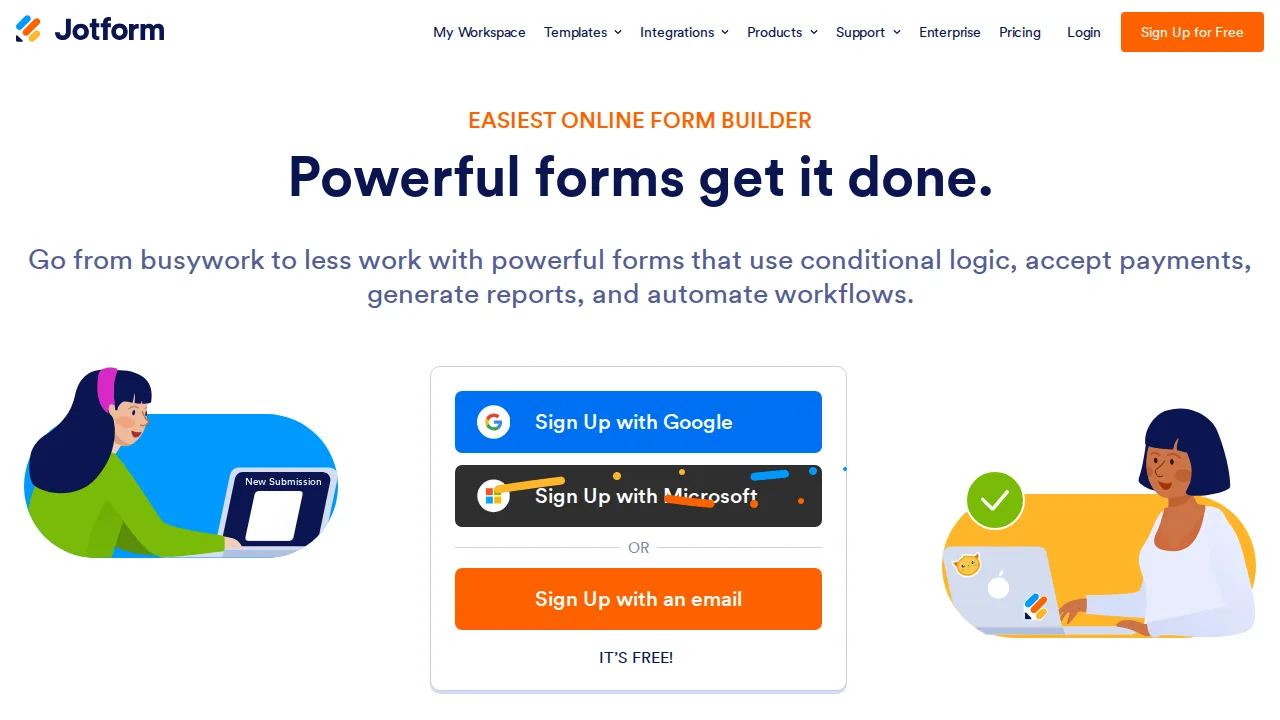
Ops note: Build an intake form with payment and signature, route it through an approval flow, and submit it yourself. Check the monthly submission limit.
Site: Jotform
Typeform · Form builders
Ideal use: Marketers and product teams that want conversational, one-question-at-a-time forms and surveys that people actually finish.
What works: Typeform's one-question layout and smooth design produce higher completion rates for short forms. Logic jumps, hidden fields, and integrations with HubSpot and Slack suit lead capture.
What breaks the deal: Response caps per plan are low, and long surveys feel slow in the one-question format.
Pricing: Entry: $25/mo. Hidden cost: Basic 100 responses/mo; Business $50 for logic. Verify: typeform.com/pricing.

Ops note: Rebuild one existing lead or feedback form in Typeform and A/B test completion rate against the original. Check your monthly response count against plan limits.
Site: Typeform
Wufoo · Form builders
Ideal use: Small teams that need simple, reliable online forms with basic payment collection and have used Wufoo for years.
What works: Wufoo, owned by SurveyMonkey, is simple to set up and has been dependable for over a decade. Its rule builder, payment integrations, and reports cover basic needs.
What breaks the deal: The product has seen little modernization, and templates and pricing look dated beside Jotform or Cognito Forms.
Pricing: Entry: $14.08/mo. Hidden cost: Starter 100 entries; overage or upgrade; SurveyMonkey owned. Verify: wufoo.com/pricing.
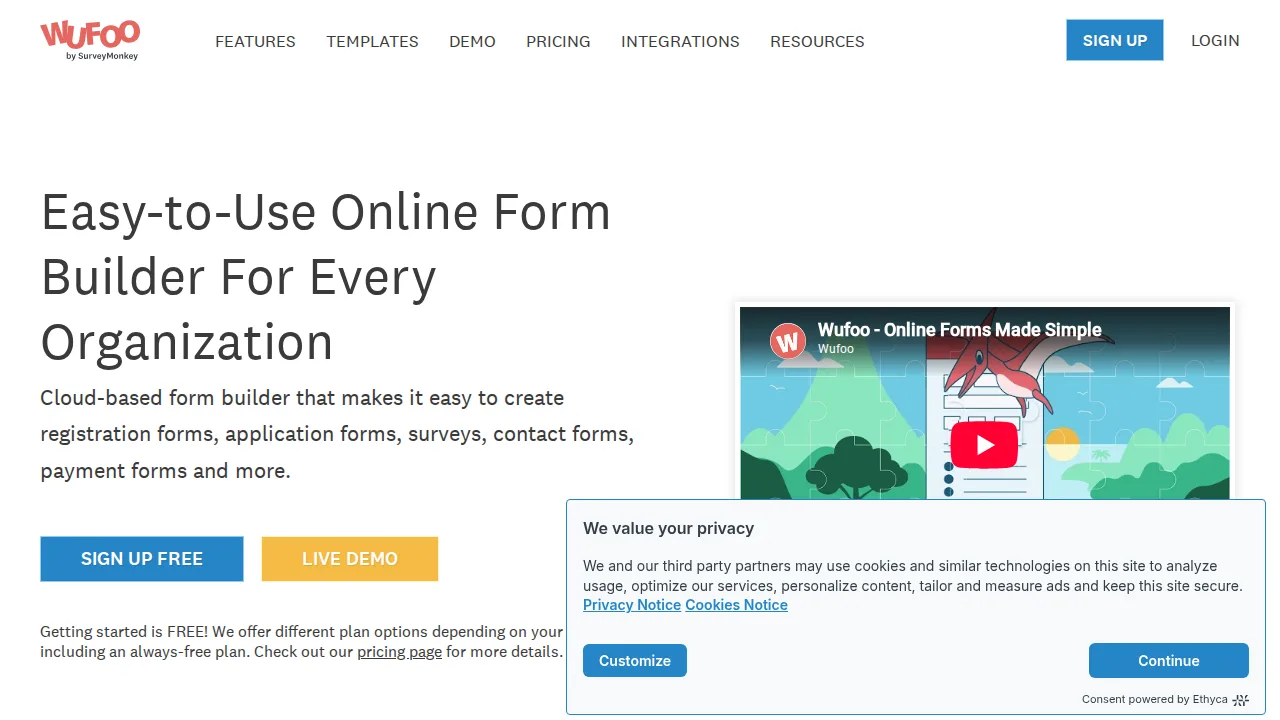
Ops note: Build a registration form with payment and a conditional rule, then check the mobile layout. Compare monthly entry limits and price with Jotform.
Site: Wufoo
Formstack · Form builders
Ideal use: Healthcare, financial services, and government teams that need secure, compliant forms tied to document generation and e-signatures.
What works: Formstack offers HIPAA-compliant forms, document generation, and e-signatures in one platform. Workflows route submissions for approval and populate PDFs or Word templates automatically.
What breaks the deal: Pricing climbs quickly once you add Documents and Sign to Forms.
Pricing: Entry: $83/mo. Hidden cost: Forms Starter billed annually; Sign and Docs separate products. Verify: formstack.com/pricing.
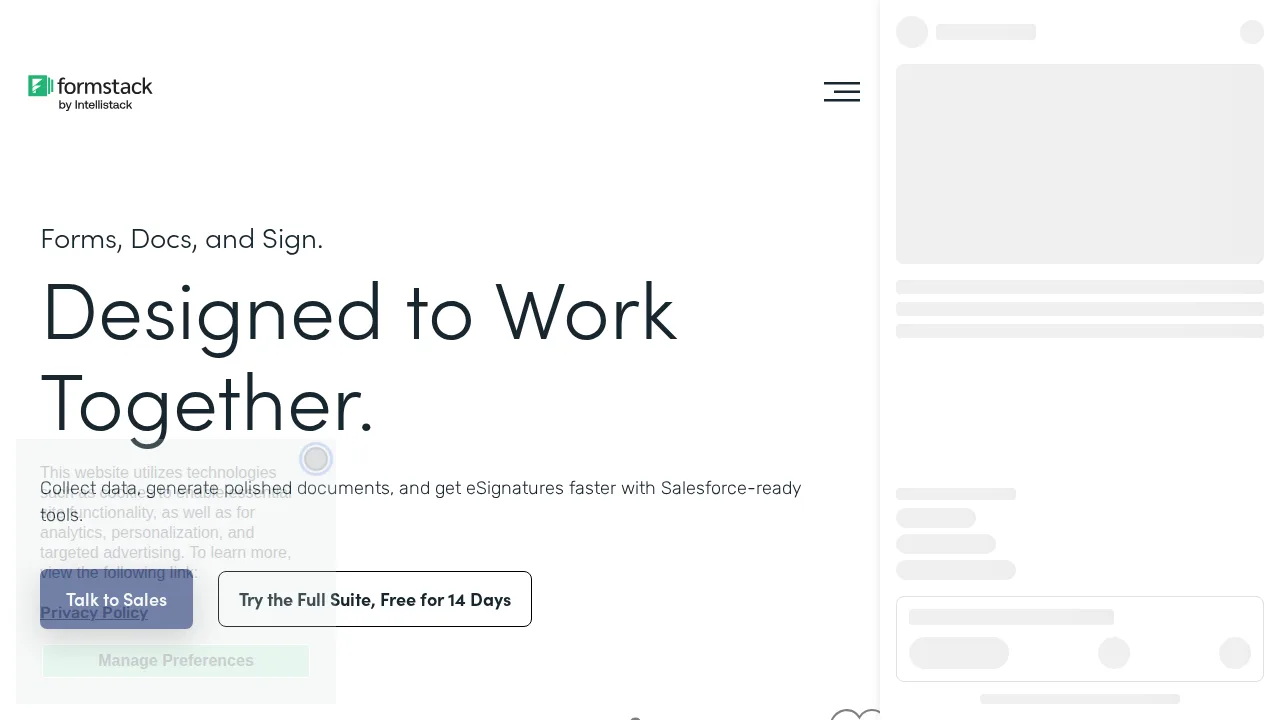
Ops note: Build a HIPAA intake form that generates a PDF and sends it for signature, then submit a test. Price out the bundle you would need.
Site: Formstack
Gravity Forms · Form builders
Ideal use: WordPress developers and agencies that need advanced forms with calculations, conditional logic, and add-ons.
What works: Gravity Forms supports complex calculations, conditional logic, and multi-page forms, and its add-ons connect to payments, CRMs, and user registration. Developers can extend it with hooks.
What breaks the deal: It is a paid plugin with no free version, and the admin interface is less friendly than WPForms.
Pricing: Entry: $59/year. Hidden cost: Basic 1 site; Pro $159 and Elite $259; add-ons separate. Verify: gravityforms.com/pricing.
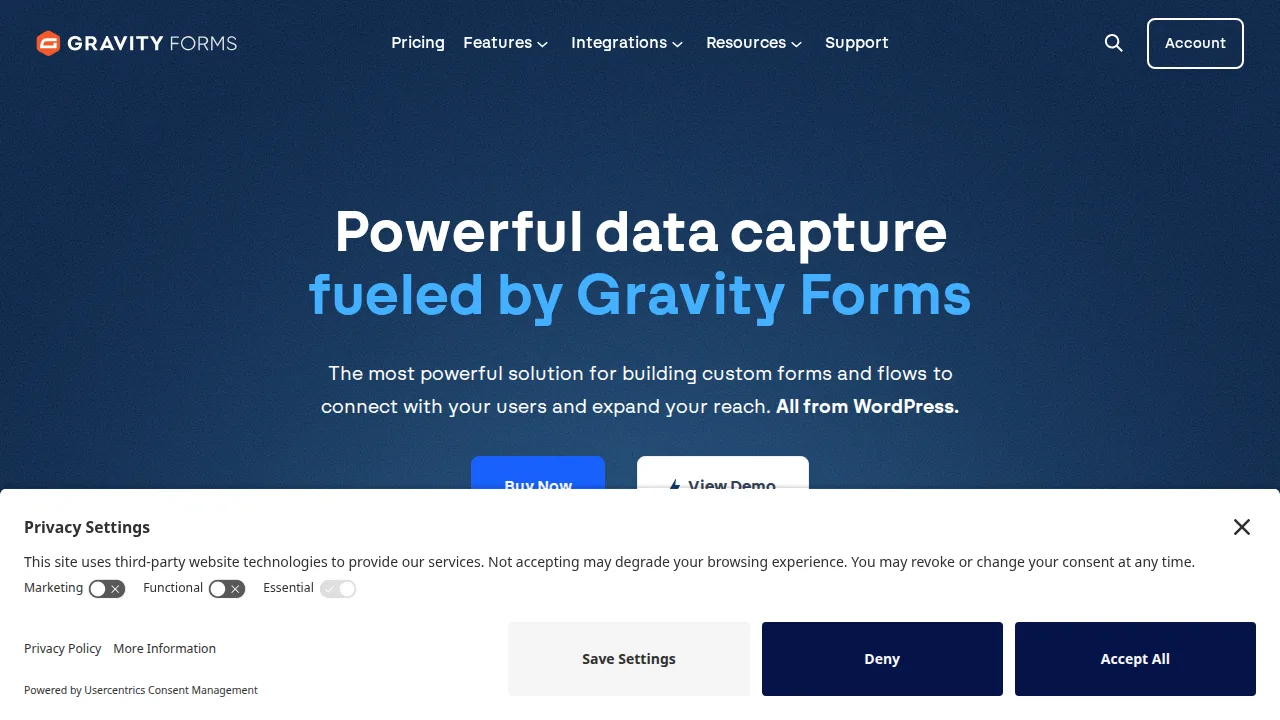
Ops note: Build a quote calculator with conditional fields and a Stripe add-on on a staging site. Test it with your theme and caching plugin.
Site: Gravity Forms
WPForms · Form builders
Ideal use: WordPress site owners and small businesses that want an easy drag-and-drop form builder with templates.
What works: WPForms has a beginner-friendly drag-and-drop builder, hundreds of templates, and a free Lite version. Pro adds Stripe and PayPal payments, surveys, and marketing integrations.
What breaks the deal: Many useful features require higher tiers, and upsell prompts appear in the dashboard.
Pricing: Entry: $49.50/year. Hidden cost: Basic 1 site; Pro $199.50; entries cap on Basic. Verify: wpforms.com/pricing.
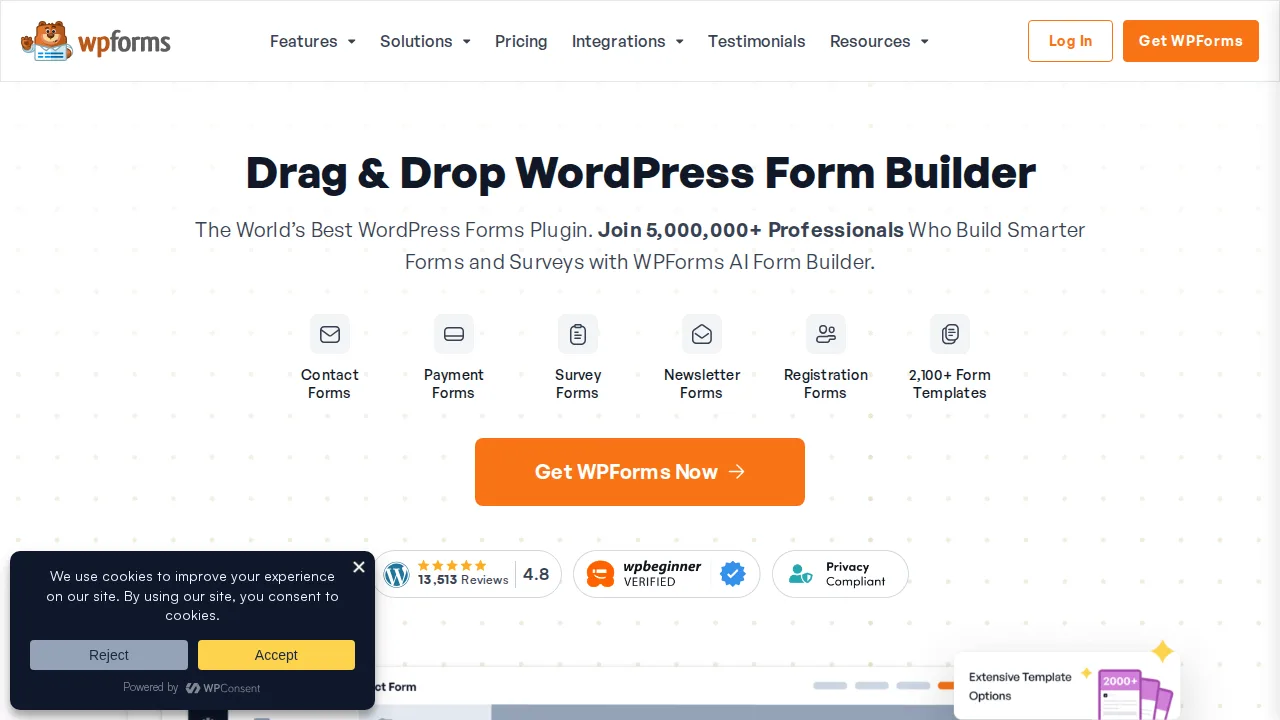
Ops note: Install WPForms Lite, build a contact form from a template, and test email notifications. Check which Pro features you would need.
Site: WPForms
Cognito Forms · Form builders
Ideal use: Small businesses, schools, and nonprofits that need forms with calculations, repeating sections, and payments at a low price.
What works: Cognito Forms' free plan includes calculations, repeating sections, and payment collection, which rivals usually charge for. Workflows and entry sharing handle approvals and multi-person forms.
What breaks the deal: Design options and branding control are limited compared with Jotform or Typeform.
Pricing: Entry: $15/mo. Hidden cost: Individual 50 entries/mo; Pro unlimited entries higher. Verify: cognitoforms.com/pricing.
Ops note: Build an order form with a repeating section and calculated total, and take a test payment. Set up a simple approval workflow.
Site: Cognito Forms
Summary table
| Name | Best for | Entry pricing | UX /10 |
|---|---|---|---|
| Jotform | Forms with payments, e-signatures, and approvals | $34/mo | 8.0 |
| Typeform | Conversational forms with high completion | $25/mo | 7.6 |
| Wufoo | Long-running simple online forms | $14.08/mo | 6.5 |
| Formstack | Compliant forms with document generation | $83/mo | 8.8 |
| Gravity Forms | Advanced WordPress forms for developers | $59/year | 8.4 |
| WPForms | Beginner-friendly drag-and-drop WordPress forms | $49.50/year | 8.4 |
| Cognito Forms | Calculations and payments on a free plan | $15/mo | 6.8 |
Quick verdict
Jotform is the most versatile choice, combining payments, e-signatures, and approval flows in one builder with thousands of templates. Formstack suits healthcare, finance, and government teams that need compliant forms tied to document generation. WordPress developers who need calculations, multi-page logic, and hooks should use Gravity Forms.
Submit real test entries through every form you plan to build, including a payment, and confirm notifications, receipts, and exports all work. Compare monthly submission limits against your busiest month, such as an event registration peak, rather than an average one.
Free checks on Lagnis
Before you sign a form builders contract, run your numbers with json formatter. Same browser session, no account.
Related comparisons
- Best E-signature software (2026): 7 tools compared
- Best Tax preparation software (2026): 7 tools compared
- Best Expense management software (2026): 7 tools compared
FAQ
Why only 7 tools? We cut duplicate workflows; seven profiles stay readable.
Affiliate links fund hosting; listed flaws are from field testing patterns, not sponsor edits.
Pricing figures are list-tier snapshots; confirm checkout totals before you commit to annual billing.