Best Project management software (2026): 7 tools compared
Project management tools promise one source of truth, yet many teams end up with half their work in the tool and half in chat threads and spreadsheets. The real difference between products is not feature count but how quickly a busy team adopts them and whether managers can see status without chasing people. Some tools favor visual boards, others spreadsheet grids, and others client billing. We picked seven that each fit a distinct way of working.
Head-to-head picks
Affiliate links may fund free Lagnis Tools; picks require a public partner program.
Seven vendors below with disclosed affiliate or partner programs. Each block: fit, strengths, blocker, pricing.
We rated each tool on setup time for a real project, clarity of dependencies and timelines, reporting across projects, automation limits, and how pricing changes between tiers. We weighted adoption heavily, since an unused tool has no value regardless of its feature list.
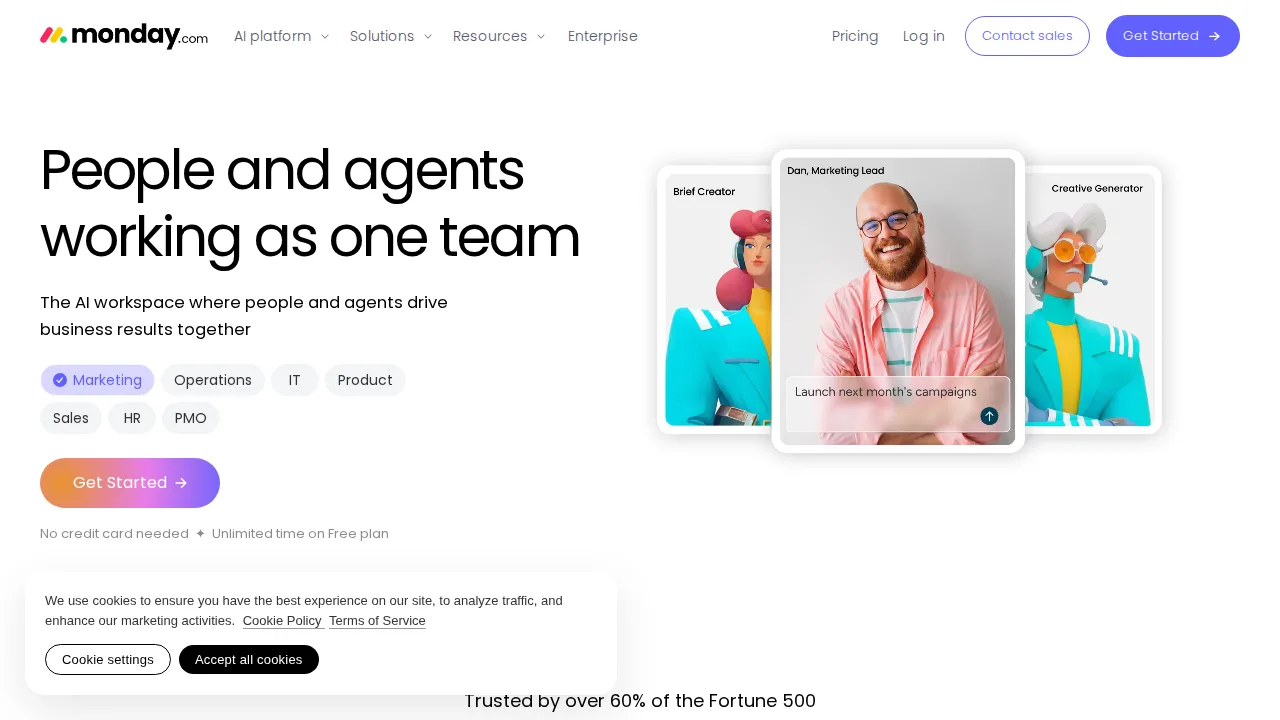
monday.com · Project management software
Ideal use: Marketing, operations, and agency teams that want colorful boards, dashboards, and automations they can configure without an admin or consultant.
What works: Board views switch between table, Kanban, Gantt, and calendar without rebuilding data, and the automation recipes read like plain sentences. Dashboards roll up status across many boards for leadership reporting.
What breaks the deal: Seats are sold in fixed bundles and many automations and integrations are capped by plan, so cost climbs faster than headcount.
Pricing: Entry: $9/seat/mo. Hidden cost: Basic, 3-seat minimum billed; automations capped. Verify: monday.com pricing.
Ops note: Rebuild one live project with its real columns and set up two automations, such as status change notifications. Check your monthly automation action count after a week of real use.
Site: monday.com
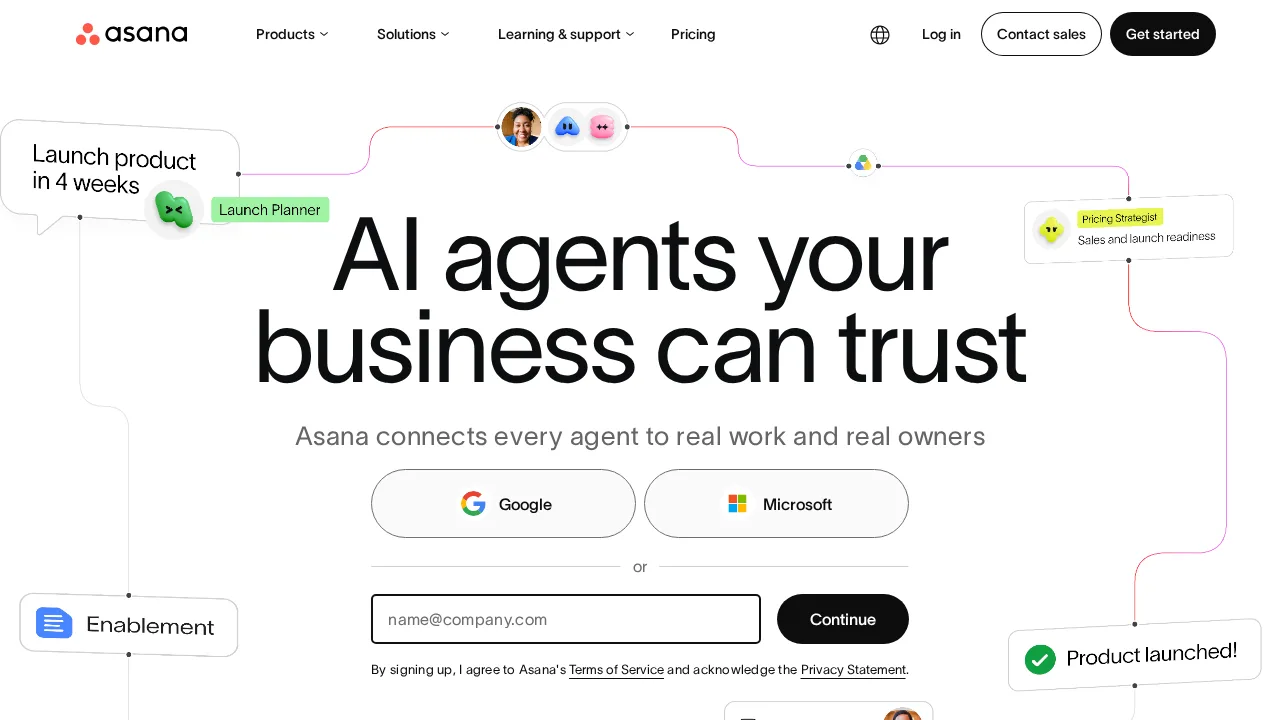
Asana · Project management software
Ideal use: Cross-functional teams of 10 to 500 that coordinate launches and campaigns across departments and need clear owners, dependencies, and goals.
What works: Asana's task model with multi-homing lets one task live in several projects, which keeps shared work from being duplicated. Timeline, workload, and Goals views give managers a real picture of capacity and progress.
What breaks the deal: Key features like timeline, rules, and portfolios sit behind paid tiers, and the jump from Starter to Advanced is steep.
Pricing: Entry: $10.99/user/mo. Hidden cost: Starter annual; Timeline on Advanced $24.99. Verify: asana.com pricing.
Ops note: Map one upcoming launch with dependencies across two teams and check the timeline view when you slip one date. Ask a colleague outside the project to find its status without help.
Site: Asana
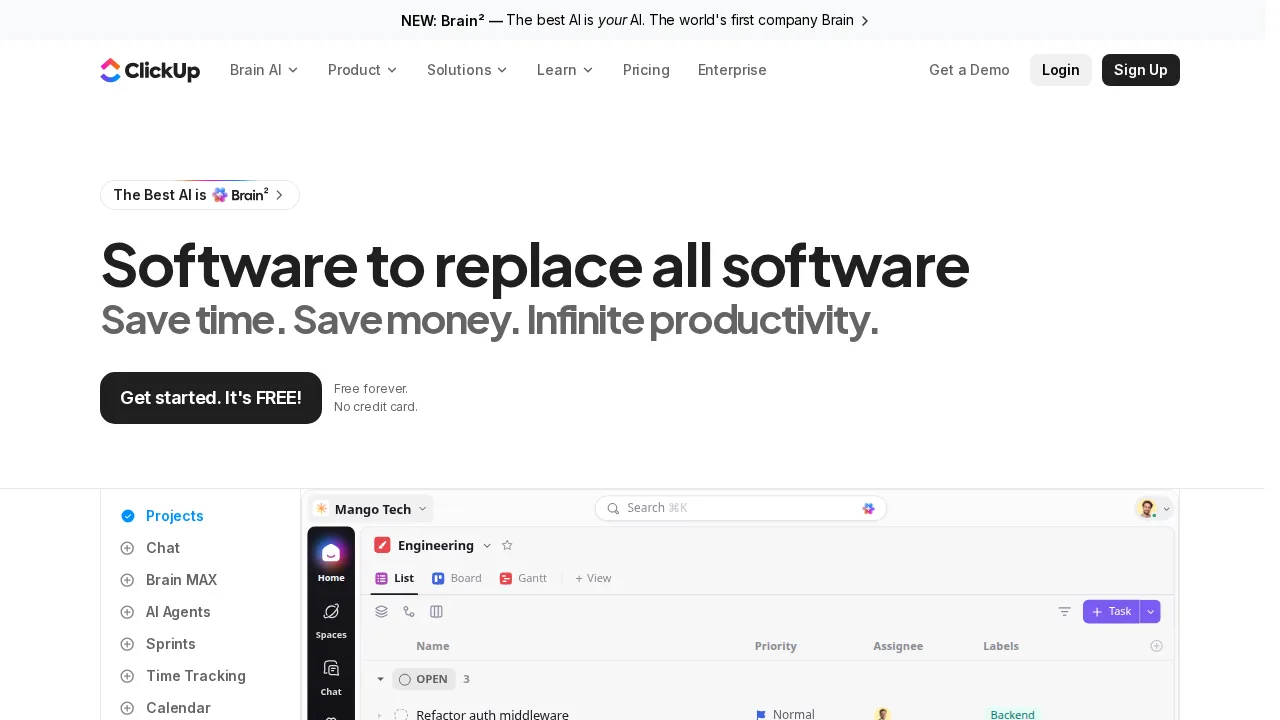
ClickUp · Project management software
Ideal use: Startups and agencies that want tasks, docs, whiteboards, goals, and time tracking in one tool instead of paying for five apps.
What works: ClickUp packs nested subtasks, custom fields, docs, and built-in time tracking into every workspace, and the free plan is unusually generous. Its many views let engineers, designers, and managers work from the same data their own way.
What breaks the deal: The breadth creates a steep learning curve and occasional sluggishness in large workspaces, so rollout needs deliberate setup.
Pricing: Entry: $7/user/mo. Hidden cost: Unlimited annual; AI $7 add-on per user. Verify: clickup.com pricing.
Ops note: Import a real project from CSV and have three people use it for a week, logging time directly on tasks. Note how long a large list view takes to load on an average laptop.
Site: ClickUp
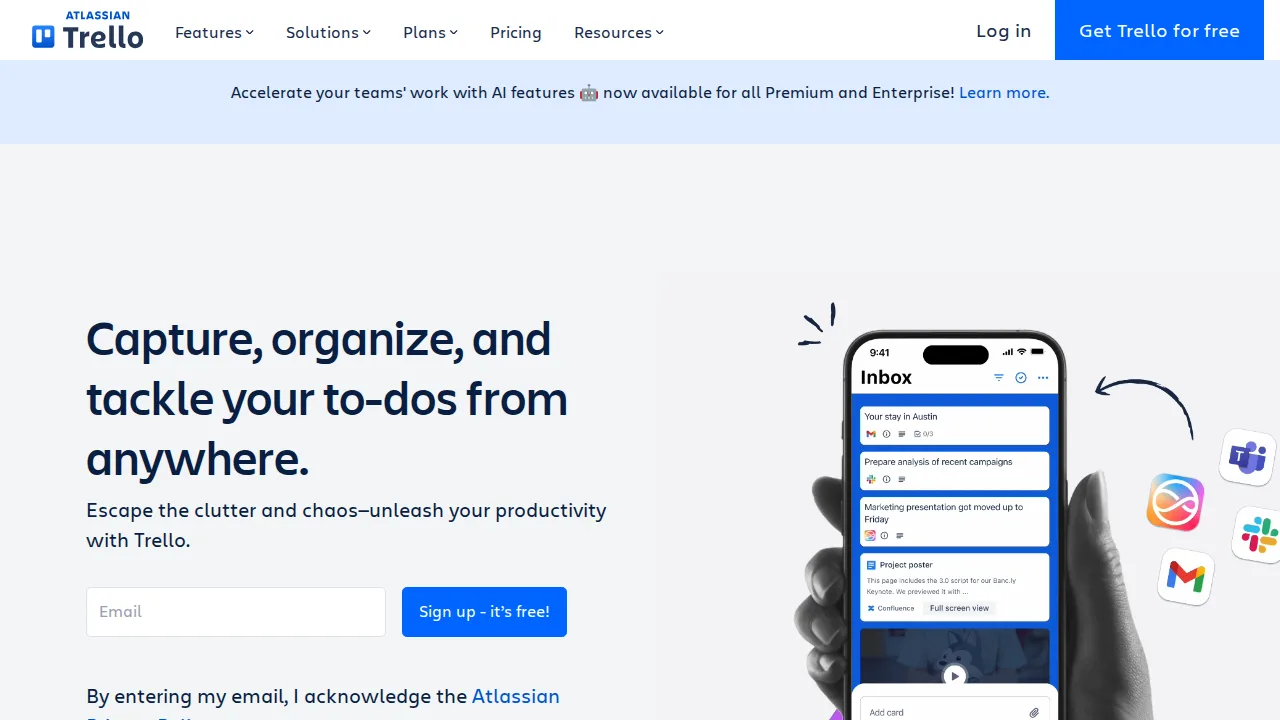
Trello (Atlassian) · Project management software
Ideal use: Small teams, freelancers, and personal projects that think in Kanban cards and want a board running in minutes.
What works: Cards, lists, and drag-and-drop make Trello the fastest tool on this list to learn, and Butler automation handles repetitive card moves. Power-Ups connect boards to Slack, Google Drive, and Jira without code.
What breaks the deal: Reporting, dependencies, and portfolio views are thin, so Trello stops scaling once projects need cross-board planning.
Pricing: Entry: $5/user/mo. Hidden cost: Standard; Enterprise SSO separate. Verify: trello.com/pricing.
Ops note: Set up a board for one real workflow and add a Butler rule that moves cards when a checklist completes. After two weeks, check whether you are missing any reporting you need.
Site: Trello (Atlassian)
Wrike · Project management software
Ideal use: Mid-size and enterprise PMOs, creative services, and marketing operations that need request forms, proofing, and resource planning in one place.
What works: Wrike's request forms turn intake into structured tasks with the right fields and assignees automatically. Built-in proofing lets reviewers annotate images and videos directly on the task.
What breaks the deal: The interface is dense and admin setup is heavy, so small teams rarely use enough of it to justify the price.
Pricing: Entry: $10/user/mo. Hidden cost: Team; proofing on Business. Verify: wrike.com pricing.
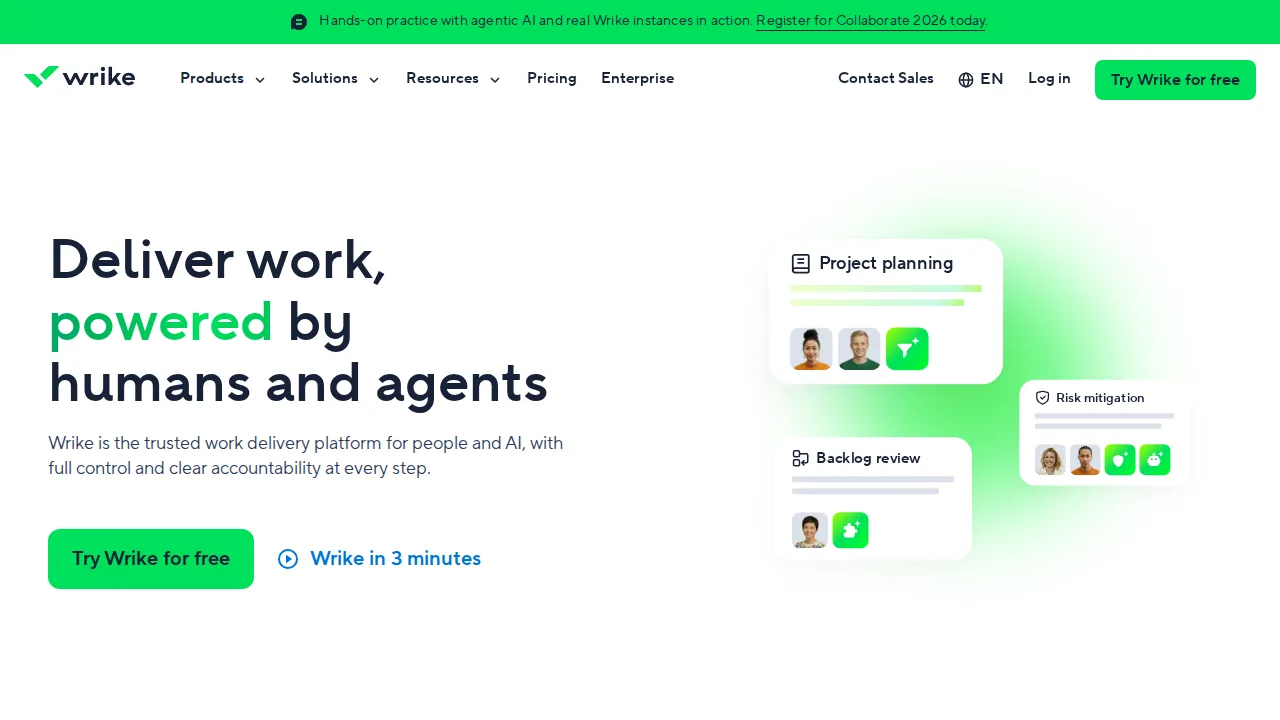
Ops note: Build one request form for a common job type and submit five sample requests. Have a reviewer proof a real asset and check how comments land for the designer.
Site: Wrike
Smartsheet · Project management software
Ideal use: Operations, construction, and enterprise program teams that already run projects in spreadsheets and want Gantt, automation, and reporting on top.
What works: The grid behaves like a spreadsheet, so Excel-heavy teams adopt it quickly, and cell-linking lets summary sheets pull live data across projects. Control Center and dynamic views suit large portfolio rollouts.
What breaks the deal: Advanced capabilities are sold as premium add-ons, and the grid feels dated next to newer board-first tools.
Pricing: Entry: $7/user/mo. Hidden cost: Pro min 3 users; Business for admin. Verify: smartsheet.com/pricing.
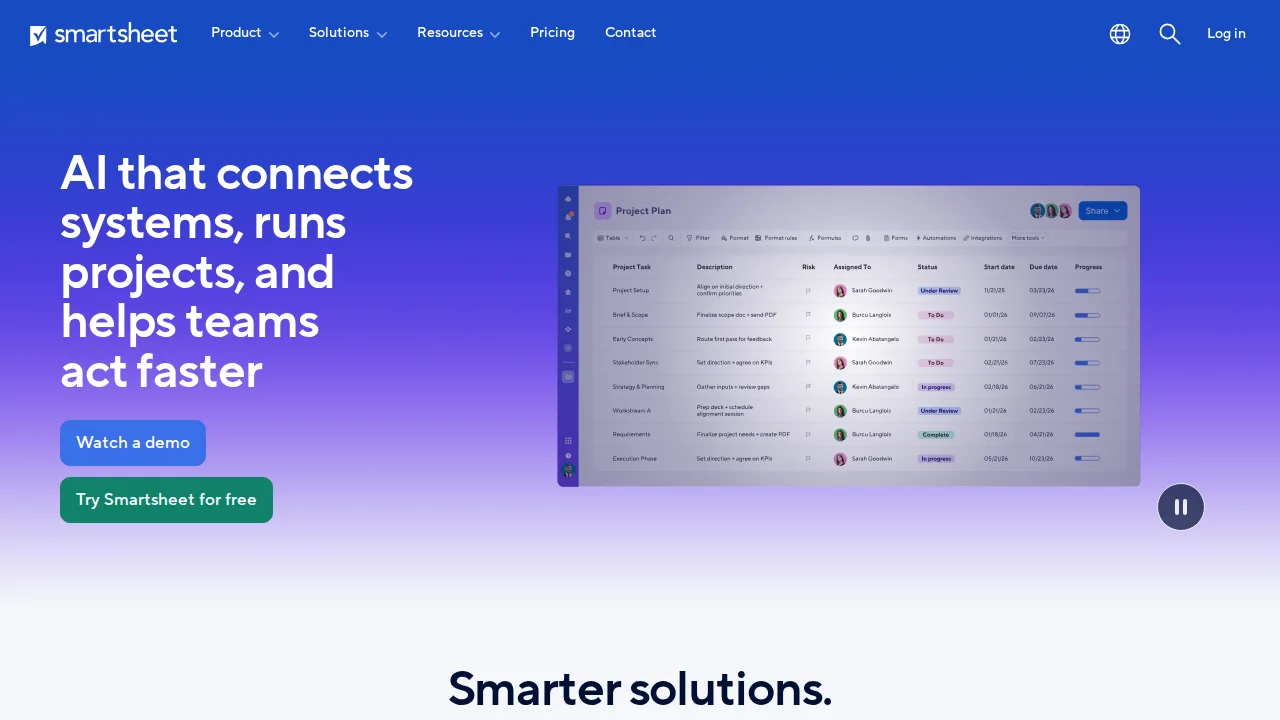
Ops note: Import your current project tracker from Excel and build a summary sheet that links key dates. Change one date in a source sheet and confirm the rollup updates correctly.
Site: Smartsheet
Teamwork.com · Project management software
Ideal use: Client-service agencies and consultancies that bill by the hour and want project management, time tracking, and invoicing tied together.
What works: Teamwork.com treats clients as first-class objects, with client users, budgets, and profitability reports built around billable work. Time logged on tasks flows straight into invoices.
What breaks the deal: In-house product or engineering teams will find the client-billing focus adds friction they do not need.
Pricing: Entry: $10.99/user/mo. Hidden cost: Deliver annual; scale on Grow. Verify: teamwork.com/pricing.
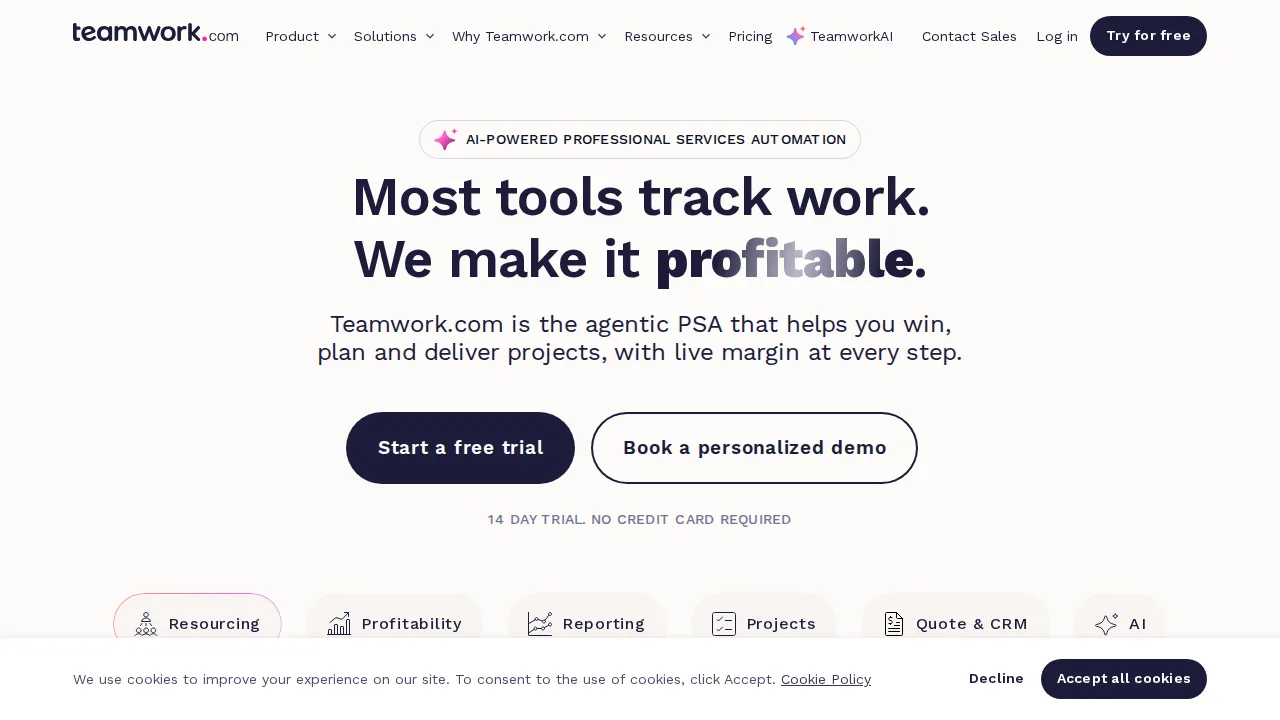
Ops note: Set up one retainer client with a budget and log a week of time against it. Generate an invoice and a profitability report and compare them with your current spreadsheet.
Site: Teamwork.com
Summary table
| Name | Best for | Entry pricing | UX /10 |
|---|---|---|---|
| monday.com | Visual boards with no-code automations | $9/seat/mo | 8.7 |
| Asana | Cross-team launches with clear ownership | $10.99/user/mo | 6.9 |
| ClickUp | All-in-one work hub on a budget | $7/user/mo | 7.6 |
| Trello (Atlassian) | Simple Kanban boards anyone can learn | $5/user/mo | 7.8 |
| Wrike | Intake forms, proofing, and PMO control | $10/user/mo | 8.6 |
| Smartsheet | Spreadsheet-style planning for large programs | $7/user/mo | 8.7 |
| Teamwork.com | Client work with billable time and budgets | $10.99/user/mo | 7.6 |
Quick verdict
Asana is the best fit for cross-functional launches where clear ownership and dependencies matter across departments. monday.com suits operations and marketing teams that want visual boards and simple automations without an admin. Small teams that just need Kanban should start with Trello, while agencies billing by the hour will get more from Teamwork.com.
Pilot with one real project and at least two teams for two weeks rather than a sandbox demo. Price the tier that includes timelines, automations, and reporting you actually need, because entry plans often leave out the features that sold you in the demo.
Free checks on Lagnis
Before you sign a project management software contract, run your numbers with meeting cost calculator, work hours calculator. Same browser session, no account.
Related comparisons
- Best Accounting software (2026): 7 tools compared
- Best Invoicing software (2026): 7 tools compared
- Best CRM software (2026): 7 tools compared
FAQ
Why only 7 tools? We cut duplicate workflows; seven profiles stay readable.
Affiliate links fund hosting; listed flaws are from field testing patterns, not sponsor edits.
Pricing figures are list-tier snapshots; confirm checkout totals before you commit to annual billing.