Best Survey tools (2026): 7 tools compared
A survey tool is only as good as the answers it gets back, so completion rate and question logic matter more than template counts. Free form builders handle quick polls and quizzes well, while market research needs quotas, panels, and methods like conjoint or MaxDiff. Many paid tools lock logic, exports, and higher response limits behind annual team plans. We compared seven tools from free to enterprise so you can match the tool to the stakes of the research.
Head-to-head picks
Affiliate links may fund free Lagnis Tools; picks require a public partner program.
Seven vendors below with disclosed affiliate or partner programs. Each block: fit, strengths, blocker, pricing.
We compared question types and branching logic, respondent experience on mobile, analysis and export options, integrations, response caps, and pricing by plan. We also considered access to paid respondent panels for teams that need answers from outside their own lists.
SurveyMonkey · Survey tools
Ideal use: Marketing, HR, and research teams that run customer, employee, and market surveys and want benchmarks and a large template library.
What works: SurveyMonkey's question bank and industry benchmarks let you compare scores like NPS against peers. Its Audience panel buys targeted respondents for market research from the same account.
What breaks the deal: Useful features like logic, exports, and response limits are locked behind annual team plans.
Pricing: Entry: $25/user/mo. Hidden cost: Team Advantage annual; response limits on lower. Verify: surveymonkey.com/pricing.
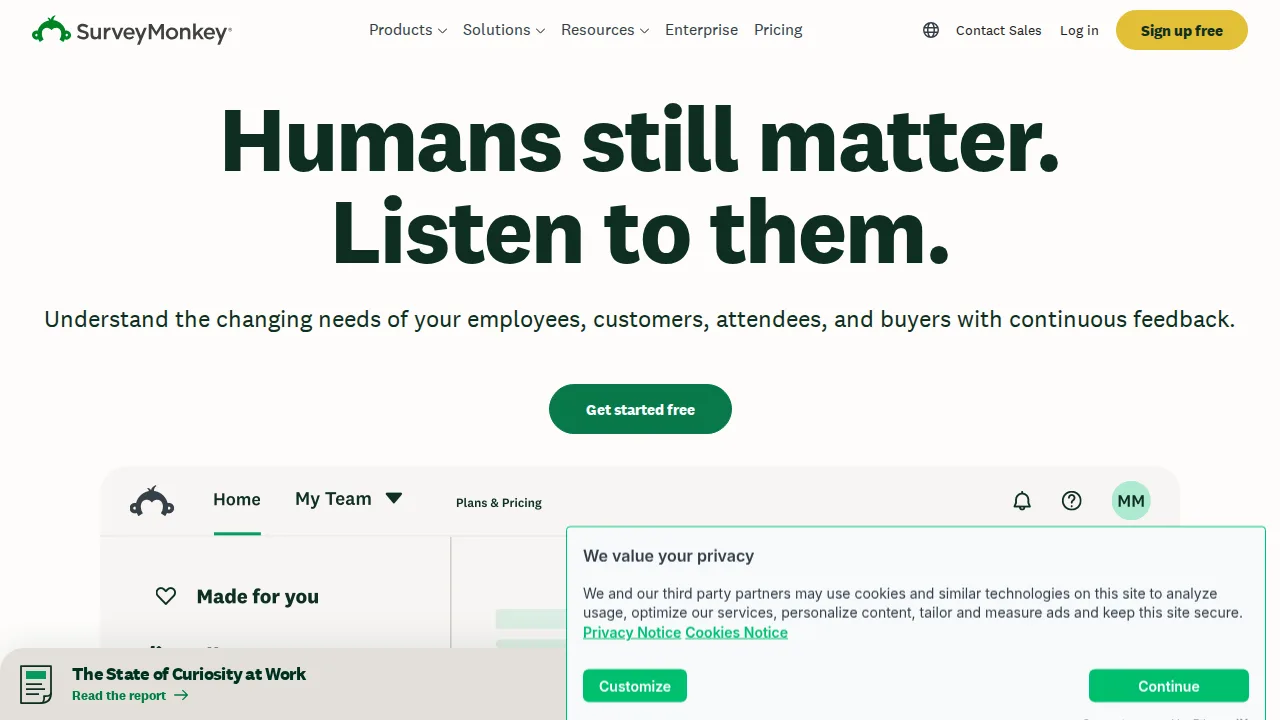
Ops note: Build an NPS survey from the question bank, send it to a real customer list, and compare results with the benchmark. Price an Audience panel for 200 respondents in your target market.
Site: SurveyMonkey
Typeform · Survey tools
Ideal use: Marketers and product teams that want conversational, one-question-at-a-time forms and surveys that people actually finish.
What works: Typeform's one-question layout and smooth design produce higher completion rates for short forms. Logic jumps, hidden fields, and integrations with HubSpot and Slack suit lead capture.
What breaks the deal: Response caps per plan are low, and long surveys feel slow in the one-question format.
Pricing: Entry: $25/mo. Hidden cost: Basic 100 responses/mo; Business $50 for logic. Verify: typeform.com/pricing.
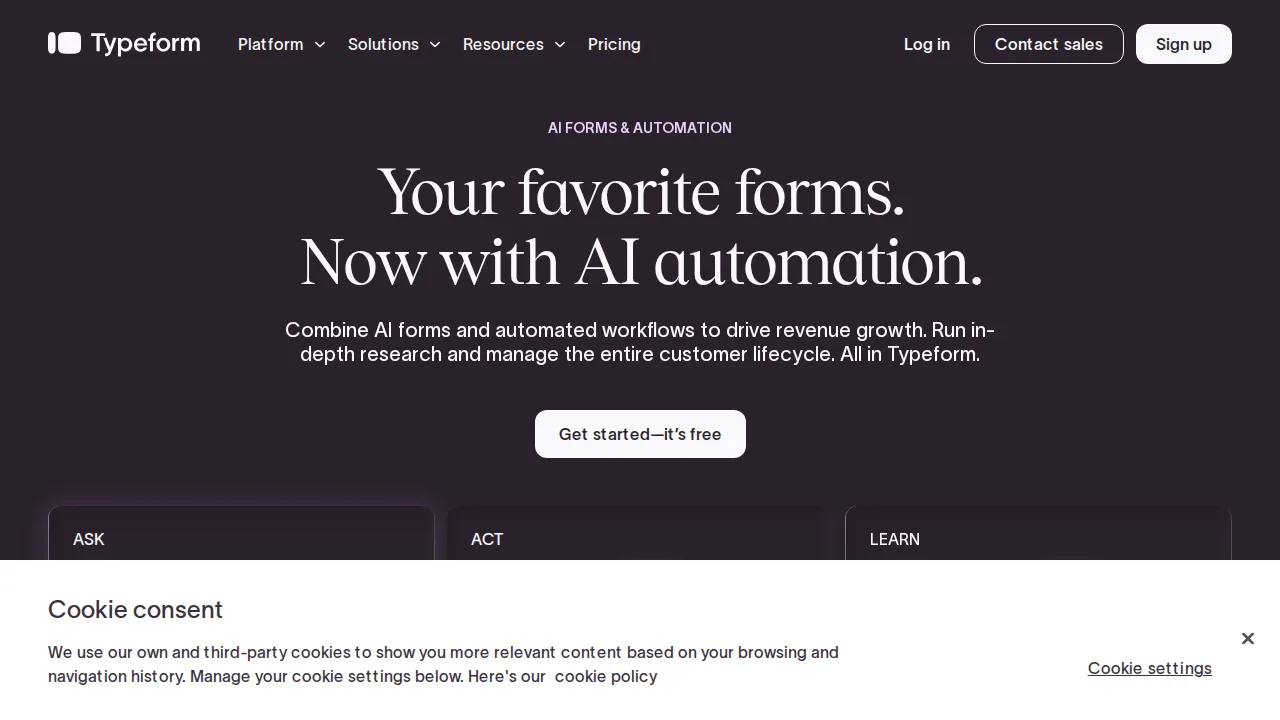
Ops note: Rebuild one existing lead or feedback form in Typeform and A/B test completion rate against the original. Check your monthly response count against plan limits.
Site: Typeform
Google Forms · Survey tools
Ideal use: Schools, teams, and small organizations that need free surveys and quizzes with responses flowing straight into Google Sheets.
What works: Google Forms is free, quick to build, and sends responses to a Sheet in real time. Quiz mode auto-grades answers, which makes it popular with teachers.
What breaks the deal: Branding, advanced logic, and payment collection are very limited for customer-facing forms.
Pricing: Entry: $0/mo. Hidden cost: Free with Google account; Workspace for custom branding. Verify: workspace.google.com/pricing.
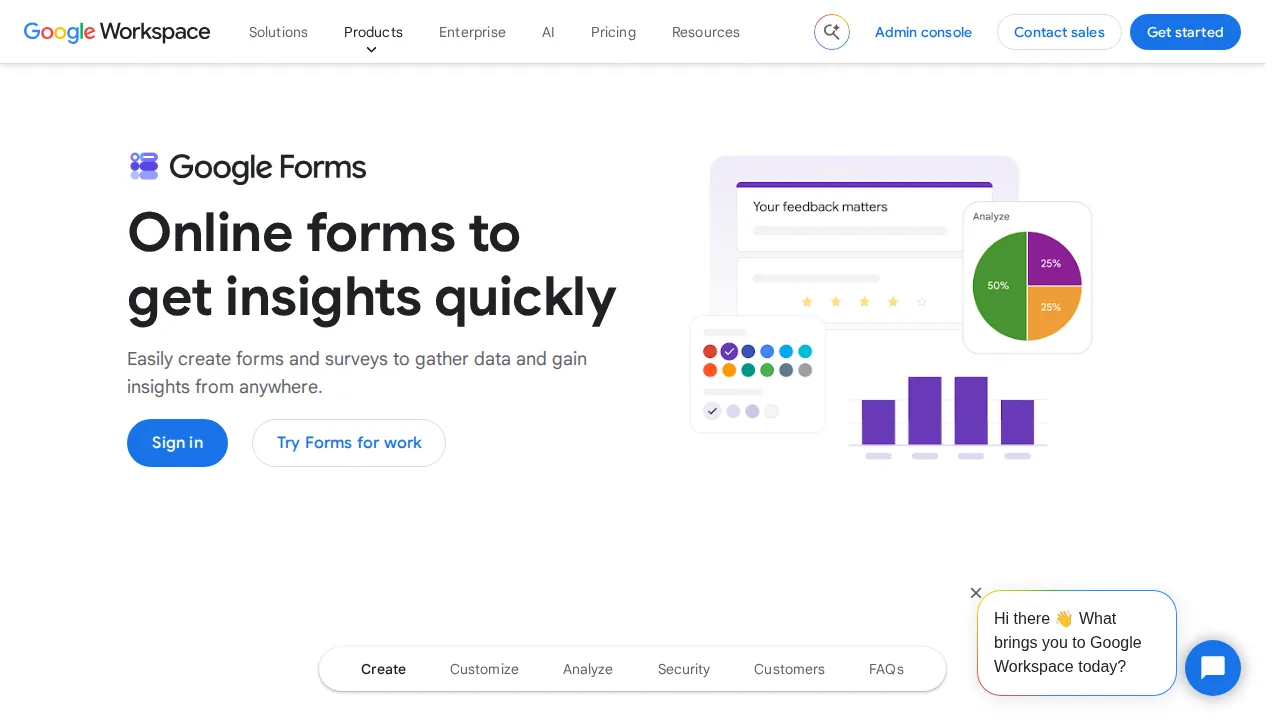
Ops note: Build a quiz and a feedback form, link both to Sheets, and share with a real group. Check whether the branding and logic limits matter for your use.
Site: Google Forms
Qualtrics · Survey tools
Ideal use: Enterprises and universities running research, customer experience, and employee experience programs with advanced analysis.
What works: Qualtrics supports conjoint, MaxDiff, and advanced logic, and its XM platform ties surveys to CX dashboards and text analytics. Enterprise security and governance are strong.
What breaks the deal: Contracts are expensive and the platform needs trained users to get value.
Pricing: Entry: Quote. Hidden cost: Enterprise XM; response and seat minimums. Verify: qualtrics.com/pricing.
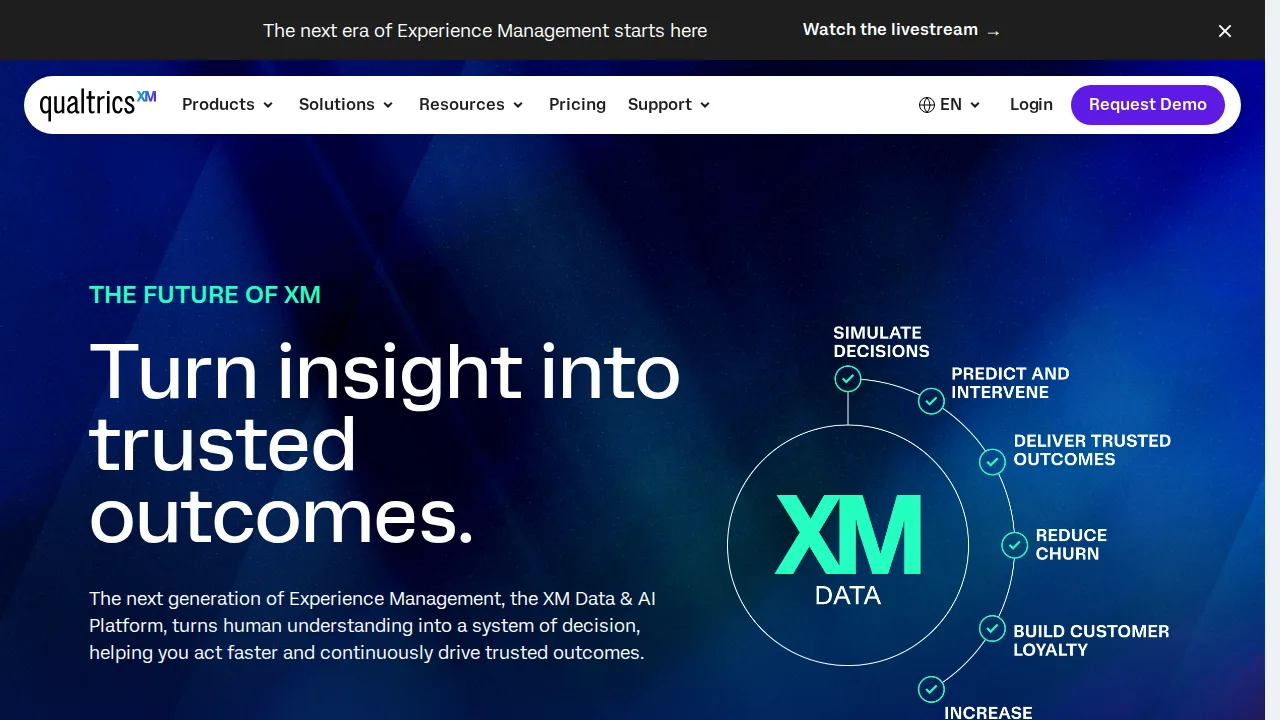
Ops note: Build a conjoint study or CX survey with text analytics in a trial. Get a quote for your seat count and response volume.
Site: Qualtrics
Jotform · Survey tools
Ideal use: Small businesses, nonprofits, and healthcare offices that need forms with payments, e-signatures, and approval workflows.
What works: Jotform has thousands of templates, 30-plus payment integrations, HIPAA-compliant plans, and approval flows. Jotform Tables and apps turn submissions into lightweight databases.
What breaks the deal: Submission limits on lower plans are tight and the builder's many options can overwhelm.
Pricing: Entry: $34/mo. Hidden cost: Bronze annual; submission limits; HIPAA on Gold+. Verify: jotform.com/pricing.
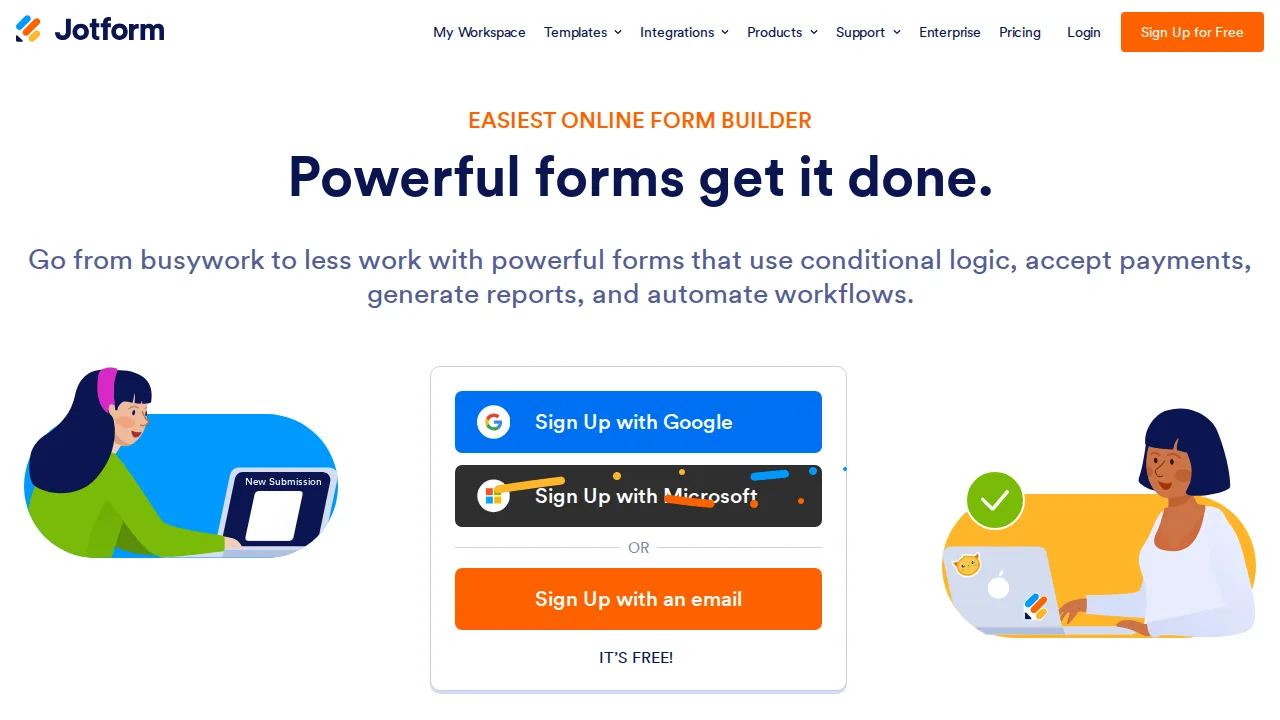
Ops note: Build an intake form with payment and signature, route it through an approval flow, and submit it yourself. Check the monthly submission limit.
Site: Jotform
Alchemer · Survey tools
Ideal use: Mid-market research, CX, and marketing teams that need advanced survey logic and integrations without Qualtrics-level contracts. Alchemer was formerly SurveyGizmo.
What works: Alchemer supports complex branching, piping, quotas, and custom scripting at a lower price than enterprise suites. Its integrations push responses into Salesforce, HubSpot, and data warehouses automatically.
What breaks the deal: The builder interface is dense and takes longer to learn than SurveyMonkey or Typeform.
Pricing: Entry: $55/user/mo. Hidden cost: Collaborator annual; response overages on lower tiers. Verify: alchemer.com/pricing.
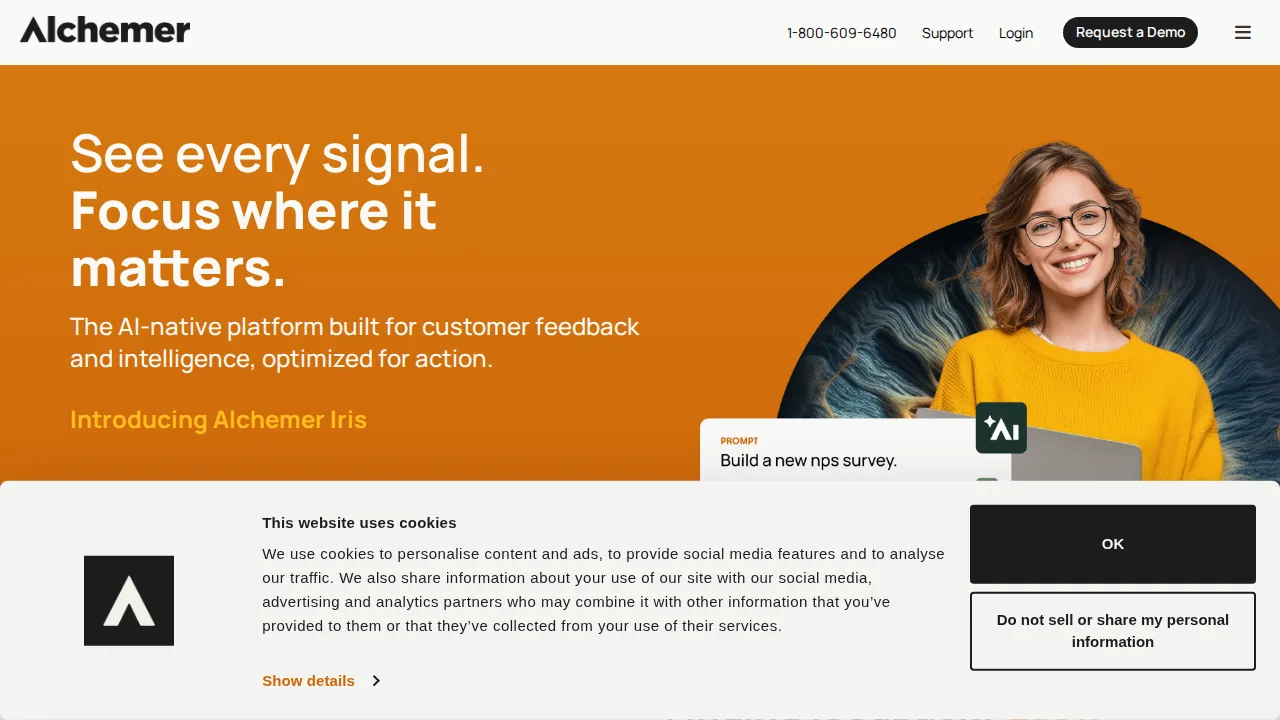
Ops note: Rebuild your most complex survey with quotas and piping, then push test responses into your CRM. Compare the annual quote with a Qualtrics proposal.
Site: Alchemer
QuestionPro · Survey tools
Ideal use: Academic researchers, market research agencies, and HR teams that want advanced survey types and analysis at moderate cost.
What works: QuestionPro includes conjoint, MaxDiff, and TURF analysis alongside standard surveys, and its academic licenses are affordable. Offline mobile data collection suits field research.
What breaks the deal: Reporting design looks dated, and support quality varies by plan level.
Pricing: Entry: $83/mo. Hidden cost: Essentials annual; Advanced $125; panel services extra. Verify: questionpro.com/pricing.
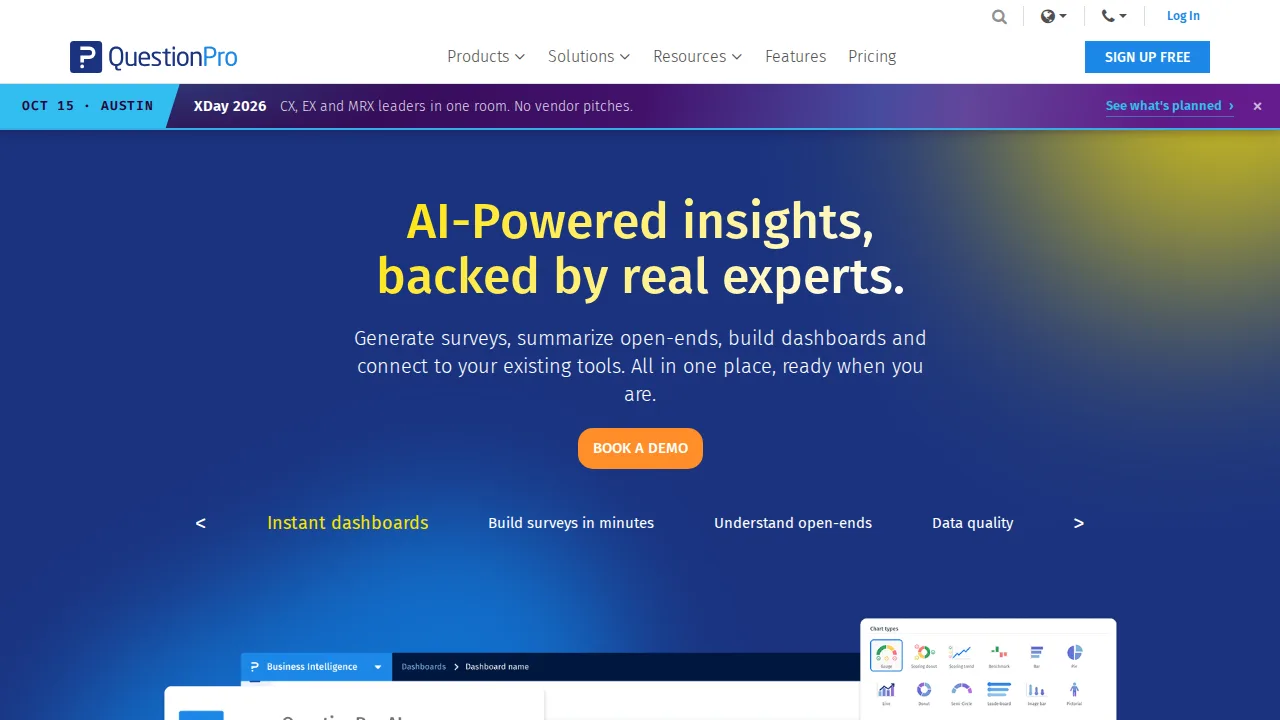
Ops note: Run a MaxDiff study with a small panel and export the analysis. Collect ten responses offline on the mobile app and sync them.
Site: QuestionPro
Summary table
| Name | Best for | Entry pricing | UX /10 |
|---|---|---|---|
| SurveyMonkey | Benchmarks and respondent panels | $25/user/mo | 8.6 |
| Typeform | Conversational forms with high completion | $25/mo | 7.6 |
| Google Forms | Free forms feeding Google Sheets | $0/mo | 7.7 |
| Qualtrics | Enterprise research and experience management | Quote | 7.2 |
| Jotform | Forms with payments, e-signatures, and approvals | $34/mo | 8.0 |
| Alchemer | Advanced survey logic at mid-market prices | $55/user/mo | 8.4 |
| QuestionPro | Research survey types on a budget | $83/mo | 7.7 |
Quick verdict
SurveyMonkey is the best all-round choice for teams that want industry benchmarks and a built-in respondent panel. Typeform suits marketers who want high completion rates on short, conversational surveys and lead forms. Enterprises and universities running serious research programs should choose Qualtrics.
Build your most complex real survey during each trial so logic limits show up before you pay. Check monthly response caps and which features need an annual plan, since those two gates drive most upgrade surprises.
Free checks on Lagnis
Before you sign a survey tools contract, run your numbers with statistics sample size proportion. Same browser session, no account.
Related comparisons
- Best Form builders (2026): 7 tools compared
- Best E-signature software (2026): 7 tools compared
- Best Tax preparation software (2026): 7 tools compared
FAQ
Why only 7 tools? We cut duplicate workflows; seven profiles stay readable.
Affiliate links fund hosting; listed flaws are from field testing patterns, not sponsor edits.
Pricing figures are list-tier snapshots; confirm checkout totals before you commit to annual billing.