Best Team chat software (2026): 7 tools compared
Team chat has become the default place where work gets discussed, decided, and too often lost. The main choice is between a best-of-breed app with deep integrations and the chat tool bundled with the office suite you already pay for. Security-sensitive organizations add a third path: self-hosted chat on their own servers. We compared seven options across those paths.
Head-to-head picks
Affiliate links may fund free Lagnis Tools; picks require a public partner program.
Seven vendors below with disclosed affiliate or partner programs. Each block: fit, strengths, blocker, pricing.
We evaluated channel and thread organization, search and history limits, integrations, meetings and calls, admin and compliance controls, and total cost per seat. We also considered hosting options for teams that cannot use multi-tenant cloud chat.
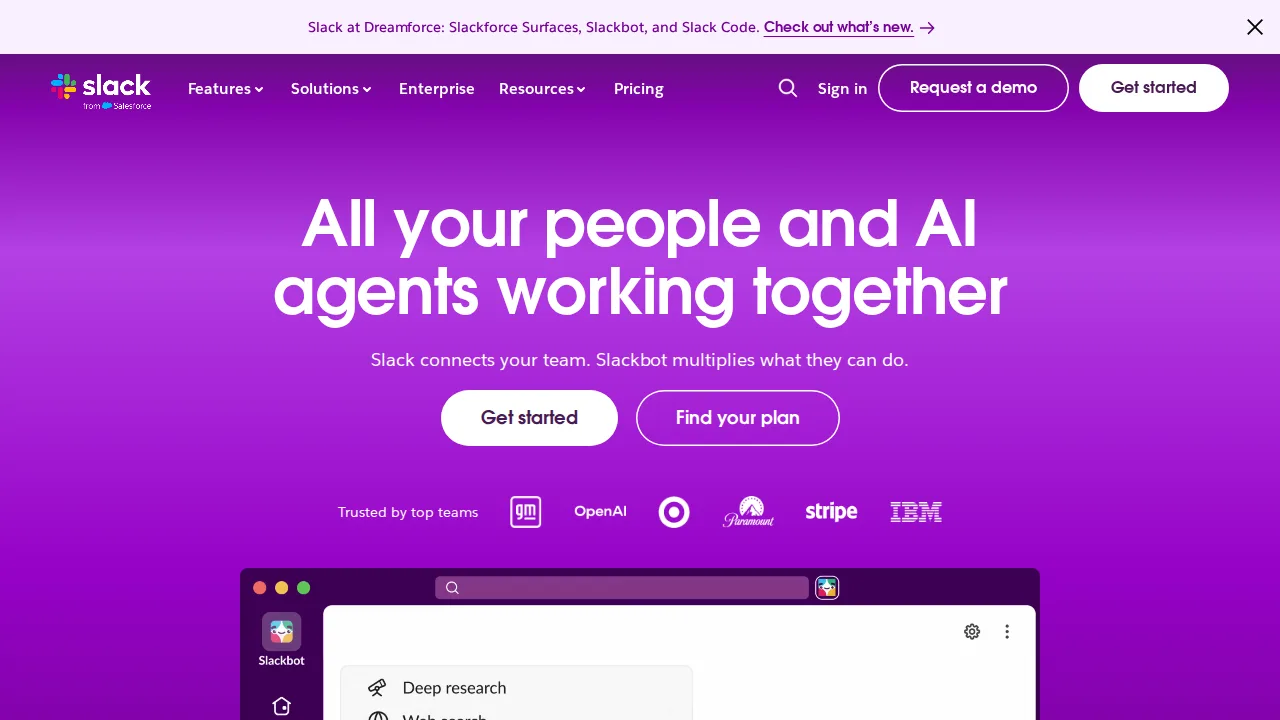
Slack · Team chat software
Ideal use: Companies from startups to enterprises that want channel-based messaging with the largest set of app integrations.
What works: Slack's channels, threads, and huddles are easy to adopt, and Slack Connect lets you share channels with clients and vendors. Workflow Builder automates routine requests like time-off or IT tickets without code.
What breaks the deal: The free plan hides messages older than 90 days, and paid per-seat pricing is steep for large teams.
Pricing: Entry: $8.75/user/mo. Hidden cost: Pro annual; history on free 90 days. Verify: slack.com/pricing.
Ops note: Run one team on Slack for two weeks with your top five integrations connected. Build a Workflow Builder form for a common request and open a Slack Connect channel with a partner.
Site: Slack
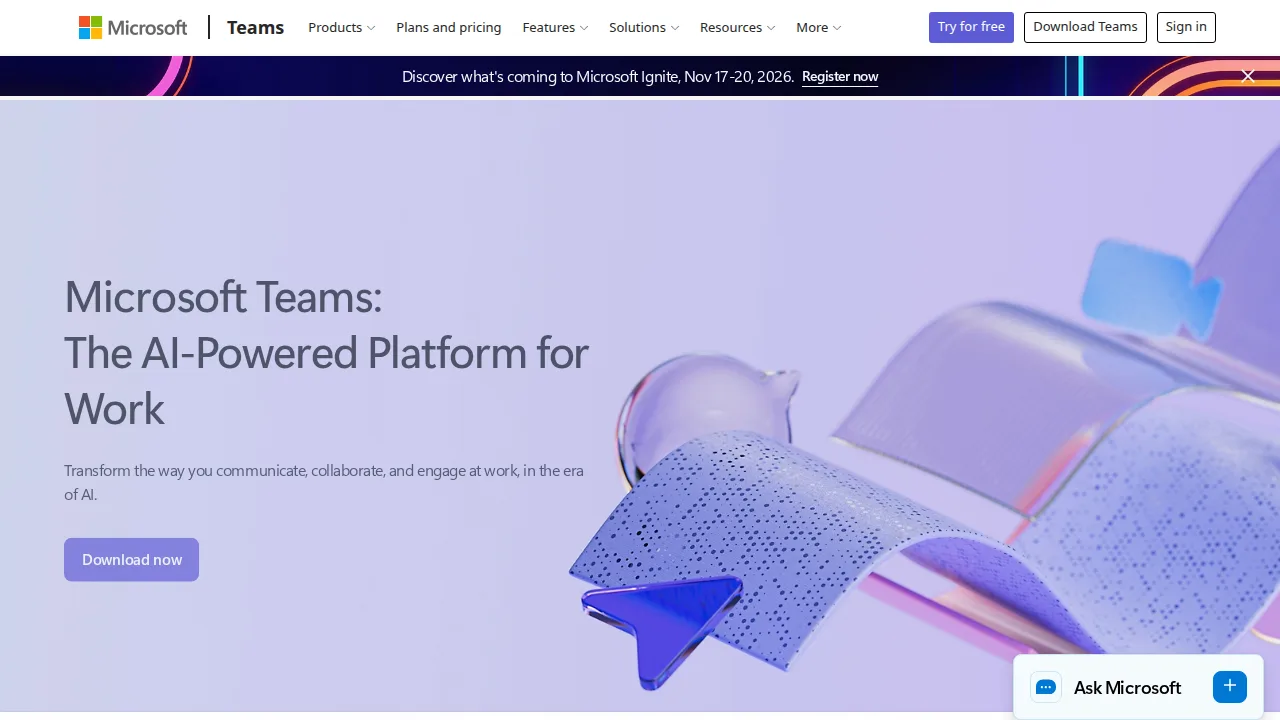
Microsoft Teams · Team chat software
Ideal use: Organizations on Microsoft 365 that want chat, meetings, calling, and SharePoint files in one app under existing licenses.
What works: Teams bundles chat, video meetings, and co-editing of Office files, and it inherits Microsoft 365 security, retention, and eDiscovery. Teams Phone can replace a separate phone system.
What breaks the deal: The app is resource-heavy and the split between chats, channels, and SharePoint files confuses new users.
Pricing: Entry: $4/user/mo. Hidden cost: Essentials annual; Microsoft 365 Business Basic bundles. Verify: microsoft.com/microsoft-teams/compare-microsoft-teams-options.
Ops note: Run a team in Teams for two weeks, co-edit a Word file in a channel, and host a meeting with external guests. Check which folder the shared files actually land in.
Site: Microsoft Teams
Discord · Team chat software
Ideal use: Online communities, creators, open-source projects, and gaming groups that want free voice channels and role-based chat servers.
What works: Discord's always-on voice channels let members drop in without scheduling a call, and granular roles control who sees each channel. Bots and AutoMod handle moderation for large servers.
What breaks the deal: It lacks business features like data retention policies, eDiscovery, and SSO, so it is a poor fit for company communication.
Pricing: Entry: $9.99/mo. Hidden cost: Nitro consumer; Server Boost $4.99 each; no per-seat business list. Verify: discord.com/nitro.

Ops note: Create a server with three roles, private channels, and AutoMod rules, then invite twenty members. Check how moderation handles spam links during the first week.
Site: Discord
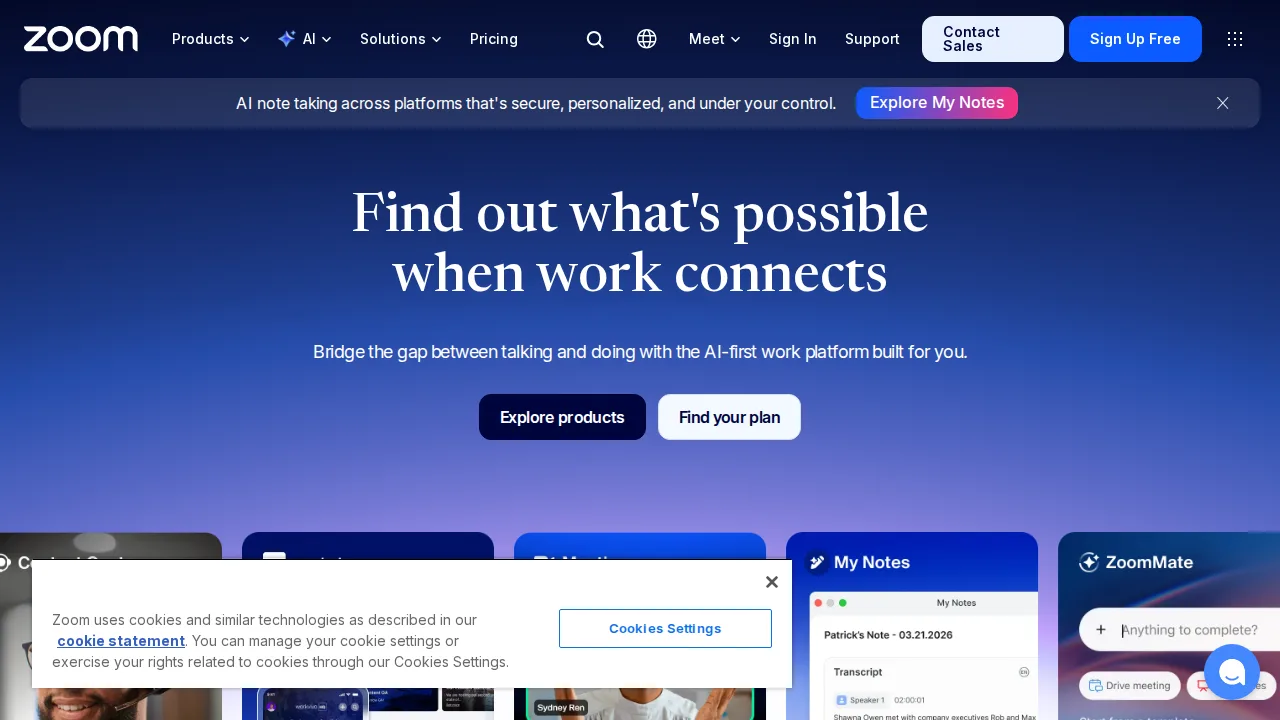
Zoom Team Chat · Team chat software
Ideal use: Teams that already pay for Zoom Workplace and want persistent chat without adding another subscription.
What works: Zoom Team Chat is included with Zoom Workplace licenses, and any chat can jump into a meeting in one click. Zoom AI Companion summarizes long threads for people catching up.
What breaks the deal: Its app integrations and workflow automation are far thinner than Slack's.
Pricing: Entry: $0/mo. Hidden cost: Included with Zoom Workplace; paid plans for history retention. Verify: zoom.us/pricing.
Ops note: Move one team's chat to Zoom Team Chat for two weeks and use AI Companion thread summaries. List the integrations you missed from your current chat tool.
Site: Zoom Team Chat
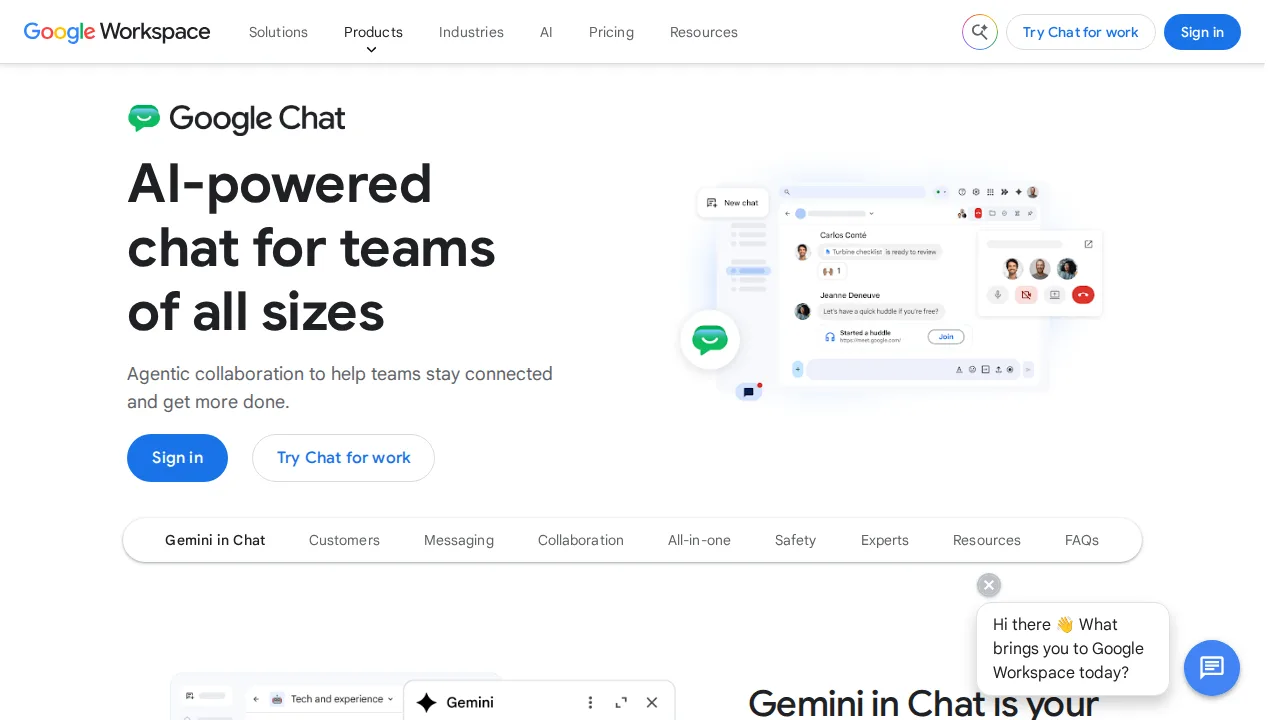
Google Chat · Team chat software
Ideal use: Google Workspace organizations that want chat spaces tied to Gmail, Drive, and Meet without an extra license.
What works: Google Chat is included with Workspace, and spaces keep shared files, tasks, and threads in one place. Gemini can summarize busy spaces for people who were away.
What breaks the deal: Third-party integrations, bots, and workflow automation lag well behind Slack and Microsoft Teams.
Pricing: Entry: $0/mo. Hidden cost: Included in Google Workspace; standalone consumer free. Verify: workspace.google.com/pricing.
Ops note: Move one project team into a Google Chat space for two weeks, sharing Drive files and assigning tasks there. Test Gemini summaries on the busiest thread.
Site: Google Chat
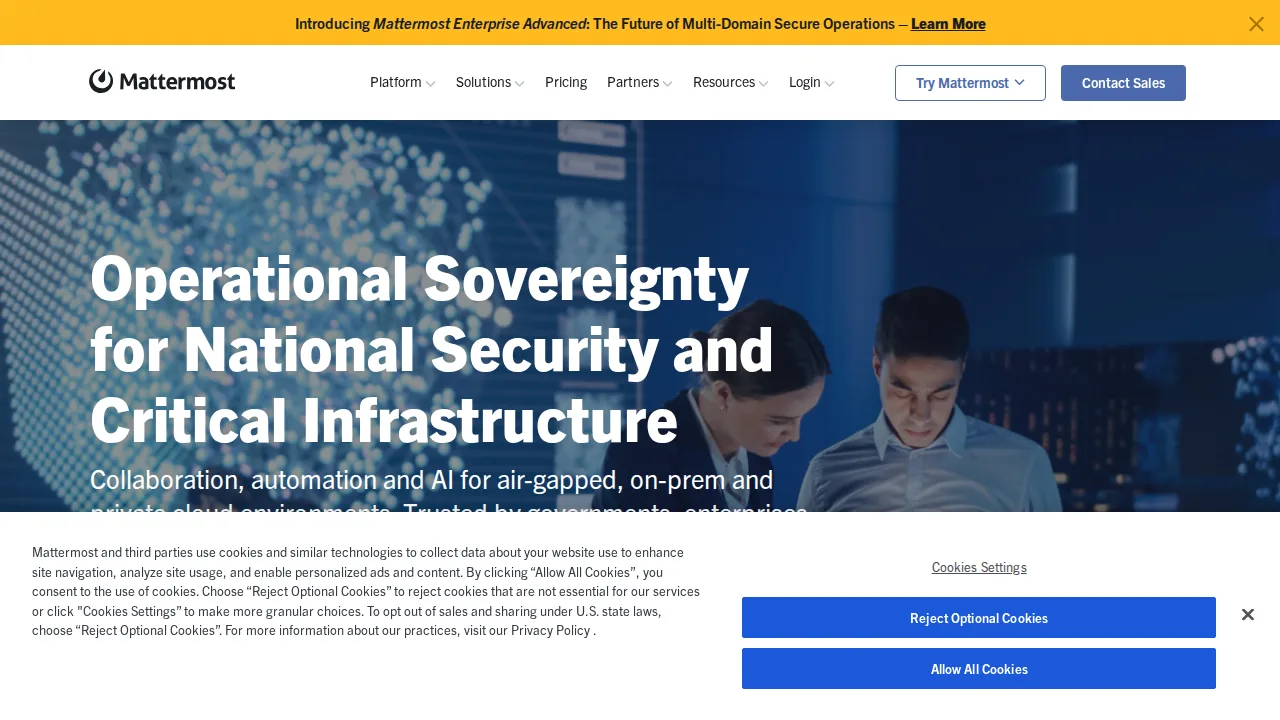
Mattermost · Team chat software
Ideal use: Government agencies, defense contractors, and security-focused engineering teams that need self-hosted chat, including air-gapped deployments.
What works: Mattermost can run entirely on your own servers, including disconnected networks, with full control over data retention. Its playbooks and DevOps integrations with GitLab, Jira, and Jenkins suit incident response.
What breaks the deal: Self-hosting means your team owns upgrades, backups, scaling, and uptime around the clock.
Pricing: Entry: $10/user/mo. Hidden cost: Professional self-host or cloud; Enterprise SSO extra. Verify: mattermost.com/pricing.
Ops note: Deploy Mattermost on a test server, connect GitLab, and run one incident playbook end to end. Document the upgrade and backup steps before approving production.
Site: Mattermost
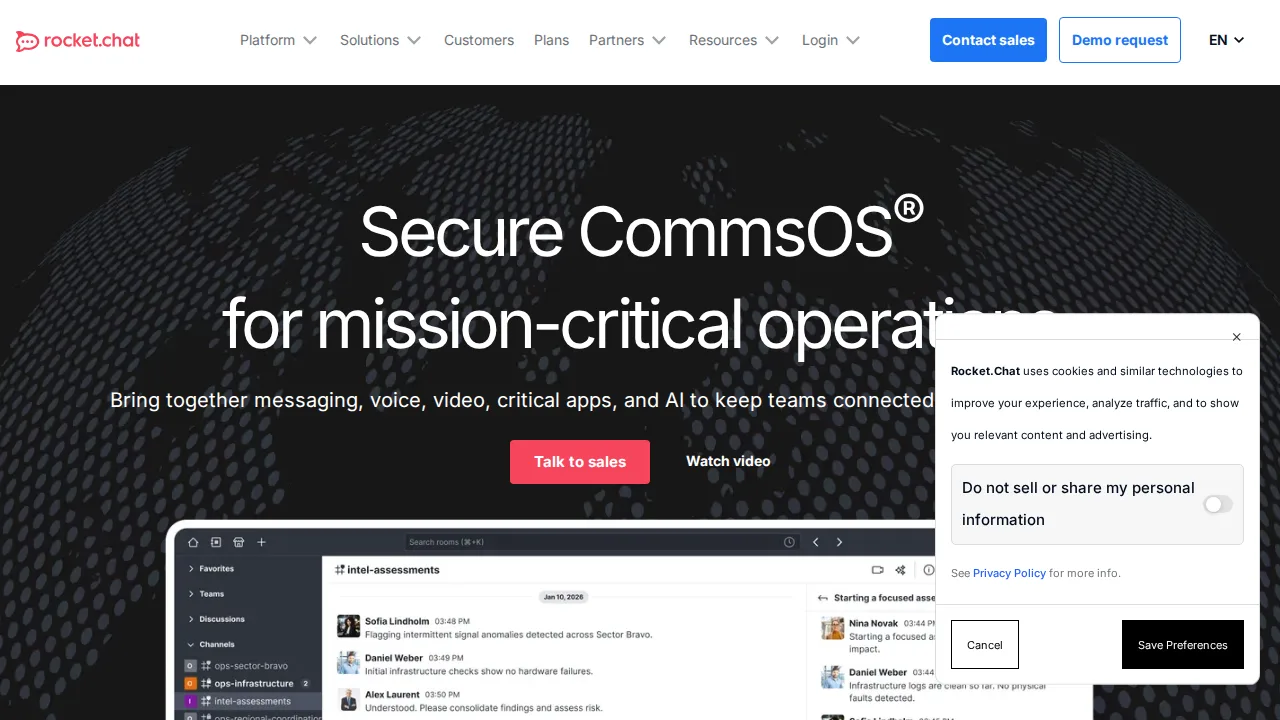
Rocket.Chat · Team chat software
Ideal use: Organizations that want open-source, self-hosted chat that also handles customer conversations from web chat, WhatsApp, and email.
What works: Rocket.Chat is open source and self-hostable, and its omnichannel module routes customer messages to agents inside the same app. Matrix federation lets it talk to other chat servers.
What breaks the deal: Deployment, scaling, and upgrades are technical, and the interface polish trails Slack.
Pricing: Entry: $0/mo. Hidden cost: Community self-host; Pro $4/user cloud; Enterprise SSO. Verify: rocket.chat/pricing.
Ops note: Deploy a test server with Docker, connect a web chat widget, and route a test conversation to an agent. Check how upgrades work on your hosting setup.
Site: Rocket.Chat
Summary table
| Name | Best for | Entry pricing | UX /10 |
|---|---|---|---|
| Slack | Channel messaging with the most integrations | $8.75/user/mo | 6.7 |
| Microsoft Teams | Chat and meetings inside Microsoft 365 | $4/user/mo | 6.9 |
| Discord | Free voice and chat for communities | $9.99/mo | 8.3 |
| Zoom Team Chat | Chat already included with Zoom | $0/mo | 8.4 |
| Google Chat | Chat bundled with Google Workspace | $0/mo | 8.4 |
| Mattermost | Self-hosted chat for secure environments | $10/user/mo | 6.5 |
| Rocket.Chat | Open-source chat with customer omnichannel | $0/mo | 6.5 |
Quick verdict
Slack is the best choice for companies that want the most integrations and the strongest channel-based workflow. Microsoft Teams makes the most sense for organizations already paying for Microsoft 365. Government and security-focused engineering teams should look at Mattermost for self-hosted deployments.
Check what chat you already own through Google Workspace, Microsoft 365, or Zoom before buying another tool. Pilot with one team for two weeks with your key integrations connected, and review message history limits on the plan you would buy.
Free checks on Lagnis
Before you sign a team chat software contract, run your numbers with strip html tags. Same browser session, no account.
Related comparisons
- Best Webinar software (2026): 7 tools compared
- Best Landing page builders (2026): 7 tools compared
- Best Marketing automation (2026): 7 tools compared
FAQ
Why only 7 tools? We cut duplicate workflows; seven profiles stay readable.
Affiliate links fund hosting; listed flaws are from field testing patterns, not sponsor edits.
Pricing figures are list-tier snapshots; confirm checkout totals before you commit to annual billing.