Best Cloud storage (2026): 7 tools compared
Cloud storage is rarely just storage anymore: it is file sync, sharing, collaboration, and sometimes compliance. The cheapest option per terabyte may be the wrong choice if sync is slow or sharing permissions confuse your team. Privacy has also become a deciding factor, with end-to-end encrypted providers competing directly against the big platforms. We compared seven providers for different buyers.
Head-to-head picks
Affiliate links may fund free Lagnis Tools; picks require a public partner program.
Seven vendors below with disclosed affiliate or partner programs. Each block: fit, strengths, blocker, pricing.
We evaluated sync speed on large files, sharing controls, collaboration features, encryption, compliance options, and price per terabyte. We also considered how each fits into existing office suites.
Dropbox · Cloud storage
Ideal use: Creative teams and small businesses that sync large files across Mac, Windows, and mobile and need fast, dependable desktop sync.
What works: Dropbox's block-level sync uploads only changed parts of files, which speeds up large file edits. Transfer, file requests, and version history suit client file exchanges.
What breaks the deal: Storage per dollar is lower than Google Drive or OneDrive, especially if you do not need extra features.
Pricing: Entry: $11.99/mo. Hidden cost: Plus; Business $18/user. Verify: dropbox.com/plans.
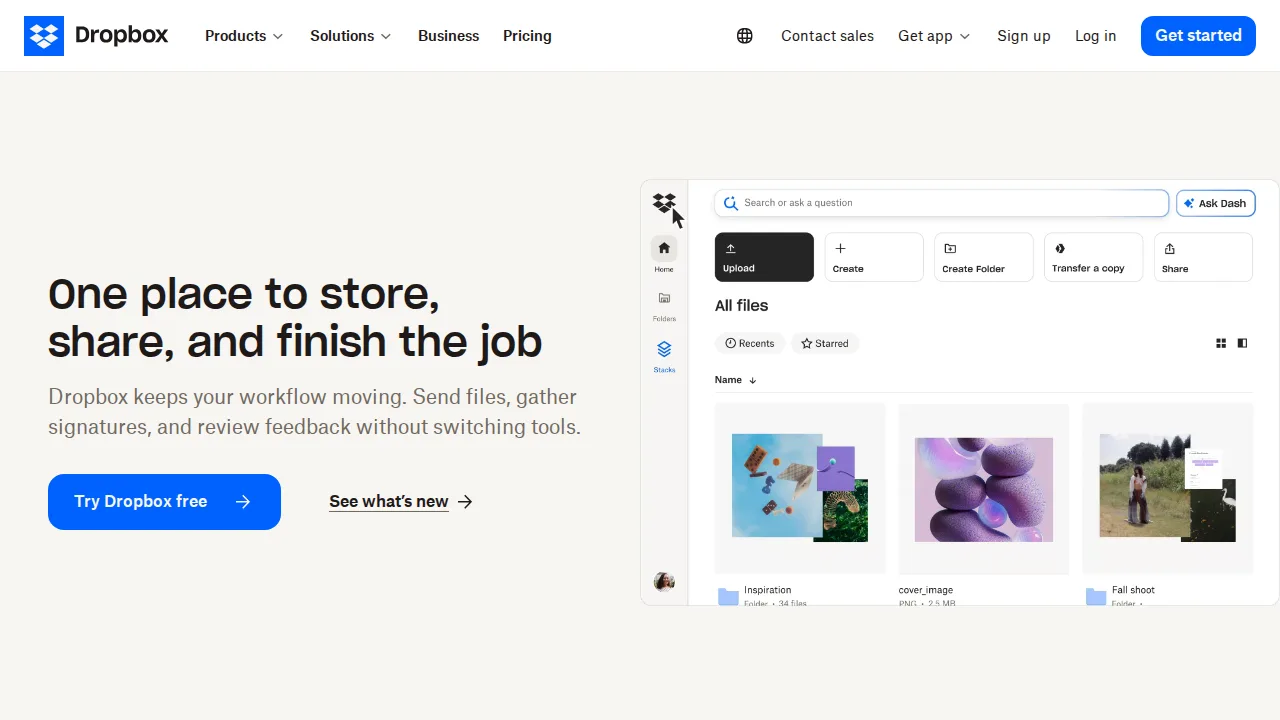
Ops note: Sync a folder of large design or video files, edit one, and time how quickly changes appear on a second machine. Send a large file to a client using Transfer.
Site: Dropbox
Google Drive · Cloud storage
Ideal use: Teams using Google Workspace that want storage and real-time collaboration on Docs, Sheets, and Slides in one place.
What works: Drive is included with Google Workspace and pairs storage with real-time document editing and strong search. Shared drives keep files owned by the organization instead of individual users.
What breaks the deal: Desktop sync for large non-Google files is slower and less reliable than Dropbox.
Pricing: Entry: $1.99/mo. Hidden cost: 100 GB Google One; Workspace Business $7.20/user. Verify: one.google.com.
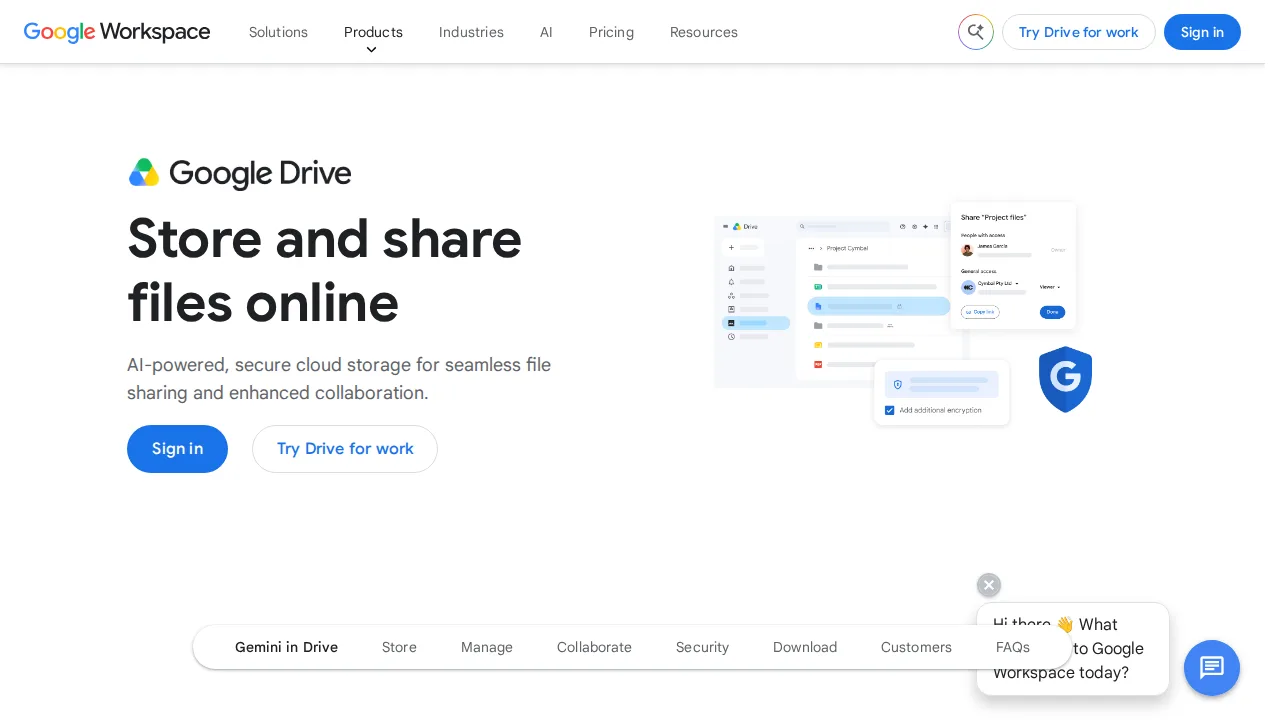
Ops note: Move one team's folder into a shared drive and test permissions for an external collaborator. Sync a large folder with Drive for desktop and check for conflicts.
Site: Google Drive
Microsoft OneDrive · Cloud storage
Ideal use: Windows users and Microsoft 365 organizations that want storage integrated with Office apps and File Explorer.
What works: OneDrive comes with Microsoft 365, backs up Desktop and Documents folders automatically, and integrates with Office co-authoring. Files On-Demand keeps local disk usage low.
What breaks the deal: Sharing permissions and SharePoint links can confuse users, and Mac sync is less polished than on Windows.
Pricing: Entry: $1.99/mo. Hidden cost: 100 GB; Microsoft 365 Basic $19.99/yr. Verify: microsoft.com onedrive.
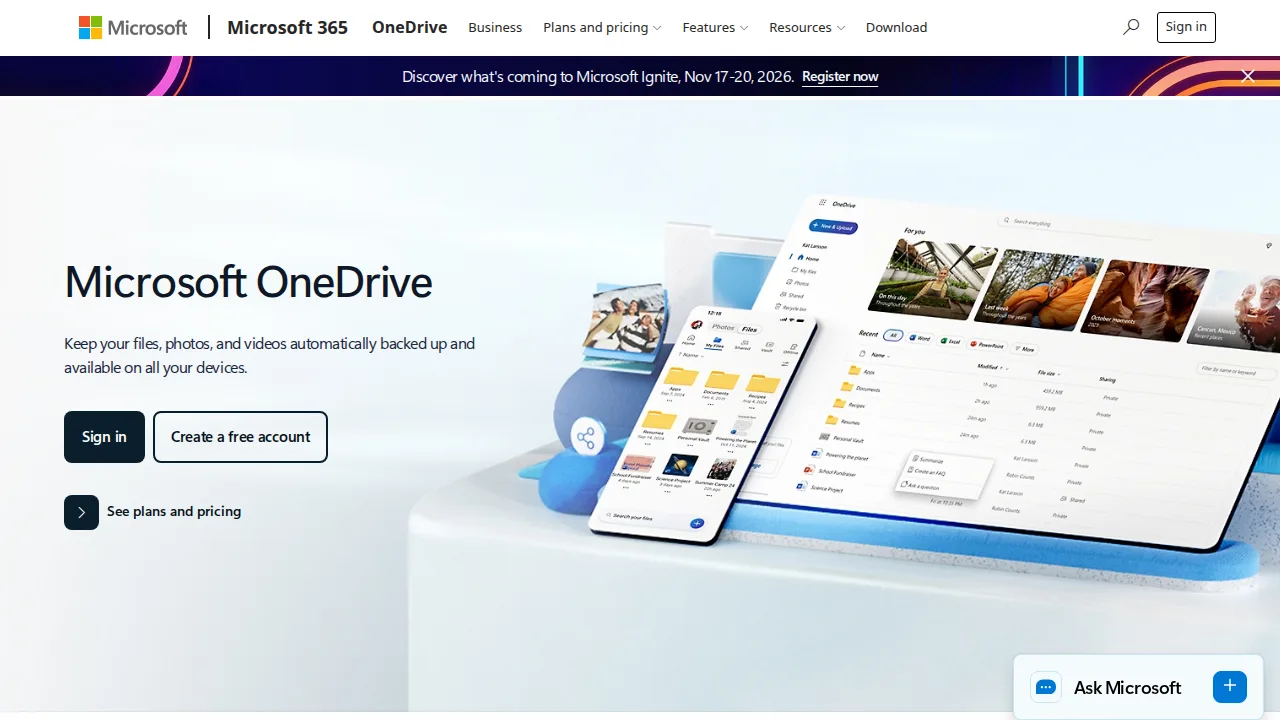
Ops note: Enable Known Folder Move on a test machine and confirm Desktop and Documents back up. Share a file externally and check the link permissions a guest sees.
Site: Microsoft OneDrive
Box · Cloud storage
Ideal use: Enterprises in regulated industries that need content governance, retention policies, and many app integrations.
What works: Box offers granular permissions, retention and legal hold, and compliance options such as HIPAA and FedRAMP. Its integrations with Salesforce, Slack, and Microsoft 365 are extensive.
What breaks the deal: It is priced and designed for businesses, so individuals get poor value.
Pricing: Entry: $10/user/mo. Hidden cost: Business; enterprise governance extra. Verify: box.com/pricing.

Ops note: Set up a retention policy and a legal hold on a test folder. Check how Box appears inside Slack or Salesforce for your users.
Site: Box
pCloud · Cloud storage
Ideal use: Individuals and families who want a lifetime storage plan and optional client-side encryption instead of monthly fees.
What works: pCloud sells lifetime plans that pay off after a few years compared with subscriptions, and its virtual drive saves local space. The Crypto add-on provides client-side encryption for sensitive folders.
What breaks the deal: Client-side encryption through pCloud Encryption is a paid add-on, and without it pCloud can technically access your files.
Pricing: Entry: $49.99/year. Hidden cost: Premium 500 GB; lifetime promos separate. Verify: pcloud.com.
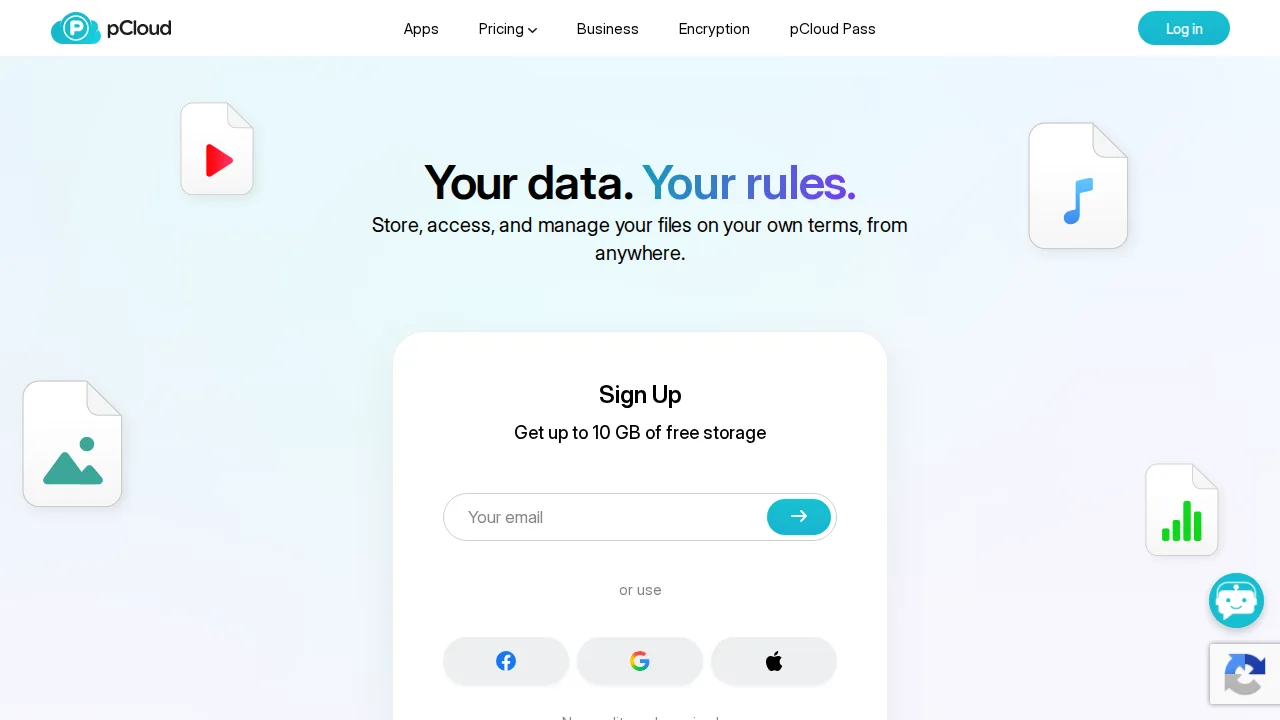
Ops note: Calculate how many years of subscriptions a lifetime plan replaces. Test the virtual drive on your laptop with a folder of photos and video.
Site: pCloud
Sync.com · Cloud storage
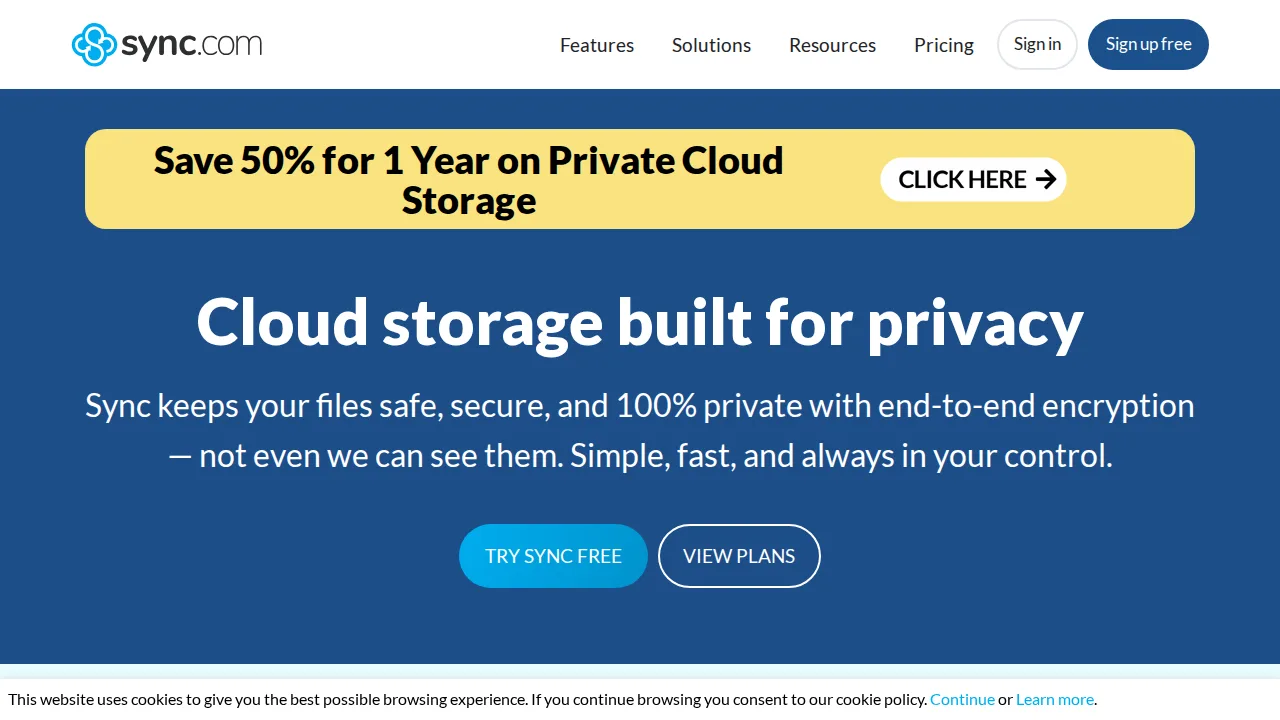
Ideal use: Privacy-conscious professionals such as lawyers, therapists, and accountants who want end-to-end encrypted storage without configuration.
What works: Sync.com encrypts files end-to-end by default, so even Sync staff cannot read them, and there is nothing to configure. Pricing per terabyte is competitive, and business plans include HIPAA-ready options with signed agreements.
What breaks the deal: Sync speeds and desktop app features lag Dropbox and Google Drive, and there is no Linux client.
Pricing: Entry: $8/mo. Hidden cost: Solo 2 TB annual; Teams $6/user; zero-knowledge. Verify: sync.com/pricing.
Ops note: Upload a large folder and time the sync to a second device. Share a password-protected link with a client and check the experience on their end.
Site: Sync.com
Tresorit · Cloud storage
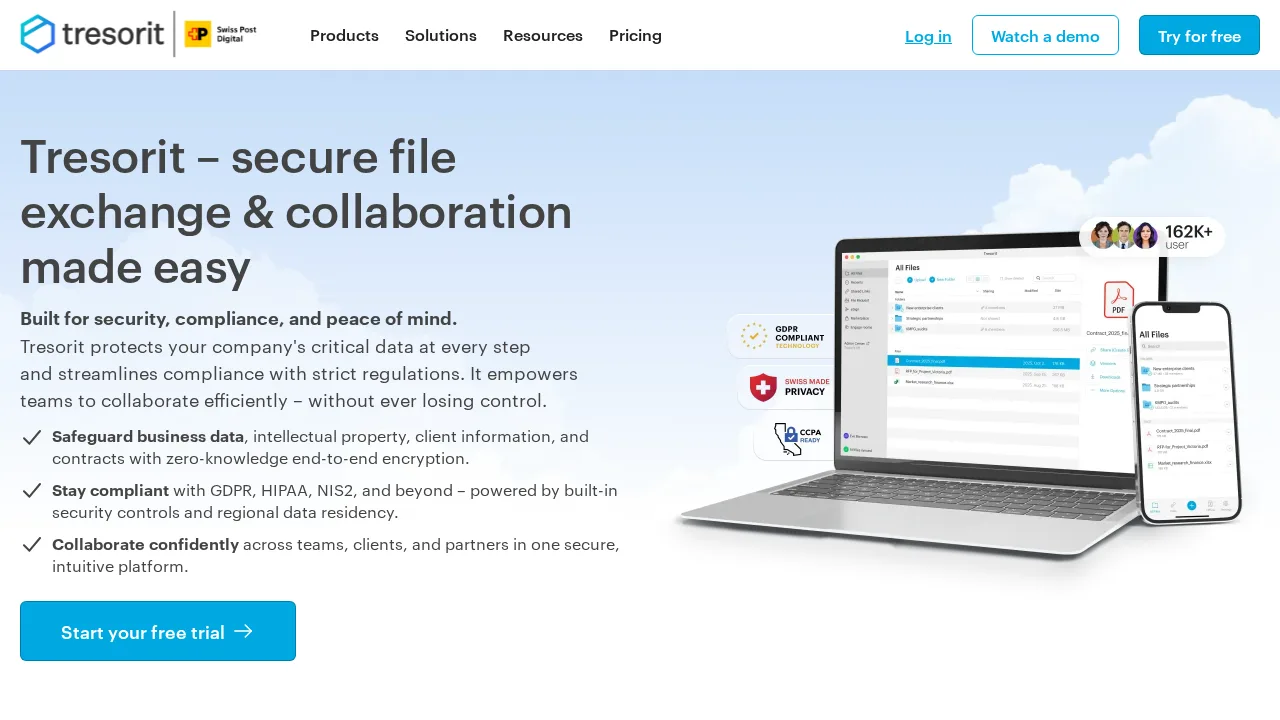
Ideal use: European businesses and security-sensitive teams that need end-to-end encrypted file sharing with admin controls and EU data residency.
What works: Tresorit's zero-knowledge encryption covers file sharing and admin policies, and data can stay in EU data centers. Owned by Swiss Post, it appeals to GDPR-focused buyers.
What breaks the deal: It is expensive for the storage provided compared with mainstream providers.
Pricing: Entry: $11.99/user/mo. Hidden cost: Personal e2e; Business $14.99; storage tiers. Verify: tresorit.com/pricing.
Ops note: Pick an EU data center, share a folder with an external partner, and review the admin audit log. Compare cost per terabyte with your current provider.
Site: Tresorit
Summary table
| Name | Best for | Entry pricing | UX /10 |
|---|---|---|---|
| Dropbox | Fast desktop sync for large creative files | $11.99/mo | 7.5 |
| Google Drive | Storage inside Google Workspace collaboration | $1.99/mo | 7.0 |
| Microsoft OneDrive | Microsoft 365 and Windows file sync | $1.99/mo | 8.9 |
| Box | Governed enterprise content with compliance | $10/user/mo | 6.7 |
| pCloud | Lifetime storage plans for individuals | $49.99/year | 6.4 |
| Sync.com | Default end-to-end encryption at low cost | $8/mo | 7.9 |
| Tresorit | EU-hosted encrypted sharing for businesses | $11.99/user/mo | 7.6 |
Quick verdict
Dropbox is the best choice for creative teams syncing large files across platforms. Google Drive and Microsoft OneDrive make the most sense if you already pay for Google Workspace or Microsoft 365. Privacy-conscious professionals should choose Sync.com for default end-to-end encryption.
Check what storage you already have through your office suite before paying for another service. Test sync with your largest real files and share a folder externally to see the experience from the other side.
Free checks on Lagnis
Before you sign a cloud storage contract, run your numbers with json formatter, base64 image encoder. Same browser session, no account.
Related comparisons
- Best Website builders (2026): 7 tools compared
- Best SEO tools (2026): 7 tools compared
- Best Social media scheduling tools (2026): 7 tools compared
FAQ
Why only 7 tools? We cut duplicate workflows; seven profiles stay readable.
Affiliate links fund hosting; listed flaws are from field testing patterns, not sponsor edits.
Pricing figures are list-tier snapshots; confirm checkout totals before you commit to annual billing.