Best Social media scheduling tools (2026): 7 tools compared
Social media scheduling tools range from simple queues for a solo creator to enterprise platforms with approvals, listening, and executive reporting. The right choice depends on which networks matter most, how many people touch each post, and whether you report to clients. Per-seat pricing can make the premium tools very expensive for growing teams. We compared seven schedulers built for different workflows.
Head-to-head picks
Affiliate links may fund free Lagnis Tools; picks require a public partner program.
Seven vendors below with disclosed affiliate or partner programs. Each block: fit, strengths, blocker, pricing.
We evaluated scheduling and visual planning, network coverage, approval workflows, inbox and listening features, analytics quality, and cost per user. We also looked at agency features like white-label reports and client approvals.
Buffer · Social media scheduling tools
Ideal use: Solo creators and small businesses that want simple scheduling across a few social channels without enterprise features.
What works: Buffer's composer and queue are clean and fast, and the free plan covers three channels with ten scheduled posts each. Its AI Assistant rewrites posts per network, and the Start page builder gives small brands a link-in-bio page at no extra cost.
What breaks the deal: Analytics and team workflows are light compared with Sprout Social or Hootsuite.
Pricing: Entry: $6/mo. Hidden cost: Essentials 1 channel; Team $12/user; analytics on higher. Verify: buffer.com/pricing.
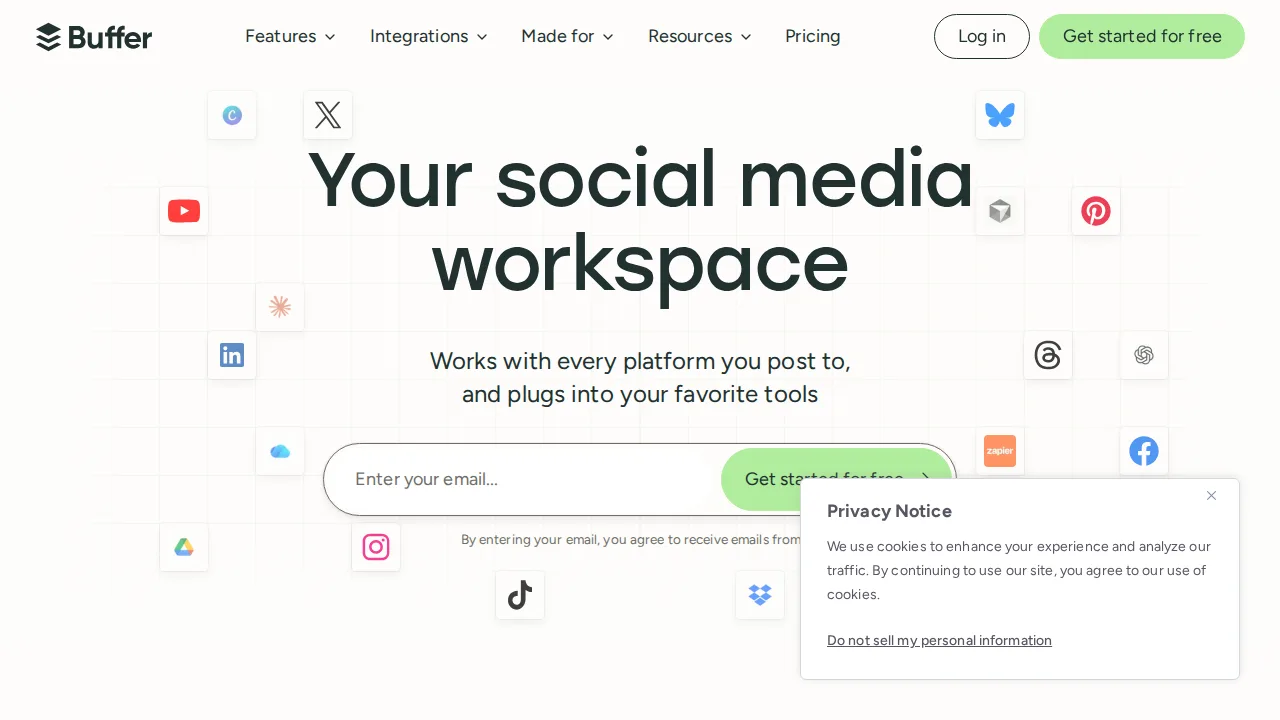
Ops note: Connect your channels and schedule a week of posts. Check which analytics you get on the free plan versus paid.
Site: Buffer
Hootsuite · Social media scheduling tools
Ideal use: Large marketing teams and enterprises that manage many social profiles and need approvals, listening, and reporting.
What works: Hootsuite's streams let teams monitor mentions, keywords, and inboxes across networks side by side. Approval workflows, Talkwalker-powered listening, and enterprise integrations suit big organizations with many profiles.
What breaks the deal: There is no free plan and pricing per user is high for small teams.
Pricing: Entry: $99/mo. Hidden cost: Professional 1 user; Team $249; social ad spend separate. Verify: hootsuite.com/plans.
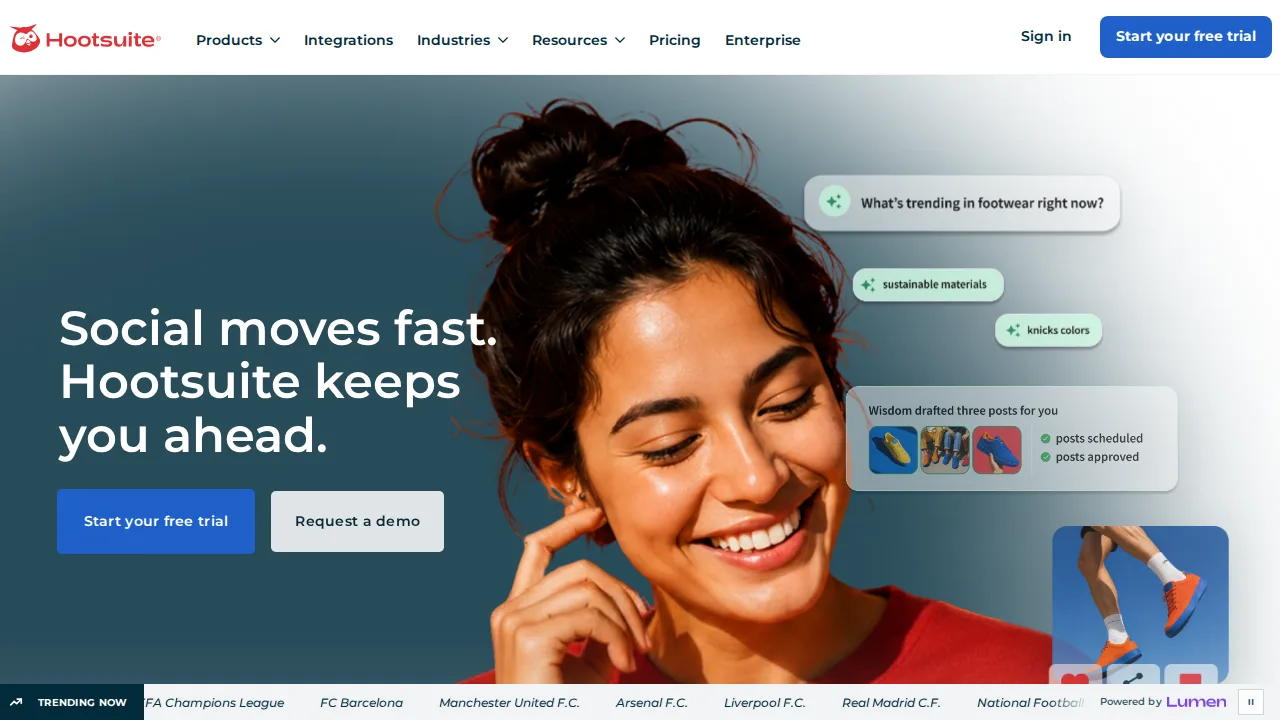
Ops note: Set up streams for brand mentions and a competitor, then run a post through an approval workflow. Check the per-user cost for your team.
Site: Hootsuite
Later · Social media scheduling tools
Ideal use: Instagram- and TikTok-focused brands and creators who plan content visually and use link-in-bio pages.
What works: Later's visual planner shows how posts will look on your Instagram grid, and Linkin.bio turns posts into shoppable links. It also offers influencer management for brands.
What breaks the deal: LinkedIn, X, and Facebook tools are less developed than Instagram features.
Pricing: Entry: $25/mo. Hidden cost: Starter 1 social set; Growth $45 for analytics. Verify: later.com/pricing.

Ops note: Plan two weeks of Instagram posts in the visual planner and set up Linkin.bio. Track clicks on the link page for a week.
Site: Later
Sprout Social · Social media scheduling tools
Ideal use: Mid-size and enterprise marketing teams that need premium analytics, a unified inbox, and social listening.
What works: Sprout's Smart Inbox combines messages from all networks with tagging and assignments, and its reports are polished enough for executives. Listening and employee advocacy are available as add-ons.
What breaks the deal: Per-seat pricing is among the highest in the category, and listening and advocacy cost extra on top.
Pricing: Entry: $249/seat/mo. Hidden cost: Standard annual; user minimums; listening add-on. Verify: sproutsocial.com/pricing.
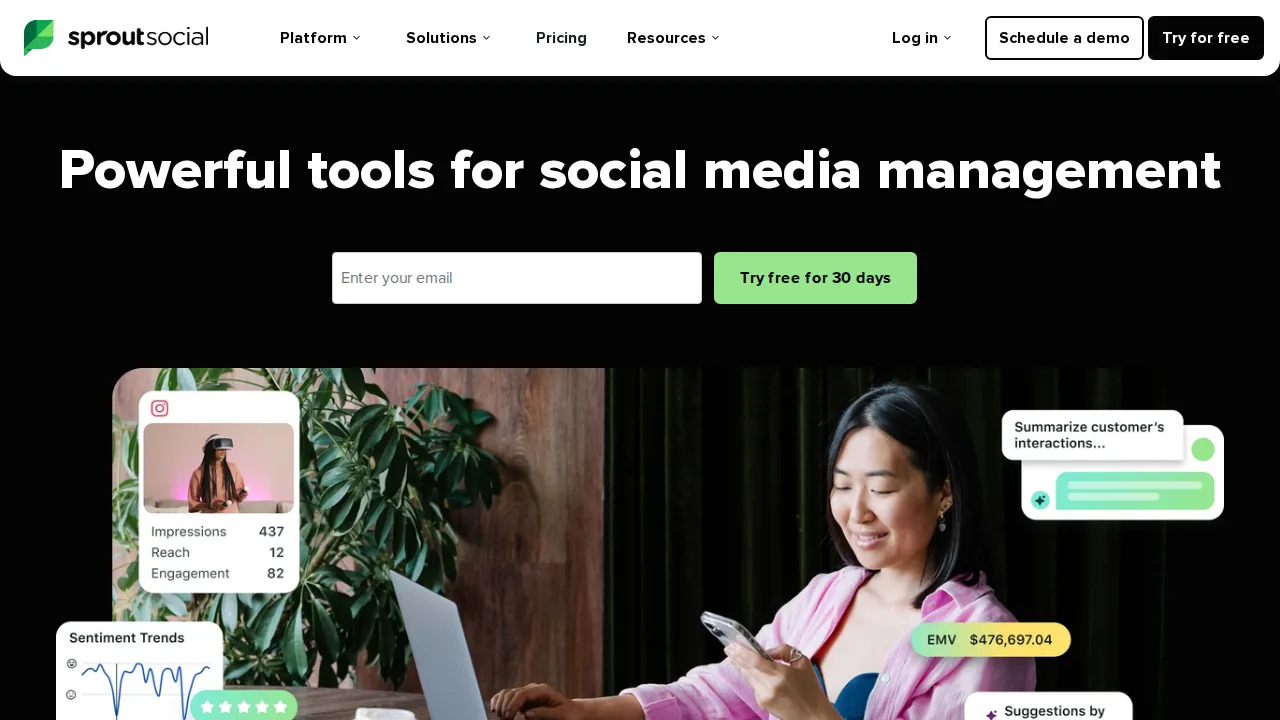
Ops note: Connect profiles, route a week of inbound messages through the Smart Inbox, and export a report for leadership. Price out seats for your full team.
Site: Sprout Social
Sendible · Social media scheduling tools
Ideal use: Marketing agencies managing social accounts for many clients that need white-label dashboards and client approvals.
What works: Sendible offers white-label dashboards, a Client Connect link that lets clients authorize their own social accounts, and per-client approval workflows. Pricing tiers are built around agency client counts rather than individual users.
What breaks the deal: The interface looks less modern than Buffer or Later, and some reports need manual formatting before sending to clients.
Pricing: Entry: $29/mo. Hidden cost: Creator 1 user; scales with profiles and team. Verify: sendible.com/pricing.
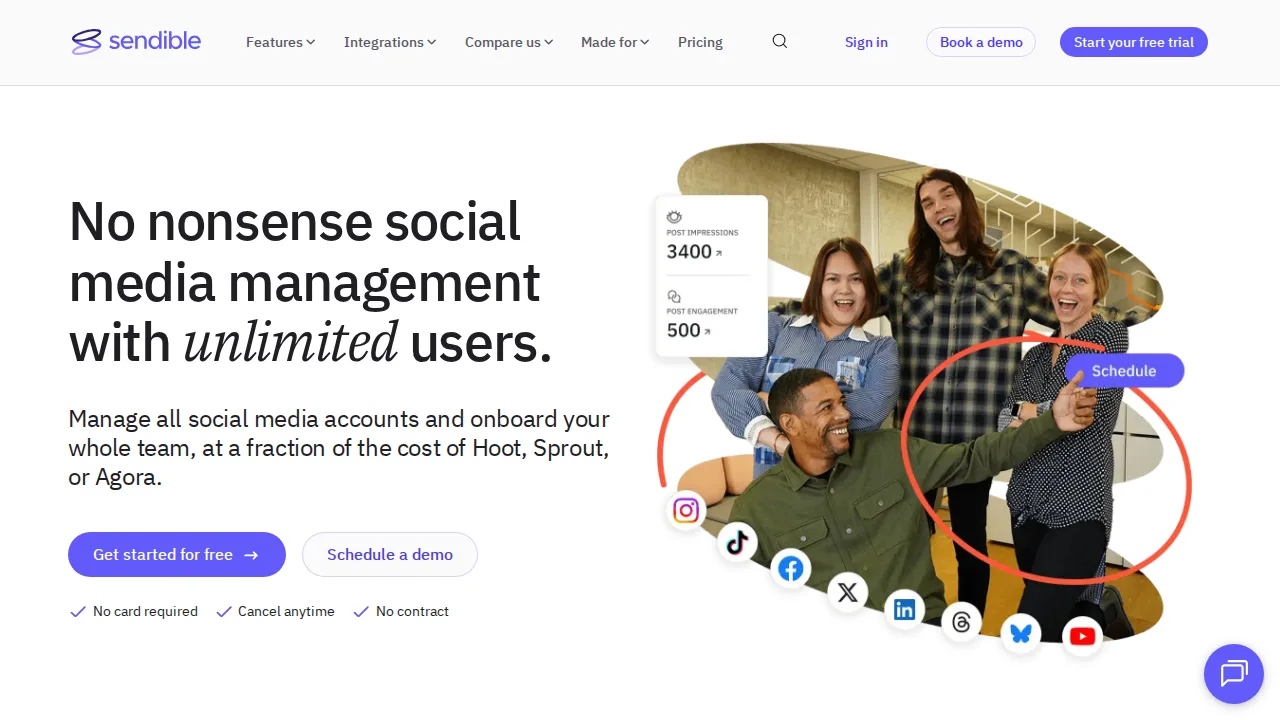
Ops note: Set up a client workspace with white-label branding and send a post for client approval. Generate a branded report.
Site: Sendible
SocialBee · Social media scheduling tools
Ideal use: Small businesses and solopreneurs that want to organize posts into content categories and recycle evergreen content.
What works: SocialBee's category-based scheduling keeps a balanced mix of content, and evergreen posts can recycle automatically. Its AI Copilot drafts posts from your brand info.
What breaks the deal: Analytics and team collaboration features are basic, so agencies and larger teams will outgrow it.
Pricing: Entry: $29/mo. Hidden cost: Bootstrap annual; workspaces and posts per category capped. Verify: socialbee.com/pricing.
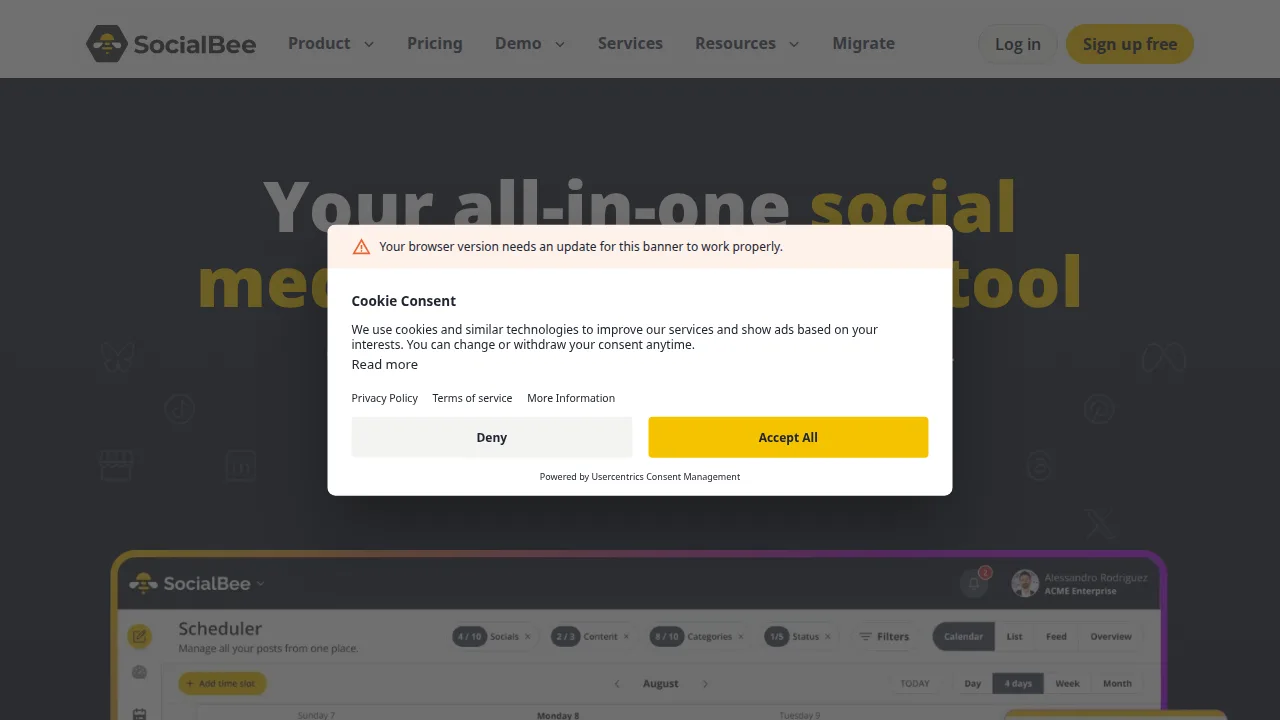
Ops note: Set up four content categories with evergreen posts and a weekly schedule. Check after a month whether recycled posts still perform.
Site: SocialBee
Planoly · Social media scheduling tools
Ideal use: Instagram and Pinterest creators and small shops that want a visual grid planner with sales tools.
What works: Planoly's grid planner shows exactly how the next posts will look on your Instagram profile, and the drag-and-drop calendar reorders them in seconds. Linkit and Sellit turn posts into a shoppable link page.
What breaks the deal: Support for networks beyond Instagram, Pinterest, and TikTok is thin, and analytics stay basic.
Pricing: Entry: $13/mo. Hidden cost: Starter 1 user; uploads and analytics on higher. Verify: planoly.com/pricing.
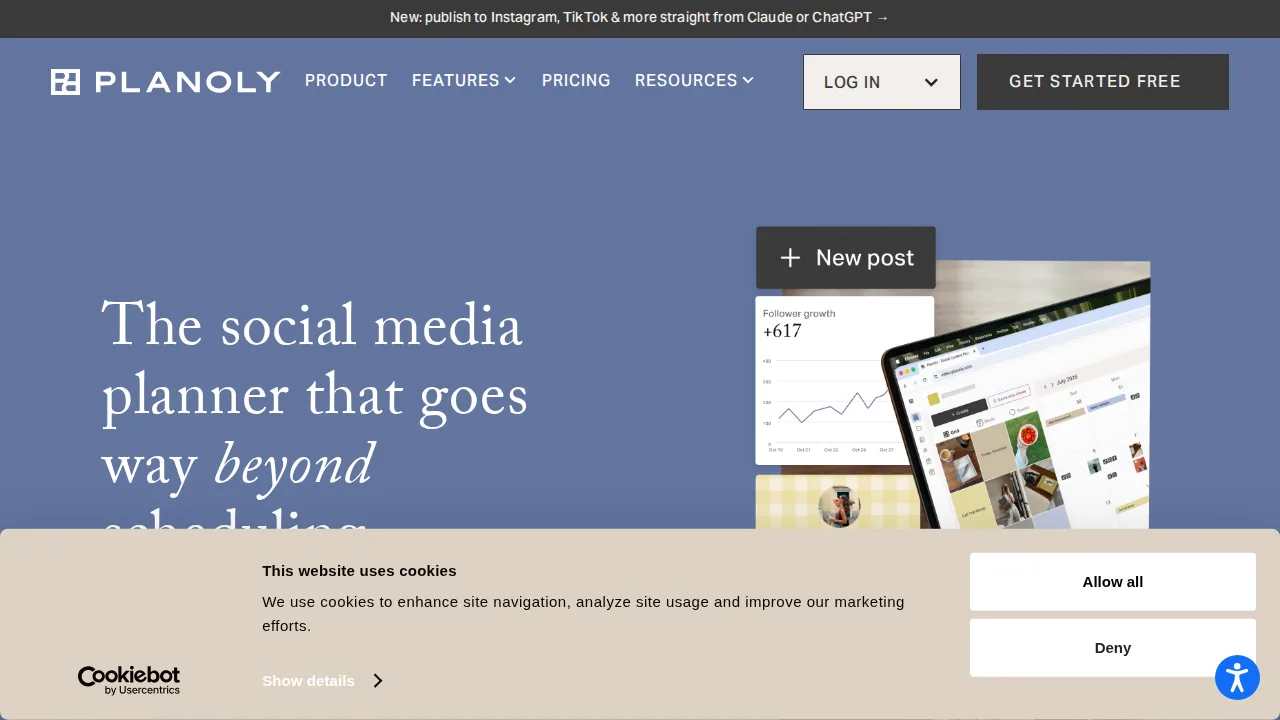
Ops note: Plan your next two weeks of posts on the grid and connect Pinterest. Compare Linkit clicks with your current link-in-bio tool.
Site: Planoly
Summary table
| Name | Best for | Entry pricing | UX /10 |
|---|---|---|---|
| Buffer | Simple scheduling for a few channels | $6/mo | 7.0 |
| Hootsuite | Enterprise social management and monitoring | $99/mo | 8.6 |
| Later | Visual Instagram planning and link in bio | $25/mo | 6.4 |
| Sprout Social | Premium analytics and unified inbox | $249/seat/mo | 7.2 |
| Sendible | White-label social for agencies | $29/mo | 7.8 |
| SocialBee | Category-based posting and evergreen recycling | $29/mo | 7.0 |
| Planoly | Visual grid planning for Instagram and Pinterest | $13/mo | 8.1 |
Quick verdict
Buffer is the best pick for solo creators and small businesses that want simple, affordable scheduling. Sprout Social is the choice for mid-size and enterprise teams that need a unified inbox and polished reports. Agencies managing many client accounts should look at Sendible for white-label dashboards and approvals.
Schedule a real week of posts across your main networks during each trial and check how previews look before publishing. Price seats for everyone who will need access, including approvers and clients.
Free checks on Lagnis
Before you sign a social media scheduling tools contract, run your numbers with extract hashtags. Same browser session, no account.
Related comparisons
- Best Video editing software (2026): 7 tools compared
- Best Graphic design software (2026): 7 tools compared
- Best E-commerce platforms (2026): 7 tools compared
FAQ
Why only 7 tools? We cut duplicate workflows; seven profiles stay readable.
Affiliate links fund hosting; listed flaws are from field testing patterns, not sponsor edits.
Pricing figures are list-tier snapshots; confirm checkout totals before you commit to annual billing.