Best Video editing software (2026): 7 tools compared
Video editing software now spans free professional suites, subscription industry standards, and AI-driven tools that edit from a transcript. The right editor depends on what you publish: long YouTube videos, podcasts, screen tutorials, or short vertical clips. Hardware also matters, since some editors need a strong GPU and others are tuned for Apple silicon. We compared seven editors for different creators and teams.
Head-to-head picks
Affiliate links may fund free Lagnis Tools; picks require a public partner program.
Seven vendors below with disclosed affiliate or partner programs. Each block: fit, strengths, blocker, pricing.
We compared timeline performance, export speed, color and audio tools, AI features, platform support, and whether pricing is subscription or one-time. We also weighed how quickly a new editor can finish a real project.
Adobe Premiere Pro · Video editing software
Ideal use: Professional editors, YouTubers, and agencies that need an industry-standard timeline with tight After Effects and Creative Cloud integration.
What works: Premiere Pro handles nearly any format, and Dynamic Link to After Effects speeds up motion graphics. Text-based editing and AI features like Generative Extend save time on interviews.
What breaks the deal: It is subscription-only and can be unstable on complex timelines without a powerful machine.
Pricing: Entry: $22.99/mo. Hidden cost: Single-app annual; stock and cloud storage caps. Verify: adobe.com/creativecloud/plans.html.
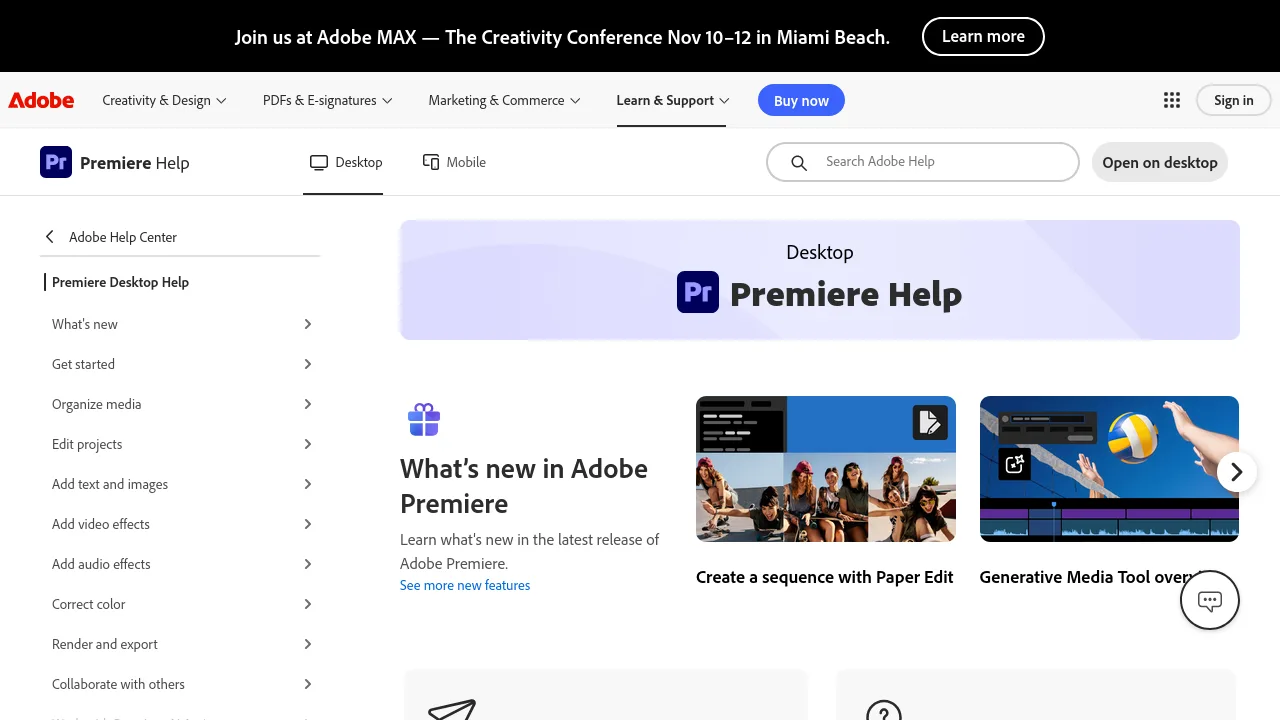
Ops note: Edit a real 10-minute project with multicam footage and export in your delivery format. Note crashes, render times, and how text-based editing handles your interviews.
Site: Adobe Premiere Pro
DaVinci Resolve · Video editing software
Ideal use: Editors and colorists who want professional editing, grading, audio, and effects in one app, with a free version that is genuinely capable.
What works: Resolve's free version includes pro-level editing and the industry's best color grading tools. The Studio version is a one-time purchase and adds AI tools and higher resolutions.
What breaks the deal: The interface is complex, and it demands a strong GPU for smooth playback.
Pricing: Entry: $295 one-time. Hidden cost: Studio license; free version lacks some codecs and collaboration. Verify: blackmagicdesign.com/products/davinciresolve/studio.
Ops note: Grade a short project on the color page and edit on the cut page. Test playback on your machine with your typical camera codec.
Site: DaVinci Resolve
Final Cut Pro · Video editing software
Ideal use: Mac-based editors and YouTubers who want fast rendering on Apple silicon and a one-time purchase.
What works: Final Cut Pro is highly optimized for Apple silicon, so playback and exports are fast. The magnetic timeline prevents sync issues, and it is a one-time purchase.
What breaks the deal: It is Mac-only, and collaboration workflows are weaker than Premiere Pro.
Pricing: Entry: $299.99 one-time. Hidden cost: Mac App Store; major upgrades may repurchase; storage extra. Verify: apple.com/final-cut-pro.
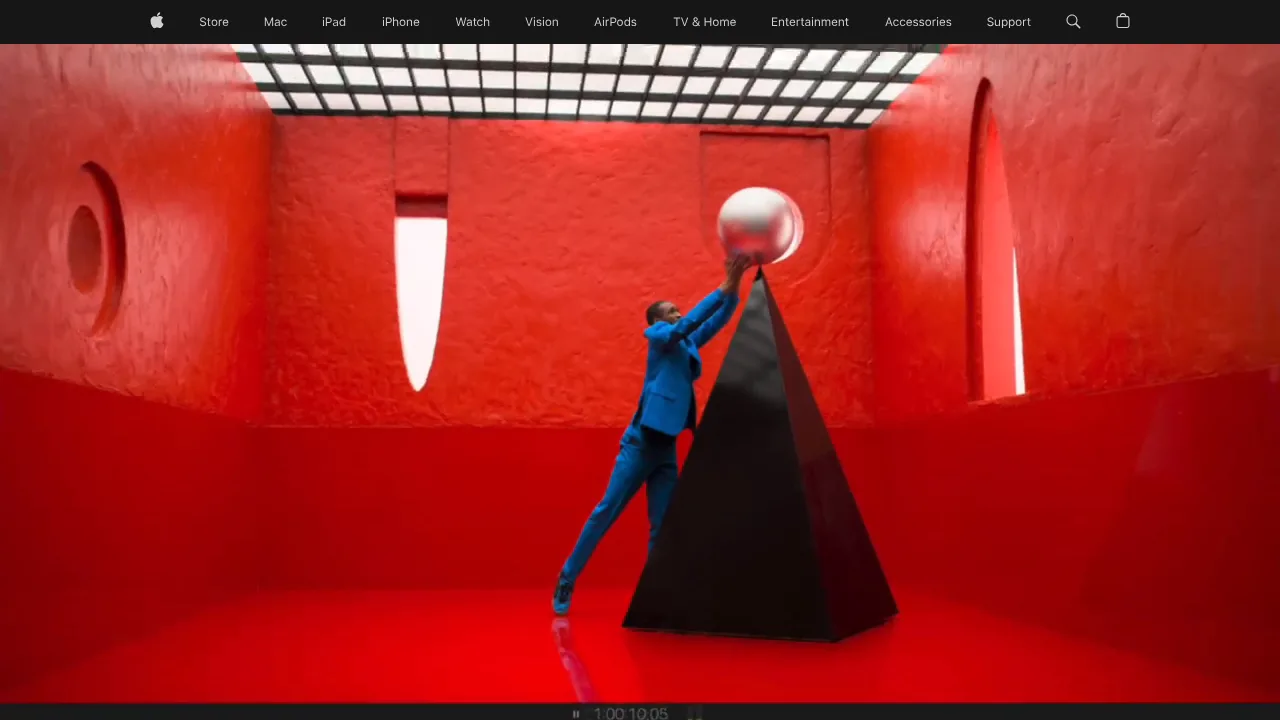
Ops note: Edit a project with 4K footage and export it, timing the render. Try the free trial and check collaboration needs with your team.
Site: Final Cut Pro
Camtasia · Video editing software
Ideal use: Corporate trainers, course creators, and software support teams that record screen tutorials and need callouts, zooms, and quizzes without learning a pro editor.
What works: Camtasia records the screen, webcam, and cursor on separate tracks, so you can add zoom-and-pan, click highlights, and callouts after the fact. Interactive quizzes export as SCORM packages that most LMS platforms can track.
What breaks the deal: TechSmith moved Camtasia to annual subscriptions, which raised the long-term cost for teams that used to buy perpetual licenses.
Pricing: Entry: $179.88/year. Hidden cost: Individual subscription; perpetual license discontinued. Verify: techsmith.com/camtasia/pricing.
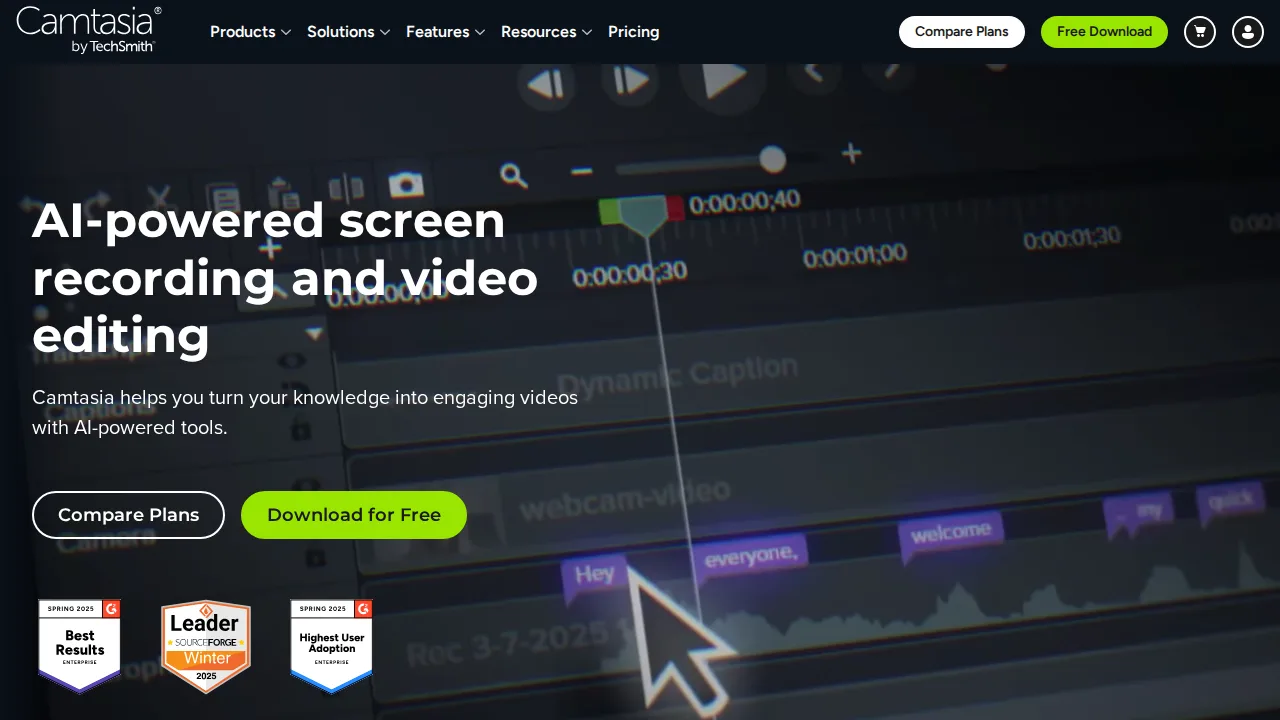
Ops note: Record a five-minute walkthrough of your own product, add two zooms and a quiz, and export it as SCORM. Upload it to your LMS and confirm quiz scores are recorded.
Site: Camtasia
Filmora · Video editing software
Ideal use: Hobby YouTubers, small business owners, and beginners who want templates, transitions, and AI captions at a lower price than pro editors.
What works: Filmora's drag-and-drop templates and effect packs let beginners produce a polished social video in an hour. Auto captions, AI background removal, and silence detection handle chores that would take manual work elsewhere.
What breaks the deal: Many AI features consume paid credits, and the in-app effects store pushes upsells constantly.
Pricing: Entry: $49.99/year. Hidden cost: Individual cross-platform; AI credits and stock extra. Verify: filmora.wondershare.com/shop/buy/buy-video-editor.html.
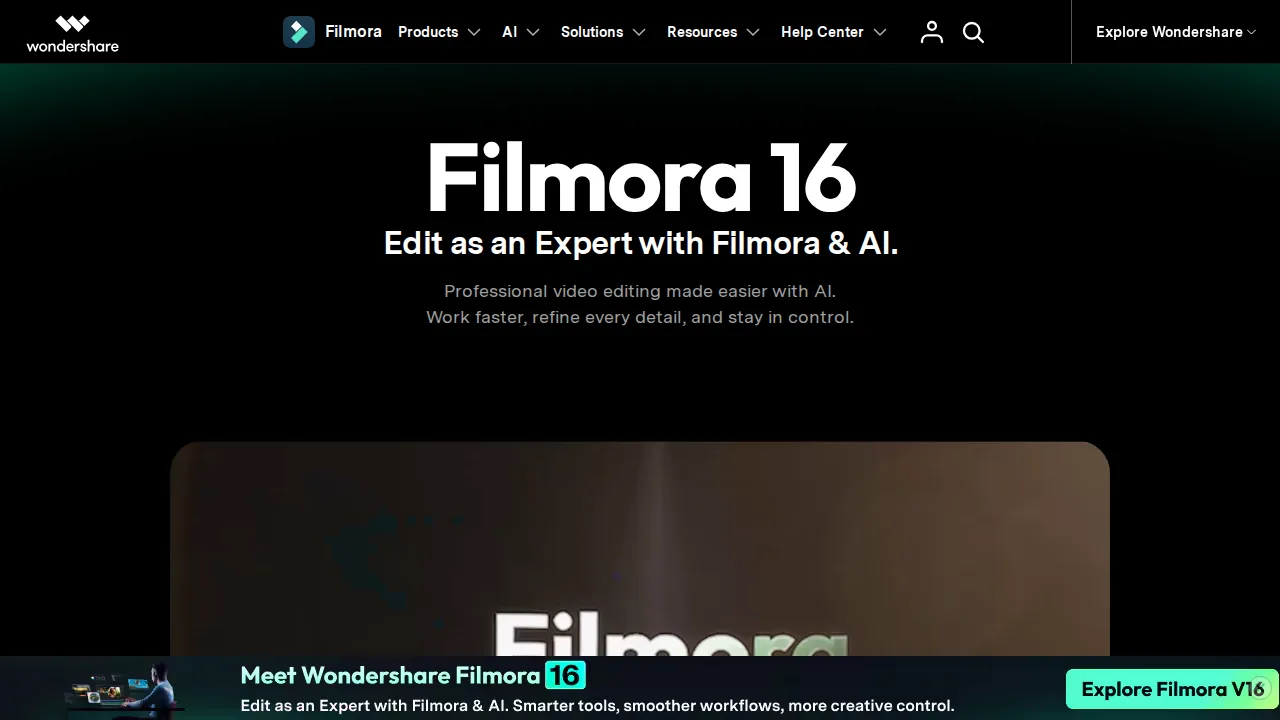
Ops note: Cut a three-minute video with auto captions and silence detection, then check how many AI credits the project used. Export at 4K and compare render time with your current tool.
Site: Filmora
Descript · Video editing software
Ideal use: Podcasters, interview shows, and talking-head YouTubers who want to edit audio and video by deleting words in a transcript.
What works: Deleting a sentence in Descript's transcript removes it from the video, and one click strips filler words like um and uh across a whole episode. Studio Sound cleans up echoey room audio surprisingly well.
What breaks the deal: Layered creative edits with many tracks, keyframes, or color work are clumsy compared with a traditional timeline editor.
Pricing: Entry: $24/mo. Hidden cost: Hobbyist hours cap; Creator $35; AI credits overage. Verify: descript.com/pricing.
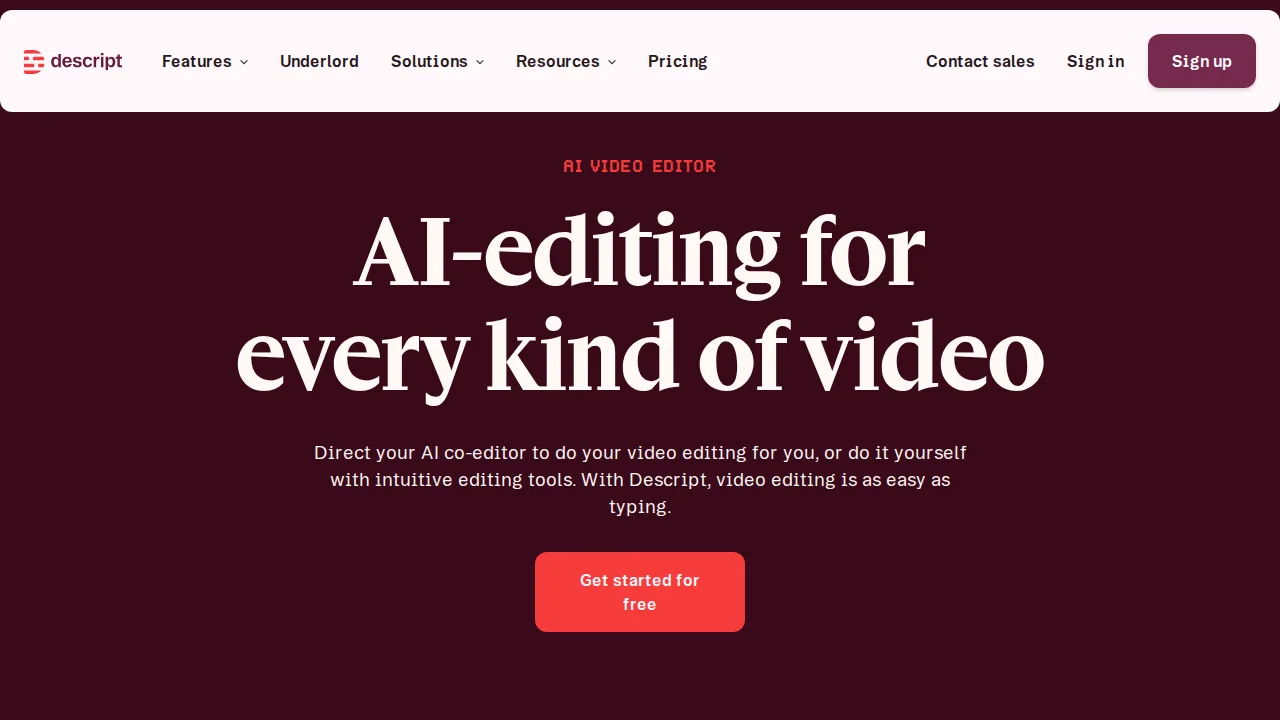
Ops note: Import a 30-minute recorded interview, remove filler words, and apply Studio Sound. Time the full edit and compare it with your current workflow.
Site: Descript
CapCut · Video editing software
Ideal use: Short-form creators publishing on TikTok, Reels, and Shorts who want trending templates, auto captions, and fast editing on a phone.
What works: CapCut's template library tracks current short-form trends, and auto captions with animated styles take seconds. Projects sync between the mobile and desktop apps.
What breaks the deal: ByteDance ownership and broad content license terms make some brands and agencies unwilling to use it for client work.
Pricing: Entry: $7.99/mo. Hidden cost: Pro mobile/desktop; cloud storage and AI credits metered. Verify: capcut.com/pricing.
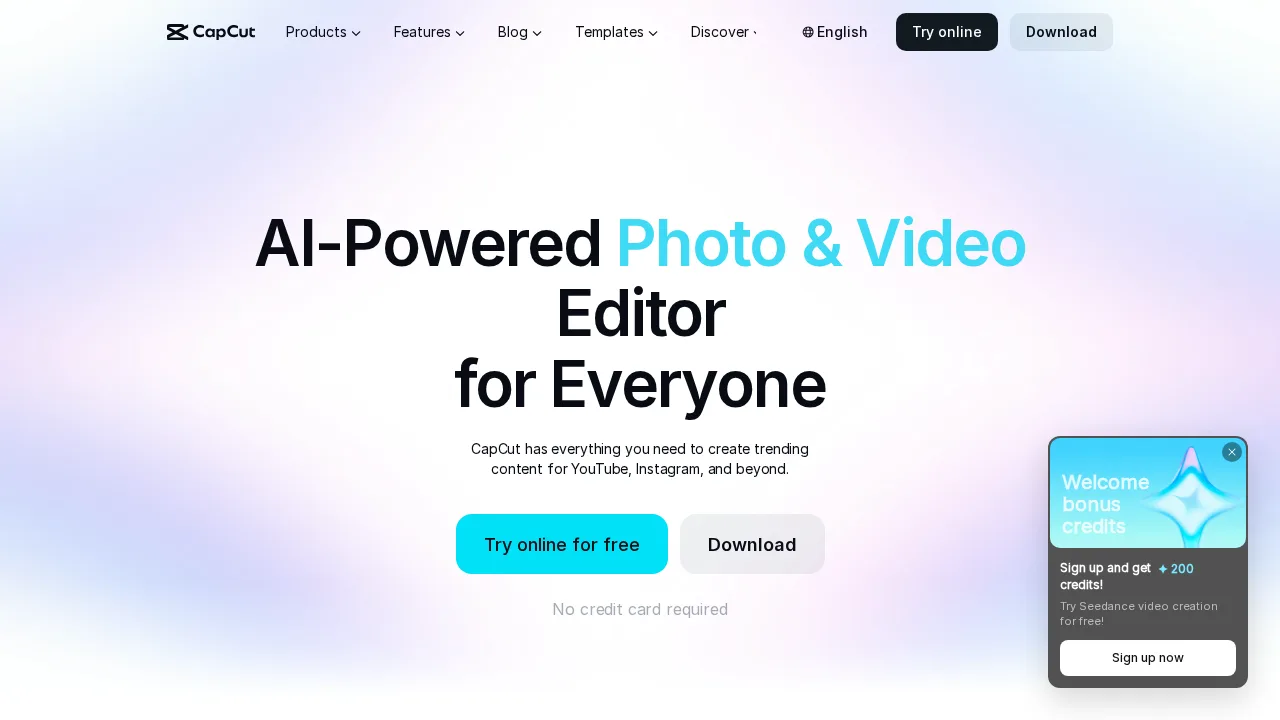
Ops note: Edit a 30-second Reel from a trending template on your phone and finish it on desktop. Have your legal or brand lead review the content terms before using it commercially.
Site: CapCut
Summary table
| Name | Best for | Entry pricing | UX /10 |
|---|---|---|---|
| Adobe Premiere Pro | Industry-standard pro editing with After Effects | $22.99/mo | 8.0 |
| DaVinci Resolve | Pro color grading with a free tier | $295 one-time | 6.4 |
| Final Cut Pro | Fast Mac editing with one-time pricing | $299.99 one-time | 6.8 |
| Camtasia | Screen tutorials with callouts and quizzes | $179.88/year | 7.7 |
| Filmora | Template-driven editing for beginners | $49.99/year | 6.7 |
| Descript | Editing podcasts by editing the transcript | $24/mo | 8.2 |
| CapCut | Trending short-form templates on mobile | $7.99/mo | 7.5 |
Quick verdict
Adobe Premiere Pro remains the industry standard for professional editors who work with After Effects and Creative Cloud. DaVinci Resolve offers the best value, with a capable free version and top color grading. Podcasters and talking-head creators will edit faster in Descript by working from the transcript.
Edit a real project with your own footage and codecs on the machine you actually use. Consider one-time purchase options if you do not need the latest cloud features, since subscriptions add up over years.
Free checks on Lagnis
Before you sign a video editing software contract, run your numbers with video storage hours. Same browser session, no account.
Related comparisons
- Best Graphic design software (2026): 7 tools compared
- Best E-commerce platforms (2026): 7 tools compared
- Best Payment processing (2026): 7 tools compared
FAQ
Why only 7 tools? We cut duplicate workflows; seven profiles stay readable.
Affiliate links fund hosting; listed flaws are from field testing patterns, not sponsor edits.
Pricing figures are list-tier snapshots; confirm checkout totals before you commit to annual billing.