Best Graphic design software (2026): 7 tools compared
Graphic design software covers photo retouching, vector illustration, UI design, print production, and quick social graphics, and no single tool does all of them best. Licensing has shifted too, with subscriptions, perpetual licenses, and free tiers all in play. Team collaboration now matters as much as individual features for many buyers. We compared seven tools across these jobs.
Head-to-head picks
Affiliate links may fund free Lagnis Tools; picks require a public partner program.
Seven vendors below with disclosed affiliate or partner programs. Each block: fit, strengths, blocker, pricing.
We evaluated core editing tools, output quality for print and screen, collaboration, AI features, platform support, and licensing cost. We also considered how easily non-designers can produce on-brand work.
Adobe Photoshop · Graphic design software
Ideal use: Photographers, retouchers, and designers who need the industry-standard raster editor with generative AI tools.
What works: Photoshop's selection, masking, and retouching tools remain unmatched, and Generative Fill speeds up object removal and extension. It integrates with Lightroom and Creative Cloud libraries.
What breaks the deal: Photoshop is subscription-only, and heavy Generative Fill use burns through the monthly generative credit allowance.
Pricing: Entry: $22.99/mo. Hidden cost: Single-app annual; Photography bundle or All Apps upsell. Verify: adobe.com/creativecloud/plans.html.
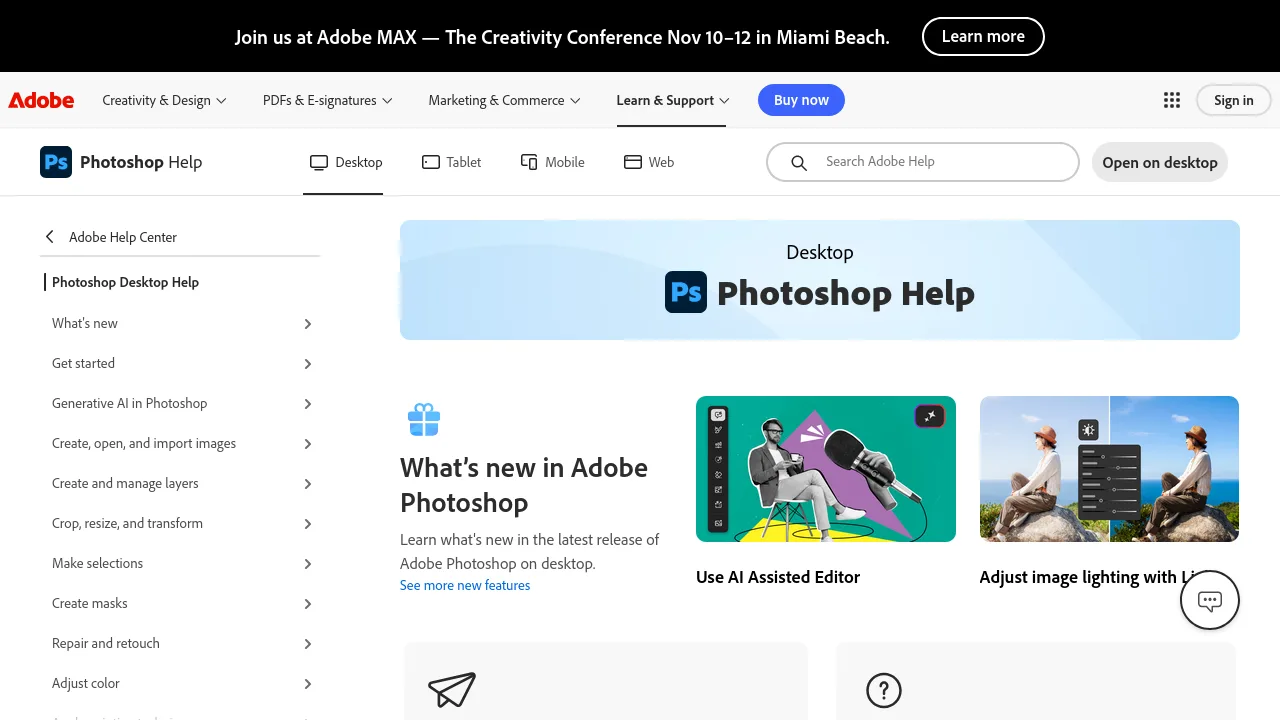
Ops note: Retouch a real portrait and use Generative Fill to extend a background. Check how many generative credits the task consumed.
Site: Adobe Photoshop
Canva · Graphic design software
Ideal use: Marketers, small businesses, and non-designers who create social graphics, presentations, and documents from templates.
What works: Canva's templates and drag-and-drop editor make on-brand graphics fast, and Brand Kits keep teams consistent. Magic Studio AI tools and collaboration are built in.
What breaks the deal: Precise vector and print work is limited compared with professional tools.
Pricing: Entry: $15/mo. Hidden cost: Pro one person; Teams $10/user. Verify: canva.com/pricing.
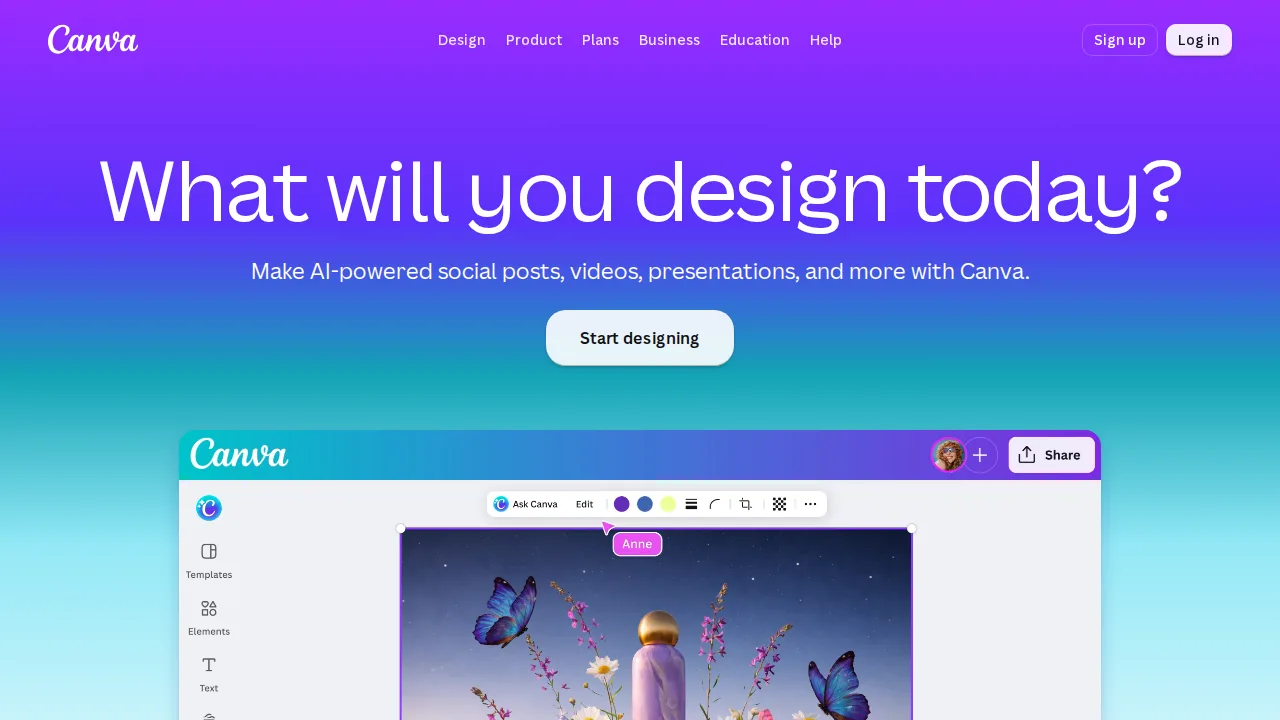
Ops note: Set up a Brand Kit and create five social posts from templates. Export one for print and check color accuracy.
Site: Canva
Affinity Designer · Graphic design software
Ideal use: Illustrators and designers who want professional vector and raster tools without a subscription.
What works: Affinity combines vector and pixel editing with fast performance on large files. Now owned by Canva, which relaunched Affinity as a single combined app with a free core tier in 2025.
What breaks the deal: Some AI features now require a Canva subscription, and plugin support is limited.
Pricing: Entry: $69.99 one-time. Hidden cost: V2 universal license; iPad separate unless bundled promo. Verify: affinity.serif.com/pricing.
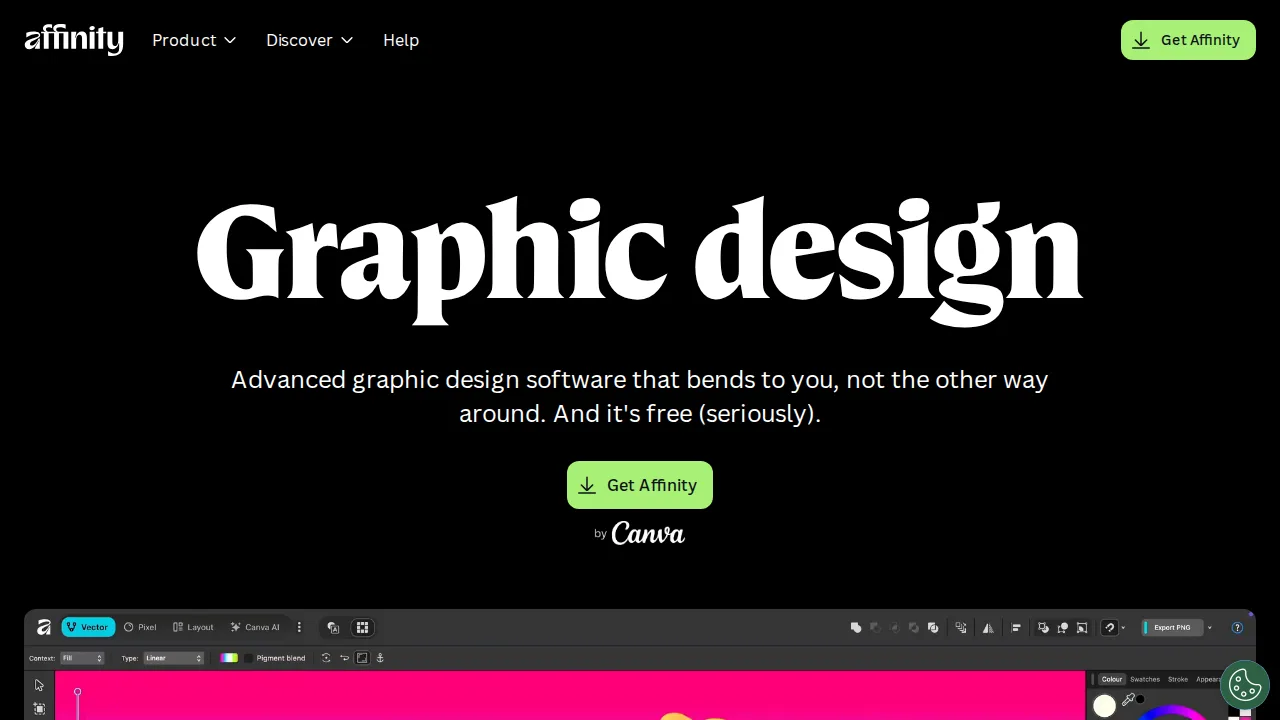
Ops note: Recreate a real logo or illustration and export it in the formats you use. Check which features in your workflow need Canva premium.
Site: Affinity Designer
Figma · Graphic design software
Ideal use: Product designers and UI teams that design interfaces and prototypes collaboratively in the browser.
What works: Figma's multiplayer editing, components, and variables make it the standard for UI design systems. Dev Mode helps engineers inspect specs and code.
What breaks the deal: Pricing rose with new seat types, and it is less suited for print or photo work.
Pricing: Entry: $15/editor/mo. Hidden cost: Professional; Dev Mode extra. Verify: figma.com/pricing.
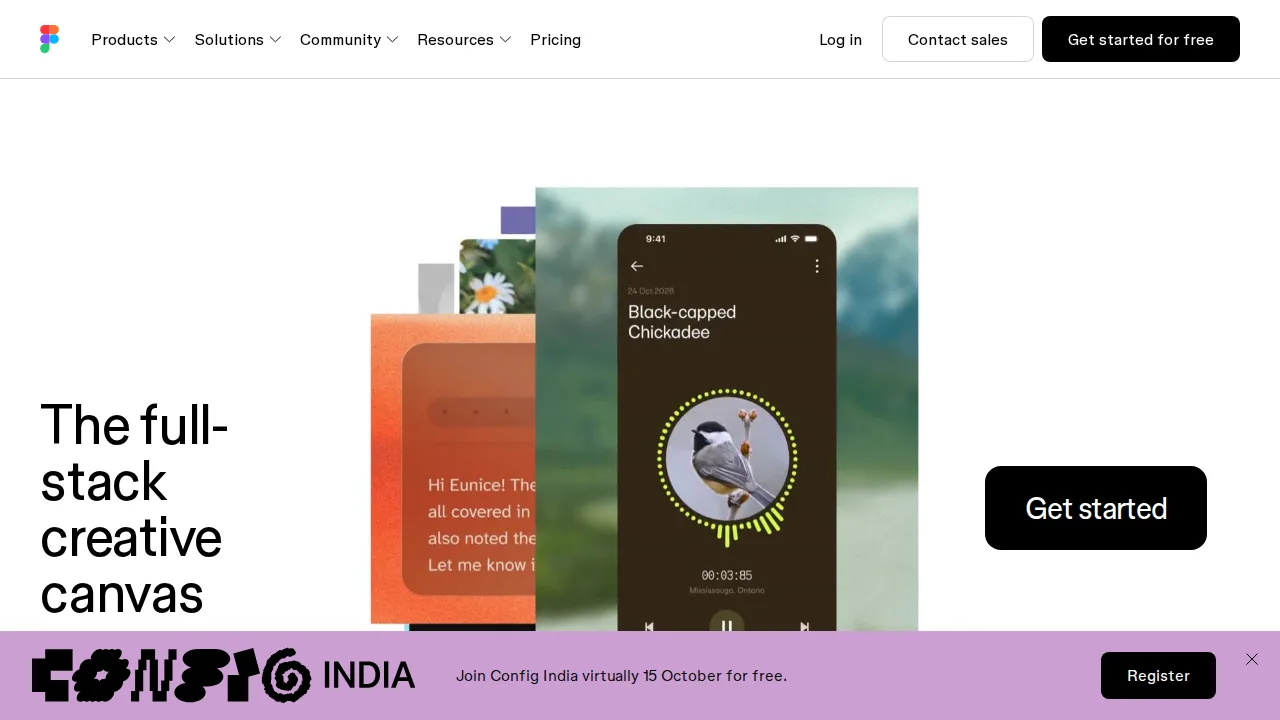
Ops note: Build a component library and a clickable prototype with two teammates. Have an engineer use Dev Mode to inspect a screen.
Site: Figma
Sketch · Graphic design software
Ideal use: Mac-based UI designers and small product teams that prefer a native app, local files, and a simpler license than Figma.
What works: Sketch runs as a fast native Mac app that handles large documents smoothly and works fully offline. Its web workspace adds sharing, comments, and developer handoff without a separate tool.
What breaks the deal: It is Mac-only, and most hiring pools and plugin authors have moved to Figma.
Pricing: Entry: $12/editor/mo. Hidden cost: Standard annual; Mac-only editor; workspace storage cap. Verify: sketch.com/pricing.
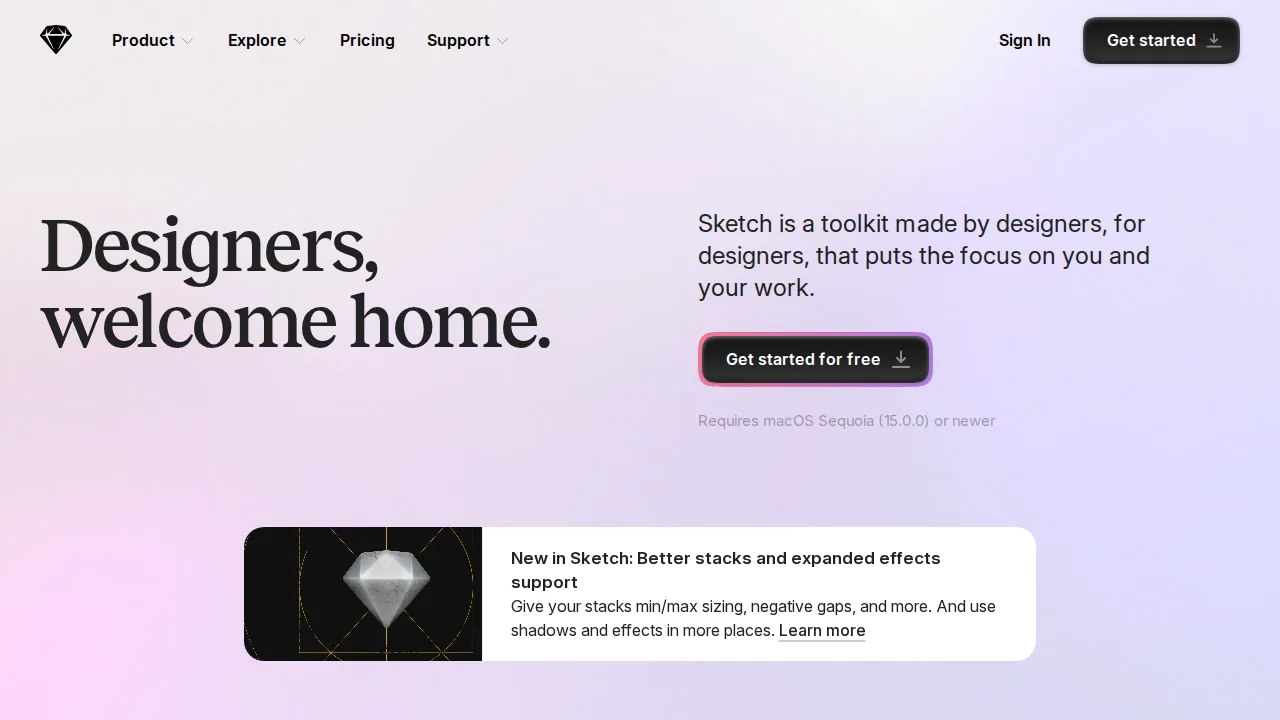
Ops note: Build a small design system with symbols and share it through the web workspace for handoff. Check that every plugin your team relies on still works on the current version.
Site: Sketch
CorelDRAW · Graphic design software
Ideal use: Print shops, sign makers, and laser engravers that need vector layout with prepress checks and output to cutters and engravers.
What works: CorelDRAW has production tools like imposition, color separations, and preflight that print shops rely on. It exports cleanly to vinyl cutters and laser engravers, and a perpetual license is still sold.
What breaks the deal: Round-tripping files with Adobe Illustrator users can shift fonts and effects, which causes friction with agency clients.
Pricing: Entry: $249/year. Hidden cost: Standard subscription; perpetual option higher one-time. Verify: coreldraw.com/en/product/coreldraw-standard.
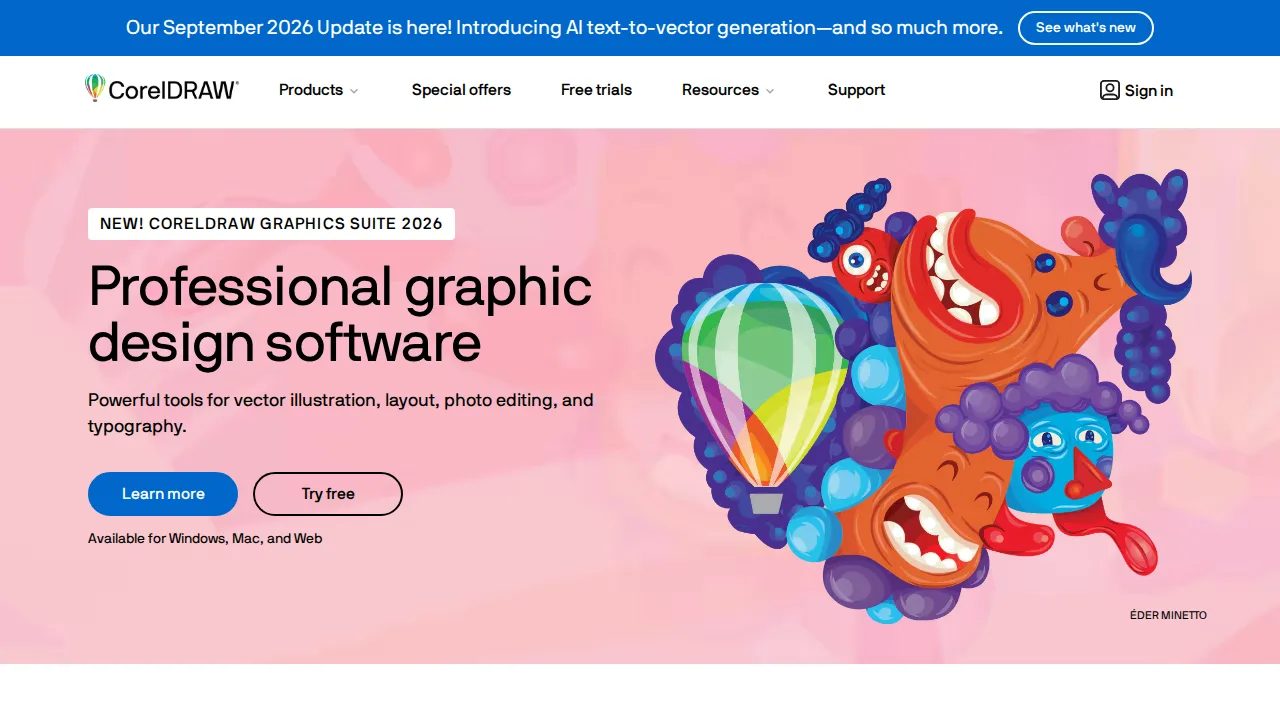
Ops note: Prepare a real print job with bleed and spot colors and run preflight. Send a test file to your cutter or engraver and check the output against the design.
Site: CorelDRAW
Visme · Graphic design software
Ideal use: Marketers, educators, and internal comms teams that turn data into infographics, reports, and interactive presentations.
What works: Visme includes chart, map, and data widget builders that pull from spreadsheets, so data visuals stay editable. Presentations can be published as interactive web links with view analytics.
What breaks the deal: Large projects with many slides and animations get sluggish in the browser editor.
Pricing: Entry: $29/mo. Hidden cost: Personal annual; Team $49/user; download limits. Verify: visme.co/pricing.
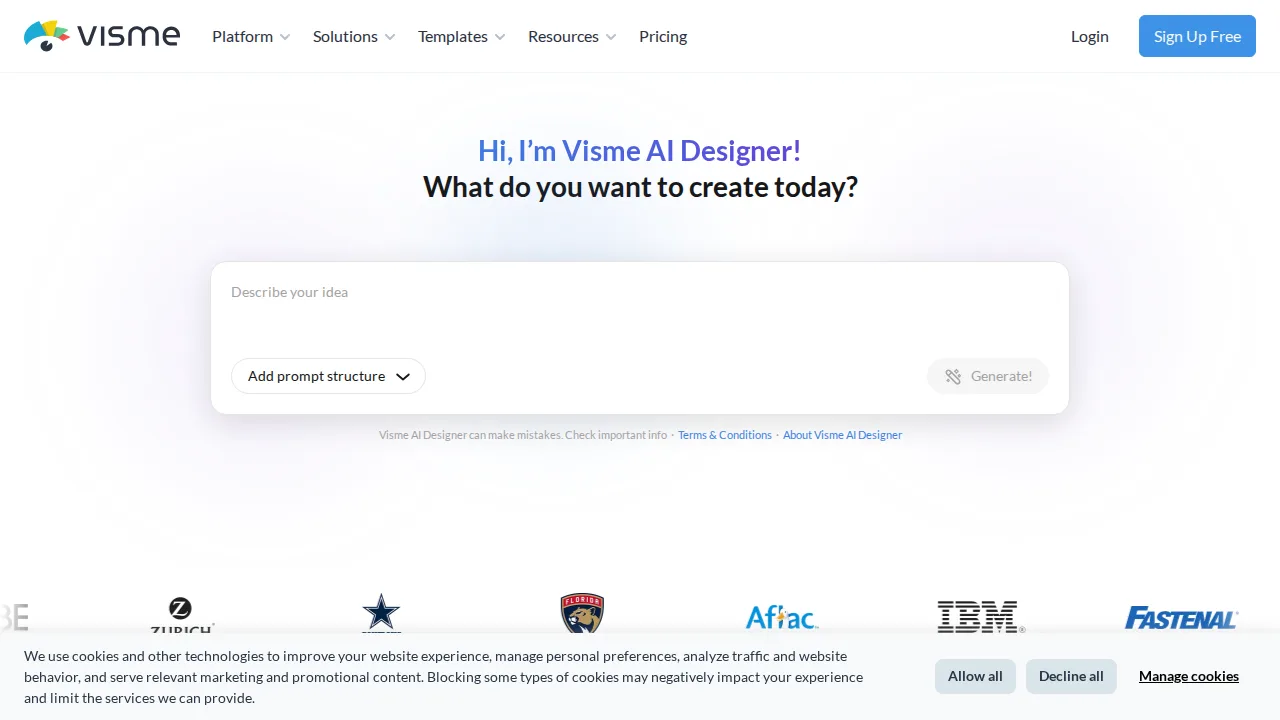
Ops note: Build a one-page infographic from a real spreadsheet and update one number to confirm the chart refreshes. Publish it as a link and review the view analytics after a week.
Site: Visme
Summary table
| Name | Best for | Entry pricing | UX /10 |
|---|---|---|---|
| Adobe Photoshop | Industry-standard photo editing and retouching | $22.99/mo | 7.2 |
| Canva | Template-based design for non-designers | $15/mo | 6.7 |
| Affinity Designer | Professional vector design without subscription | $69.99 one-time | 6.8 |
| Figma | Collaborative UI design and prototyping | $15/editor/mo | 7.3 |
| Sketch | Native Mac UI design with local files | $12/editor/mo | 8.9 |
| CorelDRAW | Print, signage, and cutter production | $249/year | 7.5 |
| Visme | Infographics and data-heavy presentations | $29/mo | 8.0 |
Quick verdict
Adobe Photoshop is still the standard for photo editing and retouching. Figma is the clear choice for collaborative UI design and prototyping. Marketers and non-designers who need on-brand social graphics and presentations should use Canva.
Match the tool to the job instead of forcing one app to do everything, since many teams use two. Test export quality for your real output, whether that is print, web, or developer handoff.
Free checks on Lagnis
Before you sign a graphic design software contract, run your numbers with color pick from image. Same browser session, no account.
Related comparisons
- Best E-commerce platforms (2026): 7 tools compared
- Best Payment processing (2026): 7 tools compared
- Best Payroll software (2026): 7 tools compared
FAQ
Why only 7 tools? We cut duplicate workflows; seven profiles stay readable.
Affiliate links fund hosting; listed flaws are from field testing patterns, not sponsor edits.
Pricing figures are list-tier snapshots; confirm checkout totals before you commit to annual billing.