Best Payroll software (2026): 7 tools compared
Payroll mistakes are expensive: late tax filings, wrong withholdings, and unhappy employees. Modern payroll software automates tax filing, direct deposit, and new hire reporting, but providers differ in support, HR features, and how pricing scales with headcount. Some are built for tiny teams while others handle multi-state or global payroll. We compared seven providers.
Head-to-head picks
Affiliate links may fund free Lagnis Tools; picks require a public partner program.
Seven vendors below with disclosed affiliate or partner programs. Each block: fit, strengths, blocker, pricing.
We evaluated tax filing automation, multi-state support, benefits and HR features, accounting integrations, support quality, and per-employee pricing. We also considered how easy each is for an owner without HR staff.
Gusto · Payroll software
Ideal use: US small businesses with 1 to 100 employees that want payroll, benefits, and simple HR in one easy platform.
What works: Gusto runs unlimited payrolls, files federal, state, and local taxes automatically, and handles new hire reporting. Employee self-service and benefits administration are built in.
What breaks the deal: Customer support response times have drawn complaints, and phone support is limited on lower plans.
Pricing: Entry: $40/mo. Hidden cost: Simple + $6/person; HR add-on. Verify: gusto.com/product/pricing.
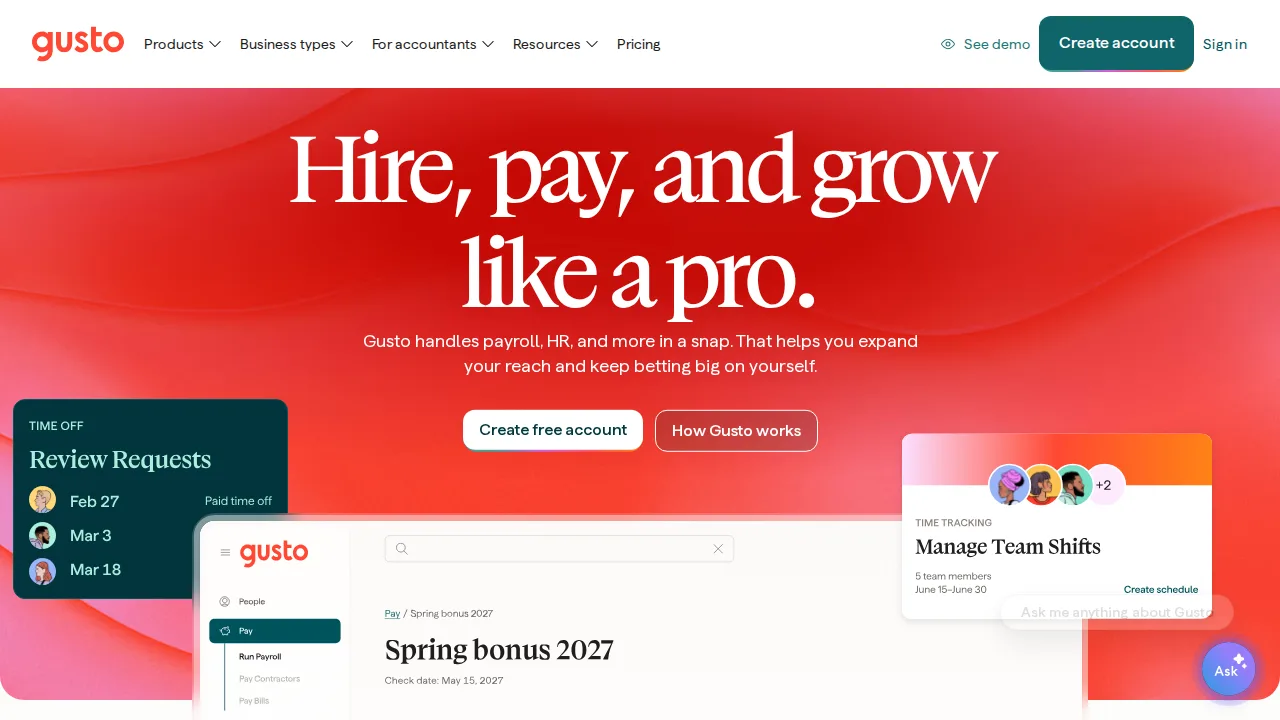
Ops note: Run a test payroll with salaried and hourly workers and a contractor. Check how state tax registration works for your locations.
Site: Gusto
QuickBooks Payroll · Payroll software
Ideal use: Small businesses already using QuickBooks Online that want payroll entries posted to the books automatically.
What works: QuickBooks Payroll syncs pay runs with QuickBooks accounting and offers same-day direct deposit on higher tiers. Tax penalty protection is included on premium plans.
What breaks the deal: Pricing is high relative to features if you do not use QuickBooks Online.
Pricing: Entry: $45/mo. Hidden cost: Core + $6/employee; Full Service $125/mo base. Verify: quickbooks.intuit.com/payroll/pricing.
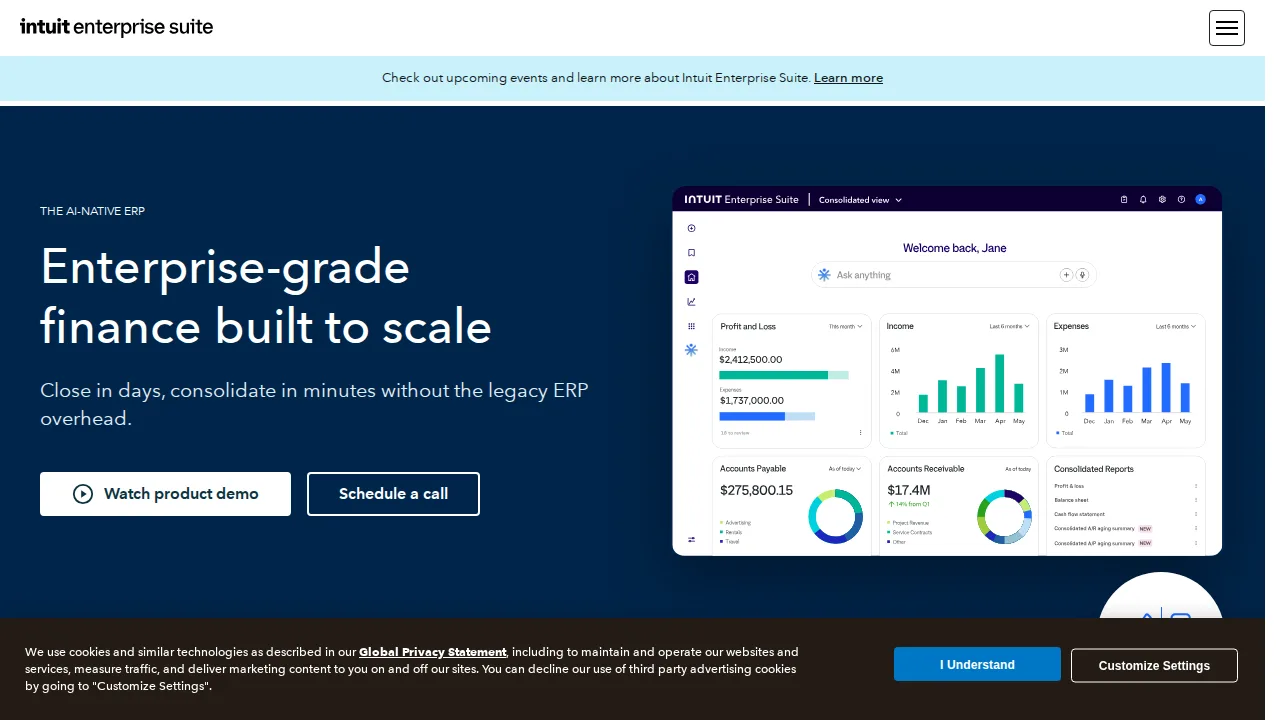
Ops note: Run a test payroll and review how it posts to your QuickBooks chart of accounts. Check which plan includes same-day direct deposit.
Site: QuickBooks Payroll
ADP · Payroll software
Ideal use: Businesses from 10 to thousands of employees that want a large payroll provider with compliance expertise and HR outsourcing options.
What works: ADP handles multi-state and international payroll, and its compliance expertise is deep. Plans range from RUN for small businesses to Workforce Now for mid-market.
What breaks the deal: Pricing is quote-only and add-ons for HR, time, and benefits can inflate the monthly bill quickly.
Pricing: Entry: Quote. Hidden cost: Run payroll per employee + implementation; W-2/state filing fees. Verify: adp.com/pricing.
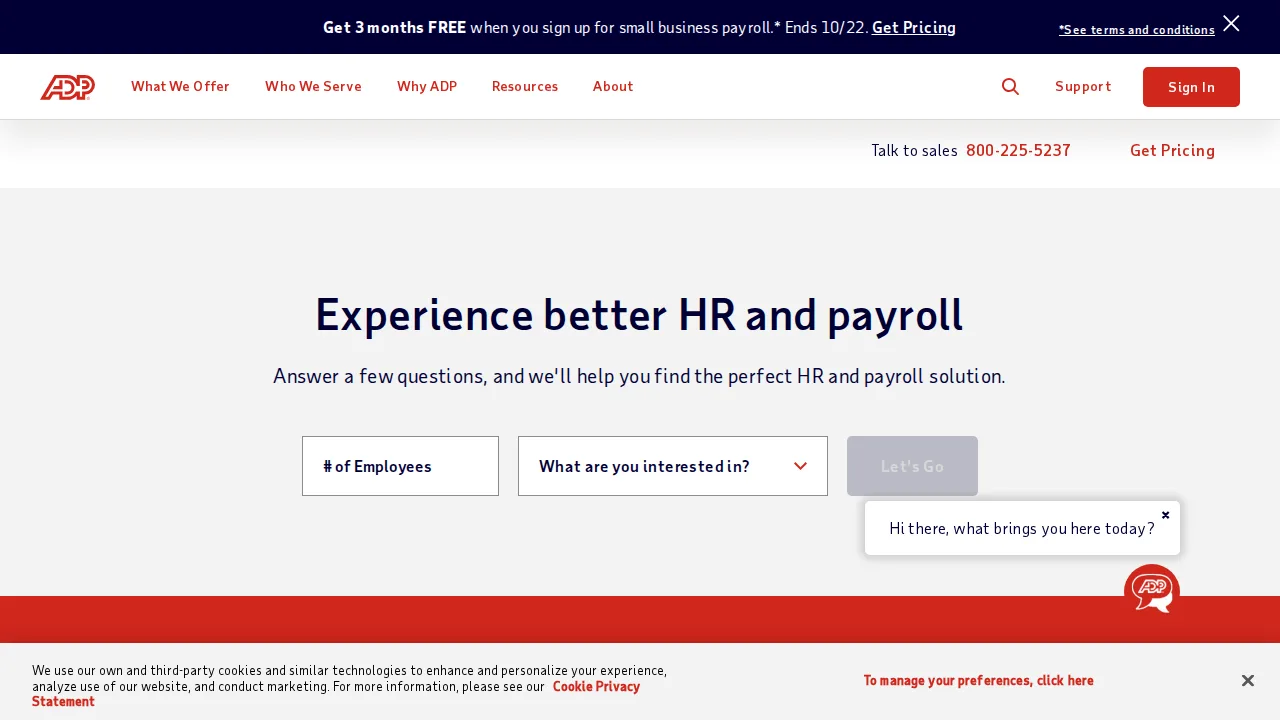
Ops note: Request quotes for RUN and Workforce Now with your employee count and states. Compare the total with Gusto and Paychex.
Site: ADP
Paychex · Payroll software
Ideal use: Small and mid-size businesses that want payroll with a dedicated payroll specialist and PEO options.
What works: Paychex offers a dedicated payroll specialist, mobile payroll approvals, and HR services that scale up to a full PEO. It handles multi-state tax registration and compliance well.
What breaks the deal: Pricing is not published, and extra services like time tracking and HR add separate fees.
Pricing: Entry: Quote. Hidden cost: Per employee + per check; setup fees vary by state. Verify: paychex.com/pricing.
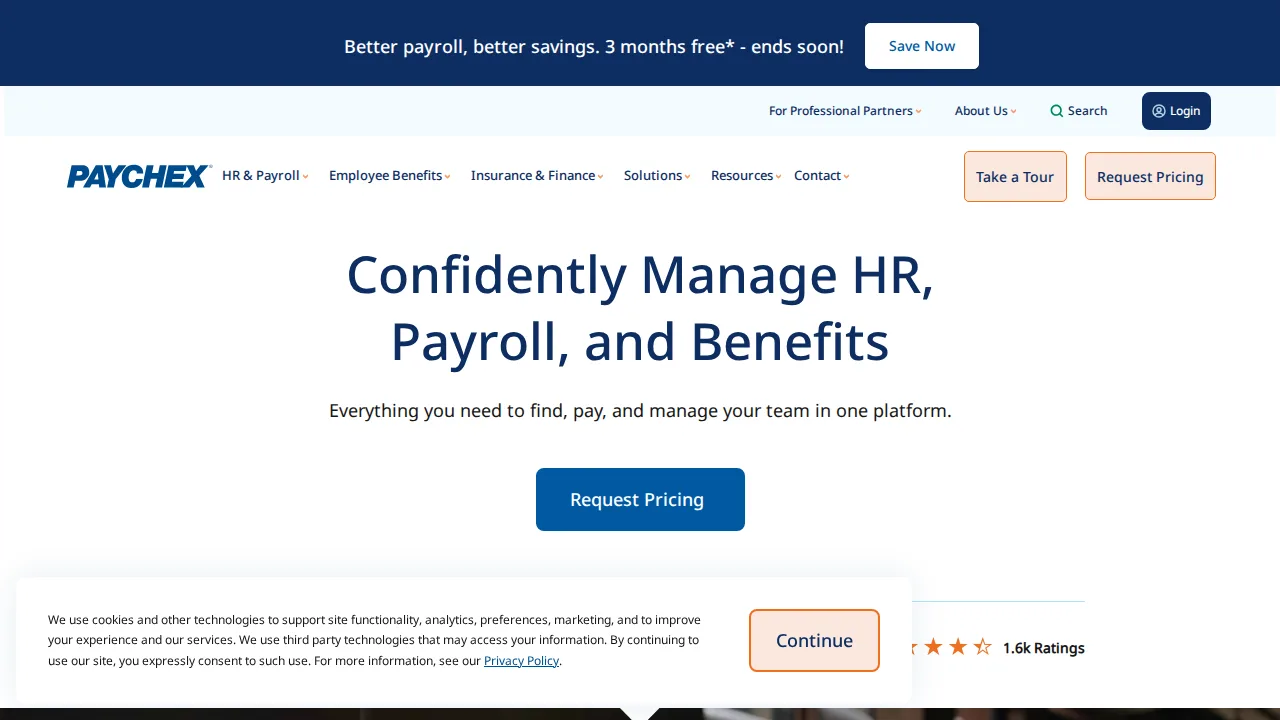
Ops note: Ask for a quote with a dedicated specialist and PEO option. Run a sample payroll during a demo.
Site: Paychex
Rippling · Payroll software
Ideal use: Fast-growing companies of 20 to 2,000 people that want payroll, HR, IT device management, and app provisioning on one employee record.
What works: Rippling ties payroll, benefits, devices, and app access to one employee profile, so onboarding and offboarding happen in one step. Global payroll and EOR cover international hires.
What breaks the deal: Modular pricing makes total cost hard to predict, and contracts can be rigid.
Pricing: Entry: $8/user/mo. Hidden cost: Platform fee plus module add-ons; payroll per employee. Verify: rippling.com/pricing.
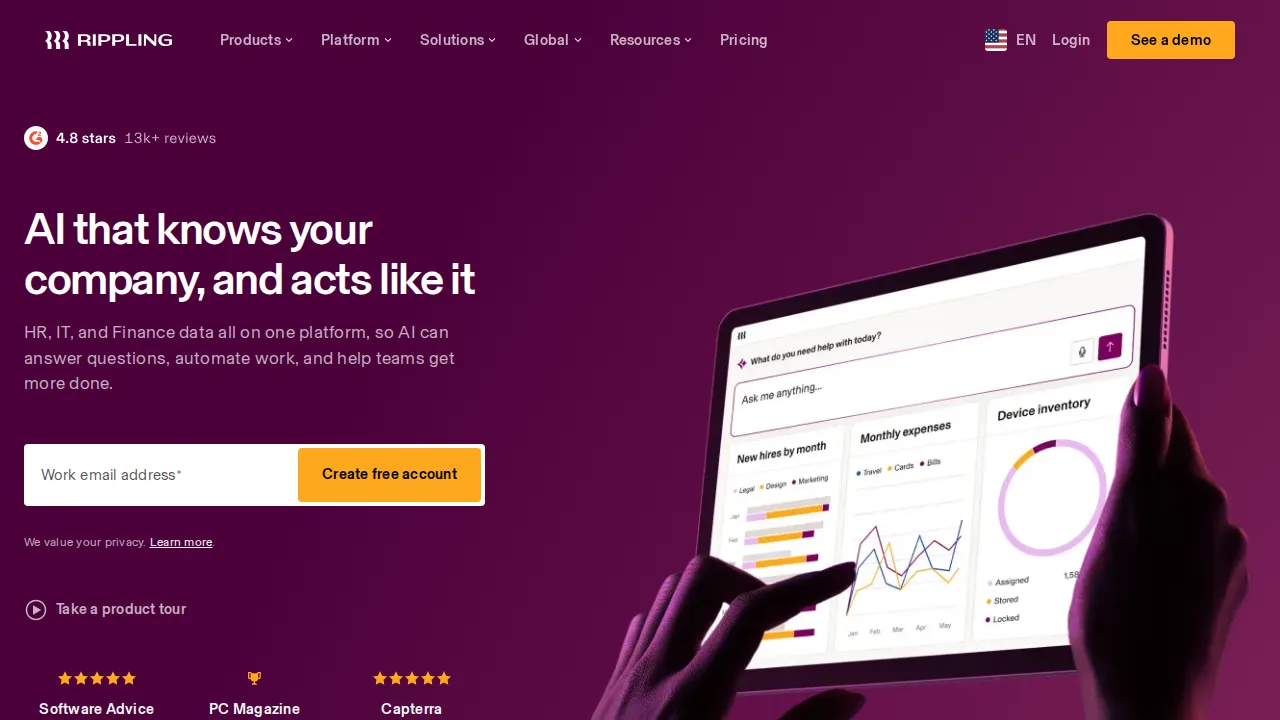
Ops note: Onboard a test employee and check that payroll, laptop, and app accounts are provisioned automatically. Get a full quote for all modules you need.
Site: Rippling
OnPay · Payroll software
Ideal use: Small businesses, including farms, restaurants, and nonprofits, that want full-service payroll at one simple price.
What works: OnPay's single plan includes payroll, tax filings, and HR tools at a low per-employee rate. It supports specialized payroll such as agricultural and tipped workers.
What breaks the deal: It lacks advanced HR tools, global payroll, and deep reporting that growing companies eventually need.
Pricing: Entry: $40/mo. Hidden cost: Base + $6/person; multi-state tax filings included cap. Verify: onpay.com/pricing.
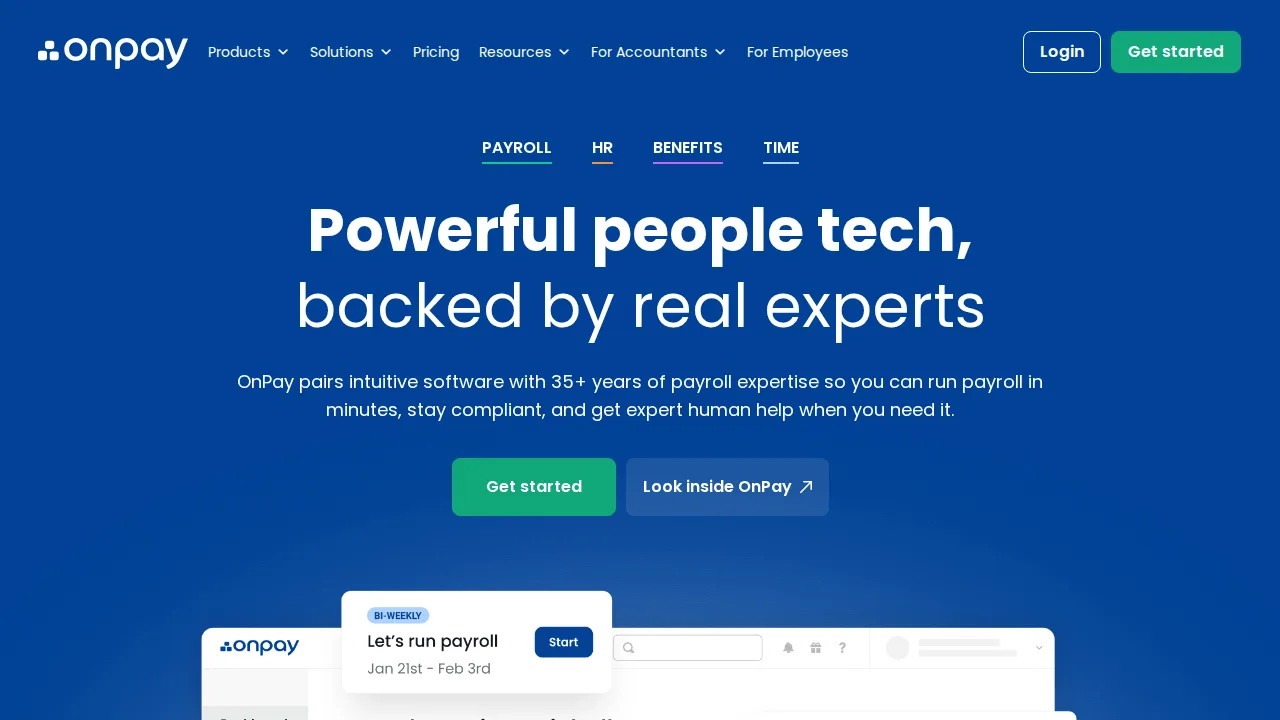
Ops note: Run a test payroll including tipped or agricultural workers if relevant. Compare the total monthly cost with Gusto.
Site: OnPay
Patriot Payroll · Payroll software
Ideal use: Very small businesses that want the cheapest US payroll and are comfortable with a basic interface.
What works: Patriot Payroll offers low-cost payroll with free direct deposit and a self-filing option for even lower cost. It integrates with Patriot accounting.
What breaks the deal: Benefits administration and HR features are limited, and the interface looks dated.
Pricing: Entry: $17/mo. Hidden cost: Basic + $4/employee; full-service tax filing higher tier. Verify: patriotsoftware.com/payroll/pricing.
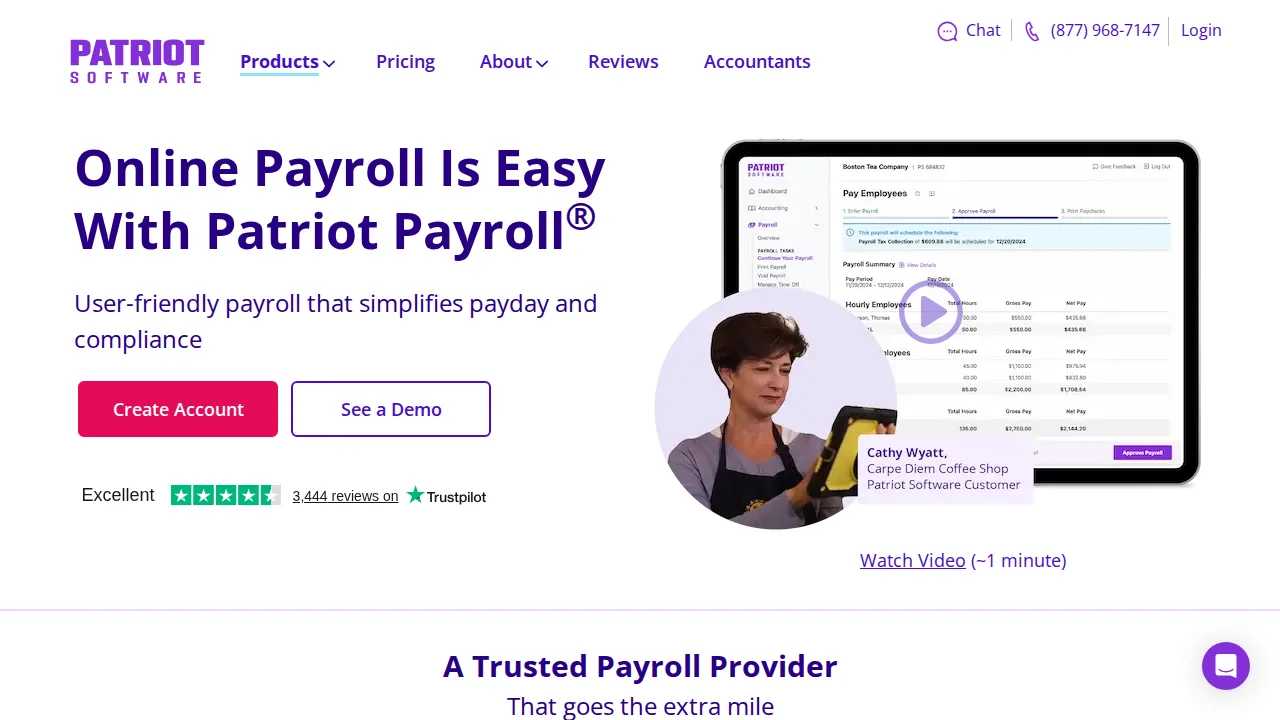
Ops note: Run a test payroll on the full-service plan and check tax filings. Decide whether the self-file option saves enough to justify the effort.
Site: Patriot Payroll
Summary table
| Name | Best for | Entry pricing | UX /10 |
|---|---|---|---|
| Gusto | Easy full-service payroll for small teams | $40/mo | 8.6 |
| QuickBooks Payroll | Payroll synced with QuickBooks books | $45/mo | 6.5 |
| ADP | Scalable payroll with compliance expertise | Quote | 7.3 |
| Paychex | Payroll with a dedicated specialist | Quote | 7.8 |
| Rippling | HR, payroll, and IT on one record | $8/user/mo | 6.9 |
| OnPay | Simple flat-price payroll for small businesses | $40/mo | 7.1 |
| Patriot Payroll | Lowest-cost payroll for tiny businesses | $17/mo | 8.6 |
Quick verdict
Gusto is the best choice for most US small businesses that want easy payroll with benefits. Rippling suits fast-growing companies that want payroll, HR, and IT on one employee record. Very small businesses on a tight budget should look at Patriot Payroll.
Run a test payroll with your real mix of salaried, hourly, and contractor workers during setup. Get a full quote including add-ons, since many providers price HR and time tracking separately.
Free checks on Lagnis
Before you sign a payroll software contract, run your numbers with payroll overtime pay, payroll employer burden, meeting cost calculator. Same browser session, no account.
Related comparisons
- Best HR software (2026): 7 tools compared
- Best Time tracking software (2026): 7 tools compared
- Best Note-taking apps (2026): 7 tools compared
FAQ
Why only 7 tools? We cut duplicate workflows; seven profiles stay readable.
Affiliate links fund hosting; listed flaws are from field testing patterns, not sponsor edits.
Pricing figures are list-tier snapshots; confirm checkout totals before you commit to annual billing.