Best Note-taking apps (2026): 7 tools compared
Note-taking apps have split into four camps: flexible team workspaces, local Markdown vaults, handwriting notebooks, and minimalist writing apps. The right one depends on whether you write alone or with a team, and how much you care about owning your files if a company changes direction. Recent price hikes and free plan cuts at long-running apps have pushed many people to switch. We compared seven apps across those camps so you can pick one you will still be using in five years.
Head-to-head picks
Affiliate links may fund free Lagnis Tools; picks require a public partner program.
Seven vendors below with disclosed affiliate or partner programs. Each block: fit, strengths, blocker, pricing.
We compared the editor, organization model, search, offline access, sync reliability, collaboration, and how cleanly notes export to open formats. We also weighed pricing history, since sudden plan changes are a real risk for a tool that holds years of notes.
Notion · Note-taking apps
Ideal use: Startups, product teams, and individuals who want docs, wikis, task trackers, and lightweight databases in one flexible workspace.
What works: Notion's blocks and relational databases let teams build a wiki, roadmap, and meeting notes system that all link together without code. Notion AI can answer questions across your workspace and draft pages from existing content.
What breaks the deal: Offline access is limited and large databases slow down noticeably, which frustrates teams that treat Notion as a system of record.
Pricing: Entry: $10/user/mo. Hidden cost: Plus annual; AI $10/user add-on. Verify: notion.so pricing.
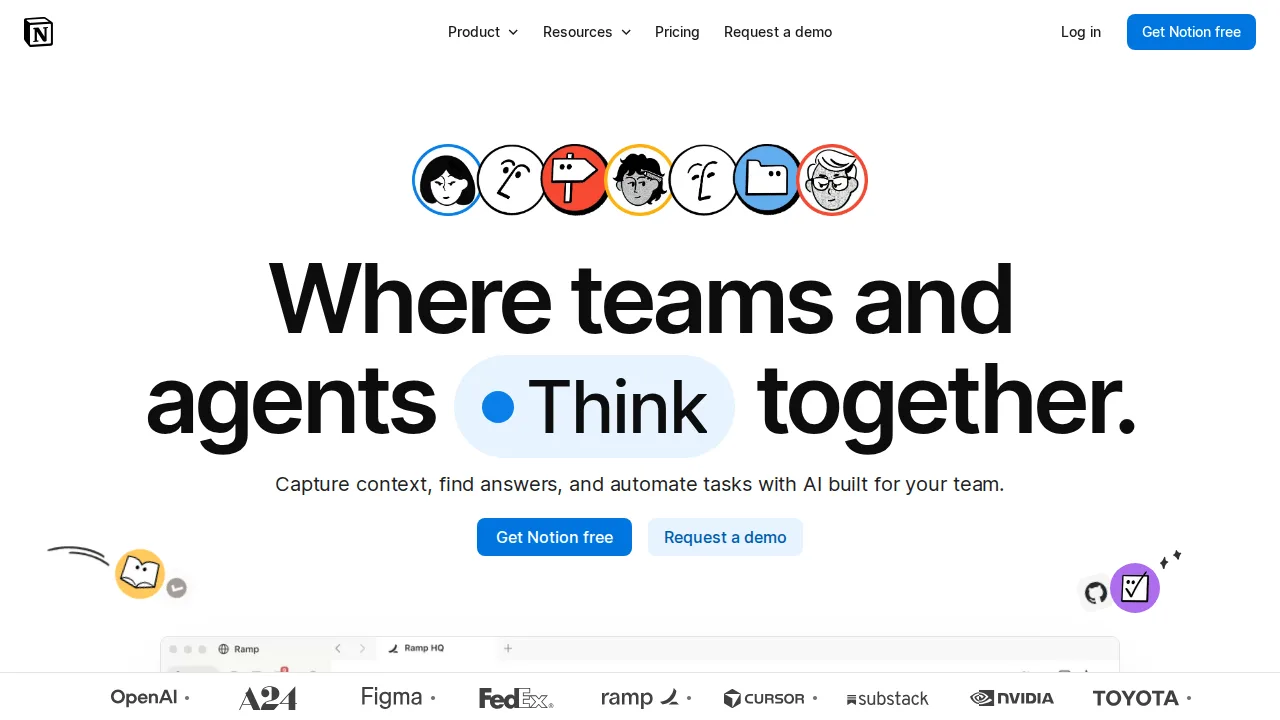
Ops note: Build a team wiki and a project database with relations and rollups, then load 500 rows. Test page load times and whether you can open key pages offline.
Site: Notion
Evernote · Note-taking apps
Ideal use: Long-time note takers who clip web pages, scan receipts and documents, and depend on searching text inside images and PDFs.
What works: Evernote's web clipper saves clean article copies, and OCR makes text inside scans and photos searchable. Tasks and Google Calendar integration now sit alongside notes.
What breaks the deal: Since Bending Spoons took over, prices have risen sharply and the free plan was cut to a single notebook with a small note limit.
Pricing: Entry: $14.99/mo. Hidden cost: Personal annual; AI limits; Professional for teams. Verify: evernote.com/compare-plans.
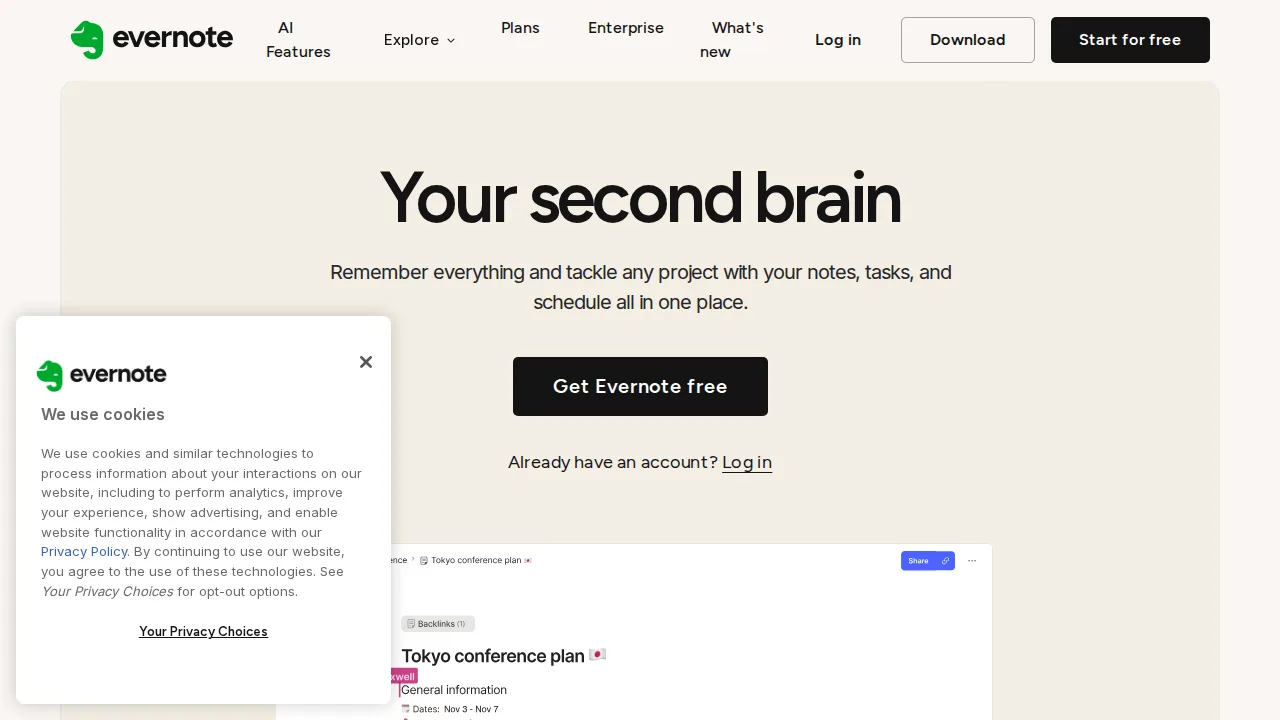
Ops note: Clip ten articles and scan five paper documents with the mobile app, then search for a phrase that appears only inside a scan. Compare the annual price with Notion and OneNote.
Site: Evernote
Obsidian · Note-taking apps
Ideal use: Writers, researchers, and developers who want local Markdown notes with backlinks and plugins, and full ownership of their files.
What works: Obsidian stores every note as a plain Markdown file on your device, so notes remain readable in any editor if the app disappears. Backlinks, graph view, and thousands of community plugins support serious knowledge work.
What breaks the deal: Real-time collaboration is essentially absent, and official Sync and Publish are paid add-ons.
Pricing: Entry: $0/mo. Hidden cost: Free personal; Sync $4/mo; Commercial $50/user/yr. Verify: obsidian.md/pricing.
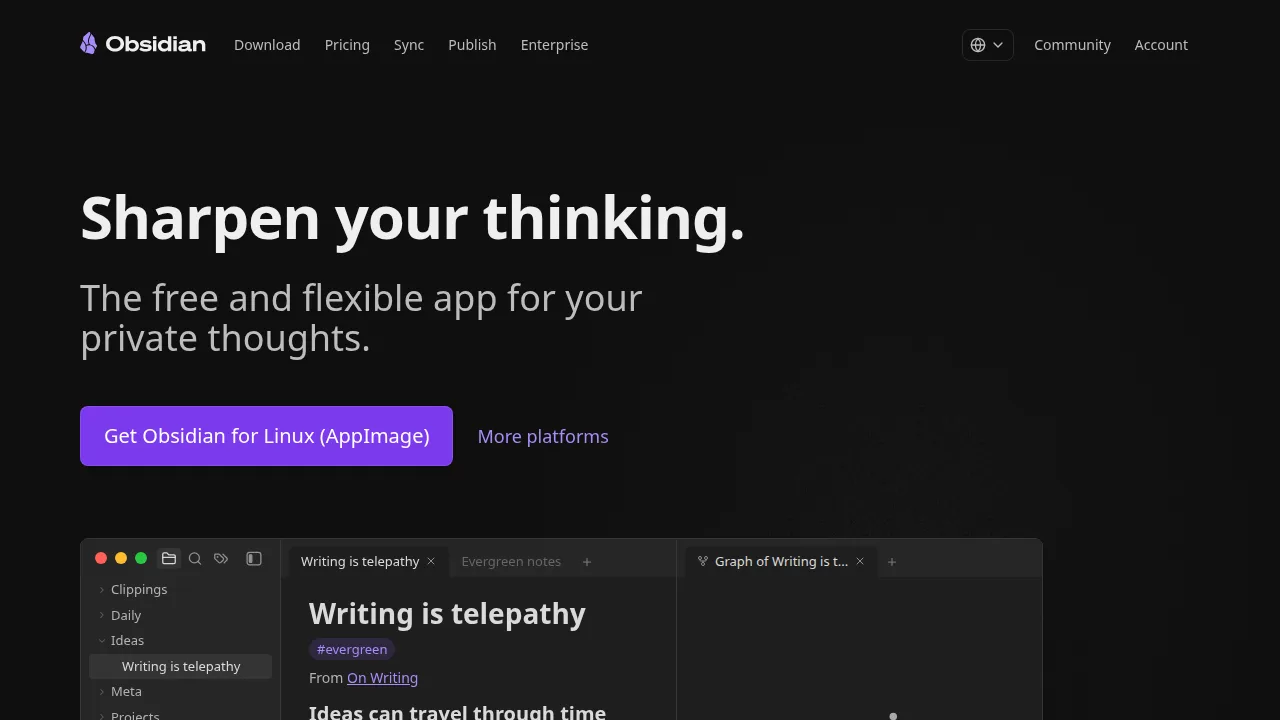
Ops note: Import your existing notes, link twenty of them with backlinks, and install two plugins you would actually use. Decide whether Obsidian Sync or your own cloud folder handles mobile sync reliably.
Site: Obsidian
OneNote · Note-taking apps
Ideal use: Students, teachers, and Microsoft 365 users who take handwritten or mixed-media notes on Windows tablets and iPads.
What works: OneNote's free-form canvas mixes typing, inking, audio, and pasted images anywhere on a page, and it is free with a Microsoft account. Handwriting search and Class Notebooks make it popular in schools.
What breaks the deal: Its notebook, section, and page hierarchy becomes hard to navigate at scale, and sync conflicts still happen across devices.
Pricing: Entry: $0/mo. Hidden cost: Free with Microsoft account; M365 for premium features. Verify: microsoft.com/microsoft-365/onenote.
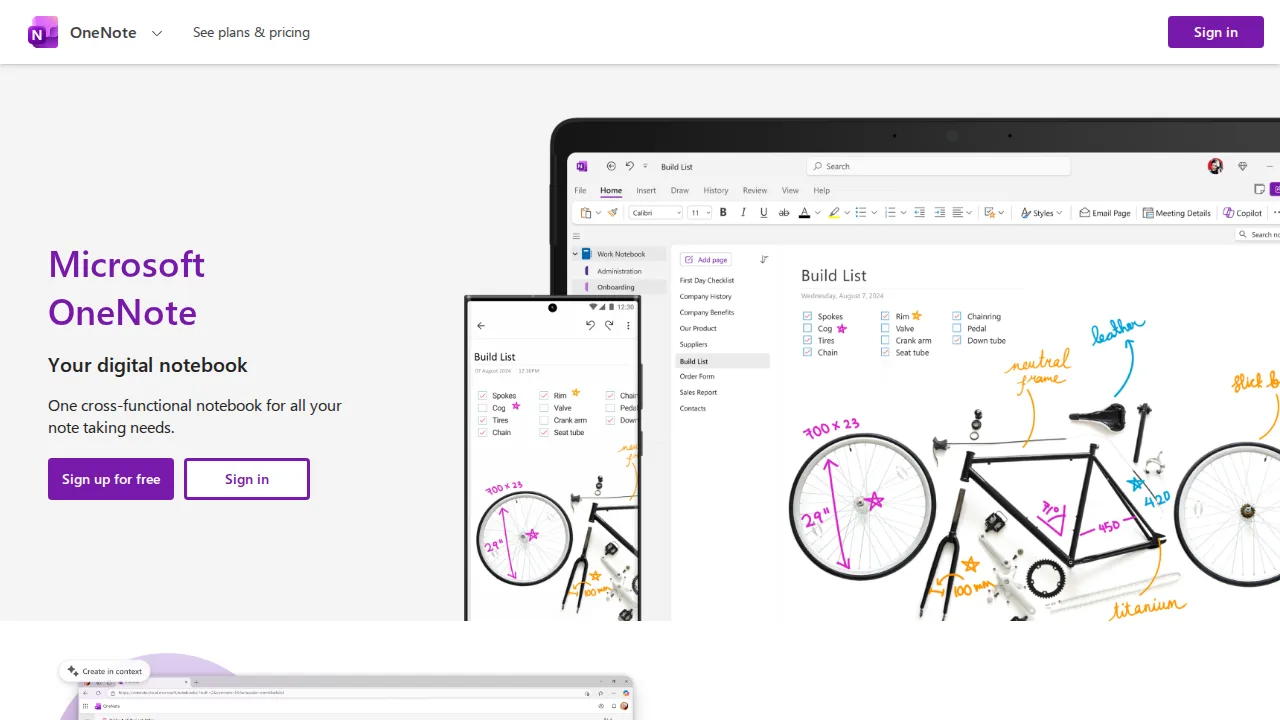
Ops note: Take a week of notes mixing handwriting and typing on a tablet, then search for a handwritten word. Open the same notebook on a second device and check for sync conflicts.
Site: OneNote
Bear · Note-taking apps
Ideal use: Apple users who write a lot, such as bloggers and students, and want a fast, beautiful Markdown app with tag-based organization.
What works: Bear's typography and editor make long-form writing pleasant, and nested tags replace rigid folders. Export to PDF, HTML, DOCX, and Markdown is included in Pro.
What breaks the deal: There is no Windows, Android, or web app, so anyone outside the Apple ecosystem is locked out.
Pricing: Entry: $2.99/mo. Hidden cost: Pro sync; Apple platforms only. Verify: bear.app/pricing.
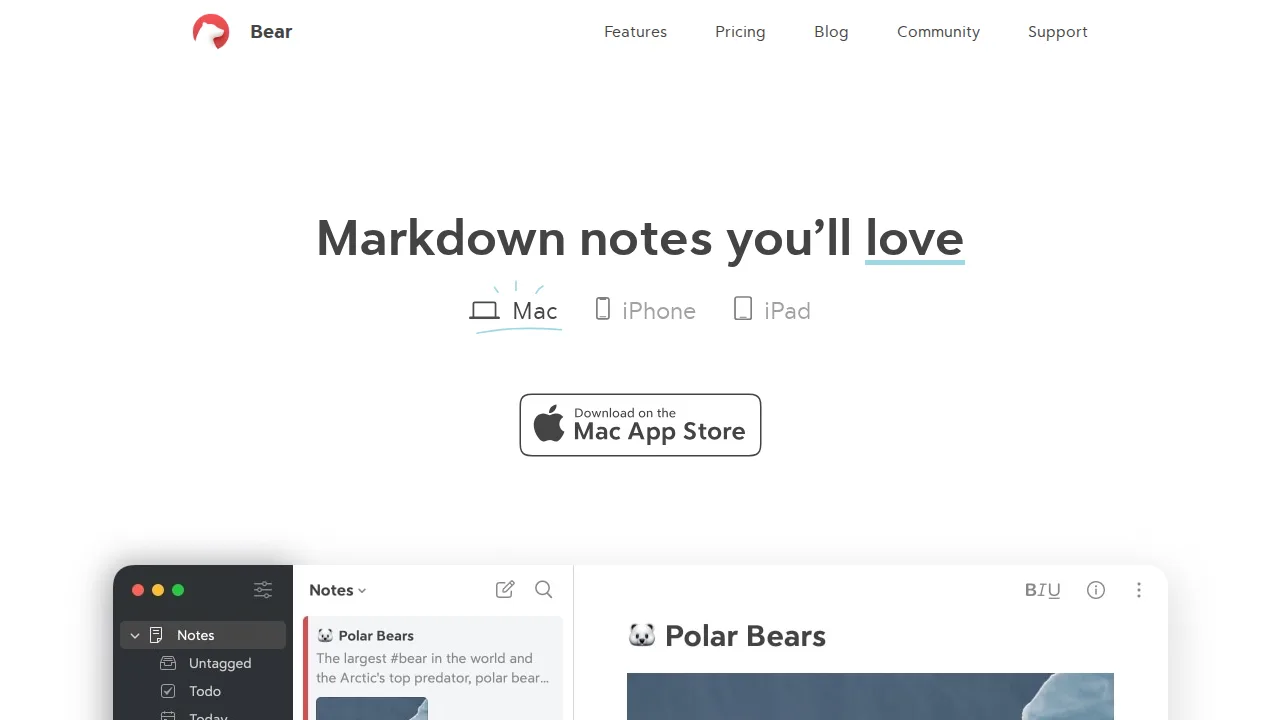
Ops note: Draft a long article in Bear on a Mac, finish it on an iPhone, and export it to DOCX and Markdown. Confirm iCloud sync handled both edits without conflicts.
Site: Bear
Craft · Note-taking apps
Ideal use: Consultants, freelancers, and small teams who want polished documents and notes they can share as clean web pages.
What works: Craft's card and block layout produces documents that look designed with no formatting effort. Any doc can be shared as a public web page, and the Apple apps work fully offline.
What breaks the deal: Databases, permissions, and team admin are lighter than Notion, so larger teams outgrow it.
Pricing: Entry: $5/mo. Hidden cost: Plus annual; team blocks on Business. Verify: craft.do/pricing.
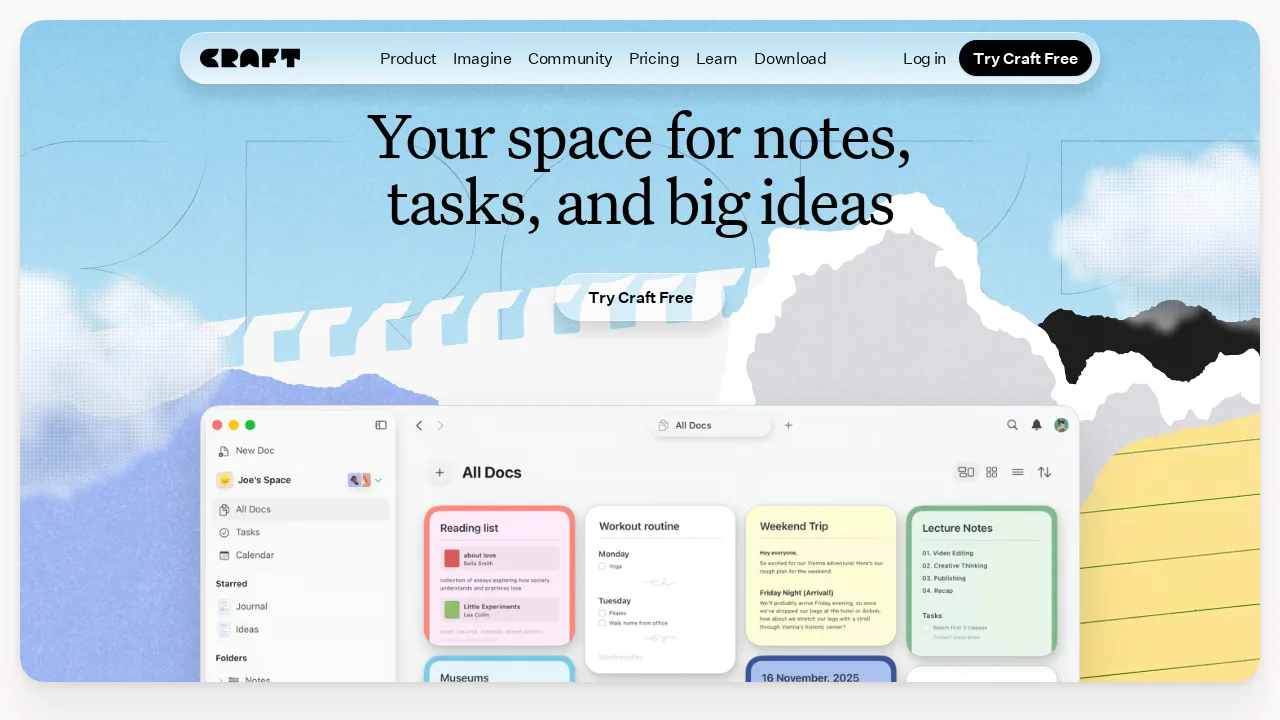
Ops note: Write a client proposal in Craft, share it as a web link, and ask the client how it reads on their phone. Edit the doc offline on an iPad and confirm changes sync afterward.
Site: Craft
Roam Research · Note-taking apps
Ideal use: Researchers, academics, and writers who think in networked outlines and want daily notes with block-level references.
What works: Roam's block references let you embed and update a single idea in many places, and daily notes make capture fast. Queries pull together every block linked to a topic across your graph.
What breaks the deal: It costs more than most rivals and visible development has slowed, while free tools like Logseq copy much of the model.
Pricing: Entry: $15/mo. Hidden cost: Pro annual; Believer $500/5yr; offline graph limits on free. Verify: roamresearch.com/pricing.
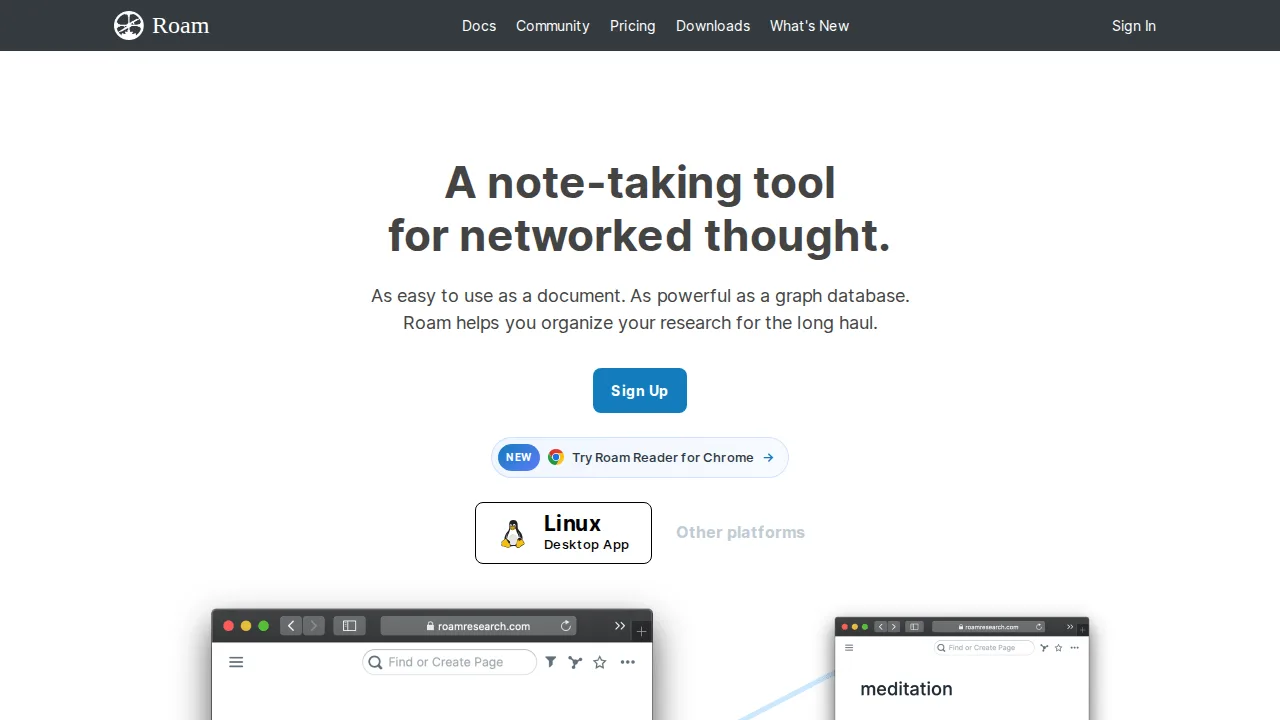
Ops note: Use daily notes for two weeks and reference blocks across pages. Try the same workflow in Logseq to see whether the price difference is justified.
Site: Roam Research
Summary table
| Name | Best for | Entry pricing | UX /10 |
|---|---|---|---|
| Notion | Flexible docs, wikis, and databases | $10/user/mo | 8.6 |
| Evernote | Web clipping and searchable document scans | $14.99/mo | 7.2 |
| Obsidian | Local Markdown notes with backlinks | $0/mo | 8.0 |
| OneNote | Handwritten and free-form notebooks | $0/mo | 6.9 |
| Bear | Markdown writing on Mac and iPhone | $2.99/mo | 7.7 |
| Craft | Designed documents shared as web pages | $5/mo | 8.7 |
| Roam Research | Networked outlines with block references | $15/mo | 8.1 |
Quick verdict
Notion is the best choice for teams that want docs, wikis, and lightweight databases in one shared workspace. Obsidian suits writers and researchers who want local Markdown files, backlinks, and full ownership of their notes. Students and anyone who writes by hand on a tablet should use OneNote for its free-form canvas.
Import a real slice of your existing notes and use the app daily for two weeks before committing. Export a notebook during the trial and open it in another app, so you know you can leave without losing anything.
Free checks on Lagnis
Before you sign a note-taking apps contract, run your numbers with word counter. Same browser session, no account.
Related comparisons
- Best Team chat software (2026): 7 tools compared
- Best Webinar software (2026): 7 tools compared
- Best Landing page builders (2026): 7 tools compared
FAQ
Why only 7 tools? We cut duplicate workflows; seven profiles stay readable.
Affiliate links fund hosting; listed flaws are from field testing patterns, not sponsor edits.
Pricing figures are list-tier snapshots; confirm checkout totals before you commit to annual billing.