Best Time tracking software (2026): 7 tools compared
Time tracking tools serve very different purposes: billing clients accurately, understanding project profitability, paying hourly staff, or protecting personal focus. The wrong type creates friction, whether that is a timer nobody remembers or monitoring that damages trust. Integrations with project tools and payroll often decide adoption. We compared seven tools for these different jobs.
Head-to-head picks
Affiliate links may fund free Lagnis Tools; picks require a public partner program.
Seven vendors below with disclosed affiliate or partner programs. Each block: fit, strengths, blocker, pricing.
We evaluated ease of tracking, reporting, billing and invoicing, integrations, monitoring features, and pricing per user. We also considered employee trust and privacy implications.
Toggl Track · Time tracking software
Ideal use: Freelancers, agencies, and consulting teams that want one-click time tracking with clean billable-hours and profitability reports.
What works: Toggl Track's timer works from desktop, mobile, and a browser extension that adds a button inside tools like Asana, Jira, and Gmail. Reports break down billable hours and project profitability clearly enough to send to clients.
What breaks the deal: It does not handle invoicing or payroll on its own, so billing still happens in another tool.
Pricing: Entry: $0/mo. Hidden cost: Free 5 users; Starter $10/user; Billable rates on Premium. Verify: toggl.com/track/pricing.
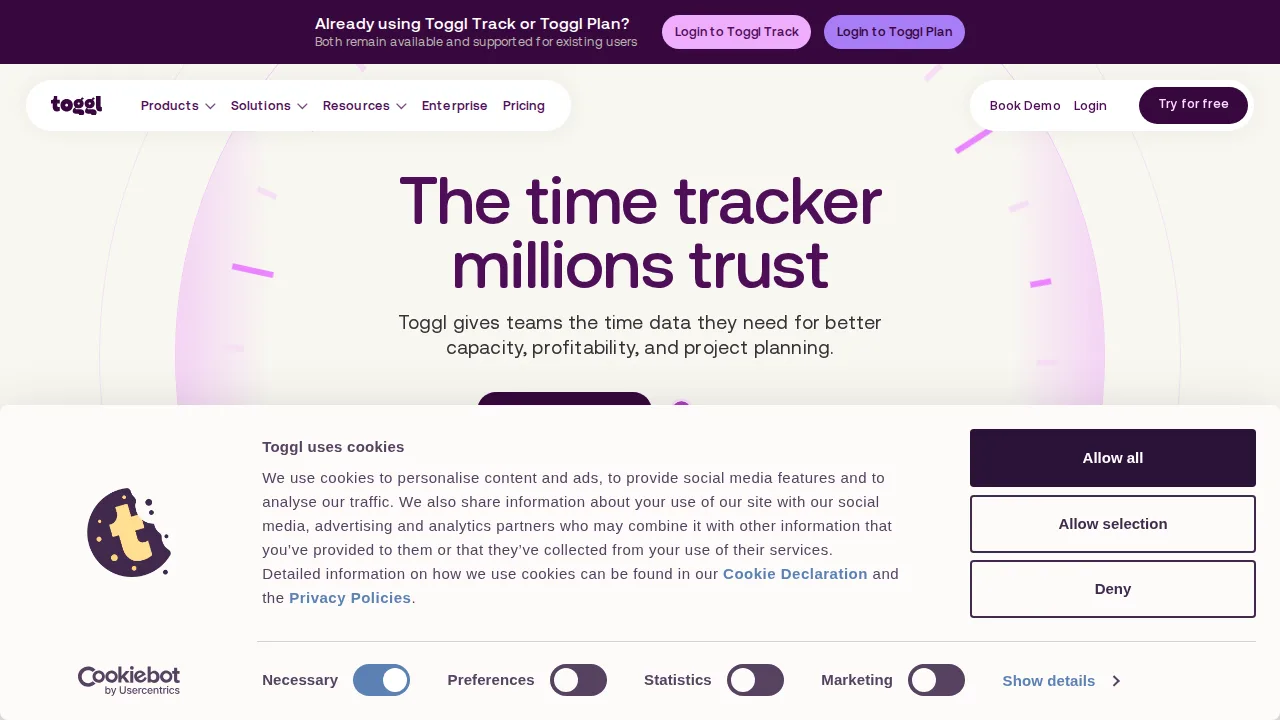
Ops note: Track a full week of real work using the browser extension inside your main apps. Export a billable hours report for one client and check whether it is ready to send as is.
Site: Toggl Track
Harvest · Time tracking software
Ideal use: Agencies and consultancies that track time and expenses against project budgets and invoice clients from the same tool.
What works: Harvest ties timers, expenses, and invoices to project budgets and alerts managers when a project nears its limit. It connects to QuickBooks and Xero so invoices flow into accounting.
What breaks the deal: The free plan covers only one seat and two projects, so any real team needs a paid plan immediately.
Pricing: Entry: $11/seat/mo. Hidden cost: Teams annual; invoicing and expenses on Pro $16. Verify: getharvest.com/pricing.
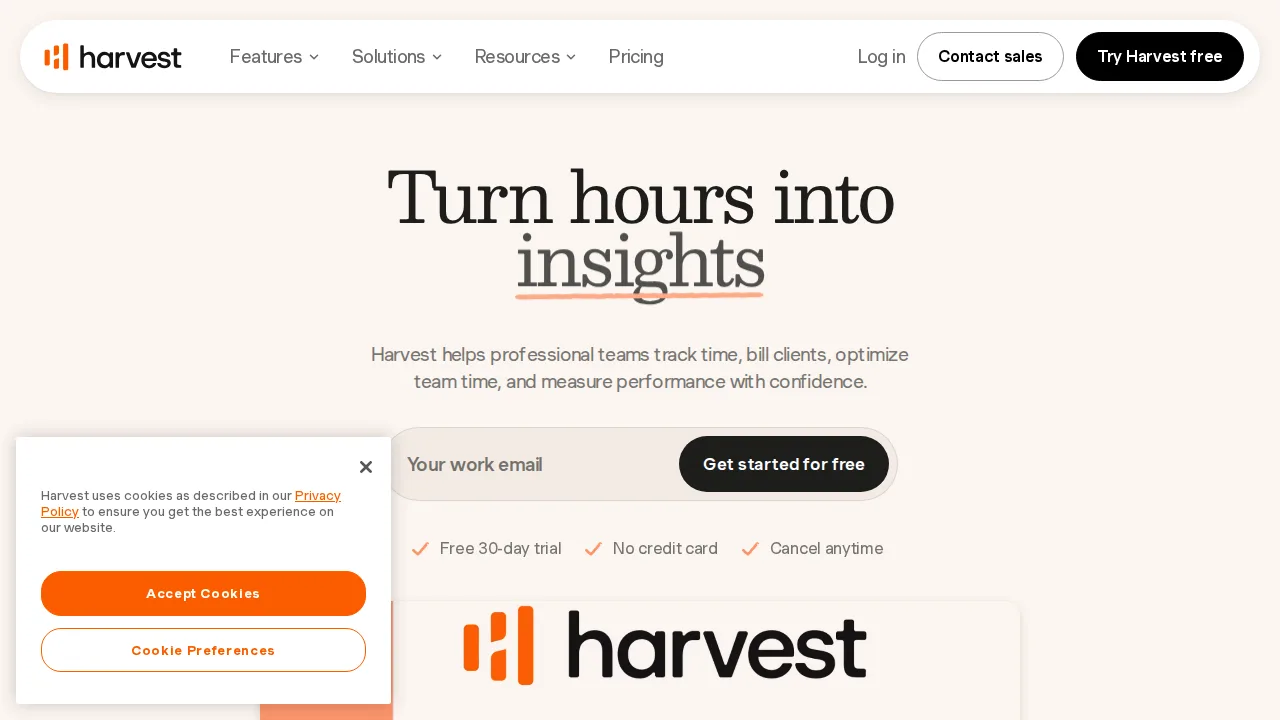
Ops note: Set a budget on one project, track a week of time and expenses, and generate an invoice from the hours. Confirm the invoice syncs to your accounting tool correctly.
Site: Harvest
Clockify · Time tracking software
Ideal use: Teams of any size, including nonprofits and budget-tight agencies, that want time tracking for unlimited users without paying per seat.
What works: Clockify's free plan includes unlimited users, projects, and reports, which no major rival matches. Paid tiers add scheduling, invoicing, kiosk clock-ins, and GPS for field staff at low per-user prices.
What breaks the deal: Features like approvals, time-off, and invoicing sit in paid tiers, and the interface feels busier than Toggl Track.
Pricing: Entry: $0/mo. Hidden cost: Free unlimited users; Pro $3.99/user for admin and billing. Verify: clockify.me/pricing.
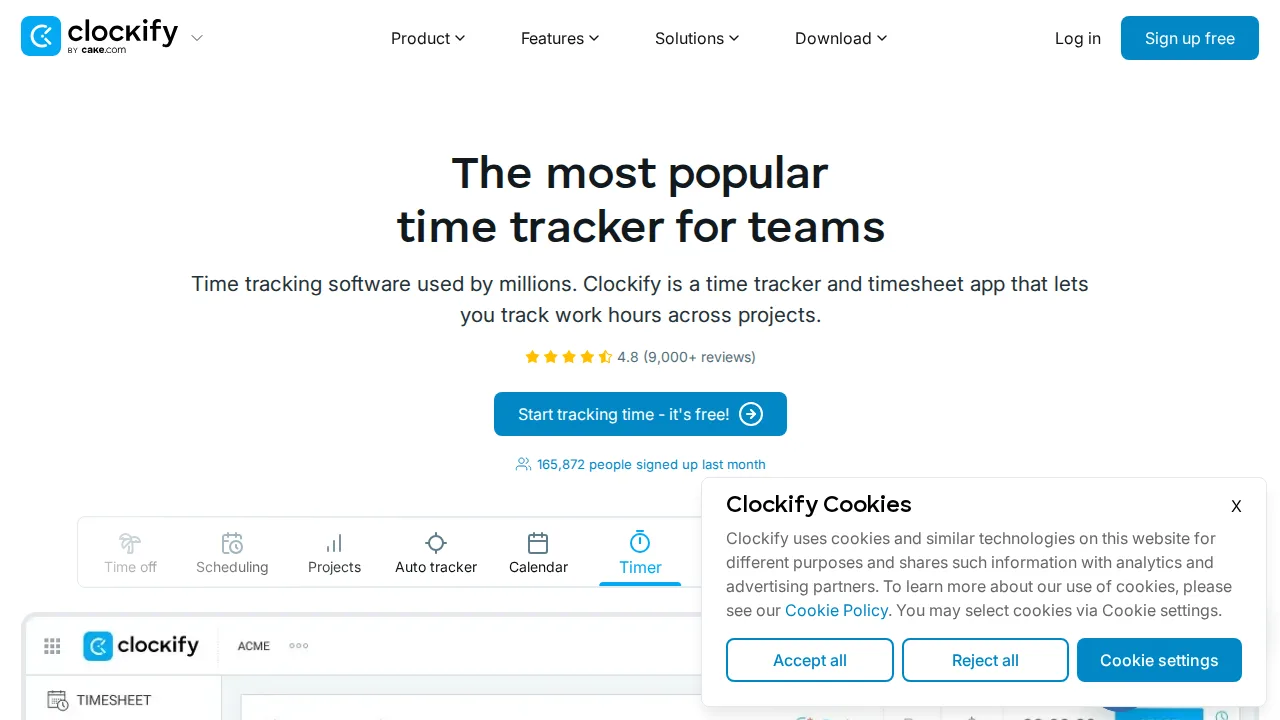
Ops note: Roll the free plan out to your whole team for two weeks and measure how many people track daily. List the paid features you missed during that trial.
Site: Clockify
RescueTime · Time tracking software
Ideal use: Individual knowledge workers, writers, and developers who want automatic tracking of app and website time to protect their focus.
What works: RescueTime runs in the background and categorizes every app and site automatically, so there is no timer to forget. Focus Sessions block distracting sites and the weekly report shows where attention actually went.
What breaks the deal: It is built for personal productivity, not for client billing, project budgets, or team timesheets.
Pricing: Entry: $6.50/mo. Hidden cost: Premium annual; Teams $9/user for dashboards. Verify: rescuetime.com/plans.
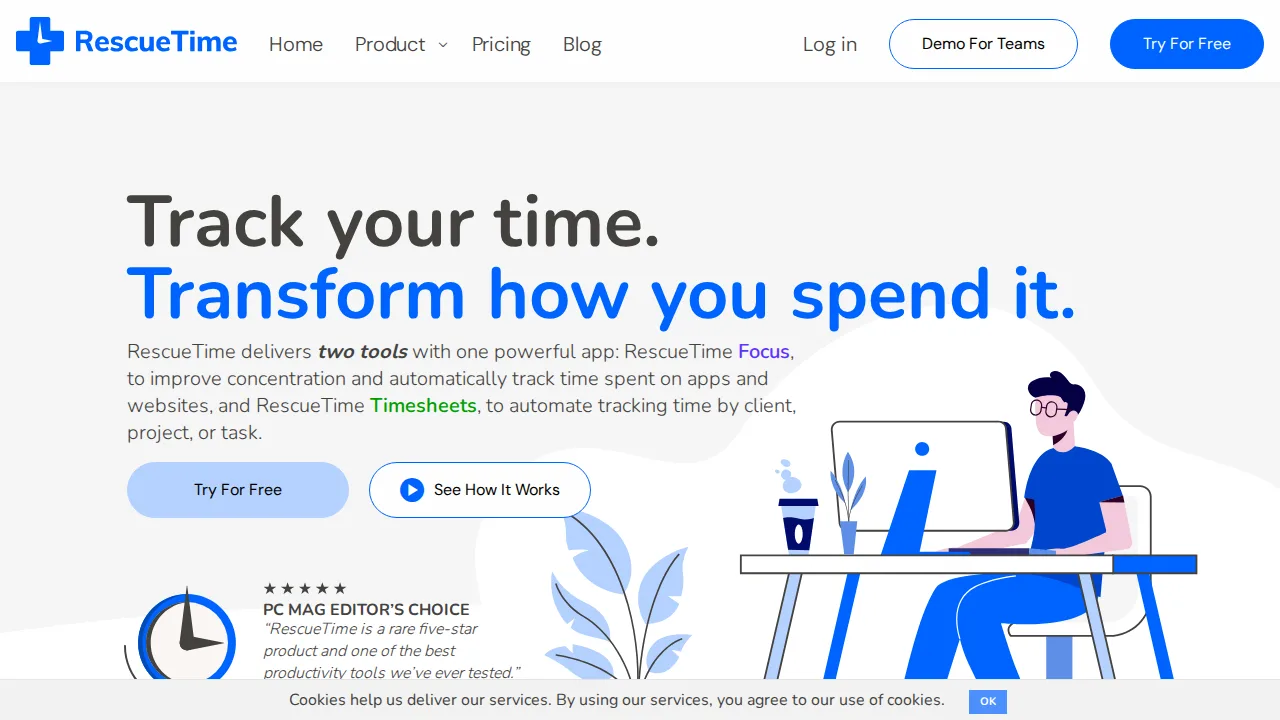
Ops note: Run RescueTime for two weeks without changing habits, then set one focus goal and compare the next two weeks. Check how accurately it categorized your main work apps.
Site: RescueTime
Time Doctor · Time tracking software
Ideal use: BPO firms, outsourcing agencies, and companies paying hourly remote staff that need timesheets backed by activity data.
What works: Time Doctor tracks time with optional screenshots, app and URL usage, and idle detection, which gives managers evidence for hourly billing. Payroll exports and integrations support paying contractors in many countries.
What breaks the deal: Screenshot and activity monitoring can damage trust with salaried knowledge workers and may need legal review in some countries.
Pricing: Entry: $7/user/mo. Hidden cost: Basic annual; screenshots and payroll integrations extra. Verify: timedoctor.com/pricing.
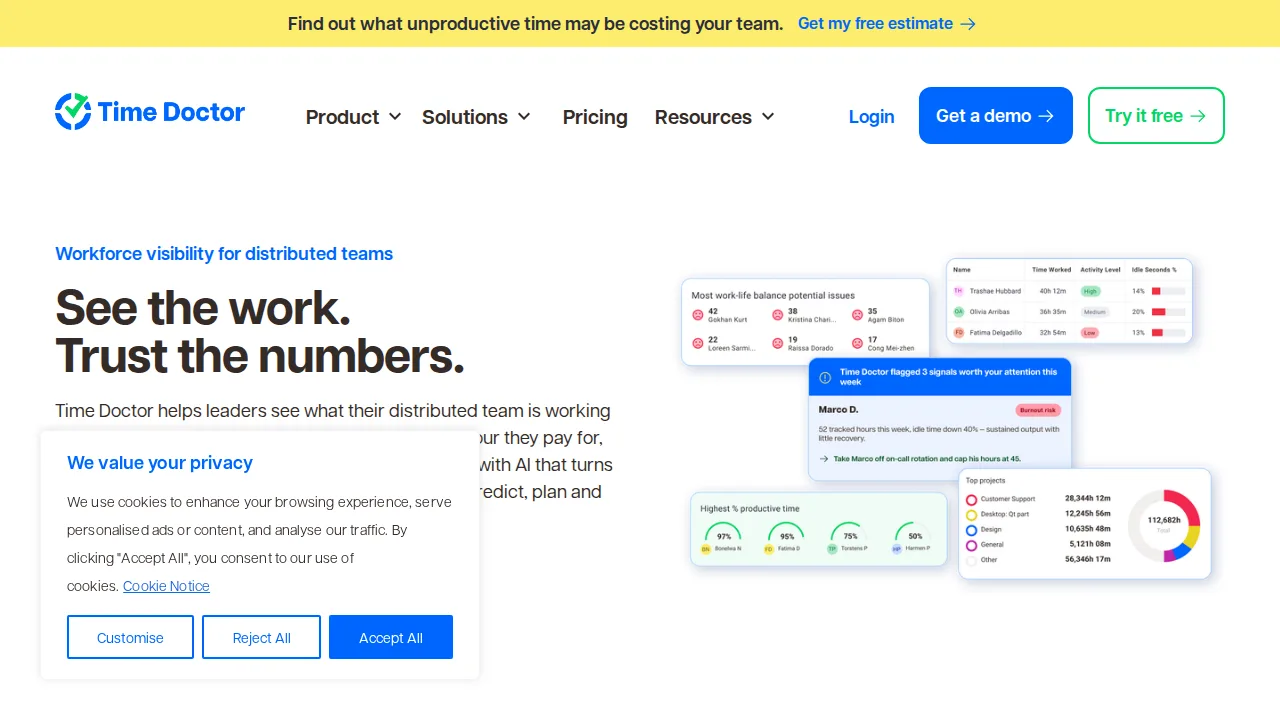
Ops note: Pilot with a small team after agreeing the monitoring settings with them in writing. Review one payroll export and check whether idle time rules match your contract terms.
Site: Time Doctor
Hubstaff · Time tracking software
Ideal use: Field service companies and distributed crews such as cleaning, landscaping, and home services that need GPS clock-ins and automated payroll.
What works: Hubstaff's geofences clock workers in and out automatically when they arrive at a job site, and its mobile app records routes. Timesheets flow into automated payroll through PayPal, Wise, and Gusto.
What breaks the deal: Location tracking and screenshots raise privacy objections that office-based teams often will not accept.
Pricing: Entry: $7/user/mo. Hidden cost: Starter annual; screenshots and payroll add-ons. Verify: hubstaff.com/pricing.
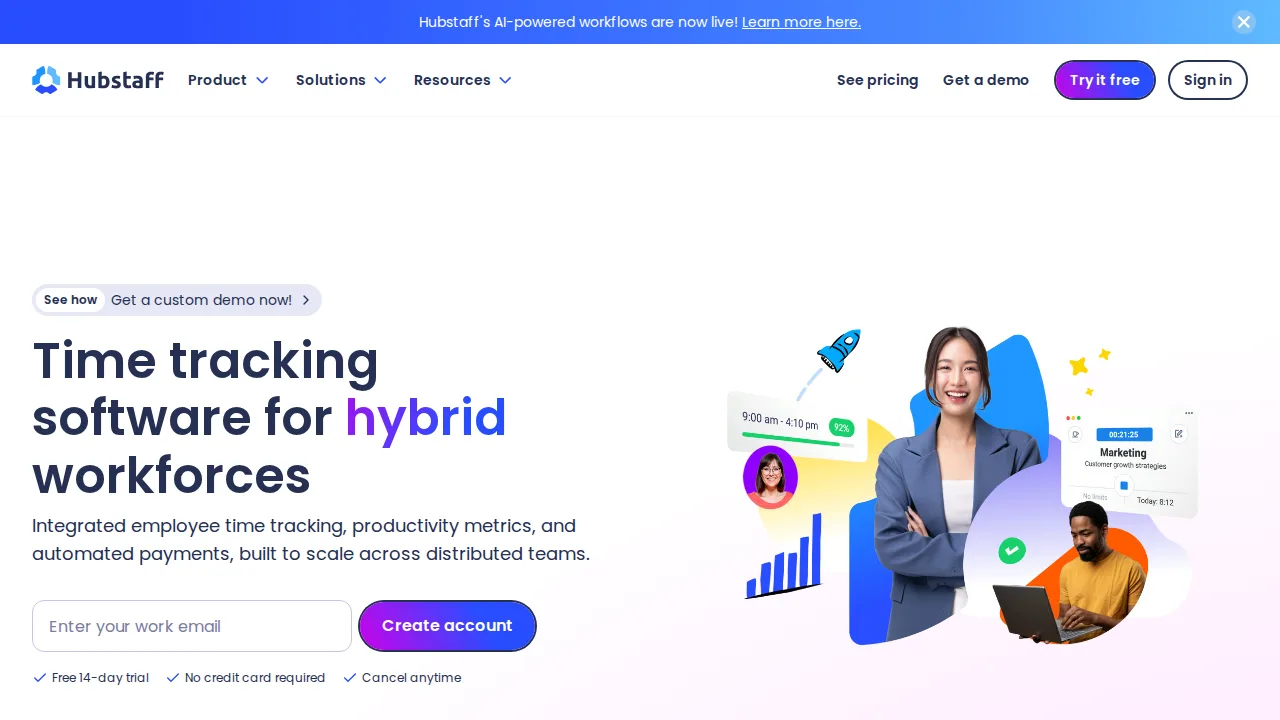
Ops note: Create a geofence around one job site and have a crew use automatic clock-in for a week. Run a payroll export and check the hours against their paper timesheets.
Site: Hubstaff
Everhour · Time tracking software
Ideal use: Agencies and product teams working in Asana, ClickUp, Trello, Jira, or Basecamp that want timers and budgets inside those tools.
What works: Everhour's browser extension adds a timer button directly onto tasks in your project tool, so time lives next to the work. Project budgets, billable rates, and invoicing turn those hours into client reports.
What breaks the deal: It relies on your project tool's integration, so a change in Asana or ClickUp can break the embedded timers.
Pricing: Entry: $10/user/mo. Hidden cost: Team minimum 5 users; invoicing on higher. Verify: everhour.com/pricing.
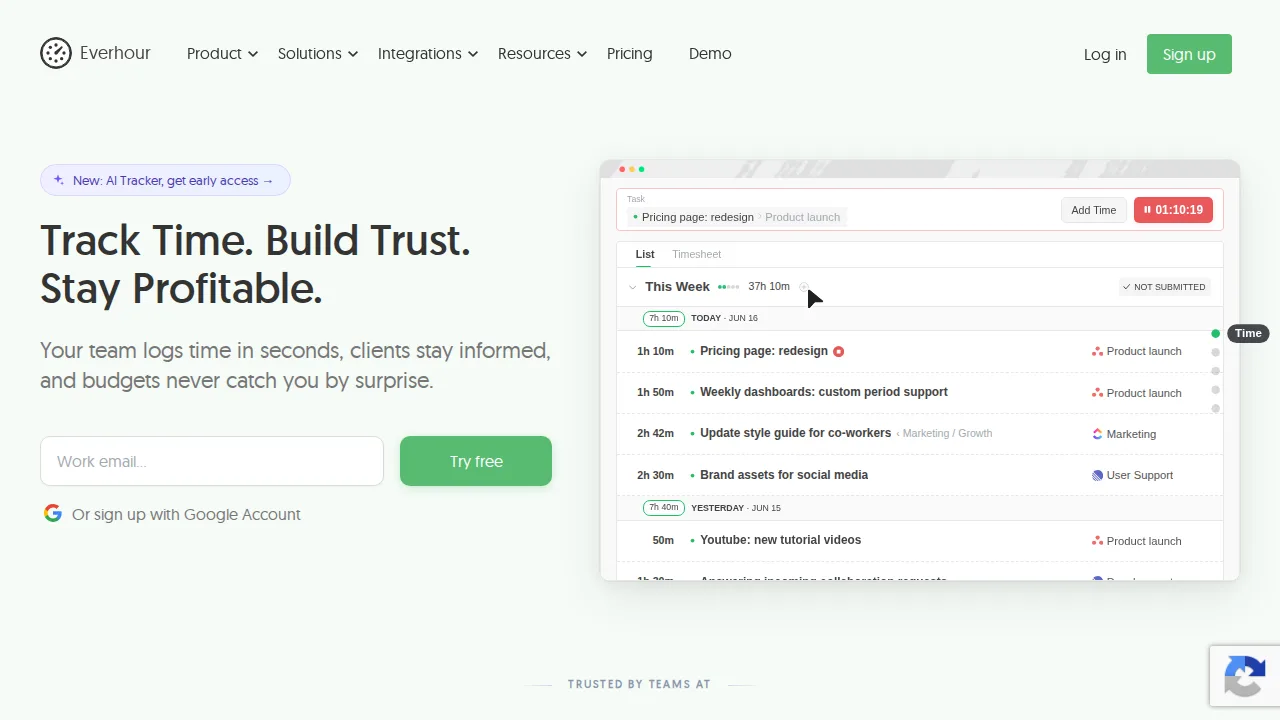
Ops note: Install the extension, track a week of time on real tasks in your project tool, and set a budget on one project. Check that the budget alert fires before you run over.
Site: Everhour
Summary table
| Name | Best for | Entry pricing | UX /10 |
|---|---|---|---|
| Toggl Track | One-click timers with clean reports | $0/mo | 8.0 |
| Harvest | Time and expenses billed against budgets | $11/seat/mo | 7.9 |
| Clockify | Free time tracking for unlimited users | $0/mo | 8.5 |
| RescueTime | Automatic personal focus tracking | $6.50/mo | 8.8 |
| Time Doctor | Hourly remote staff with activity monitoring | $7/user/mo | 6.5 |
| Hubstaff | Field crews with GPS and payroll | $7/user/mo | 6.8 |
| Everhour | Timers inside Asana, ClickUp, and Jira | $10/user/mo | 7.5 |
Quick verdict
Toggl Track is the best choice for freelancers and teams that want simple timers and clean reports. Harvest suits agencies that bill clients against project budgets. Teams on a budget should start with Clockify, which is free for unlimited users.
Choose the least intrusive tool that meets your billing or payroll needs, and discuss monitoring with your team before enabling it. Track a full week of real work to see whether people actually use the tool.
Free checks on Lagnis
Before you sign a time tracking software contract, run your numbers with work hours calculator. Same browser session, no account.
Related comparisons
- Best Note-taking apps (2026): 7 tools compared
- Best Team chat software (2026): 7 tools compared
- Best Webinar software (2026): 7 tools compared
FAQ
Why only 7 tools? We cut duplicate workflows; seven profiles stay readable.
Affiliate links fund hosting; listed flaws are from field testing patterns, not sponsor edits.
Pricing figures are list-tier snapshots; confirm checkout totals before you commit to annual billing.