Best Website builders (2026): 7 tools compared
Website builders now range from drag-and-drop editors aimed at local businesses to visual design tools that produce production-grade layouts without code. AI site generators can produce a first draft in minutes, but the draft still needs real copy, photos, and structure. The biggest hidden cost is lock-in, since most hosted builders cannot export a site you can run elsewhere. We compared seven builders for owners with very different skills and ambitions.
Head-to-head picks
Affiliate links may fund free Lagnis Tools; picks require a public partner program.
Seven vendors below with disclosed affiliate or partner programs. Each block: fit, strengths, blocker, pricing.
We compared design flexibility, mobile output, page speed, built-in features like bookings, stores, and members, SEO controls, and introductory versus renewal pricing. We also considered how easily a site can be exported or rebuilt if you outgrow the platform.
Wix · Website builders
Ideal use: Small businesses, restaurants, and service providers that want a drag-and-drop site with bookings, forms, and marketing tools built in.
What works: Wix's editor allows free placement of elements, and its app market adds bookings, events, and online ordering. The AI site builder creates a first draft from a short questionnaire.
What breaks the deal: Once a site is built you cannot switch templates without rebuilding, and page speed can suffer on heavy designs.
Pricing: Entry: $17/mo. Hidden cost: Light annual; commerce 2.9% + fees. Verify: wix.com/pricing.
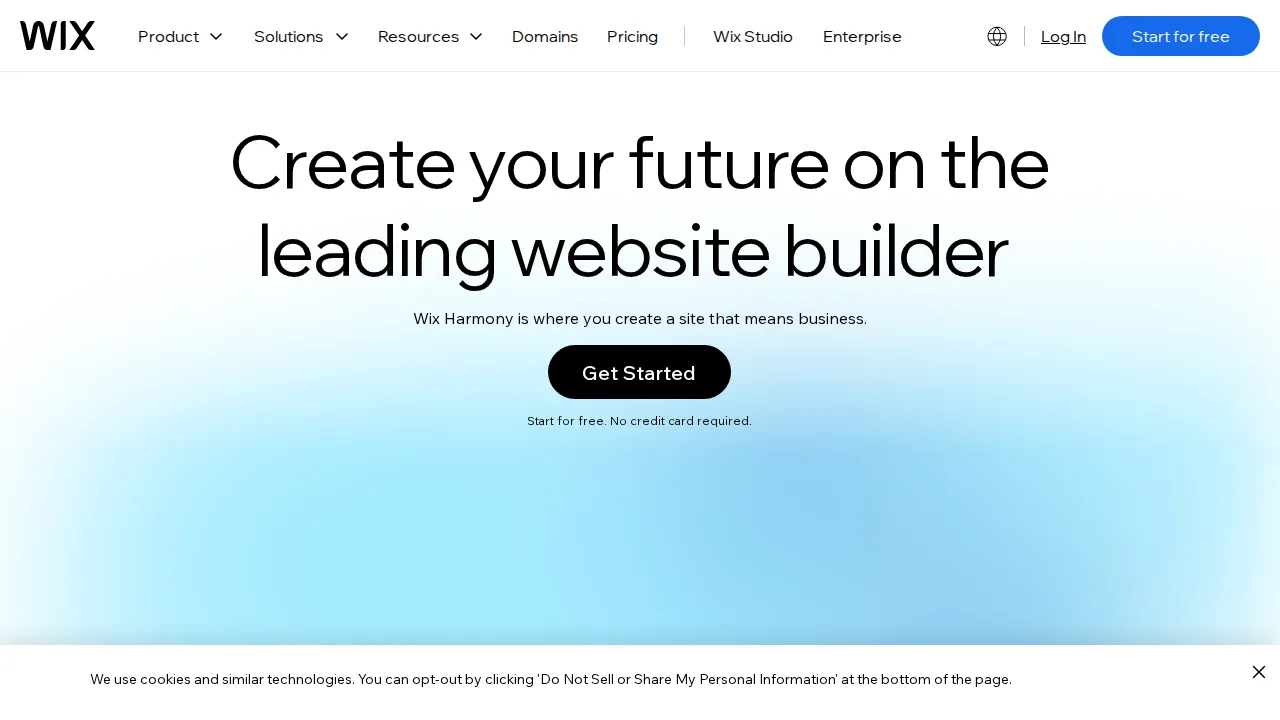
Ops note: Build your homepage and booking page, then run PageSpeed Insights on mobile. Check whether you will need a premium plan for your domain and bookings.
Site: Wix
Squarespace · Website builders
Ideal use: Creatives, photographers, and boutique brands that want design-forward templates and a site that looks professional with little tweaking.
What works: Squarespace templates are consistently well designed, with polished typography, image handling, and mobile layouts that look right without tweaking. Built-in scheduling through Acuity, member areas, and email campaigns reduce the number of add-ons you pay for.
What breaks the deal: Design flexibility and third-party app options are narrower than Wix or WordPress.
Pricing: Entry: $16/mo. Hidden cost: Basic annual; transaction fees on entry. Verify: squarespace.com/pricing.
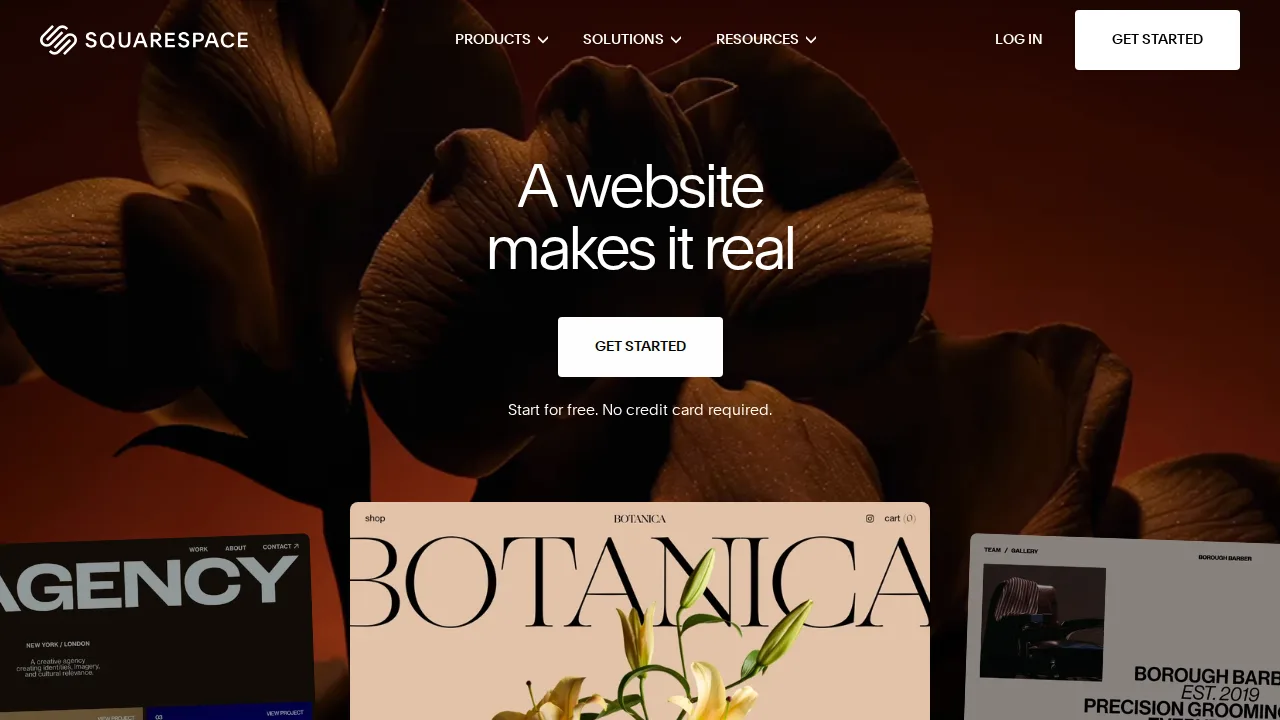
Ops note: Build a portfolio page with your own images and check mobile layout. Test the member area or scheduling if you plan to sell services.
Site: Squarespace
Shopify · Website builders
Ideal use: Brands selling physical products online, from first store to high-volume DTC, that want hosted checkout, payments, and a deep app ecosystem.
What works: Shopify's checkout converts well and handles payments, taxes, and shipping labels out of the box. The app store and theme ecosystem cover nearly every retail need.
What breaks the deal: Apps add up quickly, and using a third-party payment gateway adds transaction fees on top.
Pricing: Entry: $39/mo. Hidden cost: Basic; 2.9% + 30¢ online card. Verify: shopify.com/pricing.

Ops note: Build a test store with five products and run an order through Shopify Payments in test mode. Price out the apps you would need for reviews, subscriptions, and email.
Site: Shopify
Webflow · Website builders
Ideal use: Designers and marketing teams that want pixel-level control, clean code, and CMS content without hand-coding a site.
What works: Webflow exposes CSS layout concepts visually, so designers can build custom, responsive sites with clean output. Its CMS and hosting handle marketing sites at scale.
What breaks the deal: The learning curve is steep for non-designers, and site plus workspace plans add up.
Pricing: Entry: $14/mo. Hidden cost: CMS site; Workspace $19/seat. Verify: webflow.com/pricing.
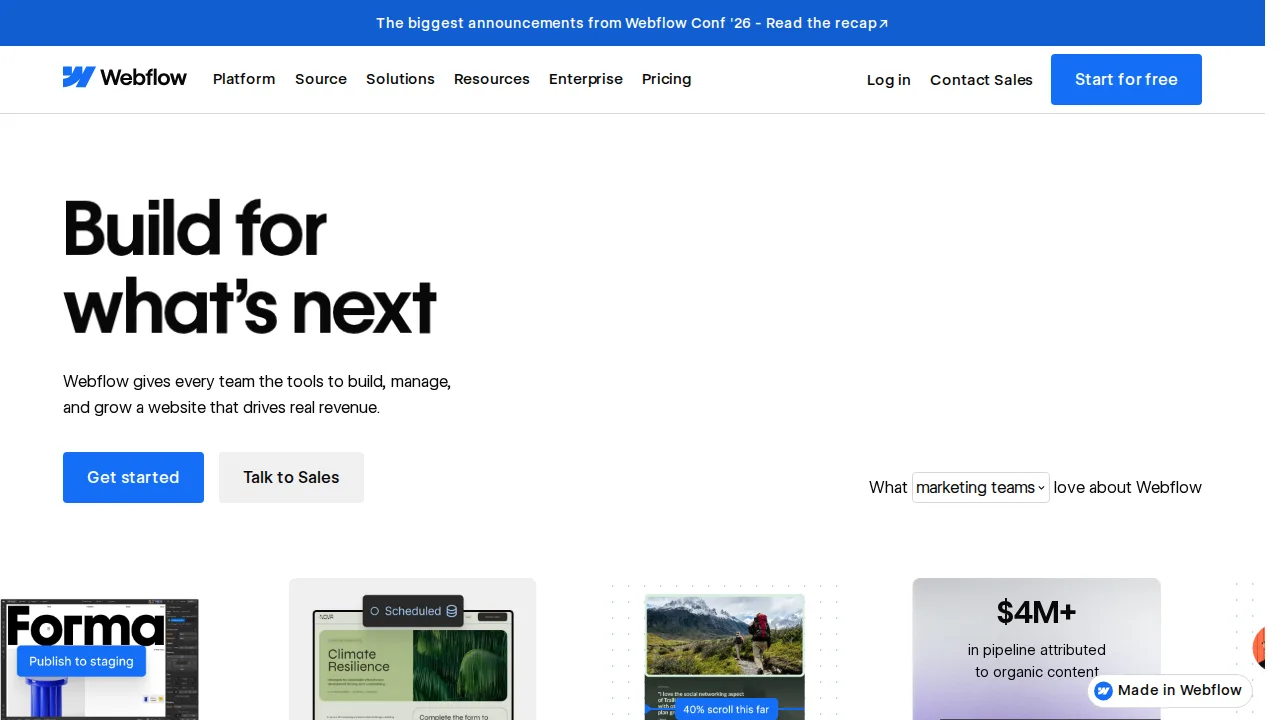
Ops note: Rebuild one real marketing page with the CMS driving a list section. Have a non-designer edit copy in the Editor and see if they break anything.
Site: Webflow
WordPress.com · Website builders
Ideal use: Bloggers, writers, and small publishers who want WordPress without managing hosting, updates, backups, or security themselves.
What works: WordPress.com handles hosting, security patches, and daily backups, and Business plans allow any plugin or custom theme. Because it runs standard WordPress, you can export the site to self-hosted WordPress later without rebuilding.
What breaks the deal: Plugin and theme installs require the Business plan or higher, which surprises new users.
Pricing: Entry: $4/mo. Hidden cost: Personal; plugin limits until Business. Verify: wordpress.com/pricing.

Ops note: Check which plugins you need and whether the plan you are considering allows them. Export your site and confirm the file imports into a self-hosted install.
Site: WordPress.com
Weebly · Website builders
Ideal use: Existing Square sellers who want a very simple site for a small shop or local business at low cost.
What works: Weebly integrates with Square for payments and inventory, so a Square seller can publish a basic store in an afternoon. Its drag-and-drop editor is among the simplest available, and entry pricing is low.
What breaks the deal: Square has put little new development into Weebly, and Square Online is now the main product.
Pricing: Entry: $10/mo. Hidden cost: Personal annual; Square payments; ads on free. Verify: weebly.com/pricing.
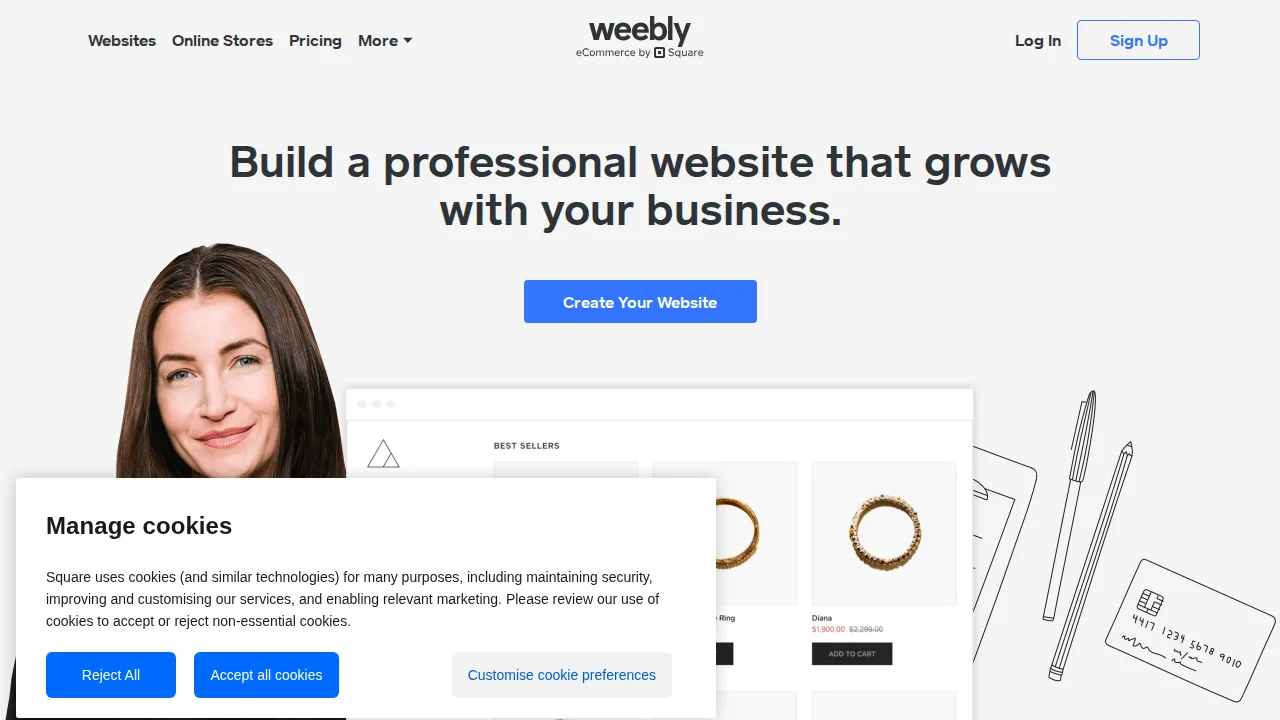
Ops note: Compare Weebly and Square Online features for your store before starting. Check the template and app options for signs of recent updates.
Site: Weebly
Hostinger Website Builder · Website builders
Ideal use: Budget-conscious small businesses and first-time site owners who want an AI-assisted builder with hosting included.
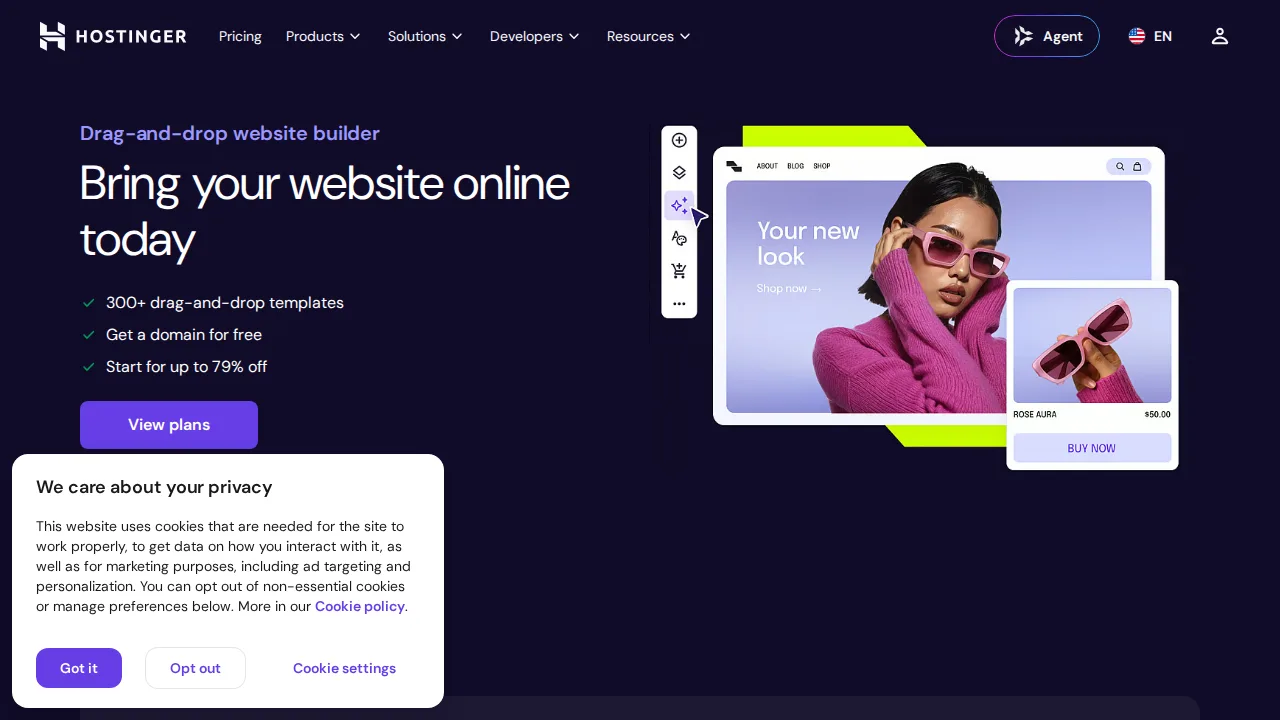
What works: Hostinger's builder includes an AI site generator, AI writer, and e-commerce features at a low price. Hosting, domain, and email come bundled.
What breaks the deal: Low introductory pricing requires long prepaid terms, and renewals cost significantly more.
Pricing: Entry: $2.99/mo. Hidden cost: Bundled with hosting intro; renew with hosting plan. Verify: hostinger.com/website-builder.
Ops note: Generate a site with the AI builder and edit it for an hour. Check the renewal price for your plan length before you prepay.
Site: Hostinger Website Builder
Summary table
| Name | Best for | Entry pricing | UX /10 |
|---|---|---|---|
| Wix | Drag-and-drop sites with bookings built in | $17/mo | 7.5 |
| Squarespace | Design-forward templates for creatives | $16/mo | 6.8 |
| Shopify | Hosted online store with top checkout | $39/mo | 6.8 |
| Webflow | Custom-designed sites without hand-coding | $14/mo | 6.7 |
| WordPress.com | Managed WordPress for bloggers | $4/mo | 6.4 |
| Weebly | Legacy simple sites tied to Square | $10/mo | 8.2 |
| Hostinger Website Builder | Cheap AI builder with hosting bundled | $2.99/mo | 7.7 |
Quick verdict
Wix is the most flexible all-in-one choice for small businesses that want bookings, forms, and marketing tools built in. Squarespace is the pick for creatives and boutique brands that want polished templates with little effort. Designers and marketing teams who want full layout control without hand-coding should choose Webflow.
Build your real homepage and one key service or product page during the trial, then run a mobile speed test on both. Check which features you need, such as a custom domain, bookings, or e-commerce, and confirm the renewal price of the plan that includes them.
Free checks on Lagnis
Before you sign a website builders contract, run your numbers with seo title pixel width, strip html tags. Same browser session, no account.
Related comparisons
- Best SEO tools (2026): 7 tools compared
- Best Social media scheduling tools (2026): 7 tools compared
- Best Video editing software (2026): 7 tools compared
FAQ
Why only 7 tools? We cut duplicate workflows; seven profiles stay readable.
Affiliate links fund hosting; listed flaws are from field testing patterns, not sponsor edits.
Pricing figures are list-tier snapshots; confirm checkout totals before you commit to annual billing.