Best Customer support software (2026): 7 tools compared
Customer support software decides how quickly tickets get answered, how agents share context, and how much work AI can take off the queue. The market ranges from enterprise ticketing suites to email-style shared inboxes for small teams. AI agents that resolve questions directly have changed pricing, with some tools charging per resolution. We compared seven platforms.
Head-to-head picks
Affiliate links may fund free Lagnis Tools; picks require a public partner program.
Seven vendors below with disclosed affiliate or partner programs. Each block: fit, strengths, blocker, pricing.
We compared ticketing and routing, channels supported, knowledge base tools, AI features, reporting, integrations, and total cost per agent including add-ons. We also considered how customers experience each tool.
Zendesk · Customer support software
Ideal use: Mid-size and enterprise support teams handling email, chat, voice, and social tickets that need mature routing, SLAs, and reporting.
What works: Zendesk's ticketing, triggers, and SLA policies handle complex support operations, and its marketplace has integrations for nearly every tool. AI agents and intelligent triage classify intent and route tickets automatically.
What breaks the deal: Advanced AI, workforce management, and QA features are paid add-ons that raise per-agent costs well above the list price.
Pricing: Entry: $19/agent/mo. Hidden cost: Support Team; AI add-on. Verify: zendesk.com/pricing.
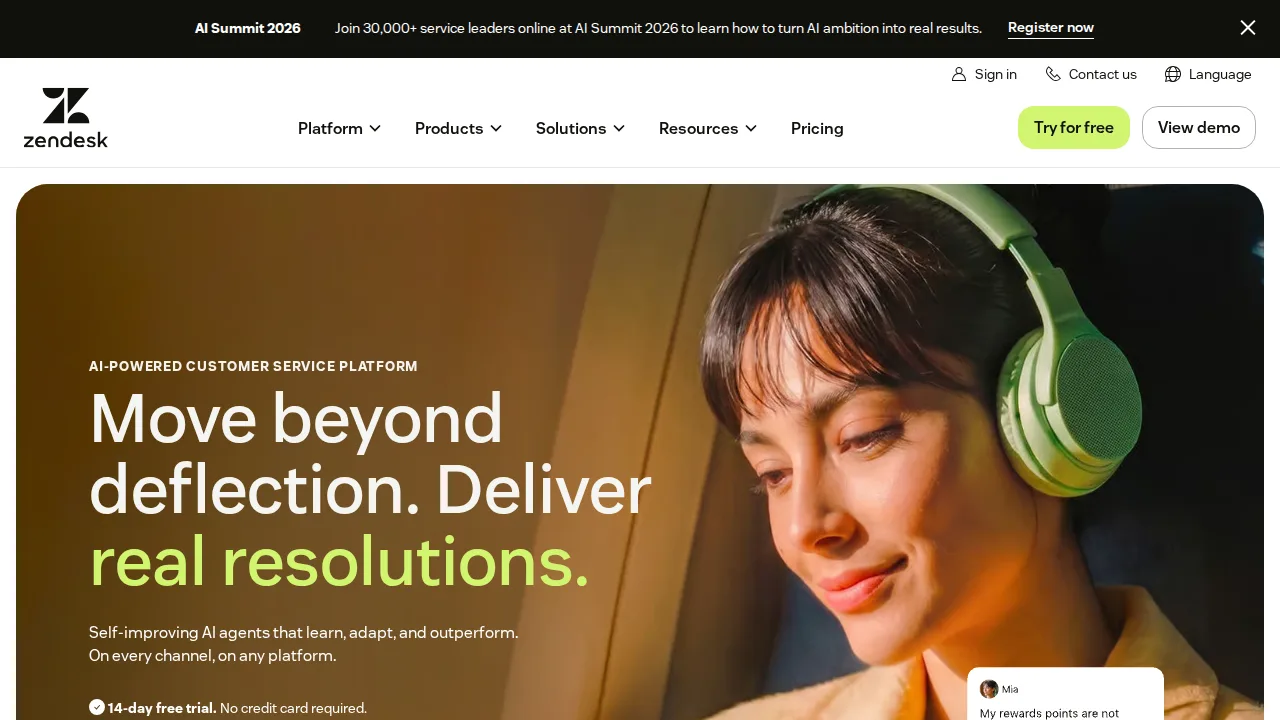
Ops note: Import a sample of real tickets, configure SLA policies and triggers, and route them for a week. Price every add-on you would need for AI and reporting.
Site: Zendesk
Freshdesk · Customer support software
Ideal use: SMB and mid-market support teams that want ticketing, automation, and a help center at lower cost than Zendesk.
What works: Freshdesk includes ticketing, a knowledge base, and automations on affordable plans, with a free tier for small teams. Freddy AI suggests replies and summarizes tickets.
What breaks the deal: Reporting and customization are less flexible than Zendesk at the high end.
Pricing: Entry: $15/agent/mo. Hidden cost: Growth annual; Freddy AI sessions billed. Verify: freshdesk.com/pricing.
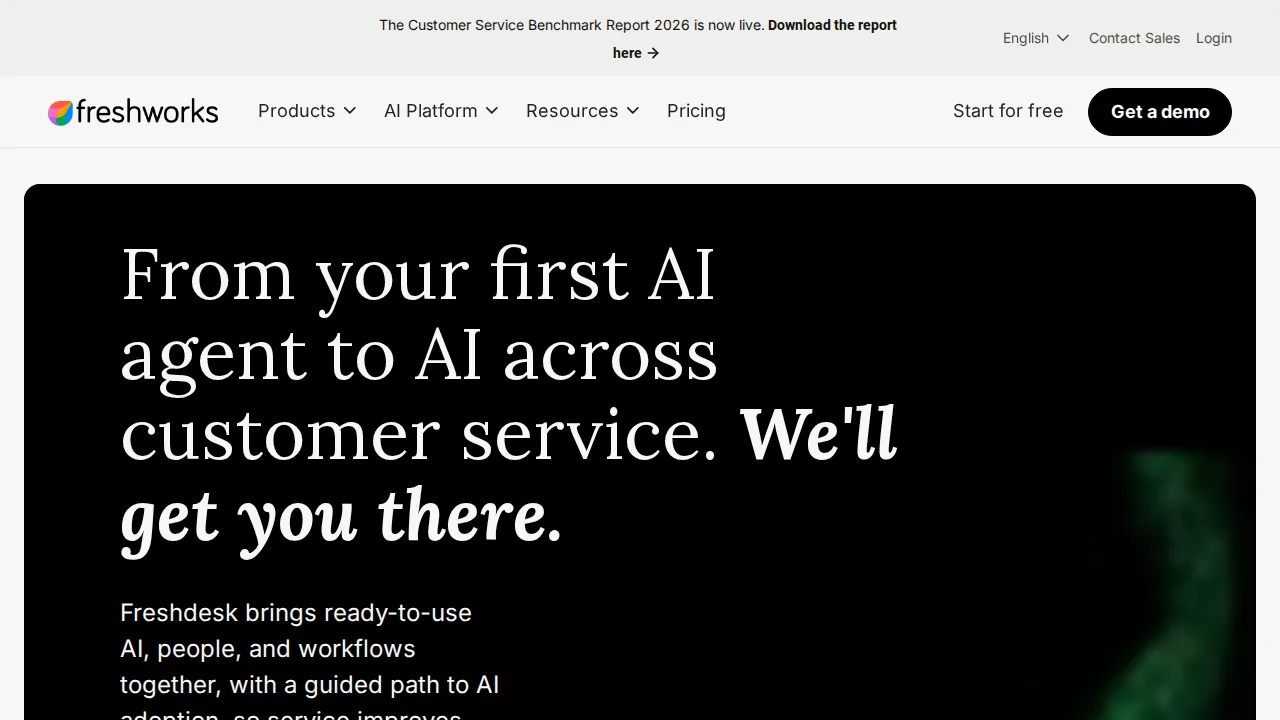
Ops note: Set up email and portal channels, create three automations, and handle a week of tickets. Test Freddy reply suggestions on real questions.
Site: Freshdesk
Intercom · Customer support software
Ideal use: SaaS and online businesses that want an AI agent to resolve common questions and a modern inbox for human agents.
What works: Intercom's Fin AI agent answers questions from your help center and resolves a large share of conversations without an agent. The messenger, inbox, and proactive messages work together in one product.
What breaks the deal: Fin charges per resolution on top of seat fees, so costs rise with volume.
Pricing: Entry: $29/seat/mo. Hidden cost: Essential; Fin AI resolutions billed. Verify: intercom.com/pricing.
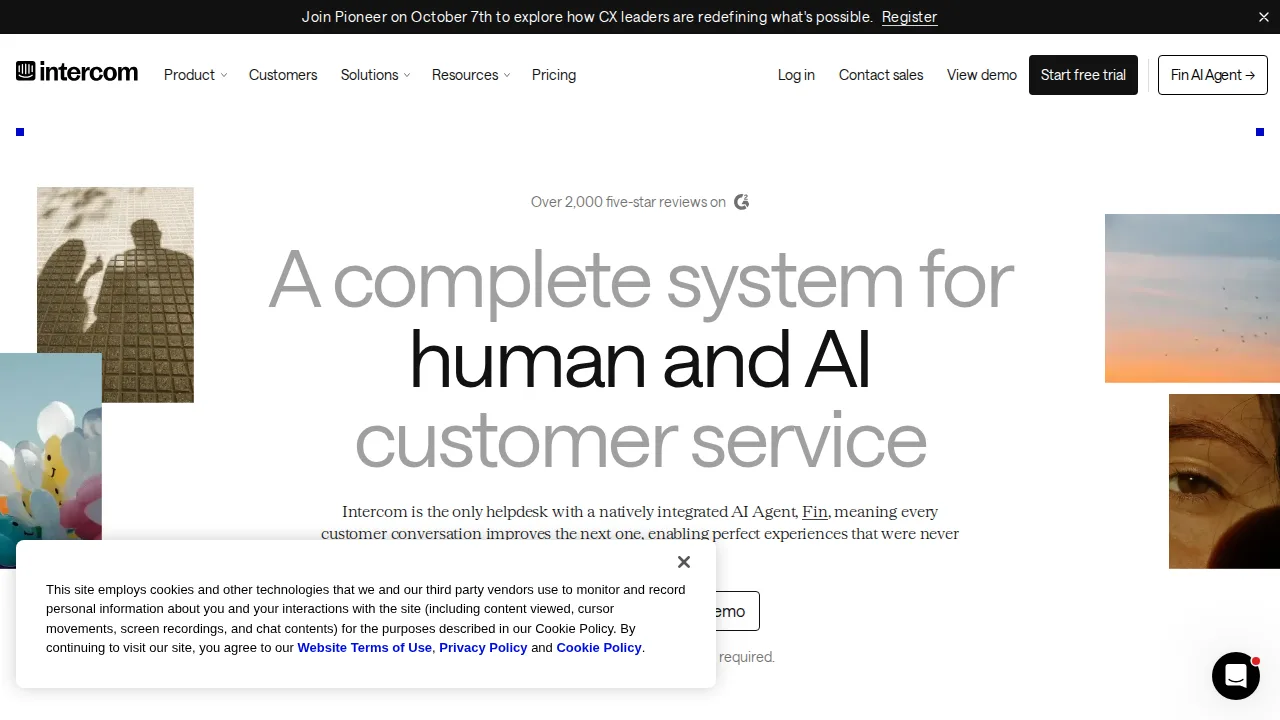
Ops note: Connect your help center, turn on Fin for a week, and check the resolution rate and accuracy. Calculate the cost per resolution at your volume.
Site: Intercom
Help Scout · Customer support software
Ideal use: Small and mid-size companies that want an email-like shared inbox with a knowledge base, where support feels personal rather than ticket-driven.
What works: Help Scout's shared inbox feels like email to customers, with no ticket numbers, and collision detection prevents duplicate replies. Docs, Beacon chat widget, and AI drafts are included.
What breaks the deal: Advanced routing, skills-based assignment, and enterprise reporting are limited compared with Zendesk.
Pricing: Entry: $25/user/mo. Hidden cost: Standard annual; AI Answers and workflows on Plus. Verify: helpscout.com/pricing.
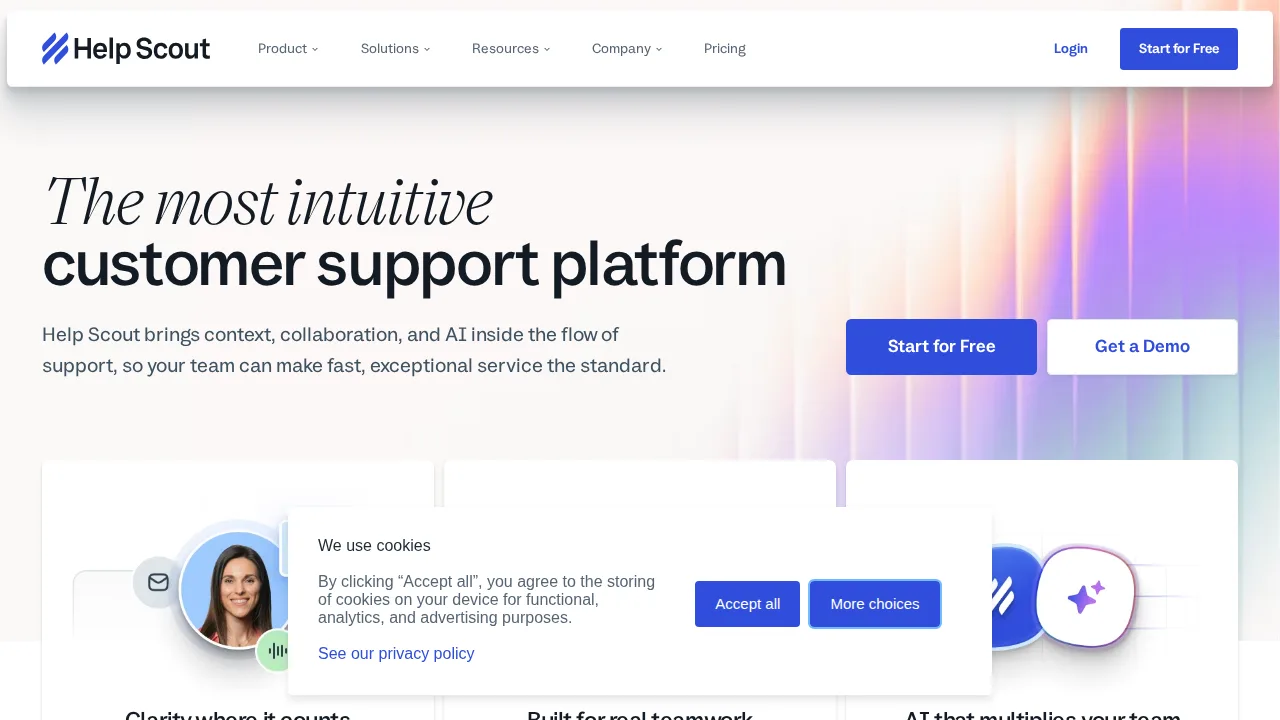
Ops note: Move one support mailbox into Help Scout for two weeks and set up Beacon with your docs. Review response times and saved replies.
Site: Help Scout
Zoho Desk · Customer support software
Ideal use: Budget-conscious companies, especially those using Zoho CRM, that want multichannel ticketing with context-aware AI.
What works: Zoho Desk offers ticketing, a help center, and Zia AI at low per-agent prices, and it connects natively with Zoho CRM. Blueprints enforce process steps on tickets.
What breaks the deal: The interface is dense and third-party integrations are fewer than Zendesk.
Pricing: Entry: $14/user/mo. Hidden cost: Standard annual; telephony and AI credits add-on. Verify: zoho.com/desk/pricing.html.
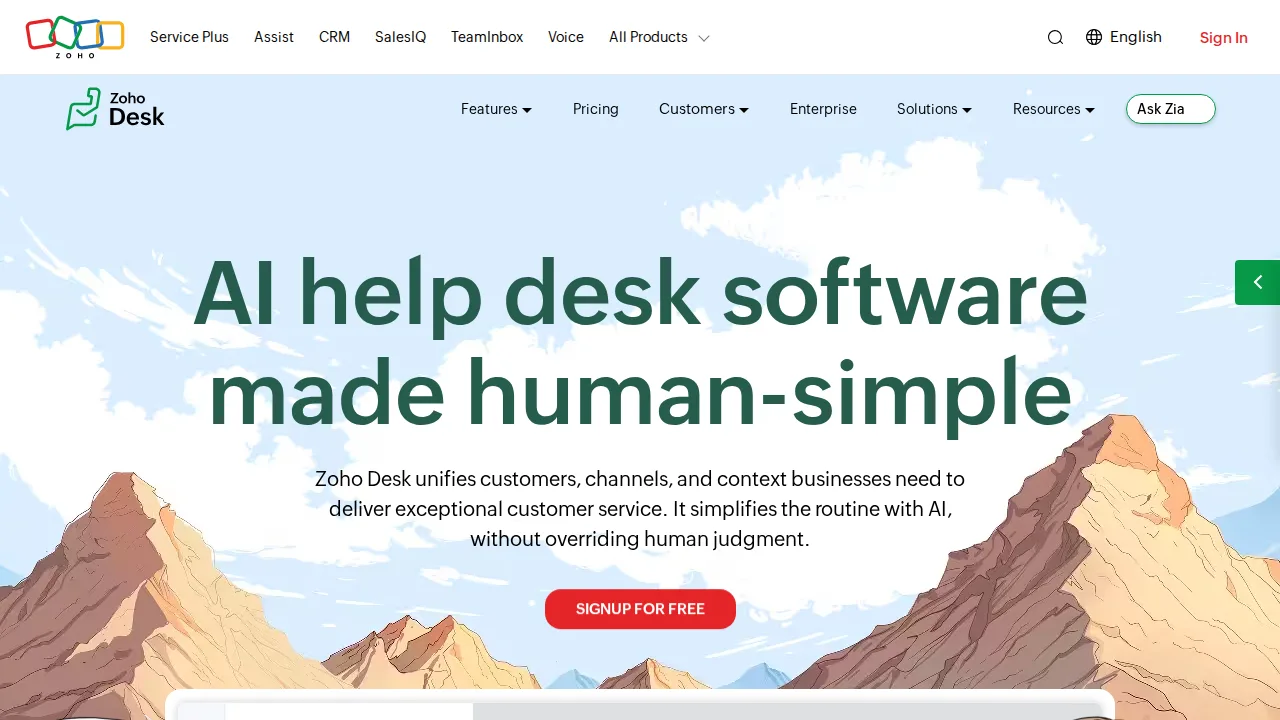
Ops note: Connect Zoho CRM and create a blueprint for one ticket type. Handle a week of real tickets and compare agent speed with your current tool.
Site: Zoho Desk
Kayako · Customer support software
Ideal use: Small support teams that want a unified view of email, chat, and social conversations with a customer journey timeline.
What works: Kayako shows each customer's full journey across email, chat, and social in one timeline, so agents see context without switching tabs. Live chat, a help center, and SLA rules are included.
What breaks the deal: Product development has been slow under current ownership, and reviews note support gaps.
Pricing: Entry: $39/agent/mo. Hidden cost: Classic helpdesk; migration to newer stack quoted. Verify: kayako.com/pricing.
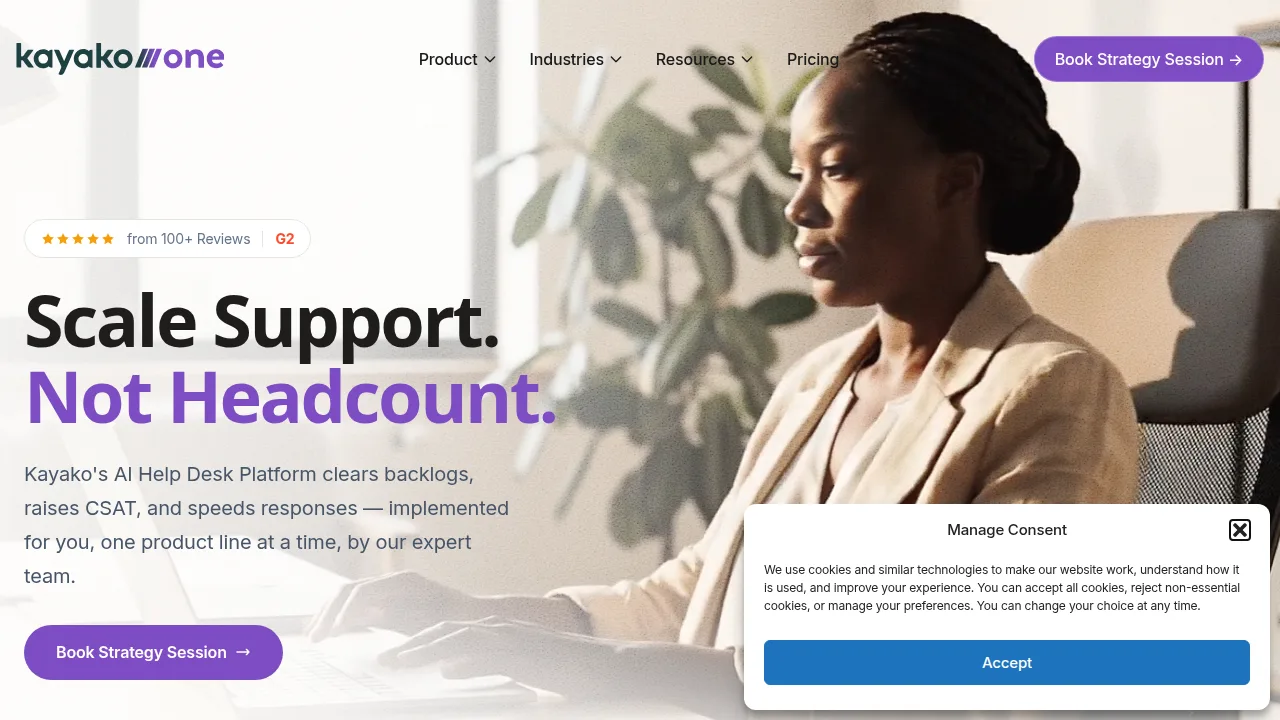
Ops note: Ask for a roadmap and recent release notes before trialing. Handle a week of real conversations across email and chat.
Site: Kayako
LiveAgent · Customer support software
Ideal use: Small and mid-size businesses that want help desk, live chat, call center, and social inboxes in one affordable tool.
What works: LiveAgent includes ticketing, live chat, a built-in call center with IVR, and Facebook, Instagram, and X inboxes on affordable plans. Its chat widget loads quickly and supports real-time typing view.
What breaks the deal: The interface is dated and crowded, so agents need training to find features.
Pricing: Entry: $9/agent/mo. Hidden cost: Small annual; ticket limits; call channel extra. Verify: liveagent.com/pricing.
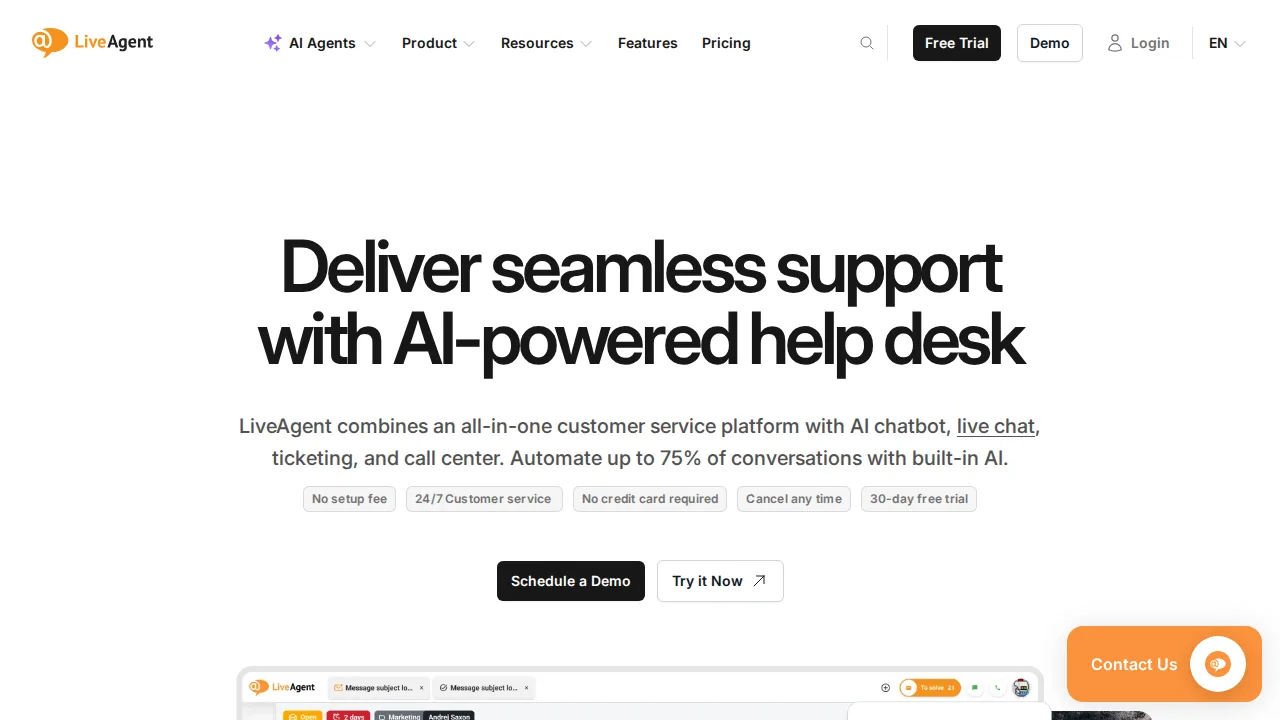
Ops note: Set up chat, email, and a phone number, then handle a week of real conversations. Test call routing.
Site: LiveAgent
Summary table
| Name | Best for | Entry pricing | UX /10 |
|---|---|---|---|
| Zendesk | Mature ticketing for large support teams | $19/agent/mo | 6.6 |
| Freshdesk | Affordable ticketing with a help center | $15/agent/mo | 8.0 |
| Intercom | AI agent plus modern support inbox | $29/seat/mo | 7.9 |
| Help Scout | Personal email-style shared inbox | $25/user/mo | 7.6 |
| Zoho Desk | Low-cost ticketing for Zoho users | $14/user/mo | 8.7 |
| Kayako | Unified customer journey timeline | $39/agent/mo | 7.2 |
| LiveAgent | Help desk plus built-in call center | $9/agent/mo | 6.4 |
Quick verdict
Zendesk is the best choice for larger support teams that need mature routing, SLAs, and integrations. Intercom suits SaaS businesses that want an AI agent to resolve common questions before humans step in. Small teams wanting personal email-style support should use Help Scout.
Import a sample of real tickets and run a week of support in each trial. Calculate total cost including AI resolutions and add-ons, not just the per-agent list price.
Free checks on Lagnis
Before you sign a customer support software contract, run your numbers with word counter. Same browser session, no account.
Related comparisons
- Best Live chat software (2026): 7 tools compared
- Best Survey tools (2026): 7 tools compared
- Best Form builders (2026): 7 tools compared
FAQ
Why only 7 tools? We cut duplicate workflows; seven profiles stay readable.
Affiliate links fund hosting; listed flaws are from field testing patterns, not sponsor edits.
Pricing figures are list-tier snapshots; confirm checkout totals before you commit to annual billing.