Best Email hosting (2026): 7 tools compared
Business email hosting shapes deliverability, security, and often which office apps your team uses every day. The big suites bundle email with documents, storage, and meetings, while smaller providers compete on privacy, price, or pricing models that suit many domains. Moving mailboxes later is tedious, so the first choice tends to stick. We compared seven providers from full office suites to lean mail-only services.
Head-to-head picks
Affiliate links may fund free Lagnis Tools; picks require a public partner program.
Seven vendors below with disclosed affiliate or partner programs. Each block: fit, strengths, blocker, pricing.
We compared spam filtering and deliverability, support for standard mail clients, security and encryption, bundled apps, admin tools, and price per user or per domain. We also considered migration tools for importing existing mailboxes.
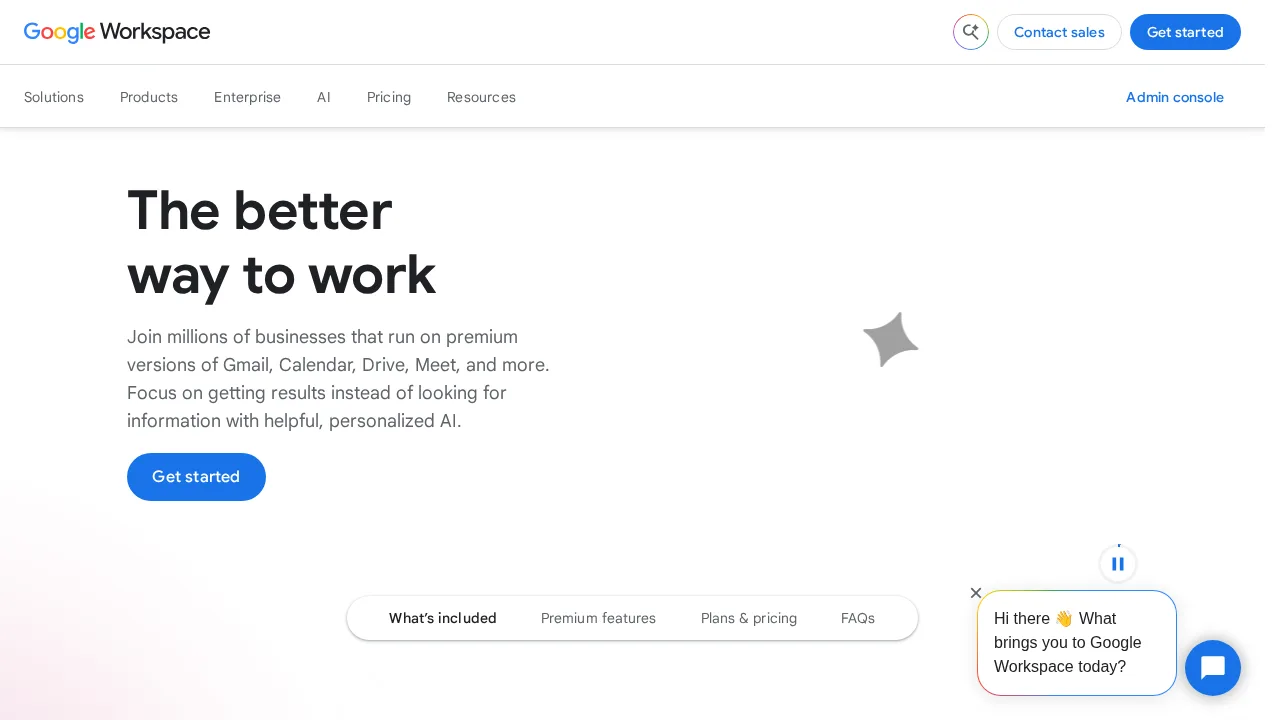
Google Workspace · Email hosting
Ideal use: Startups and small to mid-size businesses that want Gmail on their domain with Drive, Meet, Calendar, and Gemini AI in one subscription.
What works: Gmail's spam filtering and search are excellent, and Workspace bundles real-time document collaboration, video meetings, and shared drives. Gemini AI features are now included in Business plans.
What breaks the deal: Per-user prices rose when Gemini was bundled, and data export and migration away can be tedious.
Pricing: Entry: $7.20/user/mo. Hidden cost: Business Starter annual; Standard $14.40 for pooled storage. Verify: workspace.google.com/pricing.
Ops note: Set up a trial with your domain, migrate one mailbox, and check spam filtering over two weeks. Try Gemini in Gmail and Docs on real work.
Site: Google Workspace
Microsoft 365 · Email hosting
Ideal use: Businesses that rely on Outlook, Word, Excel, and Teams and want email hosting bundled with desktop Office apps.
What works: Microsoft 365 Business plans include Exchange email, desktop Office apps, Teams, and OneDrive. Business Premium adds Intune device management and Defender security.
What breaks the deal: Plan tiers and add-ons are confusing, and the admin center is complex for small businesses.
Pricing: Entry: $6.99/mo. Hidden cost: Personal 1 user; Family $9.99; business plans separate. Verify: microsoft.com/microsoft-365/buy/compare-all-microsoft-365-products.
Ops note: Set up a trial tenant with your domain and migrate one mailbox. Check which plan includes desktop apps and security features you need.
Site: Microsoft 365
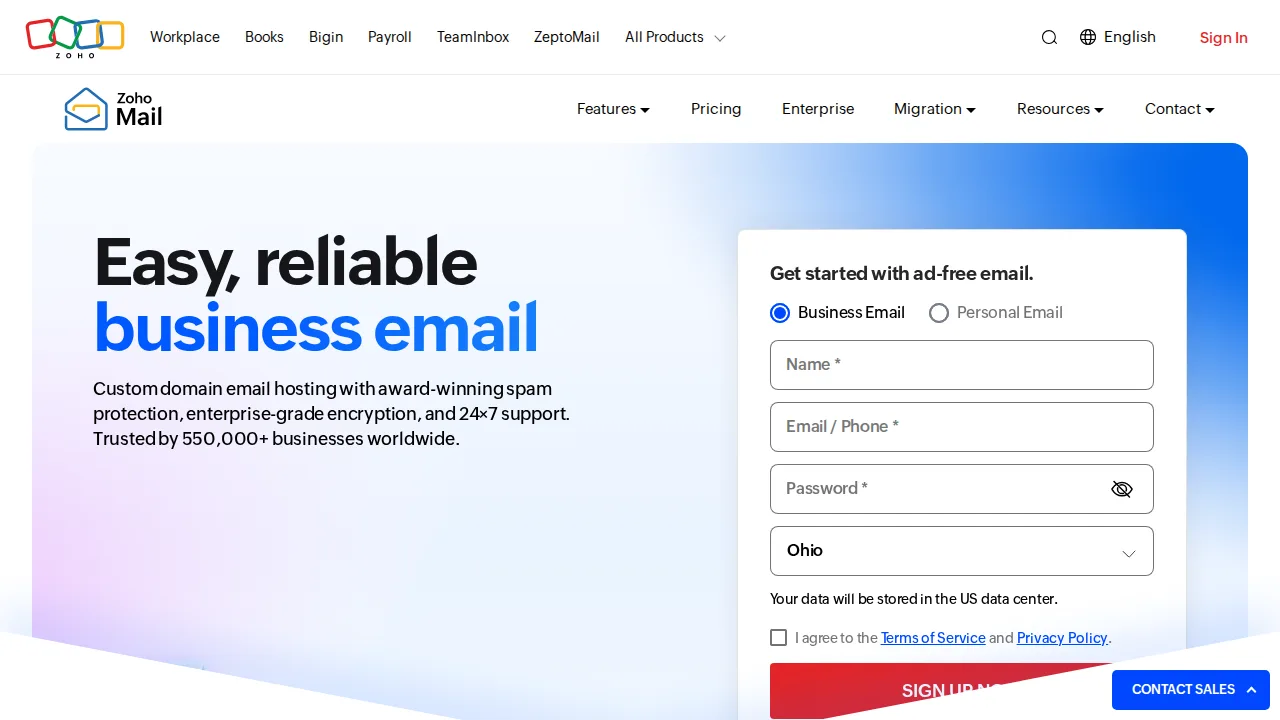
Zoho Mail · Email hosting
Ideal use: Small businesses and startups that want low-cost, ad-free business email with a free tier for a few users.
What works: Zoho Mail has a free plan for up to five users on one domain and paid plans that cost much less than Google or Microsoft. It includes calendar, notes, and Zoho Workplace apps.
What breaks the deal: The free plan lacks IMAP, POP, and forwarding, which limits desktop client use.
Pricing: Entry: $1/user/mo. Hidden cost: Mail Lite annual; Workplace bundle higher. Verify: zoho.com/mail/zohomail-pricing.html.
Ops note: Set up the free plan with your domain and send mail from the web and mobile apps. Check whether you need IMAP.
Site: Zoho Mail
Proton Mail for Business · Email hosting
Ideal use: Law firms, journalists, healthcare, and privacy-focused teams that want end-to-end encrypted business email hosted in Switzerland.
What works: Proton Mail encrypts mailboxes end-to-end and zero-access, and Proton for Business bundles VPN, Drive, and Pass. Swiss jurisdiction appeals to privacy-conscious organizations.
What breaks the deal: Desktop client use requires Proton Bridge, and search on encrypted mail is slower.
Pricing: Entry: $6.99/user/mo. Hidden cost: Mail Essentials annual; custom domains and storage tiers. Verify: proton.me/business/mail/pricing.
Ops note: Set up your domain, send encrypted mail to an external contact with a password, and test Bridge with Outlook or Apple Mail.
Site: Proton Mail for Business
Fastmail · Email hosting
Ideal use: Professionals, families, and small teams who want fast, ad-free email with excellent search and standards support.
What works: Fastmail's web interface is fast, search is excellent, and it supports IMAP, JMAP, CalDAV, and CardDAV. Masked email creates unique addresses per site to fight spam.
What breaks the deal: It has no office suite, so teams need separate document tools.
Pricing: Entry: $3/user/mo. Hidden cost: Basic 2 GB; Standard $5; custom domains on paid. Verify: fastmail.com/pricing.
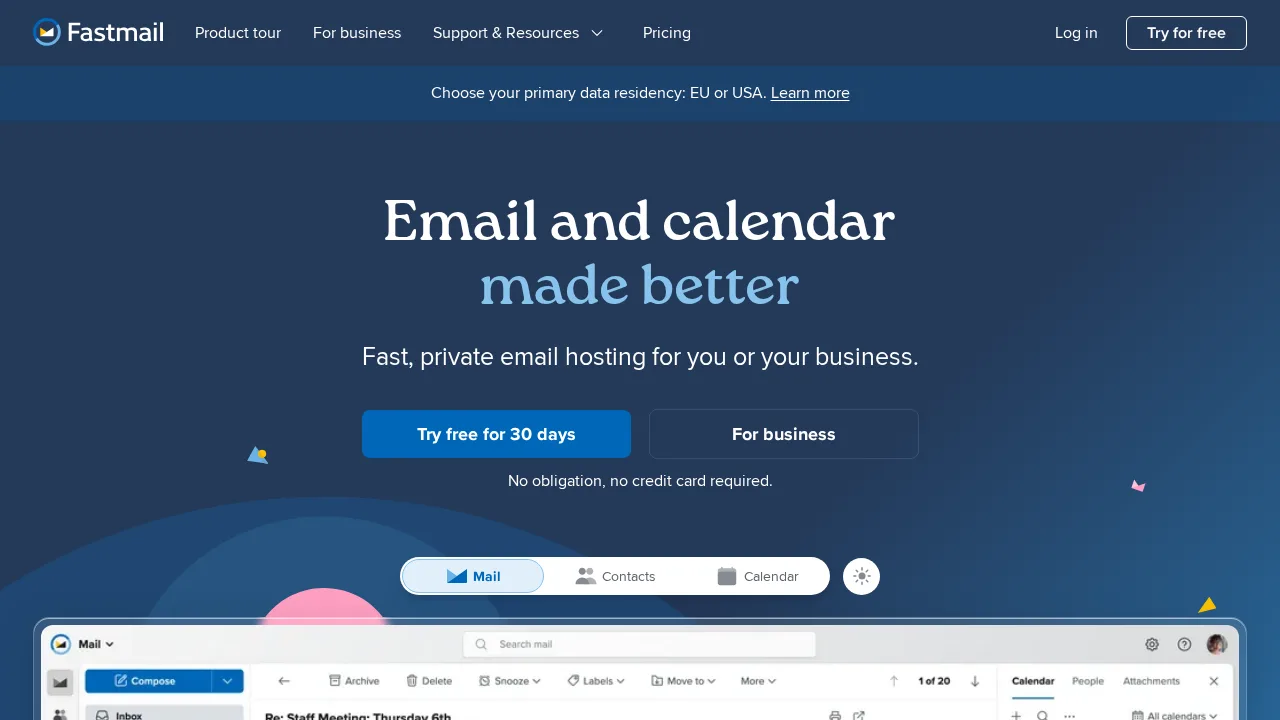
Ops note: Import your old mailbox and create masked addresses for three services. Test calendar sync with your phone.
Site: Fastmail
Migadu · Email hosting
Ideal use: Developers, families, and people with many domains who want email hosting priced by usage rather than per mailbox.
What works: Migadu lets you run unlimited mailboxes, aliases, and domains on one plan, with pricing based on daily sending and storage instead of per user. It works with any IMAP, POP, and SMTP client.
What breaks the deal: There is no calendar or office suite and the web interface is minimal.
Pricing: Entry: $19/year. Hidden cost: Micro email domain; storage and recipient caps; no outbound marketing. Verify: migadu.com/pricing.
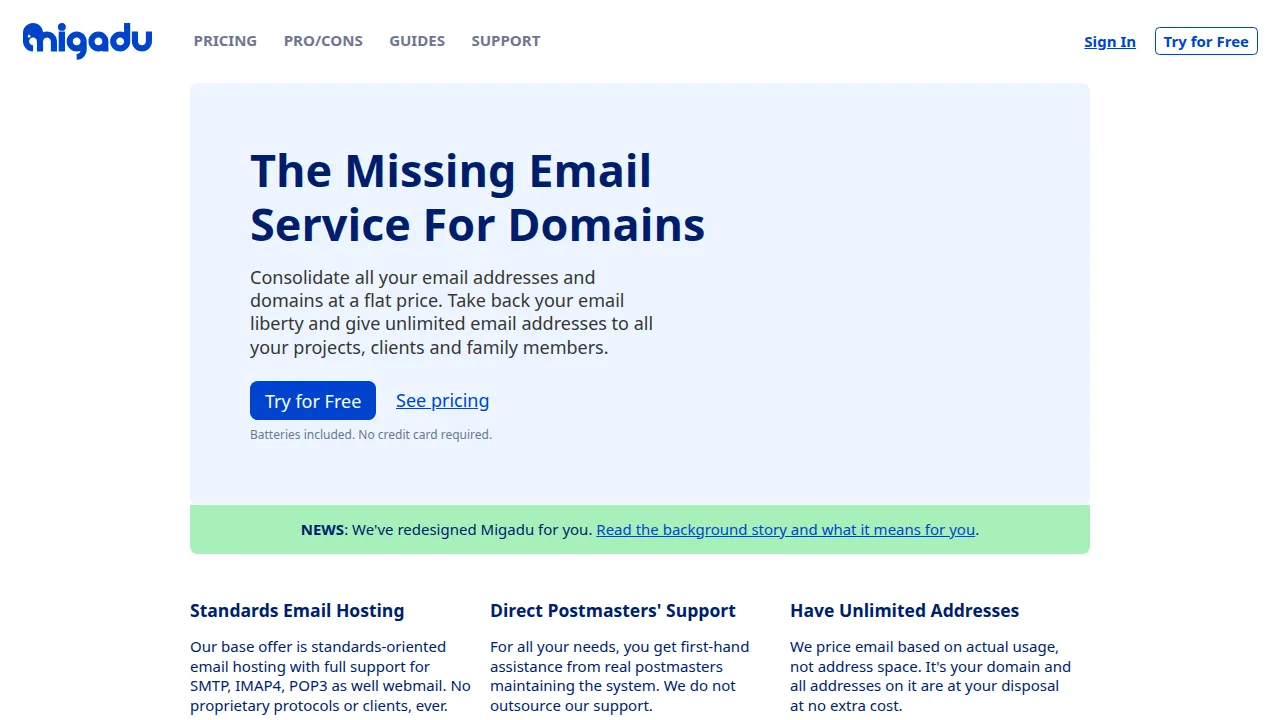
Ops note: Add two domains and several mailboxes and send mail from a desktop client. Check your daily sending needs against plan limits.
Site: Migadu
Namecheap Private Email · Email hosting
Ideal use: Namecheap domain owners who want cheap mailboxes on their own domain without adding another provider.
What works: Private Email is inexpensive and configures DNS records automatically on Namecheap domains. It includes webmail, calendar, contacts, and mobile sync through standard protocols.
What breaks the deal: Spam filtering and admin features are basic compared with Google Workspace or Fastmail.
Pricing: Entry: $1.24/mo. Hidden cost: Starter mailbox annual; per mailbox renew ~$41.88/yr. Verify: namecheap.com/hosting/email.
Ops note: Add a mailbox to a Namecheap domain and send test messages to Gmail and Outlook to check inbox placement. Try it with your desktop mail client over IMAP.
Site: Namecheap Private Email
Summary table
| Name | Best for | Entry pricing | UX /10 |
|---|---|---|---|
| Google Workspace | Gmail plus Docs, Drive, and Meet | $7.20/user/mo | 7.5 |
| Microsoft 365 | Exchange email with desktop Office apps | $6.99/mo | 6.7 |
| Zoho Mail | Low-cost ad-free business email | $1/user/mo | 6.9 |
| Proton Mail for Business | Encrypted business email from Switzerland | $6.99/user/mo | 8.3 |
| Fastmail | Fast ad-free email with masked addresses | $3/user/mo | 8.9 |
| Migadu | Unlimited mailboxes priced by usage | $19/year | 7.3 |
| Namecheap Private Email | Cheap mailboxes for Namecheap domains | $1.24/mo | 6.8 |
Quick verdict
Google Workspace is the best choice for teams that want Gmail alongside Docs, Drive, and Meet. Microsoft 365 suits businesses that live in Outlook and desktop Office apps. Law firms, journalists, and privacy-focused teams should choose Proton Mail for Business for end-to-end encrypted mailboxes.
Migrate one real mailbox during the trial and send test messages to Gmail and Outlook to check inbox placement. Confirm which plan includes the desktop apps, archiving, and security features you need before you buy seats.
Free checks on Lagnis
Before you sign a email hosting contract, run your numbers with regex email pattern generator. Same browser session, no account.
Related comparisons
- Best Backup software (2026): 7 tools compared
- Best Antivirus software (2026): 7 tools compared
- Best AI writing tools (2026): 7 tools compared
FAQ
Why only 7 tools? We cut duplicate workflows; seven profiles stay readable.
Affiliate links fund hosting; listed flaws are from field testing patterns, not sponsor edits.
Pricing figures are list-tier snapshots; confirm checkout totals before you commit to annual billing.