Best Heatmap and session recording tools (2026): 7 tools compared
Analytics tells you that visitors left the pricing page; heatmaps and session recordings show you why, whether that is a button that looks unclickable or a form field that keeps rejecting input. Options range from Microsoft's free tool with no session limits to enterprise platforms that index every interaction for search. Mobile app coverage and form analytics separate the specialists from general tools. Because recordings can capture sensitive data, privacy masking is part of the buying decision, not an afterthought.
Head-to-head picks
Affiliate links may fund free Lagnis Tools; picks require a public partner program.
Seven vendors below with disclosed affiliate or partner programs. Each block: fit, strengths, blocker, pricing.
We evaluated heatmap types, recording quality and search, automatic frustration signals such as rage clicks, form analytics, session sampling limits, privacy masking controls, and pricing. We also considered native mobile app support and integrations with analytics tools like GA4.
Hotjar · Heatmap and session recording tools
Ideal use: Marketing and UX teams at small and mid-size companies that want heatmaps, recordings, and on-site surveys in one tool.
What works: Hotjar's heatmaps, session recordings, and feedback widgets together explain what users do and why. Now part of Contentsquare, it integrates with GA4 and product tools.
What breaks the deal: Session limits per plan are tight on busy sites, so recordings are sampled.
Pricing: Entry: $0/mo. Hidden cost: Basic free daily sessions cap; Plus $39/mo for scales. Verify: hotjar.com/pricing.
Ops note: Record sessions on your pricing page for a week and run an exit survey. Check how many sessions your plan captured against total traffic.
Site: Hotjar
Microsoft Clarity · Heatmap and session recording tools
Ideal use: Site owners and marketers who want free heatmaps and session recordings with no traffic limits.
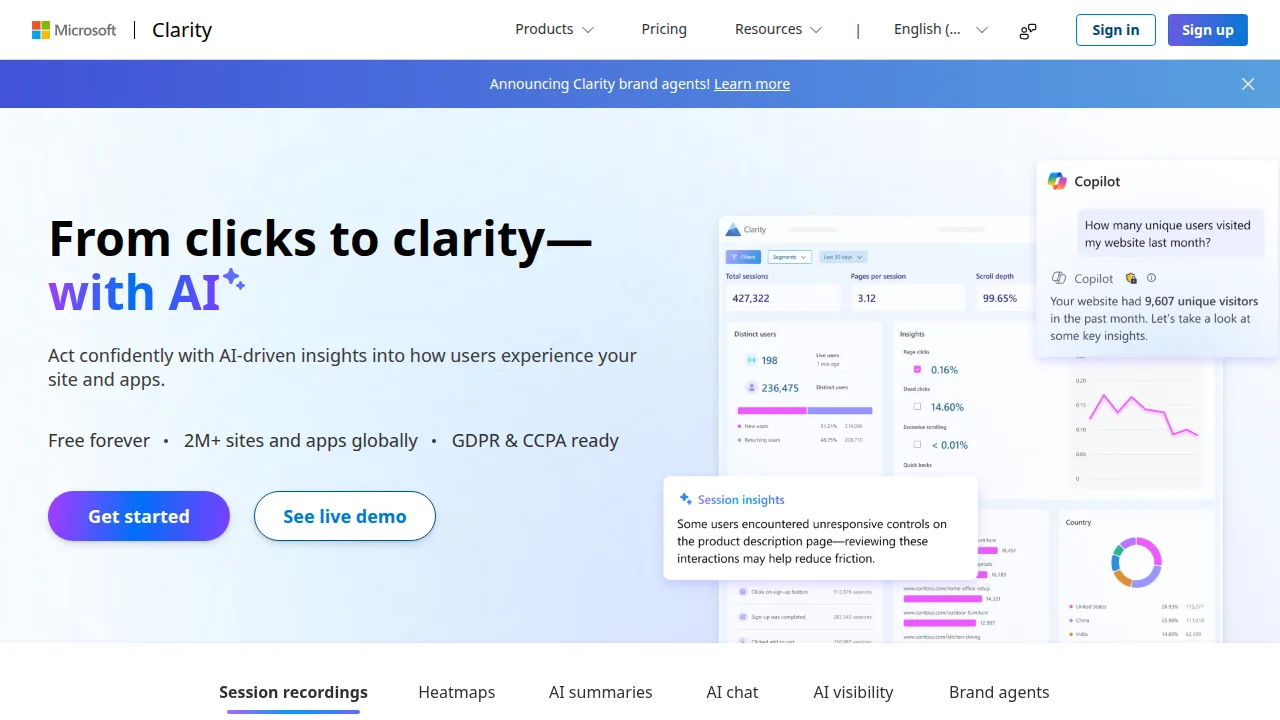
What works: Microsoft Clarity is completely free with no session caps and flags rage clicks and dead clicks automatically. Its GA4 integration and Copilot summaries make findings easier to share.
What breaks the deal: Microsoft uses Clarity data for its own purposes under its terms, which some privacy teams reject.
Pricing: Entry: $0/mo. Hidden cost: Free heatmaps and recordings; no official paid tier. Verify: clarity.microsoft.com.
Ops note: Install Clarity on your top landing page for two weeks and review rage-click and dead-click reports. Have your privacy lead review the data use terms.
Site: Microsoft Clarity
Crazy Egg · Heatmap and session recording tools
Ideal use: Small businesses and marketers who want heatmaps, scroll maps, and simple A/B tests without a complex setup.
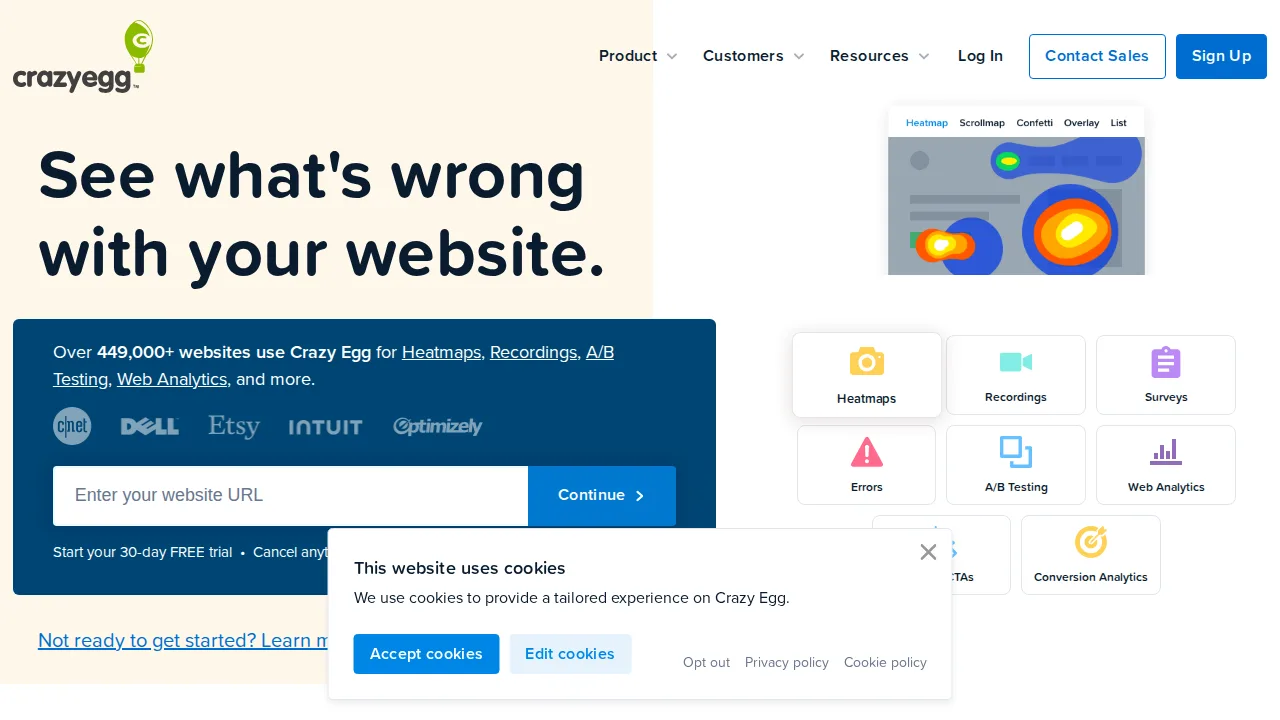
What works: Crazy Egg's snapshots show click, scroll, and confetti maps segmented by referral source. Built-in A/B testing lets you act on what you see.
What breaks the deal: Session recordings and on-site surveys are weaker than Hotjar's, so it is mainly a heatmap tool.
Pricing: Entry: $29/mo. Hidden cost: Standard pageviews cap; A/B on higher tier. Verify: crazyegg.com/pricing.
Ops note: Run a snapshot on your homepage and segment the confetti map by traffic source. Launch one A/B test based on what you find.
Site: Crazy Egg
FullStory · Heatmap and session recording tools
Ideal use: Enterprise digital experience and product teams that need searchable session replay and frustration analytics across millions of sessions.
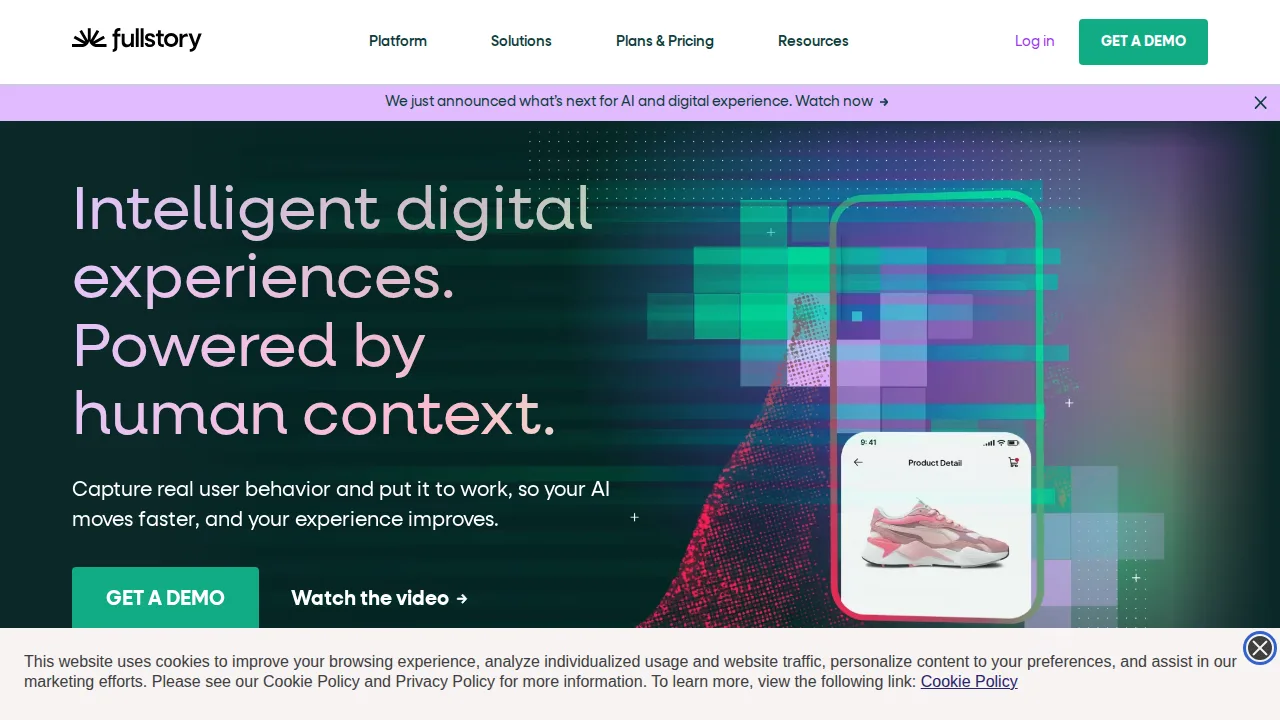
What works: FullStory indexes every interaction, so you can search for sessions such as users who clicked checkout and then hit an error. Frustration signals and conversion reports put a revenue estimate on UX problems.
What breaks the deal: Pricing is enterprise-level, and privacy masking needs careful setup before it goes near payment or health forms.
Pricing: Entry: Quote. Hidden cost: Session replay MTU-based; free tier discontinued for new. Verify: fullstory.com/plans.
Ops note: Search for sessions with a checkout error followed by rage clicks and estimate the lost revenue. Audit privacy masking on every form field before a wider rollout.
Site: FullStory
Smartlook · Heatmap and session recording tools
Ideal use: Product teams with both a website and native iOS or Android apps that want session recordings and event funnels in one tool.
What works: Smartlook records native mobile app sessions as well as web visits, which Hotjar and Clarity do not cover. Events can be defined retroactively and funnels link each drop-off step to the matching recordings.
What breaks the deal: Its analytics depth stops well short of Mixpanel or Amplitude, so teams often run it beside a product analytics tool.
Pricing: Entry: $42/mo. Hidden cost: Web 3k sessions; mobile recordings on higher. Verify: smartlook.com/pricing.
Ops note: Add the SDK to a test build of your app and record a day of internal sessions. Build a funnel for onboarding and open recordings of users who dropped at each step.
Site: Smartlook
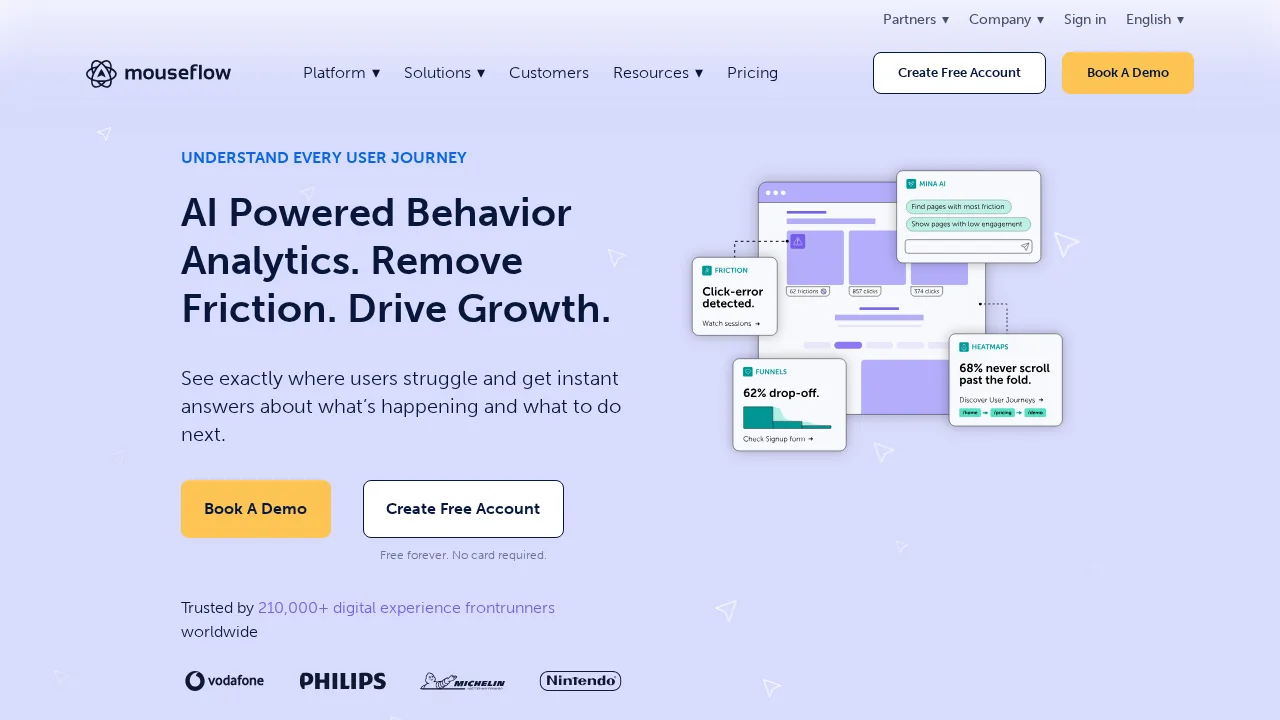
Mouseflow · Heatmap and session recording tools
Ideal use: E-commerce checkouts and lead-generation sites where form abandonment costs money and teams need to see which field is the problem.
What works: Mouseflow's form analytics report hesitation time, refills, and drop-off for every field in a form. Friction scores automatically surface sessions with rage clicks, errors, and erratic movement.
What breaks the deal: The dashboard is crowded, so new users need time to find the reports that matter.
Pricing: Entry: $39/mo. Hidden cost: Startup 5k sessions; overage per session. Verify: mouseflow.com/pricing.
Ops note: Track your checkout or quote form for two weeks and find the field with the highest drop-off. Watch the five highest-friction recordings and fix one issue.
Site: Mouseflow
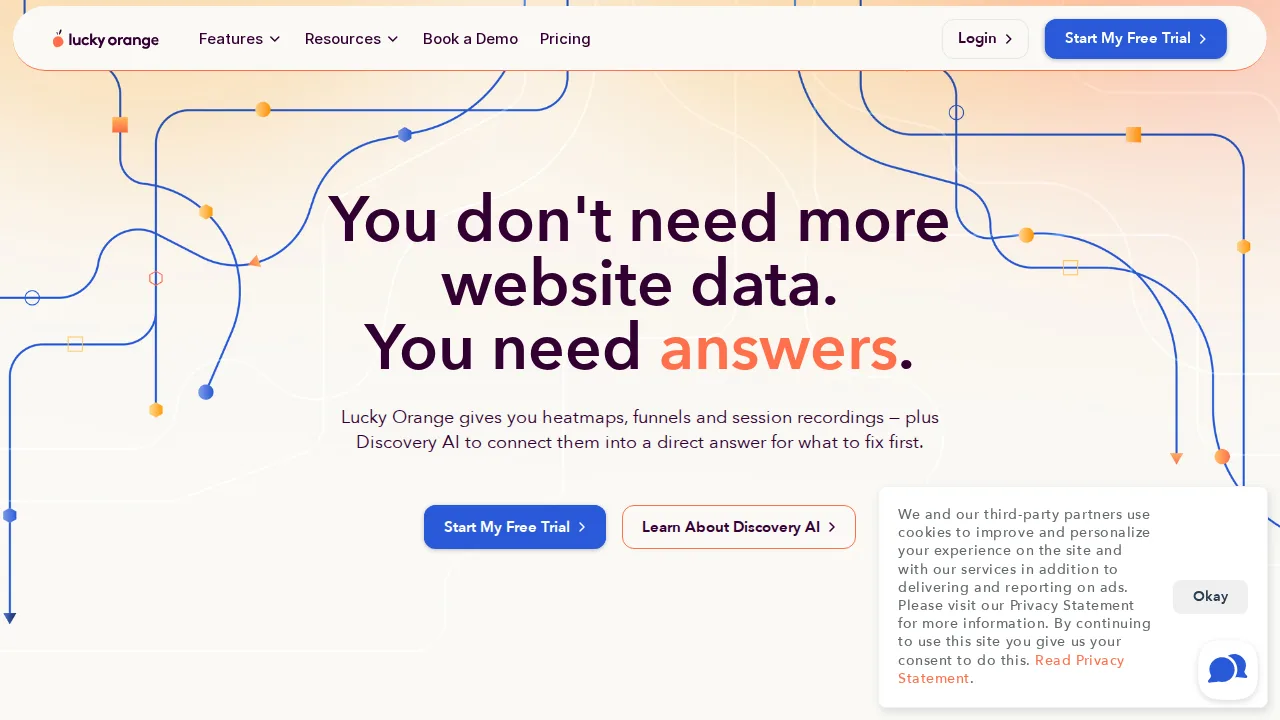
Lucky Orange · Heatmap and session recording tools
Ideal use: Small Shopify and WooCommerce stores that want heatmaps, recordings, and live chat together at a low monthly price.
What works: Lucky Orange's live view shows who is on the site right now and lets you open a chat with them directly. Dynamic heatmaps work on dropdowns and pop-ups that static heatmaps miss.
What breaks the deal: Its recording search, segmentation, and analytics are shallow next to FullStory or Hotjar.
Pricing: Entry: $39/mo. Hidden cost: Build 500 daily pageviews; overage or upgrade. Verify: luckyorange.com/pricing.
Ops note: Install it on your store, watch live visitors during a busy hour, and open a chat with one of them. Review recordings of abandoned carts and note one fix.
Site: Lucky Orange
Summary table
| Name | Best for | Entry pricing | UX /10 |
|---|---|---|---|
| Hotjar | Heatmaps plus surveys for UX teams | $0/mo | 8.7 |
| Microsoft Clarity | Free unlimited heatmaps and recordings | $0/mo | 8.1 |
| Crazy Egg | Heatmaps with simple A/B testing | $29/mo | 7.6 |
| FullStory | Searchable enterprise session replay | Quote | 8.1 |
| Smartlook | Session replay for native mobile apps | $42/mo | 8.1 |
| Mouseflow | Field-level form abandonment analysis | $39/mo | 7.7 |
| Lucky Orange | Heatmaps plus live chat for small stores | $39/mo | 7.0 |
Quick verdict
Microsoft Clarity is the best free option, with unlimited recordings and automatic rage-click and dead-click detection. Hotjar suits UX and marketing teams that want heatmaps plus on-site surveys to explain behavior. Enterprises that need searchable replay across millions of sessions should choose FullStory.
Install on your highest-value pages first, such as pricing, signup, and checkout, and review a full week of sessions before drawing conclusions. Audit privacy masking on every form field before rolling the script out site-wide.
Free checks on Lagnis
Before you sign a heatmap and session recording tools contract, run your numbers with ctr calculator. Same browser session, no account.
Related comparisons
- Best Customer support software (2026): 7 tools compared
- Best Live chat software (2026): 7 tools compared
- Best Survey tools (2026): 7 tools compared
FAQ
Why only 7 tools? We cut duplicate workflows; seven profiles stay readable.
Affiliate links fund hosting; listed flaws are from field testing patterns, not sponsor edits.
Pricing figures are list-tier snapshots; confirm checkout totals before you commit to annual billing.