Best Parental control software (2026): 7 tools compared
Parental control apps help families set screen time limits, filter content, and spot warning signs online, but what they can see depends heavily on the device. iPhones restrict monitoring more than Android, and some tools focus on alerts rather than blocking. Trust matters too, since heavy monitoring can backfire with teens. We compared seven apps for different ages and devices.
Head-to-head picks
Affiliate links may fund free Lagnis Tools; picks require a public partner program.
Seven vendors below with disclosed affiliate or partner programs. Each block: fit, strengths, blocker, pricing.
We compared screen time controls, web filtering, app blocking, message and social monitoring, location features, platform coverage, and pricing. We also noted ownership and availability changes that affect some brands.
Qustodio · Parental control software
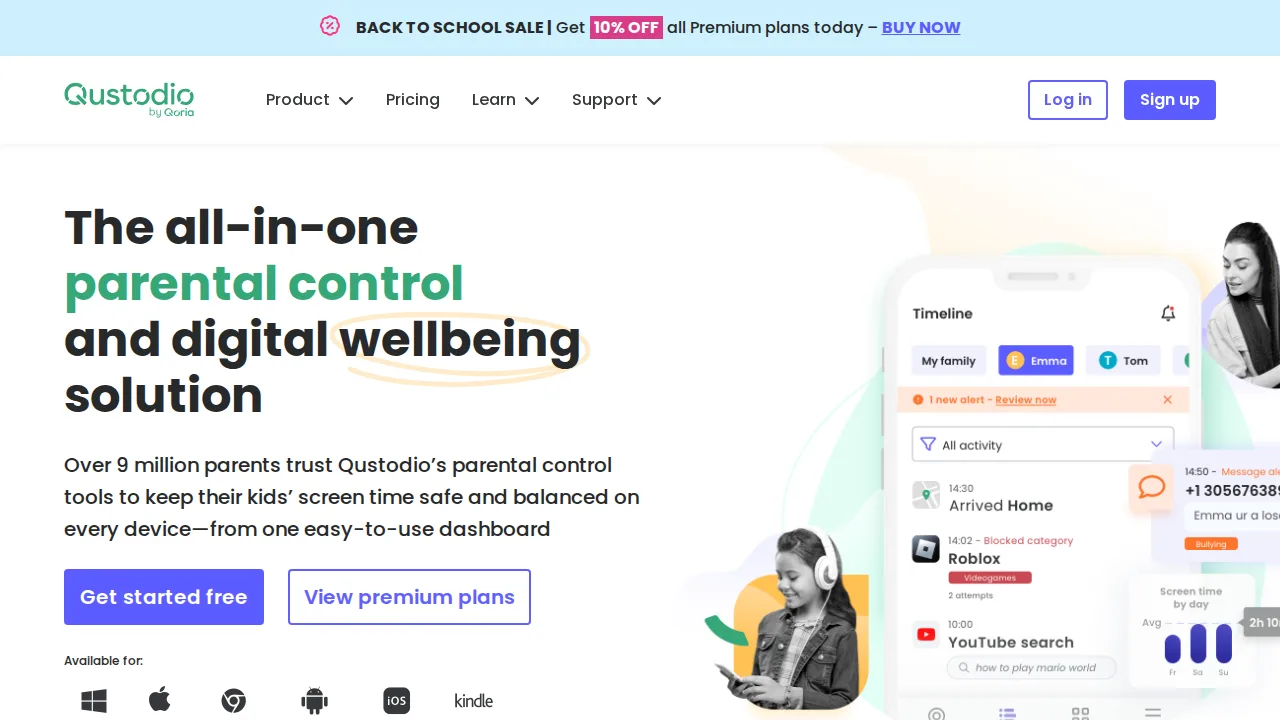
Ideal use: Parents of younger children and early teens who want screen time limits, web filtering, and app blocking across Windows, Mac, Android, iOS, and Chromebook.
What works: Qustodio's dashboard shows daily activity per child across every device, and time limits can be set per app as well as overall. Its web filter works in any browser rather than only in its own.
What breaks the deal: iOS restrictions limit what Qustodio can monitor on iPhones, and the premium plan is priced per number of devices.
Pricing: Entry: $54.95/year. Hidden cost: 5 devices annual; Premium filters and calls higher. Verify: qustodio.com/en/pricing.
Ops note: Install Qustodio on a child's phone and laptop, set a daily limit and one blocked app, and review the activity timeline after three days. Check which features are missing on iOS.
Site: Qustodio
Bark · Parental control software
Ideal use: Parents of tweens and teens who want alerts about bullying, self-harm, predators, and explicit content in texts, email, and social apps rather than reading everything.
What works: Bark scans messages, email, and supported social apps with AI and alerts parents only when it finds a concerning issue, with suggested next steps from child psychologists. Bark Jr. covers screen time and filtering for younger kids.
What breaks the deal: Monitoring depth depends heavily on platform, and iPhone coverage requires a computer-based sync workaround for full message scanning.
Pricing: Entry: $0/lead preview. Hidden cost: Pay per qualified lead; credits vary by category and market. Verify: bark.com/pro/pricing.
Ops note: Connect your teen's email and one social account, then review the first week of alerts with them. Check exactly which apps Bark can monitor on their phone model.
Site: Bark
Net Nanny · Parental control software
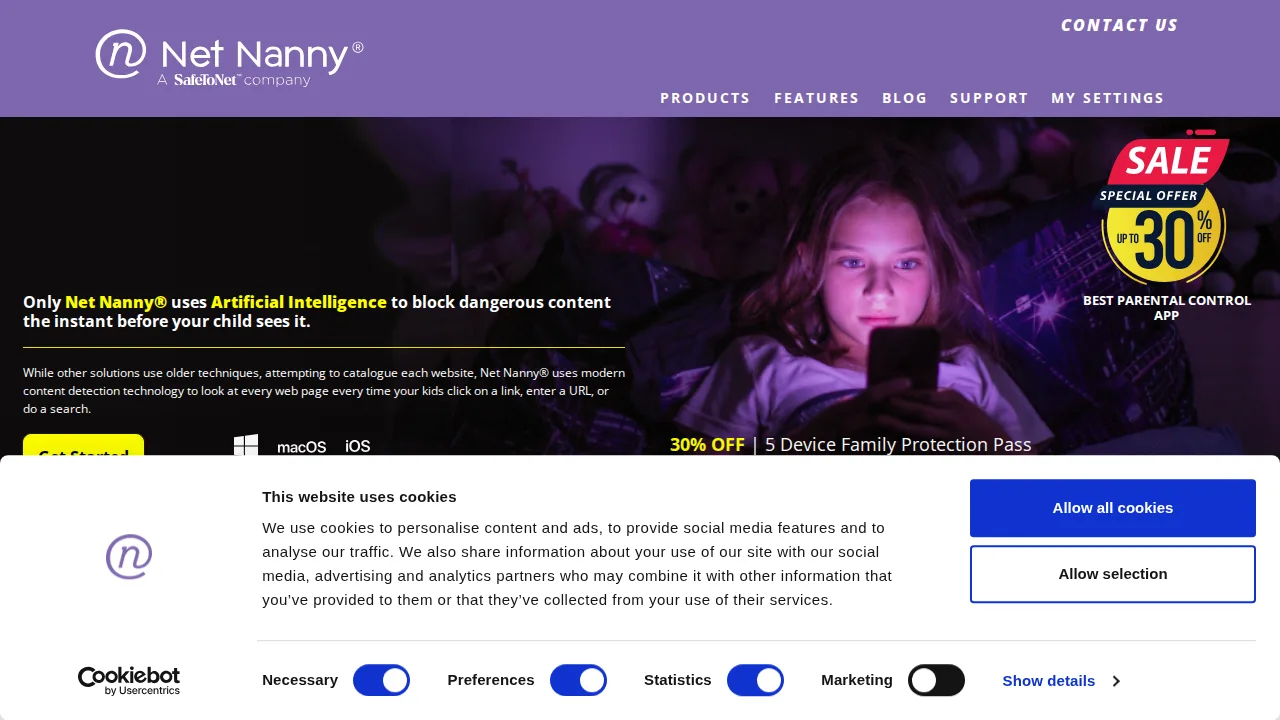
Ideal use: Families who want real-time web filtering that analyzes page content instead of relying only on blocklists.
What works: Net Nanny's content filter analyzes pages as they load and can mask profanity on otherwise allowed sites. It includes screen time schedules and app blocking.
What breaks the deal: Social media and message monitoring is weaker than Bark or Qustodio.
Pricing: Entry: $39.99/year. Hidden cost: 1 device annual; family pack higher. Verify: netnanny.com/pricing.
Ops note: Set a filter profile for your child and test it on sites with mixed content. Try profanity masking on a forum.
Site: Net Nanny
Norton Family · Parental control software
Ideal use: Norton 360 households that want parental controls included at no extra cost, especially on Windows and Android.
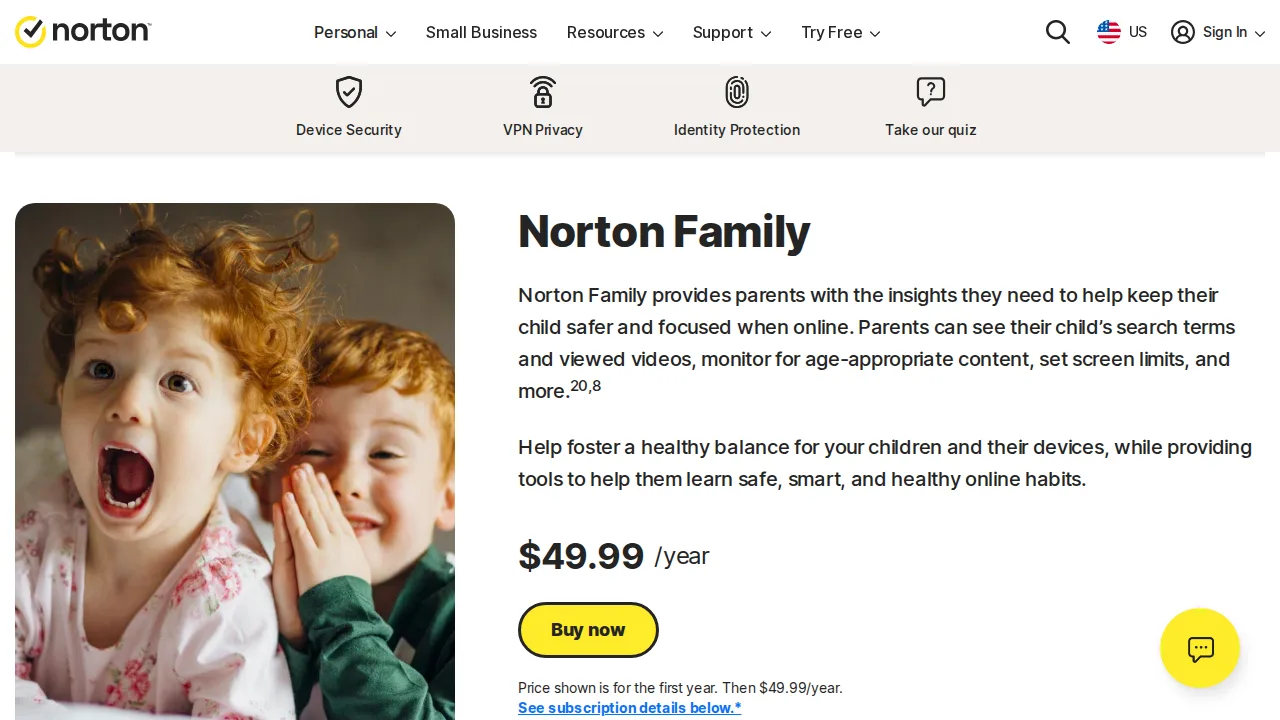
What works: Norton Family is included in many Norton 360 plans and covers web filtering, time limits, location, and school time modes. Its reports are simple for parents.
What breaks the deal: Norton Family does not support Mac computers, and its iOS features are limited by Apple's restrictions.
Pricing: Entry: $49.99/year. Hidden cost: Parental control; often bundled with Norton 360. Verify: norton.com/norton-family-premier.
Ops note: Check whether your Norton 360 plan includes Family, then set up School Time on a Windows or Android device.
Site: Norton Family
Kaspersky Safe Kids · Parental control software
Ideal use: Families outside the United States who want low-cost parental controls with location tracking and battery alerts.
What works: Kaspersky Safe Kids has a low annual price and includes web filtering, screen time, GPS location, geofencing, and battery alerts. A free version covers basics.
What breaks the deal: US sales ended with the 2024 Kaspersky ban, and Russian ownership concerns some families.
Pricing: Entry: $14.99/year. Hidden cost: Premium parental; free basic with limits. Verify: kaspersky.com/safe-kids.
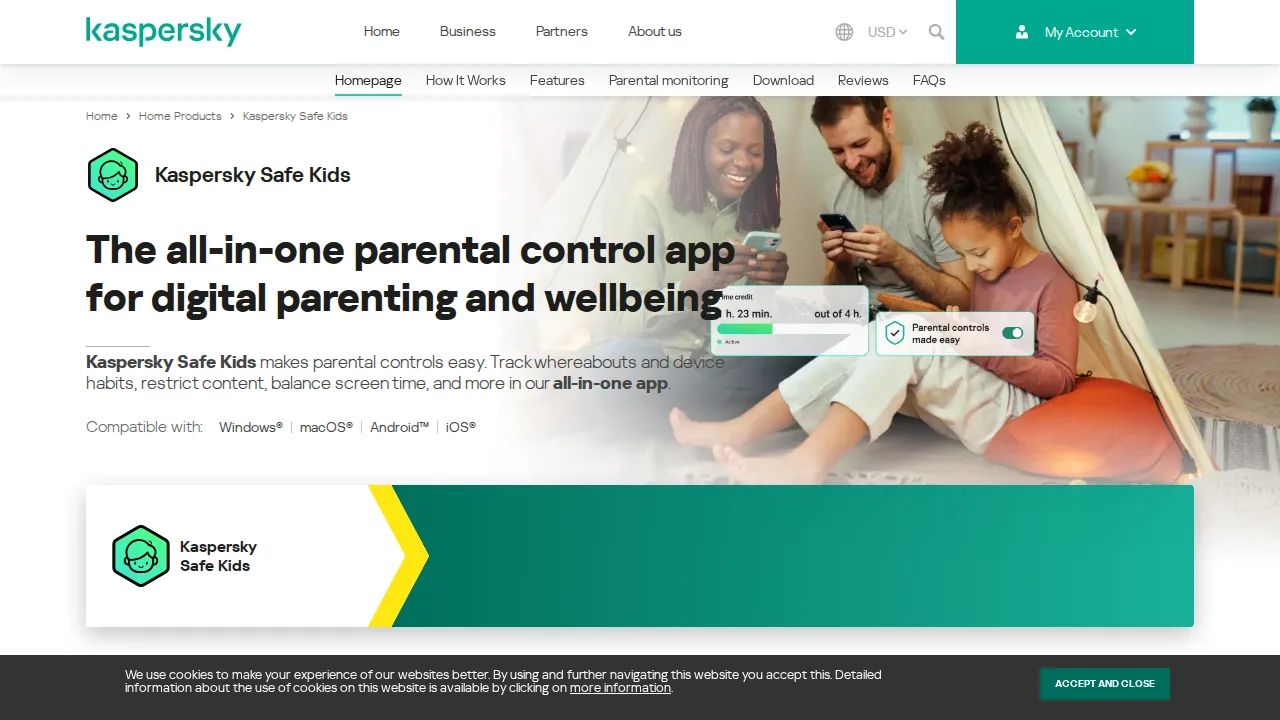
Ops note: Check availability in your country first, then set a geofence around your child's school and test the arrival alert. Let the phone battery drop and confirm the low battery alert arrives.
Site: Kaspersky Safe Kids
Mobicip · Parental control software
Ideal use: Families and schools that want age-based filtering presets and screen time controls across Chromebooks, iPads, and phones.
What works: Mobicip offers age-based filtering presets that set sensible defaults in one click, and it supports Chromebooks better than many rivals. Screen time schedules and app blocking cover common family needs.
What breaks the deal: Activity reports and alerts are less detailed than Qustodio, and social monitoring is limited.
Pricing: Entry: $4.99/mo. Hidden cost: Annual family plan; per device on monthly. Verify: mobicip.com/pricing.
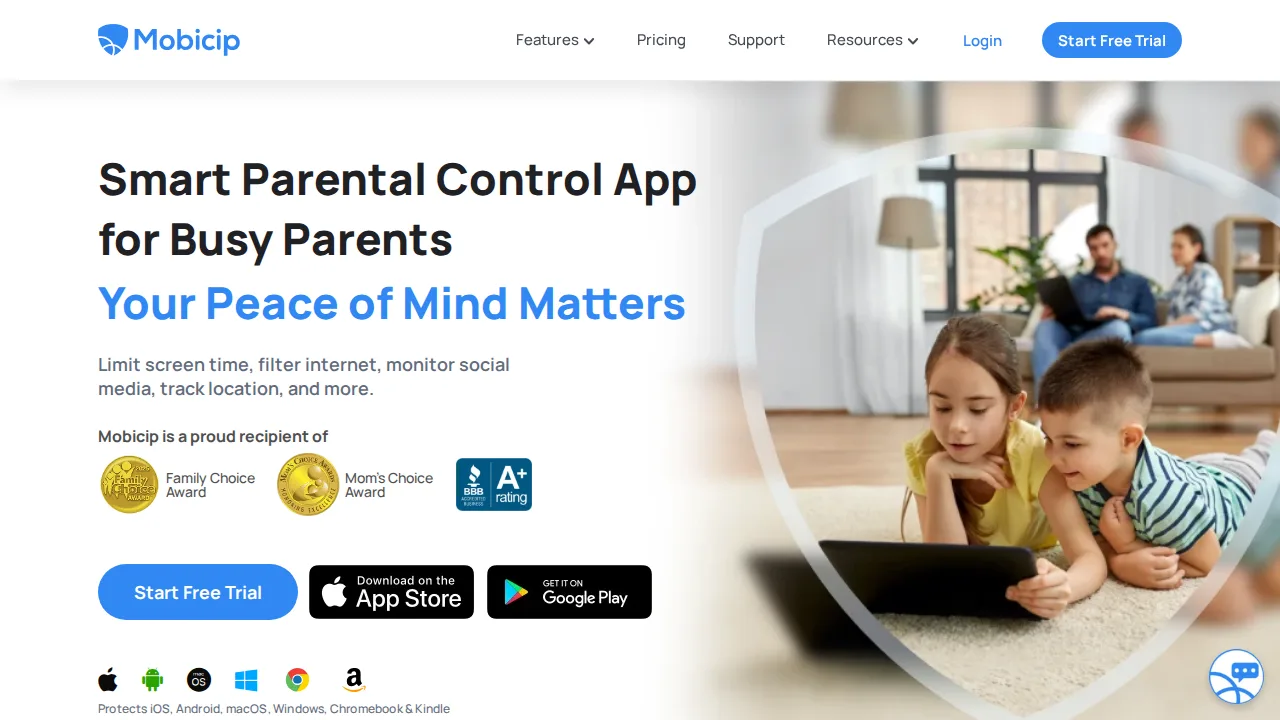
Ops note: Apply an age preset on a Chromebook and an iPad, then test ten sites your child might visit. Check how quickly schedule changes reach each device.
Site: Mobicip
Circle Home Plus · Parental control software
Ideal use: Families who want network-level controls for every device on home Wi-Fi, including consoles and smart TVs.
What works: Circle Home Plus pairs with your router to filter and time-limit every device on the network, including devices that cannot run apps. The Circle app manages profiles.
What breaks the deal: Circle is now owned by Aura, and hardware availability and subscription terms have shifted.
Pricing: Entry: $9.99/mo. Hidden cost: Parental controls per home; VPN and identity on premium. Verify: meetcircle.com/plans.
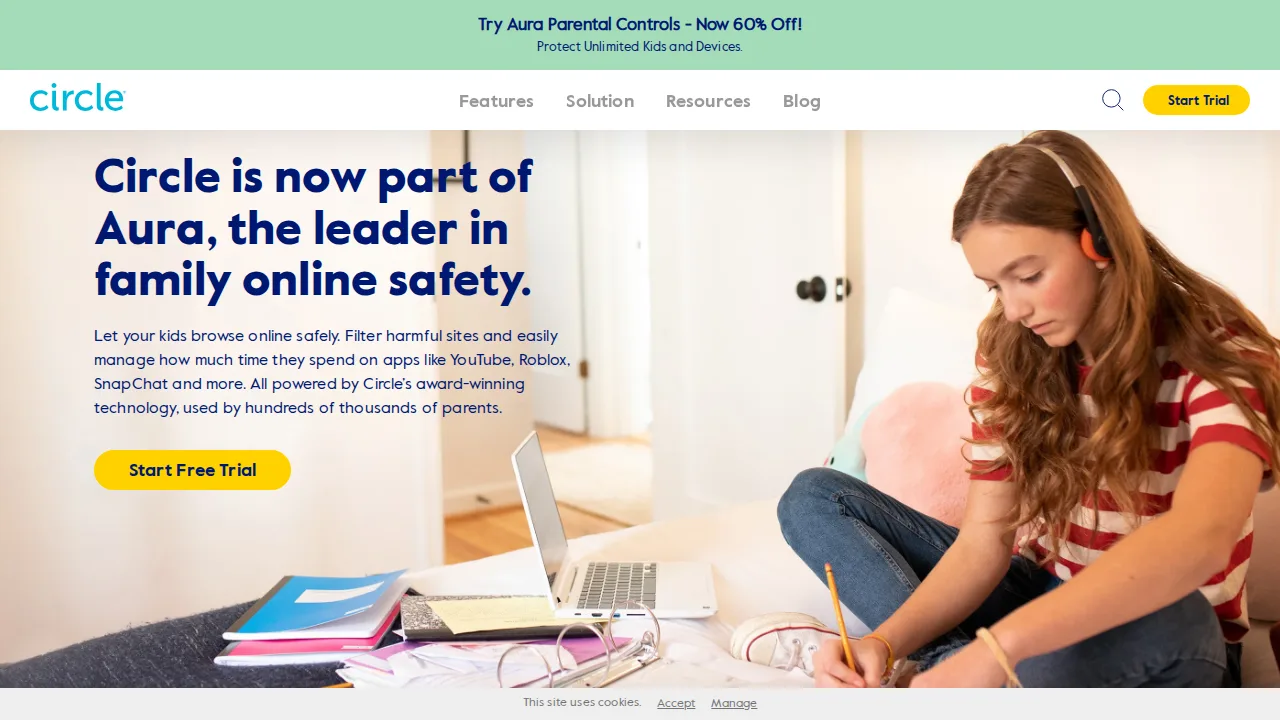
Ops note: Confirm the device is still sold and supported by Aura before buying, then pair it with your router. Set a time limit on a game console and check it cuts off on schedule.
Site: Circle Home Plus
Summary table
| Name | Best for | Entry pricing | UX /10 |
|---|---|---|---|
| Qustodio | Screen time and filtering across platforms | $54.95/year | 6.9 |
| Bark | AI alerts on teen messages and social | $0/lead preview | 8.7 |
| Net Nanny | Real-time content-aware web filtering | $39.99/year | 7.9 |
| Norton Family | Parental controls included with Norton 360 | $49.99/year | 7.8 |
| Kaspersky Safe Kids | Low-cost controls with location alerts | $14.99/year | 8.0 |
| Mobicip | Age-based filters including Chromebooks | $4.99/mo | 8.6 |
| Circle Home Plus | Network-level controls for every home device | $9.99/mo | 8.6 |
Quick verdict
Qustodio is the best all-round choice for younger children, with strong screen time and filtering across platforms. Bark suits parents of teens who want alerts about bullying and self-harm rather than reading every message. Norton 360 households should check whether Norton Family is already included in their plan.
Confirm which features work on your child's exact devices before paying, especially on iPhone. Talk with older kids about what is monitored and why, since agreed rules tend to work better than hidden ones.
Free checks on Lagnis
Before you sign a parental control software contract, run your numbers with date format converter. Same browser session, no account.
Related comparisons
- Best Workflow automation (Zapier alternatives) (2026): 7 tools compared
- Best PDF software (2026): 7 tools compared
- Best Project management software (2026): 7 tools compared
FAQ
Why only 7 tools? We cut duplicate workflows; seven profiles stay readable.
Affiliate links fund hosting; listed flaws are from field testing patterns, not sponsor edits.
Pricing figures are list-tier snapshots; confirm checkout totals before you commit to annual billing.