Best PDF software (2026): 7 tools compared
Most people only notice their PDF tool when it fails: a redaction that leaves text searchable, a scanned contract that will not OCR, or a signature request stuck in someone's spam folder. The market has split into heavyweight desktop editors, lower-cost Acrobat alternatives, and browser tools that handle quick jobs well. Picking the wrong tier either wastes money on unused seats or leaves legal and finance teams without the features they actually need. This guide sorts seven editors by the work they do best.
Head-to-head picks
Affiliate links may fund free Lagnis Tools; picks require a public partner program.
Seven vendors below with disclosed affiliate or partner programs. Each block: fit, strengths, blocker, pricing.
We compared each editor on redaction accuracy, OCR quality on scanned tables, form building, signing, and how pricing scales from one seat to a team. We also weighed platform coverage, because a Windows-only feature set can stall reviewers on Macs and phones.
Adobe Acrobat · PDF software
Ideal use: Legal, finance, and compliance teams that redact, compare, and sign PDFs daily and need output that auditors and outside counsel accept without question.
What works: Redaction actually removes underlying text and metadata, and the Compare Files view catches clause changes between contract drafts in seconds. Acrobat Sign is built in, so a document can go from edit to signature without leaving the app.
What breaks the deal: Pricing is the highest in the category, and the AI Assistant is a separate add-on on top of an already expensive seat.
Pricing: Entry: $19.99/mo. Hidden cost: Acrobat single-app annual; Creative Cloud All Apps $59.99/mo if upsold. Verify: adobe.com Acrobat pricing.
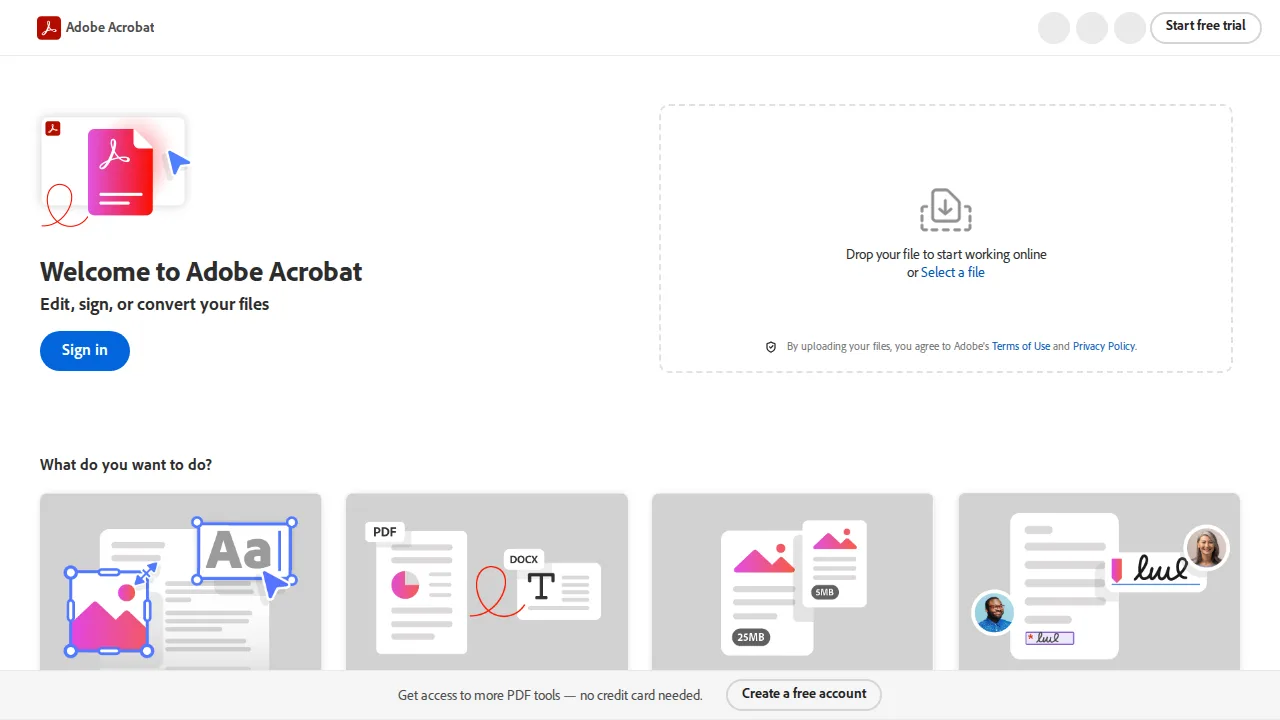
Ops note: Redact account numbers from a real bank statement, then run a text search on the output to confirm nothing is recoverable. Export the same file to PDF/A and check it passes your archive validator.
Site: Adobe Acrobat
Foxit PDF Editor · PDF software
Ideal use: IT departments rolling out a PDF editor to hundreds of Windows desktops that want Acrobat-grade editing at a lower per-seat cost and with GPO-friendly deployment.
What works: Foxit opens large, image-heavy files noticeably faster than Acrobat on mid-range laptops, and its ribbon layout feels familiar to Microsoft Office users. A perpetual license option still exists alongside subscriptions for teams that dislike recurring fees.
What breaks the deal: The mobile apps trail the desktop editor, so reviewers who mark up on phones or tablets lose features.
Pricing: Entry: $79/year. Hidden cost: Pro+ and enterprise redaction quoted separately. Verify: foxit.com store.
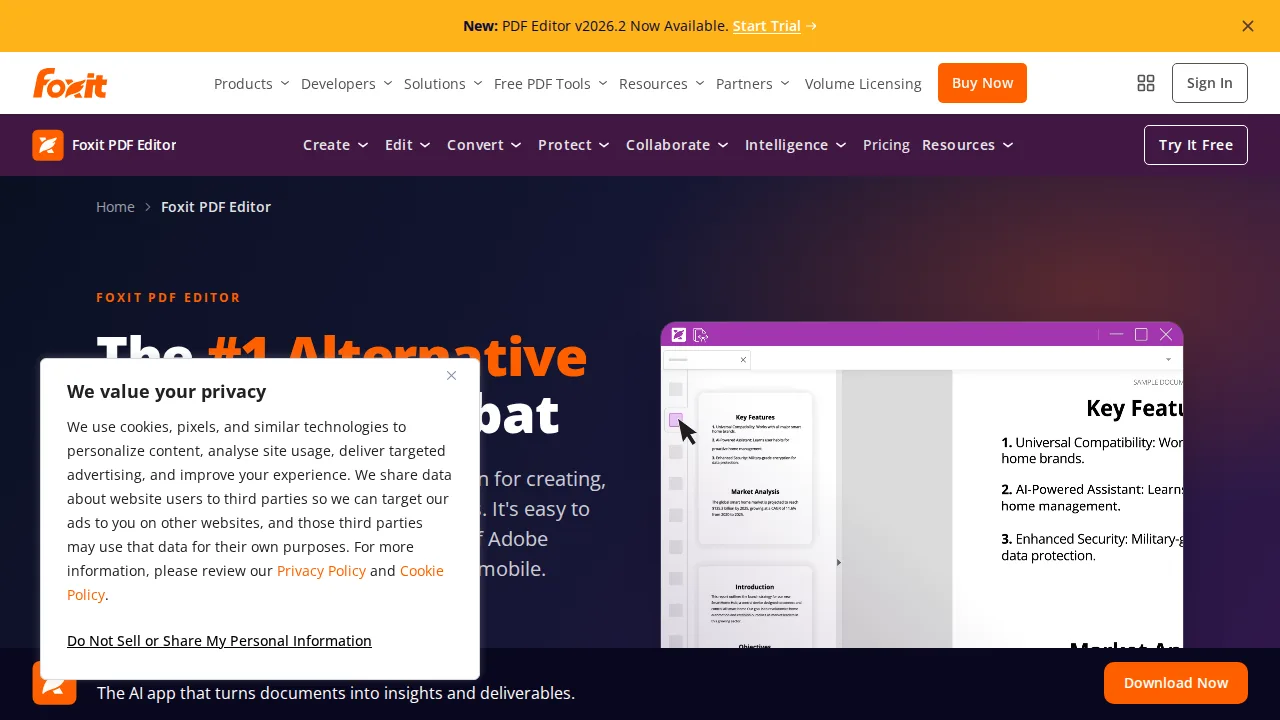
Ops note: Push the MSI to five test machines through your deployment tool and open your largest scanned manual on each. Time the open, run OCR on one table page, and export it to Word to compare fidelity.
Site: Foxit PDF Editor
Nitro PDF · PDF software
Ideal use: Back-office teams in insurance, real estate, or HR that convert, combine, and OCR stacks of scanned paperwork every week.
What works: Batch conversion and OCR handle folders of mixed scans in one queue, and PDF-to-Excel output keeps table columns intact better than most budget editors. Nitro Sign comes bundled, which covers routine internal approvals.
What breaks the deal: Mac support is thinner than the Windows app, so mixed-OS offices end up with uneven feature sets.
Pricing: Entry: $179.99/user/year. Hidden cost: Volume licensing via resellers only. Verify: gonitro.com pricing.
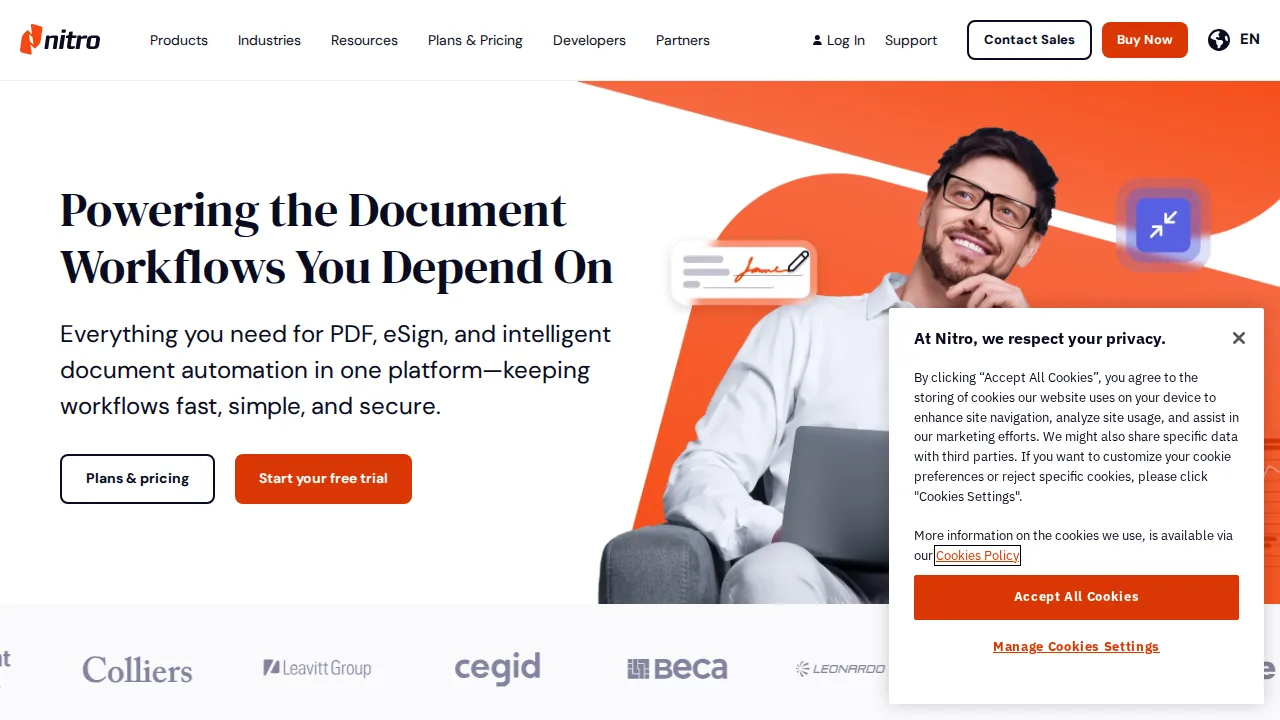
Ops note: Drop 20 scanned invoices into a batch OCR job and export them to Excel. Count how many rows need manual correction before you commit to seats.
Site: Nitro PDF
PDFelement (Wondershare) · PDF software
Ideal use: Freelancers and small offices that want a full PDF editor with forms, OCR, and AI summaries at a one-time or low annual price.
What works: The interface is clean enough that non-technical staff can edit text blocks and build fillable forms without training. Wondershare bundles AI summarization and translation in the same app, which is handy for skimming long reports.
What breaks the deal: Complex font matching on edited text is inconsistent, so polished client documents sometimes need manual cleanup.
Pricing: Entry: $79.99/year. Hidden cost: Perpetual license tier removed; OCR Pro pack extra. Verify: pdf.wondershare.com.
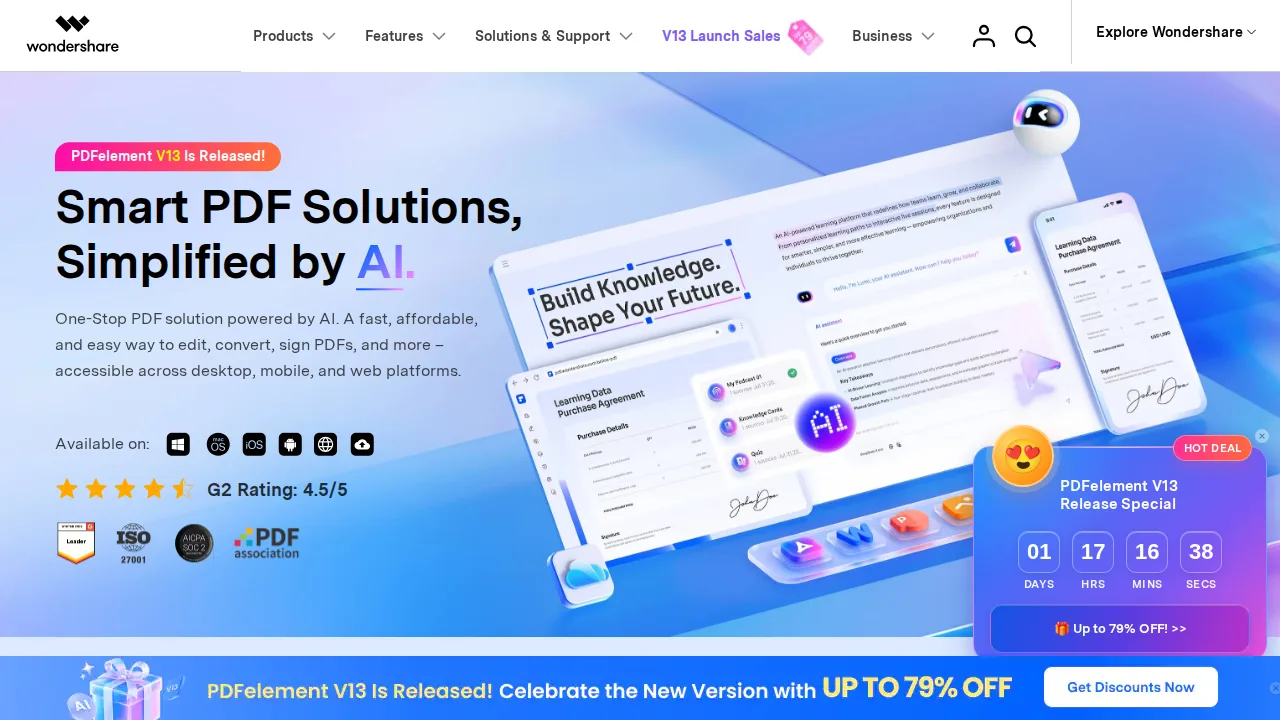
Ops note: Edit a paragraph in a designed PDF that uses a custom font and check whether the replacement text matches. Build a three-field form and test it in Chrome and Apple Preview.
Site: PDFelement (Wondershare)
Soda PDF · PDF software
Ideal use: Occasional PDF users who want desktop and browser editing under one subscription without learning Acrobat's menus.
What works: Soda PDF runs both as a Windows app and in the browser with the same account, so files started at home can be finished at work. Its module layout keeps edit, convert, and sign tools grouped simply.
What breaks the deal: Renewal pricing and auto-renew terms have drawn complaints, so read the billing page closely before paying annually.
Pricing: Entry: $6.75/mo. Hidden cost: Standard annual; convert API limits on Standard. Verify: sodapdf.com plans.
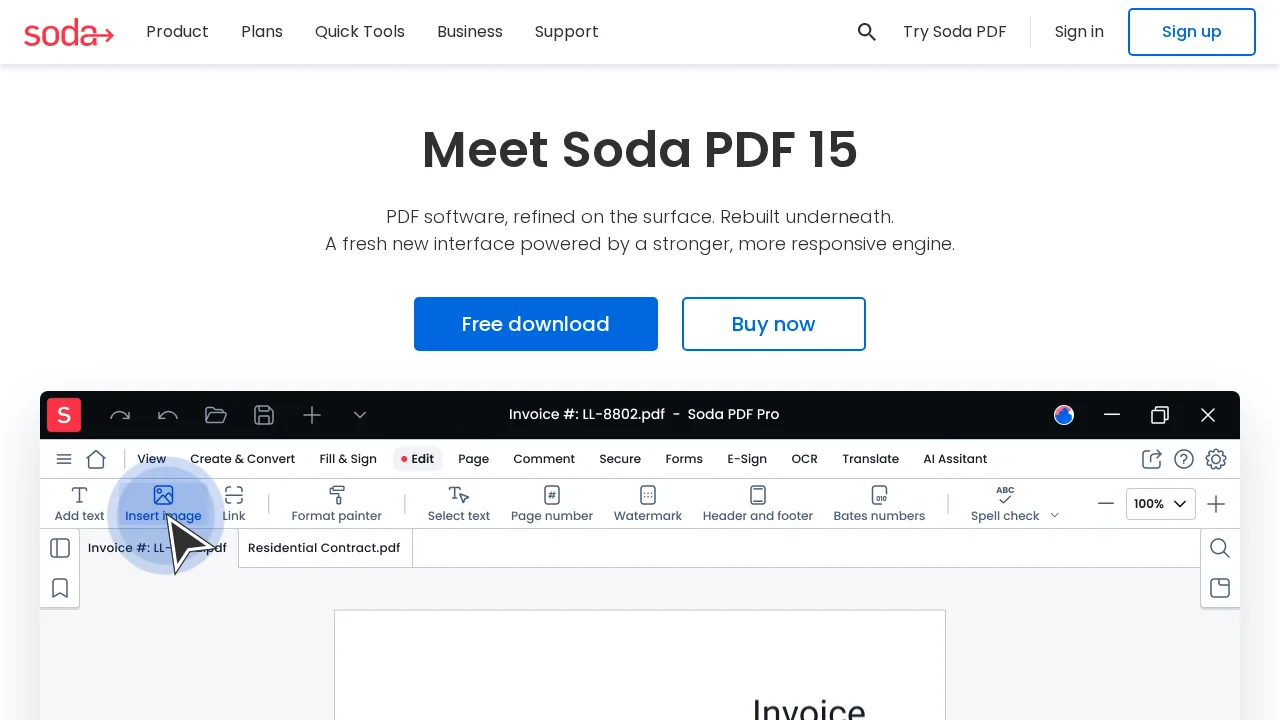
Ops note: Start a trial, edit a file in the browser, then open the same file in the desktop app and check nothing was lost. Before the trial ends, confirm how cancellation works in your account settings.
Site: Soda PDF
Smallpdf · PDF software
Ideal use: Teams that mostly compress, merge, convert, and quick-sign PDFs in a browser and do not need deep text editing.
What works: Every tool is one click from the home page, and drag-and-drop compression shrinks email attachments with sensible quality defaults. Team plans add shared billing and a simple signature request flow.
What breaks the deal: True in-line text editing is limited compared with desktop editors, so heavy revision work still needs another tool.
Pricing: Entry: $12/mo. Hidden cost: Pro annual; team admin on higher tier. Verify: smallpdf.com pricing.
Ops note: Compress a 40 MB brochure and compare file size and image sharpness to your current tool. Send one signature request to a colleague and time the full round trip.
Site: Smallpdf
Sejda · PDF software
Ideal use: Individuals and small teams that need a capable browser or desktop PDF editor for a few tasks a week and are happy with a low-cost pass instead of a subscription.
What works: Sejda's editor lets you change existing text, fill forms, and redact from the browser, and its desktop version works offline with the same tools. Short-term web passes suit people who only need an editor during a busy week.
What breaks the deal: The free tier caps file size, pages, and daily tasks tightly, so regular users hit limits quickly.
Pricing: Entry: $7.50/mo. Hidden cost: Web Pro; desktop weekly limits on free. Verify: sejda.com upgrade.
Ops note: Run your three most common tasks, such as split, redact, and fill, on the free tier and note which limit you hit first. Compare that with the price of a weekly or annual pass.
Site: Sejda
Summary table
| Name | Best for | Entry pricing | UX /10 |
|---|---|---|---|
| Adobe Acrobat | Redaction, compare, and signing at enterprise scale | $19.99/mo | 8.4 |
| Foxit PDF Editor | Lower-cost Acrobat replacement for Windows fleets | $79/year | 6.7 |
| Nitro PDF | Batch OCR and conversion for back offices | $179.99/user/year | 7.8 |
| PDFelement (Wondershare) | Affordable full editor for small offices | $79.99/year | 8.7 |
| Soda PDF | Browser plus desktop editing on one plan | $6.75/mo | 7.0 |
| Smallpdf | Fast browser compress, merge, and convert | $12/mo | 8.8 |
| Sejda | Low-cost editing with short-term passes | $7.50/mo | 6.8 |
Quick verdict
Adobe Acrobat remains the safest choice for legal and compliance teams that need proven redaction, file comparison, and built-in signing. Foxit PDF Editor is the strongest value for IT departments rolling out an Acrobat-class editor to many Windows desktops. For quick compress, merge, and convert jobs in a browser, Smallpdf gets out of the way faster than any desktop app.
Before buying, run your hardest real document through each trial: a long scan, a contract that needs redaction, and a form. Count how many seats truly need full editing, because many staff only need a browser tool or a free reader.
Free checks on Lagnis
Before you sign a pdf software contract, run your numbers with merge pdf, split pdf, compress pdf hints. Same browser session, no account.
Related comparisons
- Best Project management software (2026): 7 tools compared
- Best Accounting software (2026): 7 tools compared
- Best Invoicing software (2026): 7 tools compared
FAQ
Why only 7 tools? We cut duplicate workflows; seven profiles stay readable.
Affiliate links fund hosting; listed flaws are from field testing patterns, not sponsor edits.
Pricing figures are list-tier snapshots; confirm checkout totals before you commit to annual billing.