Best Password managers (2026): 7 tools compared
Password managers are one of the simplest ways to cut the risk of account takeover, yet choosing one has become harder after high-profile breaches and free plans disappearing. The right choice depends on whether you are protecting a household, a small team, or a regulated business. Autofill reliability, sharing, and admin controls matter more day to day than encryption marketing. These seven options cover those needs.
Head-to-head picks
Affiliate links may fund free Lagnis Tools; picks require a public partner program.
Seven vendors below with disclosed affiliate or partner programs. Each block: fit, strengths, blocker, pricing.
We compared security architecture, breach history, autofill reliability on complex forms, sharing, admin controls, and pricing for individuals and teams. We also checked import and export tools, since switching providers should not trap you.
1Password · Password managers
Ideal use: Families and businesses of any size that want a polished password manager with strong admin controls and secure sharing.
What works: 1Password's Secret Key plus master password model means a stolen vault file is useless on its own, and Watchtower flags reused and breached passwords. Business plans add SSO, SCIM provisioning, and granular vault permissions.
What breaks the deal: There is no free tier beyond the trial, so price-sensitive individuals may prefer Bitwarden.
Pricing: Entry: $2.99/mo. Hidden cost: Individual annual; Teams $19.95/user. Verify: 1password.com/pricing.
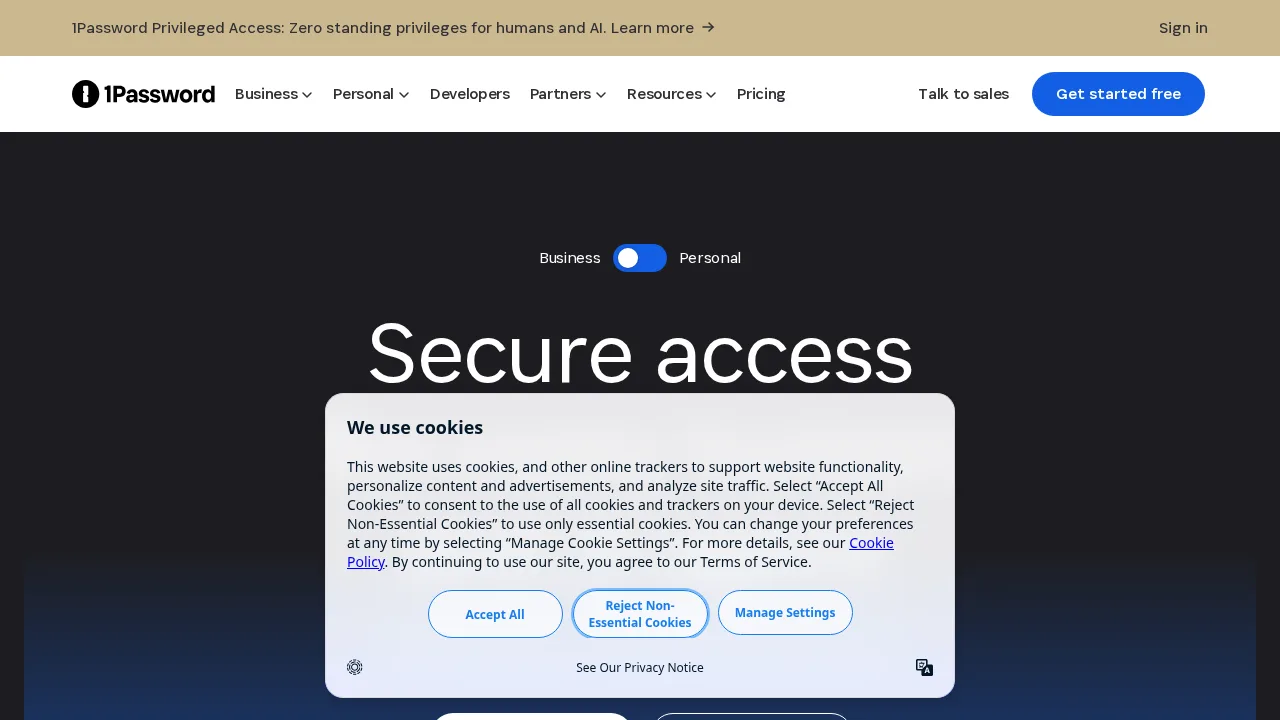
Ops note: Import passwords from your browser, share one vault with a family member or colleague, and run a Watchtower report. For teams, test SSO sign-in and user removal.
Site: 1Password
Bitwarden · Password managers
Ideal use: Budget-conscious individuals, open-source advocates, and IT teams that want a fully featured password manager or self-hosted vault.
What works: Bitwarden's free plan includes unlimited passwords across unlimited devices, and its code is open source with regular third-party audits. Organizations can self-host or use cloud plans with SSO and directory sync.
What breaks the deal: Autofill and the interface are less refined than 1Password or Dashlane, especially on mobile.
Pricing: Entry: $10/year. Hidden cost: Premium; Teams $4/user/mo. Verify: bitwarden.com/pricing.
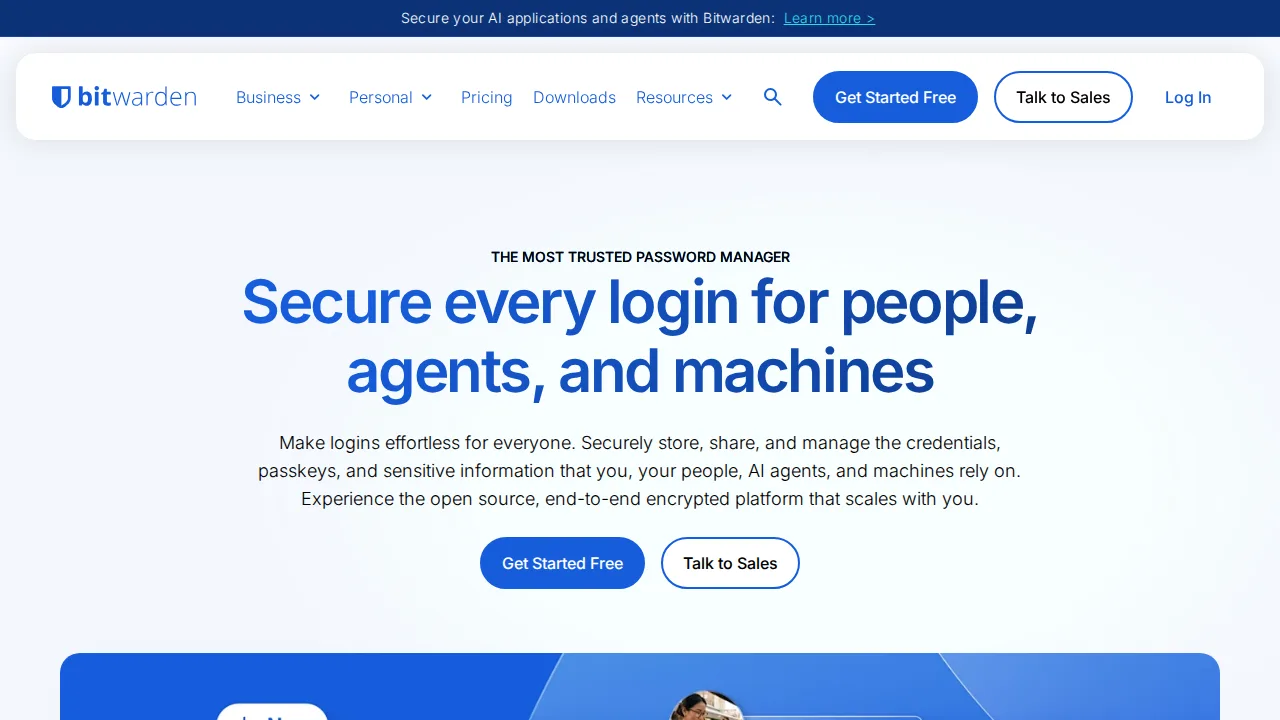
Ops note: Use the free plan for two weeks on phone and laptop and note any autofill failures. For businesses, test directory sync with your identity provider.
Site: Bitwarden
Dashlane · Password managers
Ideal use: Businesses that want a password manager with dark web monitoring, phishing alerts, and a simple admin console.
What works: Dashlane's autofill is among the most reliable on complex login forms, and its admin console shows password health scores across the company. Passkey support and phishing alerts are built in.
What breaks the deal: Dashlane has retired its free plan, so it now competes on paid pricing against cheaper rivals.
Pricing: Entry: $4.99/mo. Hidden cost: Advanced annual; business per seat. Verify: dashlane.com/plans.
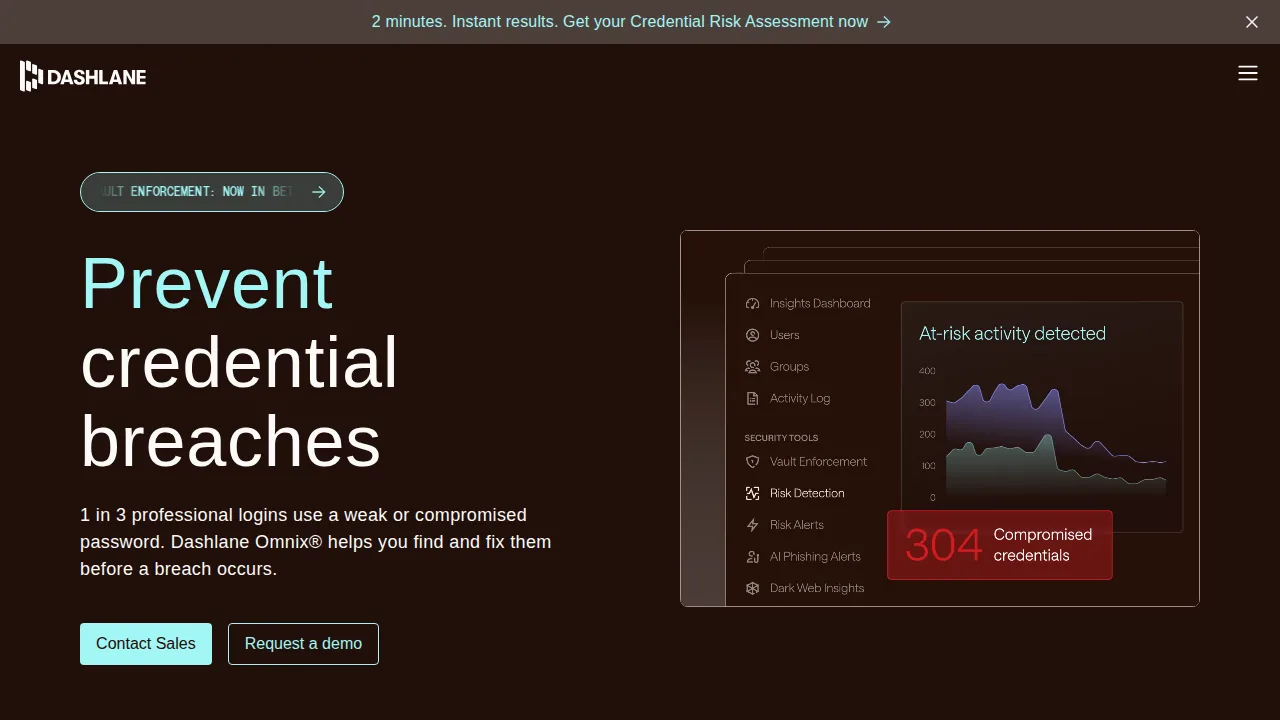
Ops note: Test autofill on your five most awkward login forms, including multi-step and SSO pages. For teams, review the password health dashboard after onboarding ten users.
Site: Dashlane
LastPass · Password managers
Ideal use: Existing LastPass customers weighing whether to stay after the 2022 breaches, or teams locked into its integrations and SSO bundles.
What works: LastPass has a familiar interface, wide browser support, and business bundles that combine password management with SSO and MFA. Admins get over a hundred policy settings and tested migration tools.
What breaks the deal: The 2022 breaches exposed encrypted vault data, and many security teams no longer trust the platform.
Pricing: Entry: $3/mo. Hidden cost: Premium; Families $4/mo. Verify: lastpass.com/pricing.
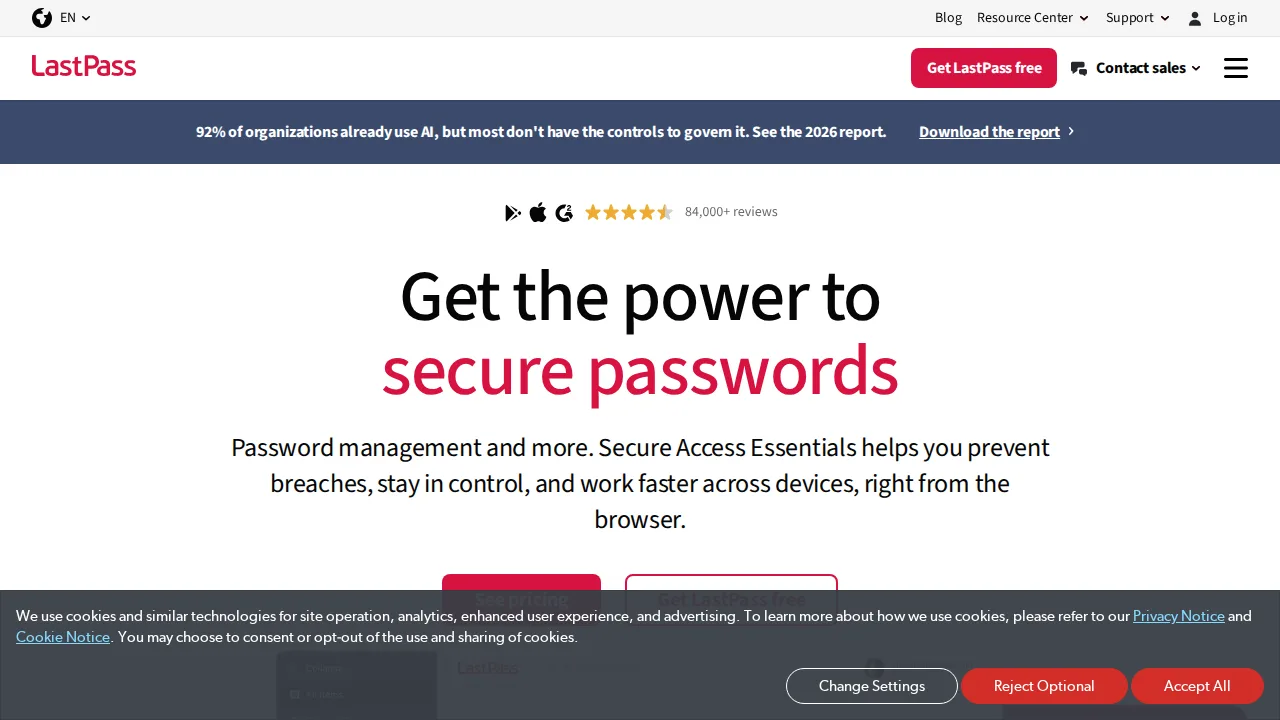
Ops note: If you already use LastPass, rotate high-value passwords and confirm your master password iteration count is current. Export a vault and test importing it into a rival before renewal.
Site: LastPass
NordPass · Password managers
Ideal use: Individuals and small teams, especially existing NordVPN customers, who want a simple password manager with XChaCha20 encryption.
What works: NordPass has a clean, uncluttered interface and includes data breach scanning and passkey support. Bundles with NordVPN reduce cost for households already using Nord products.
What breaks the deal: Advanced sharing, admin policies, and integrations are thinner than 1Password or Bitwarden.
Pricing: Entry: $1.99/mo. Hidden cost: 2-year intro; renew higher; Business $3.59/user. Verify: nordpass.com/pricing.
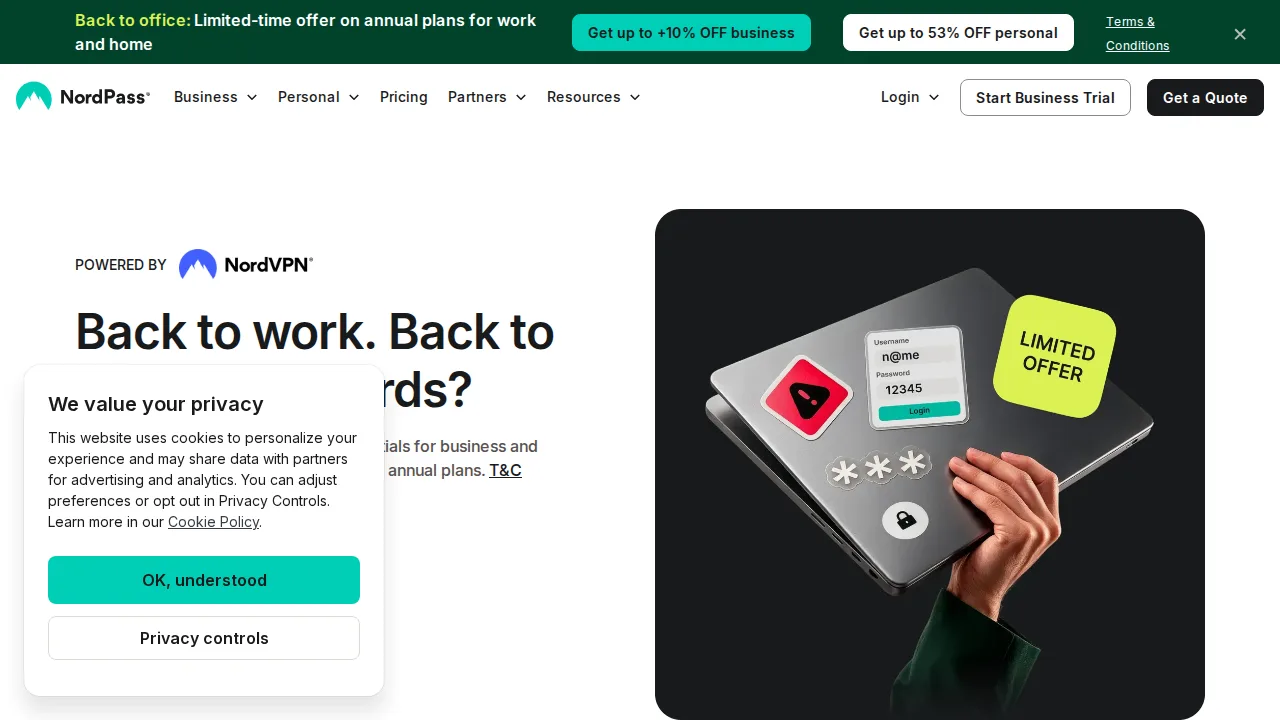
Ops note: Import your passwords, run the breach scanner, and share one item with another user. Check if bundling with NordVPN lowers your total monthly cost.
Site: NordPass
Keeper · Password managers
Ideal use: Regulated businesses and government contractors that need a password manager with compliance certifications and privileged access add-ons.
What works: Keeper holds FedRAMP and StateRAMP authorizations and offers secrets management and privileged access modules. Its admin console includes detailed audit logging and role-based policies.
What breaks the deal: Many useful features are sold as paid add-ons, which makes pricing hard to compare.
Pricing: Entry: $2.92/mo. Hidden cost: Unlimited annual; Family and Business per user higher. Verify: keepersecurity.com/pricing.html.
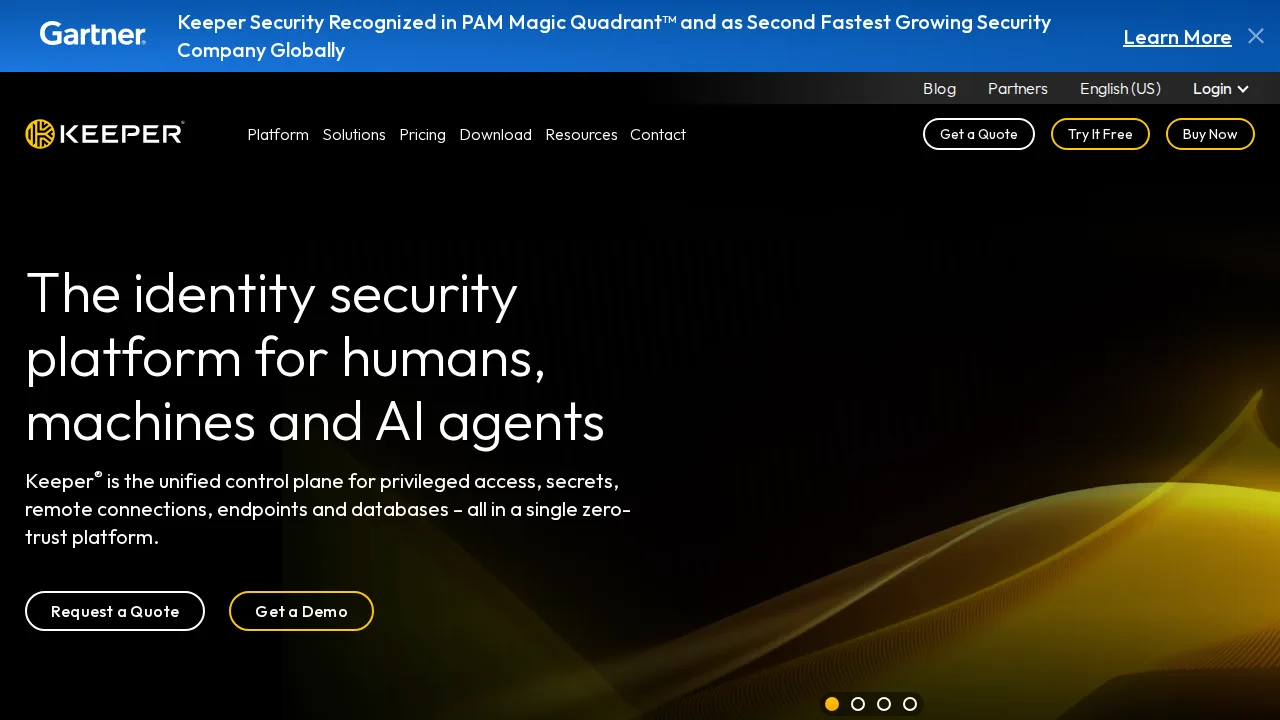
Ops note: Request a quote with every add-on you need and compare the total with 1Password Business. Run an audit report after a week of test use.
Site: Keeper
RoboForm · Password managers
Ideal use: Users who fill long web forms often and want a low-cost password manager with strong form-filling identities.
What works: RoboForm's identity profiles fill addresses, payment, and custom fields on long forms better than most rivals. Pricing is low for individuals and families.
What breaks the deal: The interface and apps feel dated compared with 1Password and Dashlane.
Pricing: Entry: $1.99/mo. Hidden cost: Everywhere annual; Family $3.98; business per user. Verify: roboform.com/personal-pricing.
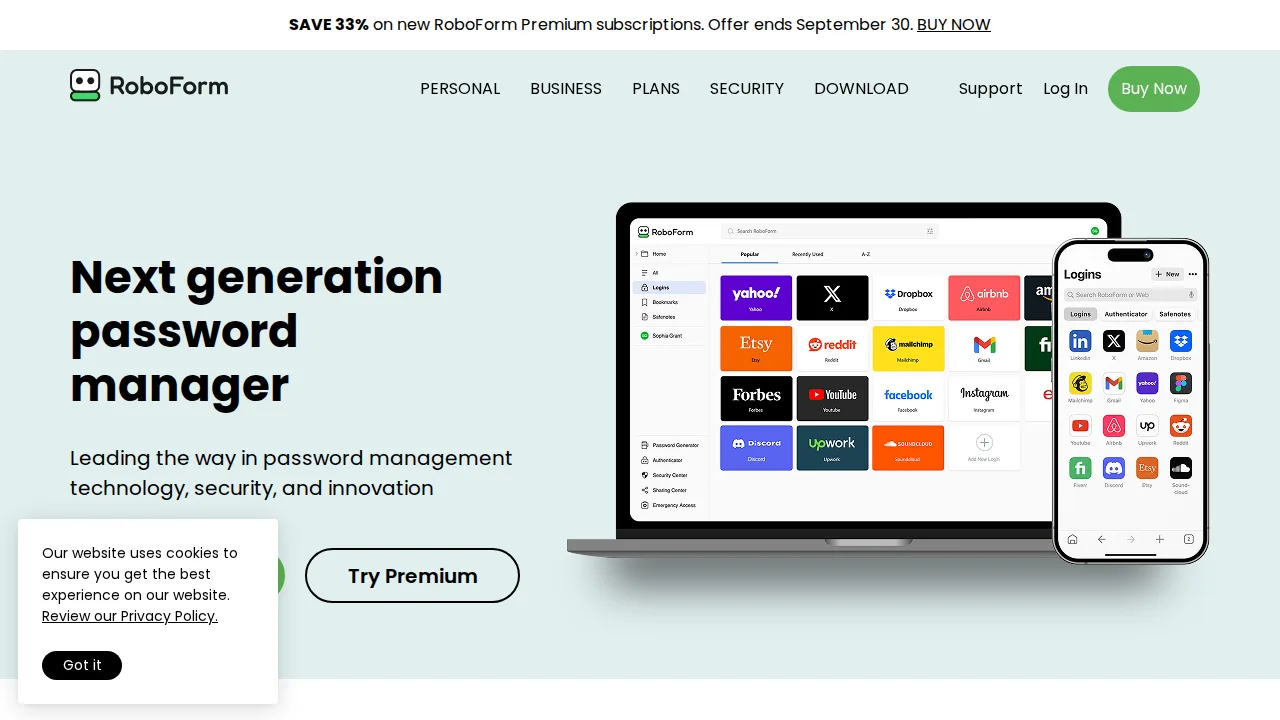
Ops note: Set up a full identity and fill three long forms, such as a job application or government form. Compare accuracy with your browser's built-in autofill.
Site: RoboForm
Summary table
| Name | Best for | Entry pricing | UX /10 |
|---|---|---|---|
| 1Password | Polished vaults for families and businesses | $2.99/mo | 7.2 |
| Bitwarden | Open-source vault with a real free plan | $10/year | 8.2 |
| Dashlane | Reliable autofill with business health scores | $4.99/mo | 6.9 |
| LastPass | Incumbent users reviewing a migration | $3/mo | 8.1 |
| NordPass | Simple vault for Nord bundle users | $1.99/mo | 8.2 |
| Keeper | Compliance-heavy teams and gov contractors | $2.92/mo | 8.7 |
| RoboForm | Long web forms and low-cost plans | $1.99/mo | 7.8 |
Quick verdict
1Password is the best overall choice for families and businesses that want polish and strong admin controls. Bitwarden is the pick for budget-conscious users and IT teams who want open-source code or self-hosting. Regulated organizations needing compliance certifications should shortlist Keeper.
Import your existing passwords and use each trial on your hardest login forms for a week. For teams, test user offboarding and shared vault permissions before you roll out company-wide.
Free checks on Lagnis
Before you sign a password managers contract, run your numbers with password strength checker, password generator. Same browser session, no account.
Related comparisons
- Best Cloud storage (2026): 7 tools compared
- Best Website builders (2026): 7 tools compared
- Best SEO tools (2026): 7 tools compared
FAQ
Why only 7 tools? We cut duplicate workflows; seven profiles stay readable.
Affiliate links fund hosting; listed flaws are from field testing patterns, not sponsor edits.
Pricing figures are list-tier snapshots; confirm checkout totals before you commit to annual billing.