Best Web hosting (2026): 7 tools compared
Hosting decides how fast your pages load, how often your site goes down, and how many evenings you spend on updates and backups. Cheap shared plans suit brochure sites and new blogs, while managed WordPress and cloud hosting cost more but handle traffic spikes, staging, and security for you. Nearly every host advertises a low first-term price that jumps at renewal. We compared seven hosts from budget shared plans to premium managed WordPress.
Head-to-head picks
Affiliate links may fund free Lagnis Tools; picks require a public partner program.
Seven vendors below with disclosed affiliate or partner programs. Each block: fit, strengths, blocker, pricing.
We compared server performance, caching, staging and backup tools, support quality, scalability, and the gap between introductory and renewal pricing. We also looked at free migration help, since moving a live site is where most switching pain happens.
SiteGround · Web hosting
Ideal use: Small businesses, bloggers, and agencies hosting WordPress or WooCommerce sites that value fast support and built-in caching.
What works: SiteGround runs on Google Cloud with its own SuperCacher and Speed Optimizer plugin, which speed up WordPress without extra tools. Support is quick and knowledgeable, and staging and daily backups are included.
What breaks the deal: Renewal prices are much higher than introductory prices, and storage limits are tight on entry plans.
Pricing: Entry: $2.99/mo. Hidden cost: StartUp intro 12-mo; renew ~$17.99/mo. Verify: siteground.com/web-hosting.htm.

Ops note: Migrate a copy of your site with the migrator plugin, then run PageSpeed Insights before and after enabling Speed Optimizer. Check the renewal price for your plan.
Site: SiteGround
Bluehost · Web hosting
Ideal use: First-time WordPress site owners who want cheap hosting with a free domain and one-click WordPress setup.
What works: Bluehost is officially recommended by WordPress.org and makes installing WordPress trivial. Introductory pricing is low and includes a free domain for the first year.
What breaks the deal: Renewals jump sharply, and performance on shared plans is middling compared with SiteGround or Hostinger.
Pricing: Entry: $2.95/mo. Hidden cost: Basic 36-mo intro; renew ~$11.99/mo; domain privacy extra. Verify: bluehost.com/pricing.
Ops note: Install WordPress with a theme and a few plugins and run speed tests at different times of day. Write down the renewal price and the date it kicks in.
Site: Bluehost
Hostinger · Web hosting
Ideal use: Budget-conscious site owners, freelancers, and small agencies who want cheap shared or cloud hosting with a modern control panel.
What works: Hostinger's hPanel is clean and fast, and its LiteSpeed servers deliver good WordPress performance for the price. AI tools for site building and content are included.
What breaks the deal: The lowest prices require multi-year prepayment, and renewal rates are much higher.
Pricing: Entry: $2.99/mo. Hidden cost: Premium 48-mo intro; renew ~$10.99/mo. Verify: hostinger.com/pricing.

Ops note: Host a test WordPress site on the cheapest plan with LiteSpeed Cache and run load tests. Check the renewal price for your term.
Site: Hostinger
Cloudways · Web hosting
Ideal use: Agencies and developers who want managed cloud hosting on DigitalOcean, AWS, or Google Cloud without managing servers themselves.
What works: Cloudways, owned by DigitalOcean, lets you pick a cloud provider and server size and handles the stack, caching, and backups. Pay-as-you-go billing and team access suit agencies.
What breaks the deal: Email hosting is a paid add-on and there is no free domain.
Pricing: Entry: $14/mo. Hidden cost: DO/Vultr entry server; autoscaling and add-ons extra. Verify: cloudways.com/en/pricing.php.

Ops note: Launch a DigitalOcean server, migrate a client site, and run load tests. Add a team member with limited access.
Site: Cloudways
WP Engine · Web hosting
Ideal use: Businesses and agencies running revenue-critical WordPress sites that want managed hosting with staging, security, and support.
What works: WP Engine includes staging environments, automated updates, daily backups, and its EverCache system. Its Smart Plugin Manager tests plugin updates before applying them.
What breaks the deal: Pricing is premium, and the 2024 legal dispute with Automattic temporarily cut off plugin updates from WordPress.org.
Pricing: Entry: $20/mo. Hidden cost: Startup annual 1 site; visits overage; premium themes bundle. Verify: wpengine.com/plans.

Ops note: Clone your site to staging, run Smart Plugin Manager updates, and push to production. Ask how plugin updates are handled now.
Site: WP Engine
Kinsta · Web hosting
Ideal use: High-traffic WordPress sites, WooCommerce stores, and agencies that want premium managed hosting on Google Cloud with a polished dashboard.
What works: Kinsta runs every site on Google Cloud's C2 and C3D machines with Cloudflare Enterprise edge caching included. Its MyKinsta dashboard, APM tool, and support are excellent.
What breaks the deal: Plans are priced by visits and sites, so traffic spikes can push you into higher tiers.
Pricing: Entry: $35/mo. Hidden cost: Single WordPress site; visits overage; CDN included cap. Verify: kinsta.com/plans.
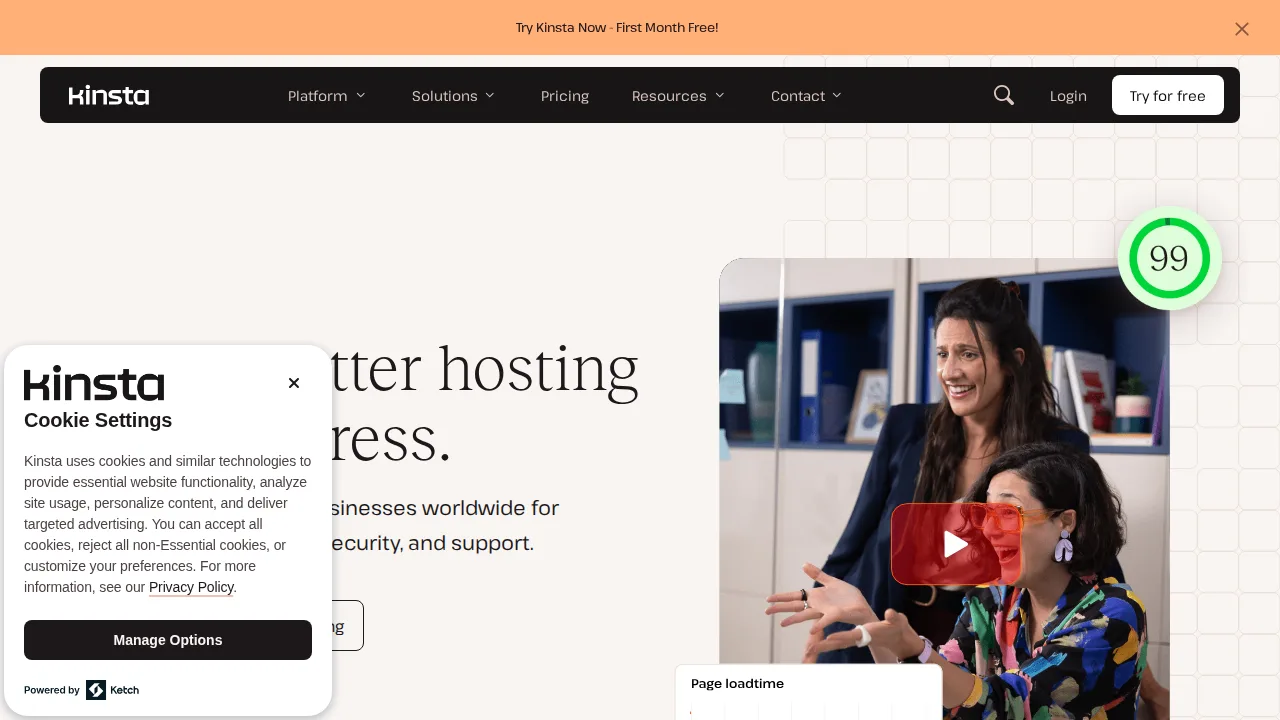
Ops note: Migrate your site for free, run the APM tool to find slow plugins, and compare speed with your current host. Check monthly visit counts.
Site: Kinsta
A2 Hosting · Web hosting
Ideal use: Developers and small businesses who want fast shared and VPS hosting with developer-friendly features. A2 Hosting now operates under the hosting.com brand.
What works: A2's Turbo plans use LiteSpeed servers and NVMe storage for fast load times, and it supports many developer languages and SSH. Anytime money-back guarantee is generous.
What breaks the deal: The rebrand to hosting.com has changed account portals and support processes, which confuses existing customers.
Pricing: Entry: $2.99/mo. Hidden cost: Startup intro 36-mo; renew ~$10.99/mo; Turbo on higher tier. Verify: a2hosting.com/pricing.

Ops note: Host a test site on a Turbo plan and compare speed with your current host. Check how the hosting.com transition affects your account.
Site: A2 Hosting
Summary table
| Name | Best for | Entry pricing | UX /10 |
|---|---|---|---|
| SiteGround | Fast shared WordPress hosting with support | $2.99/mo | 7.7 |
| Bluehost | Cheap beginner WordPress hosting | $2.95/mo | 7.0 |
| Hostinger | Low-cost hosting with a modern panel | $2.99/mo | 7.3 |
| Cloudways | Managed cloud servers for agencies | $14/mo | 8.9 |
| WP Engine | Managed hosting for revenue-critical WordPress | $20/mo | 8.5 |
| Kinsta | Premium Google Cloud WordPress hosting | $35/mo | 8.9 |
| A2 Hosting | Fast developer-friendly shared and VPS | $2.99/mo | 7.2 |
Quick verdict
SiteGround is the best choice for small businesses and bloggers who want fast shared WordPress hosting with excellent support. Kinsta suits high-traffic WordPress sites and WooCommerce stores that want premium managed hosting on Google Cloud. Agencies that want cloud servers without managing them should use Cloudways.
Write down the renewal price and the date it applies before you prepay for a long term. Migrate a copy of your site first and run speed tests on it before you switch DNS for the live domain.
Free checks on Lagnis
Before you sign a web hosting contract, run your numbers with sla uptime percent, markup calculator, break even calculator. Same browser session, no account.
Related comparisons
- Best Domain registrars (2026): 7 tools compared
- Best Email hosting (2026): 7 tools compared
- Best Backup software (2026): 7 tools compared
FAQ
Why only 7 tools? We cut duplicate workflows; seven profiles stay readable.
Affiliate links fund hosting; listed flaws are from field testing patterns, not sponsor edits.
Pricing figures are list-tier snapshots; confirm checkout totals before you commit to annual billing.